**Download free, instant meal feedback →
Most people don’t quit because they “can’t count.” They quit because plain logging drains motivation without showing what to do next. In 2026, the best calorie tracker coaching pairs fast photo logging with real-time guidance, goal-aware predictions, and challenge-based accountability so you know your next best move after every meal.
You’ve likely tracked before. Maybe you saw the numbers, felt judged by them, and then fell off by week two. You’re not alone. However, when coaching is woven into tracking, you get feedback loops that protect willpower and build habits, meal by meal.
Pure tracking gives you data, not decisions.
You’ll get a buyer’s checklist, a fair comparison with the biggest names, and a clear map of how coaching + challenges + tracking work together. If you want the short version: a tool that reduces logging friction, gives real-time feedback, predicts the impact of each choice, and keeps you engaged with challenges is what moves the scale and your energy in the right direction. That’s what “best calorie tracker coaching” looks like in practice.
For broader activity context beyond step counts, see the World Health Organization’s guidance on physical activity for adults: WHO physical activity fact sheet.
Why Calorie Tracking Alone Fails Most People Trying to Lose Weight
You’ve seen the pattern: strong start on Monday, silence by Saturday. That’s not a character flaw. It’s a system flaw.
Plain tracking creates data fatigue. You log calories, watch a number creep up, and don’t get told what to adjust in the moment. As a result, willpower drains and the app icon gathers dust.
Furthermore, most apps stop at the numbers. They don’t translate logs into simple, next-step choices. You might learn you’re 600 calories over, but not whether adding 20 grams of protein at lunch would steady hunger and help you stay on track at night. Without real-time feedback, the data feels like a scorecard, not a coach.
The Motivation Gap You Can Feel by Week Two
- Inconsistent logging: You miss one meal, then two. Without prompts or wins, the streak dies.
- Weekend abandonment: Social plans blow up your plan. Monday feels like a reset loop.
- Macro confusion: You know calories matter, but protein, carbs, and fat balance your energy and hunger.
- Plateaus with no plan: The scale stalls. No one suggests a tweak to steps, sleep, or macros.
However, behavior change needs feedback loops. After each meal, you should see how that choice affects your day’s target and your weight trend. You also need small wins beyond the scale. For example, hitting a 2.5 liter water target or 10,000 steps provides visible progress when weight wobbles.
Moreover, accountability has to be easy. A simple community check-in or a 7‑day challenge can keep you engaged during the “messy middle.” When the tool adds timely nudges and small streaks, you feel progress even on imperfect days. That is the shift from “just entering data” to “changing habits,” and it’s why the best calorie tracker coaching model outperforms a basic counter.
“Pure tracking told me what I ate. Coaching told me what to do next.” — a common user insight from those who stick long enough to see results
What to Look for in a Calorie Tracker with Built-In Coaching
If you’ve quit apps before, raise the bar. Use this checklist to pick something you can stick with long after day 14. The right features remove friction, give timely advice, and keep you engaged when motivation dips.
First, logging has to be fast. Photo-based logging and barcode scanning beat manual entry when you’re busy. If you can snap, confirm, and move on, you’ll log more meals. In addition, accuracy improves when you can adjust portions and macros in a tap. That blend of speed and control keeps the habit alive.
Second, demand real-time feedback. After each meal, you should get a short, clear suggestion, not a spreadsheet. For example, “Great protein. Add fiber at dinner to stay within target.” When the app responds like a coach, your next bite changes.
Your Non-Negotiable Buying Checklist
- Easy meal logging: Photo-based capture or barcode, not manual-only search.
- Real-time feedback: Actionable guidance after each meal and snack.
- Goal-aware predictions: See how each meal shifts your weight loss timeline.
- Challenges and accountability: Short, structured challenges to build streaks.
- Macro tracking: Protein, carbs, and fat tracked alongside calories.
- Offline logging: Works at the gym, on flights, and during hikes; auto-sync later.
- Wearable integration: Steps and exercise pulled from your tracker for one dashboard.
- Community features: Light social accountability to celebrate wins and share ideas.
Moreover, look for clear hydration and step targets. A daily hydration goal of 2.5 liters and a 10,000 steps/day benchmark offer simple baselines that most beginners can remember and hit. While those targets won’t fit every body or schedule, they’re strong starting points that sync well with calorie goals.
Finally, check for allergy and dietary preference filters. Personalized suggestions should skip foods that don’t fit your needs. If you’re plant-based or gluten-free, your “coach” should already know that. With the right features in place, “best calorie tracker coaching” stops being a buzz phrase and becomes your daily playbook.
For more context on building the habit, this guide to a daily calorie tracker breaks the process into easy wins.
Also Read!
Calorie Tracker Buddy vs Noom for Weight Loss: Which Is Better for Calorie Tracking with Coaching?
### What Is Calorie Tracker Coaching?
Calorie tracker coaching combines food logging with personalized guidance, habit-building support, and accountability tools. Instead of simply recording calories, coaching features help users understand what to do next based on their meals, activity levels, and progress.
Common coaching features include:
- Real-time nutrition feedback
- Personalized recommendations
- Goal tracking
- Weekly challenges
- Habit-building reminders
- Progress reviews
The goal is not just to collect data but to turn that data into better daily decisions.
How Calorie Tracker Buddy Combines Tracking, Coaching, and Challenges for Weight Loss
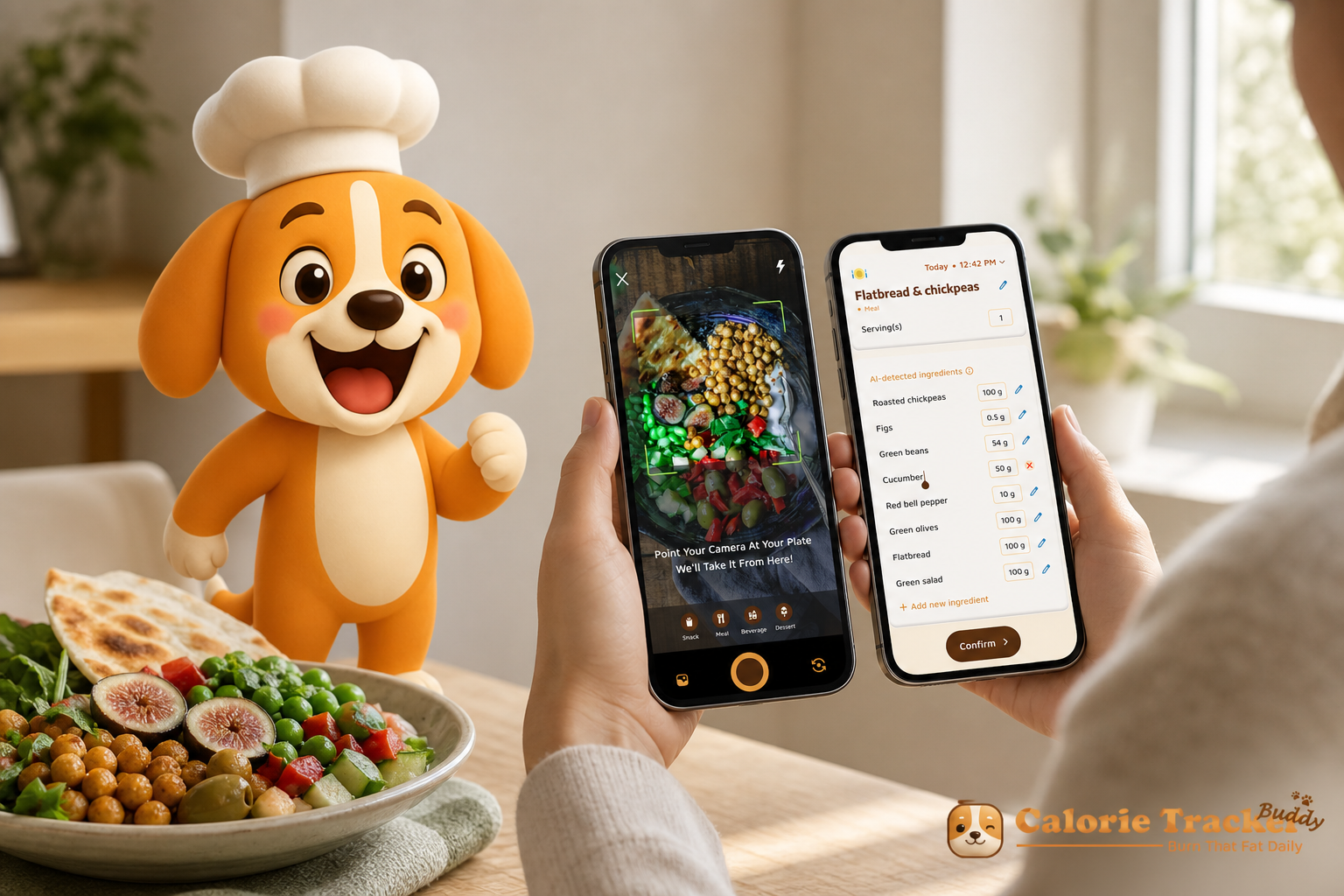
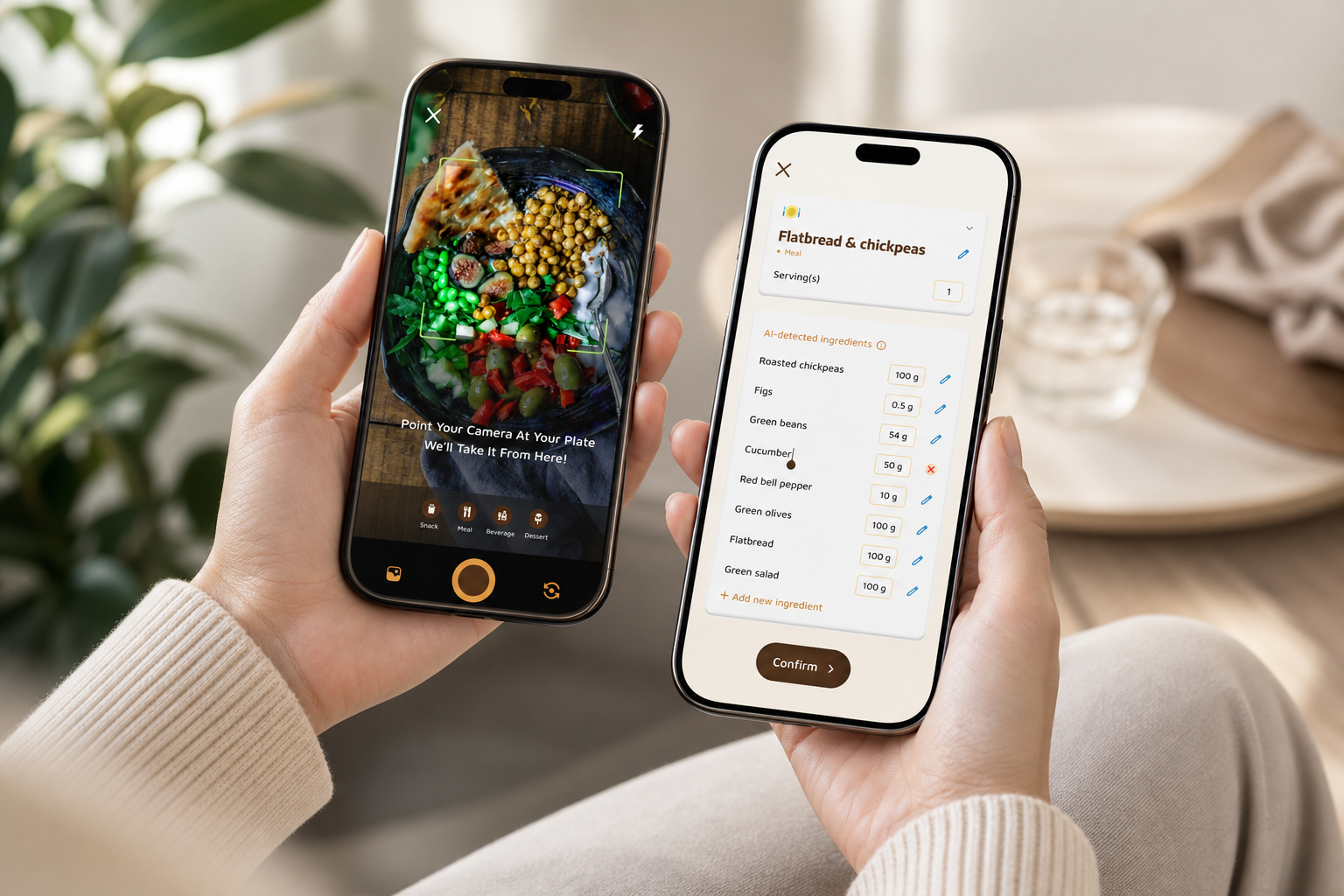
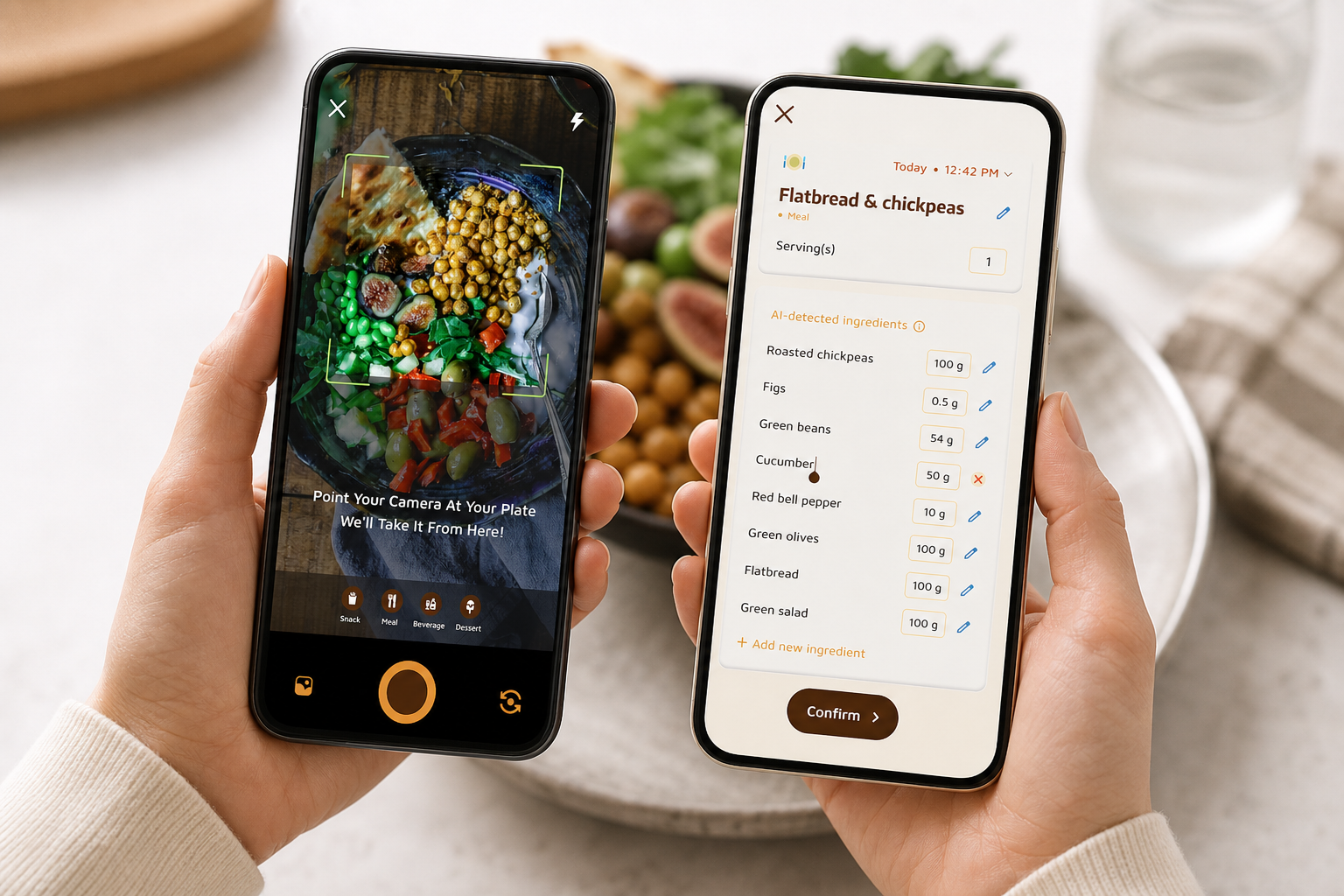
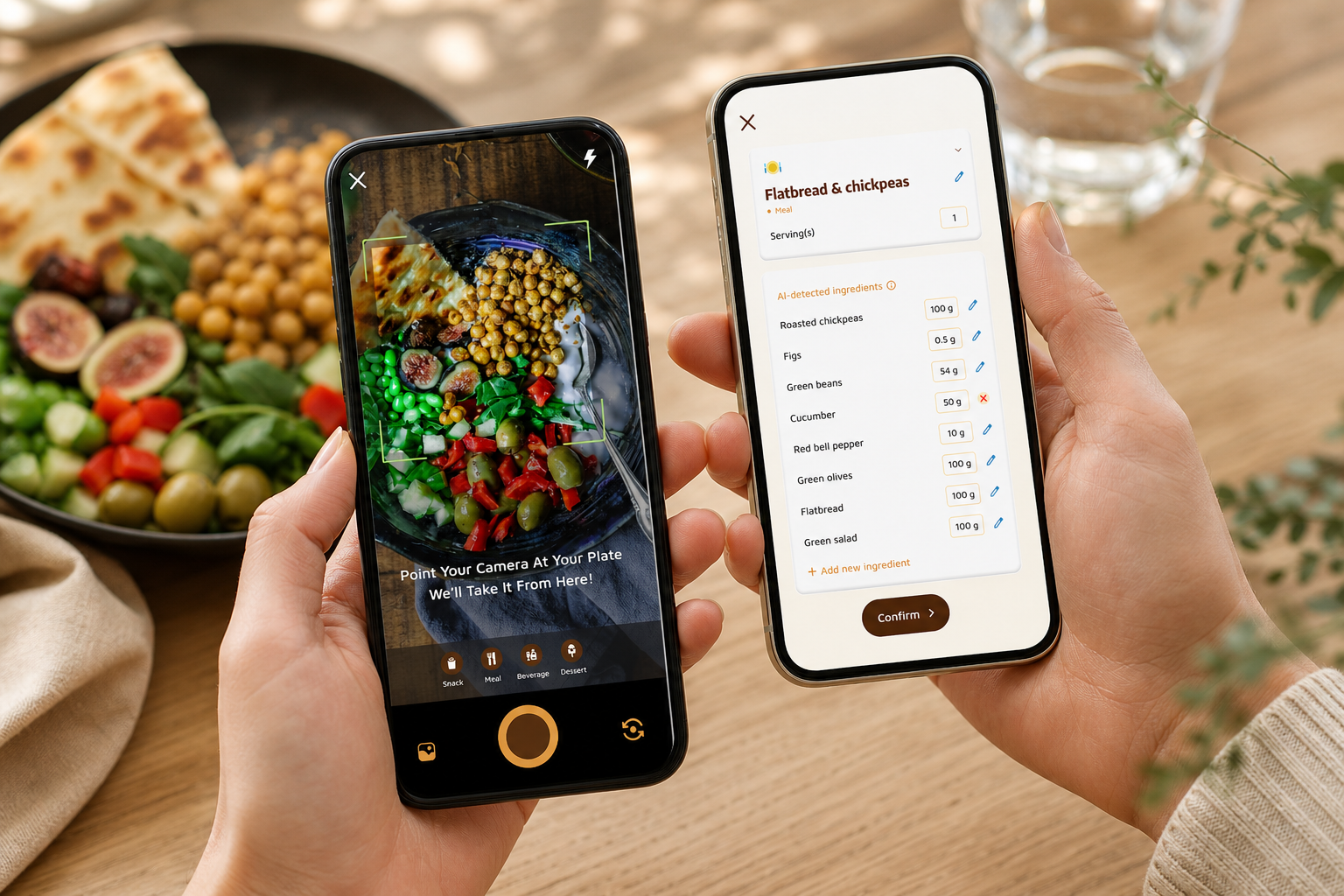
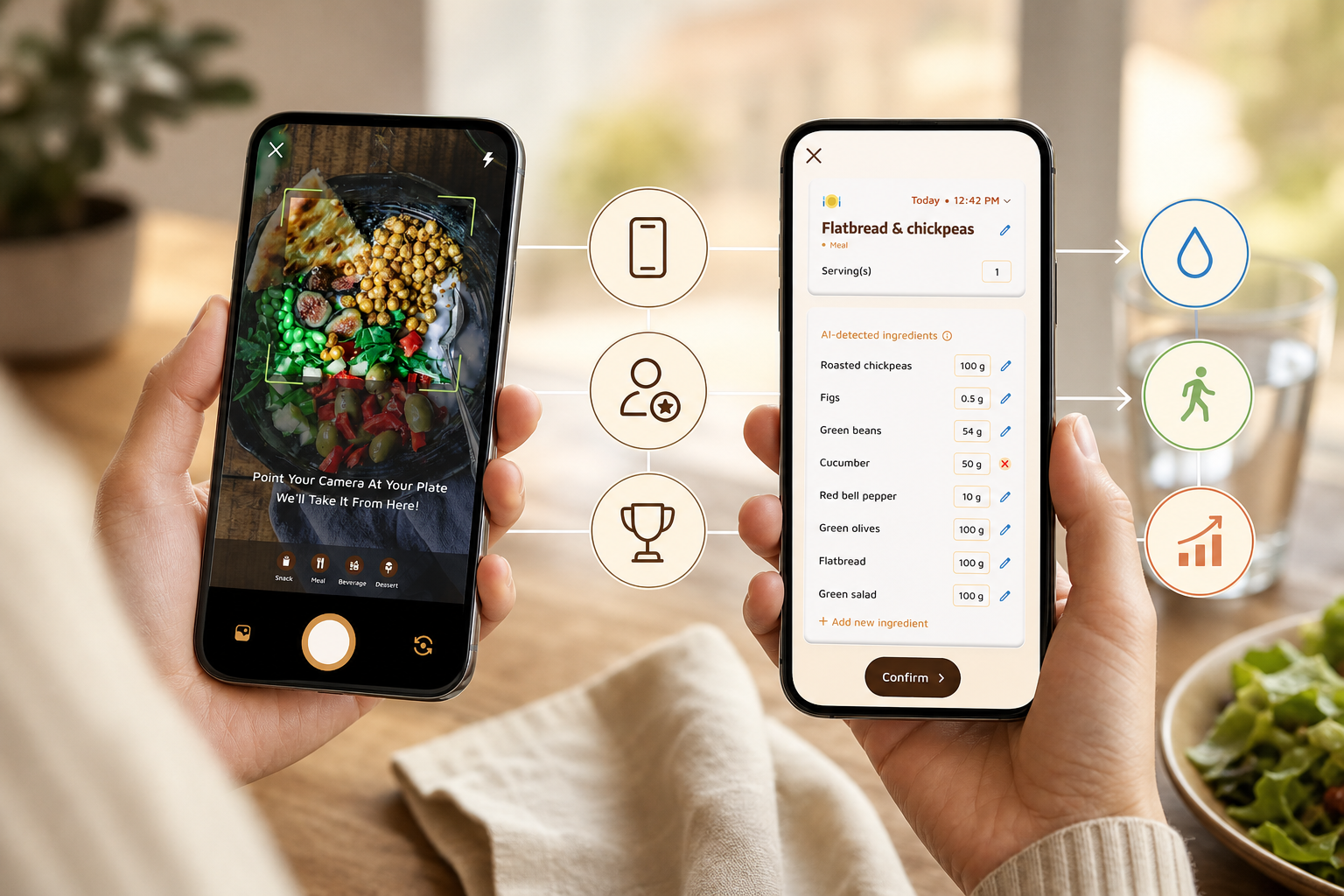
Calorie Tracker Buddy is built around the criteria above: remove friction, give instant coaching, and keep you engaged. It starts with photo-based meal tracking. You snap a meal or snack, the app analyzes the image, and you get nutritional info and a calorie count in seconds. Because logging is this fast, you keep doing it. That alone solves half the adherence problem.
However, the real shift comes from real-time feedback. After each log, you see a short coaching note tied to your goal. For example, if lunch runs carb-heavy, you might see, “Add 20g protein at dinner to balance macros and curb late cravings.” Those micro-coaching notes, delivered dozens of times per week, drive better choices without guesswork.
Fitness Coach Mode and Custom Challenges
Fitness Coach mode enables tailored advice, custom challenges, and motivational support. If you want more structure, you can join a 7‑day consistency challenge or have a coach set targets tied to your current trend. Unlike generic articles, tips are based on your actual activity and logs. As a result, you learn from your own data instead of random advice.
In addition, goal predictions show how each meal affects your path to your target weight. When you can see, “This dinner keeps you on track for Friday’s target,” the choice gets easier. Small, smart swaps add up, and the prediction graph makes the trade-offs clear.
Calorie Tracker Buddy tracks macros (carbs, protein, fat), water intake toward a 2.5 liter/day target, steps toward a 10,000/day goal, and exercise. It also supports offline logging with automatic syncing when you’re back online, and it syncs with Google Fit so your step counts and workouts appear without extra work. Plus, you can set dietary preferences and allergies so recommendations fit your life from day one.
“I’ve been using Calorie Tracker Buddy for five weeks, and I’ve already lost 4kg! The app kept me balanced without cutting favorite foods.” — Alex Sim
Moreover, the virtual buddy feature grows as you make healthier choices. That small, visual companion turns streaks into something you care about. It sounds simple, but that emotional nudge matters on hard days. One user, Pooja Rao, said the photo logging felt fun and the buddy made daily motivation stick, exactly the kind of light accountability that breaks old patterns.
Unlike tools that only count, Calorie Tracker Buddy coaches you through the count. Compared to alternatives, you don’t need to guess on macros or wait for a weekly email. You act in the moment, learn by doing, and stay engaged with challenges that fit your goals. If you want more depth on protein specifically, this explainer on using a protein tracker shows how hitting a daily protein target supports satiety and muscle while you’re in a deficit.
**Get instant meal feedback, free →
Also Read!
Calorie Tracker Buddy vs. MyFitnessPal vs. Lose It: Which Coaching Features Actually Help You Lose Weight?
Let’s compare the coaching pieces head-to-head using the checklist.
MyFitnessPal has a massive food database and strong barcode scanning. That scale makes it easier to find packaged foods. However, meaningful coaching lives behind its premium tier, and real-time meal feedback is limited.
There are no custom challenges built from your current data, and gamified motivation is light. If you only want a deep database, it’s strong. If you want coaching plus accountability loops, it falls short.
Lose It: Goal Setting vs. Accountability
Lose It offers a clean UI and solid goal setting. It also provides automated suggestions, which helps beginners. On the other hand, it lacks the challenge/accountability layer that turns plans into streaks. Without custom challenges or a daily motivational mechanic, early wins can fade by week two.
Calorie Tracker Buddy differentiates on three fronts: Fitness Coach mode for tailored advice and custom challenges, real-time meal feedback right after each log, and a virtual buddy that grows with your healthy choices. In addition, photo-based logging rivals barcode ease by making dine-out and home-cooked meals faster to capture. The result is more consistent logs, better in-the-moment choices, and a reason to come back each day.
“I lost 5kg and feel more energized. The buddy and tips helped me make smarter choices every day.” — Sandy T
Where Each Option Shines (And Doesn’t)
- Food database size: MyFitnessPal leads here.
- Onboarding polish: Lose It feels a bit smoother for first-time setup.
- Real-time meal coaching: Calorie Tracker Buddy responds after each log.
- Challenges and accountability: Calorie Tracker Buddy offers custom challenges tied to your data.
- Motivation mechanic: Calorie Tracker Buddy’s virtual buddy creates daily stakes.
For someone seeking “best calorie tracker coaching” in 2026, not just a database. Calorie Tracker Buddy combines coaching + challenges + tracking more tightly than either competitor. That tight loop turns calorie tracking into second nature for many beginners. Aanya Rastogi described how real-time tips and the health buddy made that shift from “no idea where to start” to a routine she actually enjoys.
For a deeper dive on databases, pricing, and coaching depth, read this side-by-side review: myfitnesspal vs calorie tracker buddy.
Trust Signals: Who Uses Calorie Tracker Buddy and Why It Works
Calorie Tracker Buddy is designed for people who want to lose weight and beginners starting their health journey, not just seasoned gym-goers. That means onboarding, coaching, and targets match where you are today. You don’t need a crash course to start. You need clear wins, fast.
- Risk-free start: Free to download on Google Play — start without paying and see how it fits.
- Verified activity via Google Fit sync: Steps and workouts are pulled from a trusted source and stay up-to-date.
Moreover, the app follows simple, established health benchmarks so you can act right away. A daily hydration target of 2.5 liters and a 10,000 steps/day goal give you two baseline wins to aim for while you dial in calories and macros. Those aren’t random numbers; they’re practical habits that pair well with a calorie deficit and improved food choices.
In addition, social posting lets you share meals, workouts, and accomplishments with the community for light accountability. Real-time updates on calorie burns, meals, steps, and goal progress keep your dashboard honest. You always know where you stand, which reduces anxiety and guesswork.
“Before using the app, I didn’t know where to start with calorie tracking. But now, it’s second nature! The meal snap feature is fun, the tips land in real time, and my health buddy keeps me accountable.” — Aanya Rastogi
Finally, the Fitness Coach mode enables personalized fitness tips based on your actual logs and activity. Tips change as you change. Aggregated user stories point to early, meaningful results: users cite 4–5 kg of weight loss within weeks while still enjoying favorite foods. That balance, progress without perfection, is why this system works for real life.
For extra context and habit support, this practical guide to calorie tracking shows how to set targets you can stick with on busy weeks.
How to Get Started with Calorie Tracker Buddy for Weight Loss
Getting started should feel simple. Here’s a clear, 7‑step plan you can do today.
- Step 1: Download the app and set your weight loss goal. The app calculates a daily calorie target so you know your number from day one.
- Step 2: Set dietary preferences and any allergies. Recommendations and tips will match your needs and reduce food choice stress.
- Step 3: Start with photo-based meal logging. Snap your breakfast and read the real-time feedback. Don’t aim for perfect. Aim for honest and consistent.
- Step 4: Enable Google Fit (or your step tracker) so steps and workouts sync automatically. One dashboard beats five separate apps.
- Step 5: Meet your virtual buddy. Check in daily. Watching it grow builds an emotional loop that nudges you to log and move.
- Step 6: Join your first challenge in Fitness Coach mode. A 7‑day streak target adds structure and friendly pressure to keep going.
- Step 7: Aim for 2.5 liters of water and 10,000 steps per day. Those two habits support appetite control and energy as you adjust calories.
Tip: Use offline logging at the gym or outdoors. Everything syncs the moment you’re back online.
Moreover, add features as your habit grows. Start with meals. Then track macros, water, and steps. Finally, add challenges for accountability. If you’re curious how paid and free tools compare as you build your stack, here’s a helpful explainer on free vs paid calorie tracker.
**Download free, start your first 7‑day streak →
Also Read!
Calorie Tracker Buddy vs MyFitnessPal for Weight Loss: Which Is Better for Macro and Water Tracking?
Beginner’s Guide to Gamified Calorie Tracking with a Virtual Pet
Frequently Asked Questions
How much does Calorie Tracker Buddy cost compared to MyFitnessPal Premium?
Calorie Tracker Buddy includes coaching-style features such as real-time meal feedback, custom challenges, and the virtual buddy motivator in the core experience. MyFitnessPal locks many coaching-adjacent features behind its premium tier, so you pay more to get similar guidance. As a result, Calorie Tracker Buddy aims to deliver more value for the price you pay, especially if coaching and challenges are what keep you engaged. Pricing can change by region, so check the app for current details.
How accurate is the photo-based calorie tracking?
Photo-based tracking analyzes your meal image to estimate calories and macros, which speeds up logging. No image model is 100% accurate, and lighting, plating, and mixed dishes can affect results. However, real-time feedback helps you learn and make small corrections, which improves accuracy over time. You can always adjust portions and entries manually to match your plate.
Can I use Calorie Tracker Buddy without a coaching plan?
Yes. The app works as a standalone calorie and macro tracker with photo logging, step tracking, and water intake monitoring. Fitness Coach mode and challenges are optional layers for structure and accountability when you want them. You can start with basic logging, then add coaching later if you hit a plateau or want faster progress.
Does the app work with Apple Watch or Fitbit?
The app confirms Google Fit integration, which covers many Android-compatible trackers and apps for verified step and workout data. Support for other wearables may be in development, but Google Fit is the confirmed sync path today. Offline logging and auto-sync also ensure your meals and workouts are captured even when your wearable isn’t connected.
Is Calorie Tracker Buddy good for beginners who have never tracked calories?
Absolutely. It’s built for people starting their health journey. Photo-based logging removes the grind of searching databases, while real-time tips teach you as you go. Aanya Rastogi went from “not knowing where to start” to tracking becoming second nature, thanks to the meal snap feature and the health buddy.
How is the coaching different from just getting generic fitness tips?
Fitness Coach mode delivers personalized tips based on your actual meals, steps, and progress. Custom challenges match your goals and trend, rather than offering one-size-fits-all advice. In addition, real-time meal feedback is contextual to what you just ate, not a static article in a library.
Can I track macros and not just calories?
Yes. Calorie Tracker Buddy tracks protein, carbs, and fat alongside total calories. It also tracks water toward a 2.5 liter/day target and exercise, which matter for hunger, muscle retention, and energy. That full picture helps you improve the quality of your deficit, not just the size of it.
What if I don’t have internet access when I want to log a meal?
You can log meals and workouts offline. The app stores entries and syncs them automatically once you’re back online. As a result, you can log at the gym, during a hike, or while traveling without losing your streak or your data.
The Best Calorie Tracker Coaching Takeaways for 2026
- Coaching beats counting alone. Real-time feedback and goal-aware predictions turn logs into better choices.
- Accountability keeps you logging. Challenges and a growing virtual buddy make daily wins visible and fun.
- Simple targets help. A 2.5 liter water goal and a 10,000 steps/day benchmark pair well with a calorie deficit.
If you’ve tried basic tracking and fell off by week two, it wasn’t you, it was the missing feedback loop. With “best calorie tracker coaching,” you get guidance in the moment, proof of progress beyond the scale, and a reason to come back tomorrow.
**Be a fitness coach, help others stay on track →
For extra reading on smarter habits and avoiding common traps, this practical piece on calorie anxiety shows how to keep tracking supportive, not stressful.
Frequently Asked Questions
What is calorie tracker coaching?
Calorie tracker coaching combines calorie logging with personalized guidance, accountability tools, and behavior-change support. Instead of only tracking food intake, coaching features help users make better decisions through real-time feedback, goal tracking, reminders, and challenges.
Is a calorie tracker with coaching better than a standard calorie tracker?
For many people, yes. Standard calorie trackers primarily collect data, while coaching-focused apps help users understand and act on that data. The additional guidance can make it easier to stay consistent and overcome common obstacles like plateaus or motivation loss.
Can coaching improve weight loss results?
Research consistently shows that accountability, feedback, and behavior-change support can improve adherence to weight-loss plans. Coaching features may help users stay engaged longer and make more informed nutrition and activity decisions.
What features should I look for in a calorie tracker with coaching?
Important features include:
Real-time meal feedback
Personalized recommendations
Goal tracking and predictions
Macro tracking
Habit-building challenges
Progress monitoring
Community accountability
Fitness tracker integration
The best coaching apps turn calorie data into actionable next steps.