
Choosing between Calorie Tracker Buddy and Lose It! ultimately comes down to one practical question: weight loss which is better for ai photo calorie counting. If you want a clear, camera-first workflow that drives adherence in the real world, this 2026 comparison looks at features, pricing, and, most importantly, weight loss outcomes tied to daily logging behavior.
Download free on Android → for photo logging and behavior design (instant guidance and motivation).
For extra context on how camera-based logging helps, see what a modern photo calorie counter should do and how AI photo recognition interprets your plate. This write-up sticks to weight loss results first, features second.
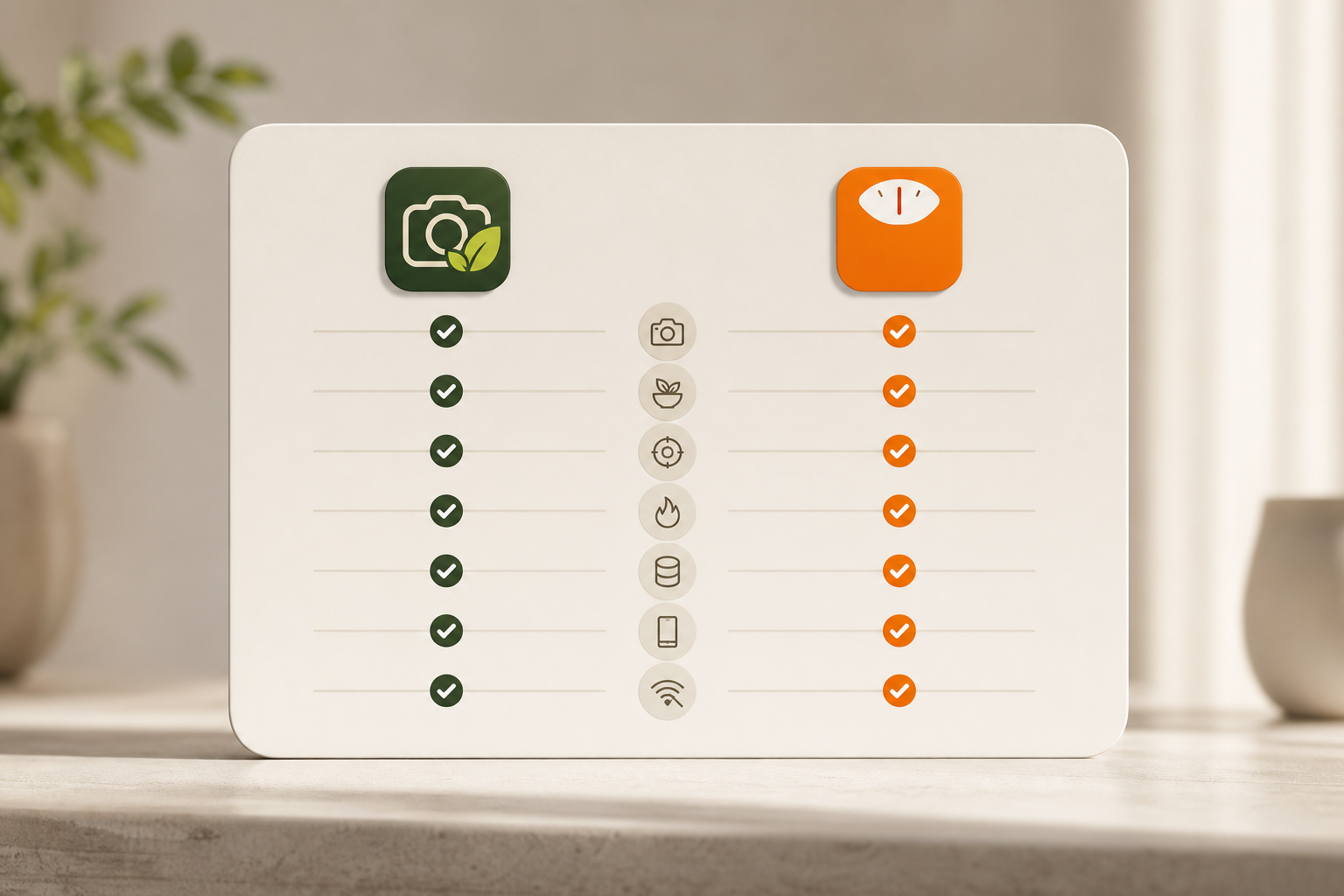
What Weight Loss Users Actually Need From a Photo Calorie Counter
Manual entry is precise but slow. And slow tools lose. Research on food diaries shows adherence drops early, with the first weeks being the danger zone for most people who try to track every bite (Food diary). That is why photo-based logging matters: you take a snap, the app identifies foods, and you get calories with macros in seconds. Less typing means more days logged, and more days logged usually means more weight lost.
Specifically, you should judge any AI photo counter against six weight-loss-focused criteria. First, photo recognition accuracy and speed. You need the camera to pick common foods well, offer smart portion prompts, and return a full nutrition panel in under a minute. Accuracy saves rework. Speed saves your habit.
Second, look for nutrition detail beyond calories. Macros, protein, carbs, fat, guide satiety and recovery. Micronutrients help with health targets. If you’re cutting, protein goals matter as much as total calories. Water tracking is simple but keeps you honest during long days.
Third, weight-loss-specific tools make a difference. Daily deficit tracking, dynamic calorie budgets, and goal projections keep you clear on trade-offs. When an app shows how lunch changes your weekly outcome, you can adjust dinner before you miss your plan.
Habit Fit, Integrations, and Value
Fourth, ease of daily use and habit formation tools. You want streaks, nudges, and real-time feedback that feel like a coach, not a scold. Photos should log fast, meals should be easy to edit, and snacks should not be a chore.
Fifth, integration with fitness trackers and activity data. Steps, workouts, and calorie burns should flow in so your daily budget adjusts without manual math. If you wear an Apple Watch, Fitbit, or Garmin, that sync should just work.
Sixth, pricing and value. Many people ask weight loss which is better for ai photo calorie counting once they hit a paywall. Compare what you get for free: photo logging, barcode scanning, macro access, and ads. Then look at premium cost versus your needs. If you’re on a budget, the free tier’s real features may decide it.
Lastly, note this: photo-based logging is not a trick; it’s a friction cut. If you hated typing foods before, a camera-first design can raise adherence in week one and still feel doable in week four. That is where the results come from.
Calorie Tracker Buddy: Strengths and Weaknesses for Weight Loss
Calorie Tracker Buddy focuses on speed, feedback, and motivation. You snap a meal and get calories plus macros in one flow. The app responds with real-time notes, helpful when a work lunch runs heavy on oil or when you need a higher-protein snack to even out your day. Because those nudges land at the moment of choice, you can course-correct now, not after the damage.
Its goal predictions are clear. As you log, the app shows how this meal changes your progress toward your target weight. That short loop, action, insight, adjust, kept me engaged during testing. You also see macros for carbs, protein, and fat, along with water intake and exercise. The virtual buddy grows as you hit streaks and make healthier picks, which adds a light, visual push to keep logging.
Moreover, the app supports offline logging with automatic sync. That helps if you eat in a basement cafe or fly without reliable Wi‑Fi. It also syncs with Google Fit, so your steps and activity roll into your daily burn.
Daily step tracking defaults to a 10,000 steps target, which pairs well with cut phases. If you dine out, the AI Menu Scanner reads menus for calories, macros, ingredients, and suggests goal-friendly swaps. And for those who coach others, the Fitness Coach mode offers tailored challenges and support.
"I’ve been using Calorie Tracker Buddy for five weeks, and I’ve already lost 4kg!" — Alex Sim
Where It Shines and Where It Doesn’t
For weight loss, Calorie Tracker Buddy shines by turning a single photo into a complete calorie-and-macro log and then adding instant guidance so you know how to balance the rest of your day. Its goal prediction view clarifies the trade-off each meal creates on your finish line, which helps you decide whether to trim dinner or add a walk. Macro tracking and water logging are included without an extra paywall, which keeps essentials accessible when you’re starting out. You also get reliable offline logging with Google Fit sync for steps, so spotty connectivity doesn’t break your streak. Habit tools such as the daily streak counter and the evolving virtual buddy make consistency feel lighter and more rewarding.
There are real drawbacks to weigh. Being a newer app means the database is still growing, so you may need to tweak entries for regional dishes or specialty brands and save them for future speed. The virtual buddy’s playful style can feel juvenile if you prefer a bare, professional tracker without visual flourishes, even though you can largely ignore it.
Fitness Coach mode is powerful but leans toward people supporting others, which may feel extra if you’re a solo user focused only on your own cut. Finally, its device ecosystem is narrower right now. Google Fit works smoothly, but if you live across multiple wearables you might miss native integrations beyond that.
One more data point: a second user reported losing 5kg with the app. Those are personal results, not guarantees. Still, paired with the fast photo loop, they show how behavior tools can drive adherence.
Also Read!
Lose It!: Strengths and Weaknesses for Weight Loss
Lose It! has been around since 2008, and that age shows in good ways. Its verified food database lists over 33 million items. That depth pays off when you scan barcodes or search for niche products. Snap It, Lose It!’s photo feature, has also been refined over years, and the service pairs camera logging with a strong barcode flow that feels steady and predictable.
Lose It!’s calorie budget is simple and works. You set a weight target, and the app gives you a daily budget with weekly weight projections. If you stick near the number, you trend as planned.
That clarity is why the app has stayed popular. It also brings a broad device ecosystem: Apple Watch, Fitbit, Garmin, and more. If you already live in that gear, the sync can be smooth.
On the social side, community features and challenges give you public goals and peer support. And there’s a real free tier. You can track calories, use barcode scanning, and try basic photo logging with ads. If your plan is simple and you’re price sensitive, you can get far without paying.
Trade-Offs to Know Before You Choose
For weight loss, Lose It! stands out through its mature, verified database that now tops 33 million items and makes barcode scanning feel nearly instant for packaged foods. Snap It helps connect photos to quick logs, and when you want predictability you can rely on the clear calorie budget that ties directly to your rate-of-loss goal. The ecosystem coverage is broad.
Apple Watch, Fitbit, and Garmin all plug in, so your step counts and workouts land where they should. Community groups and challenges add a layer of public accountability many people find motivating. Importantly, the free tier remains usable for basic tracking, which matters if you want to test the waters before upgrading.
There are trade-offs to accept. Photo recognition still requires you to verify items and adjust portions, so it is not a fully hands-free experience even with years of training behind it. Ads appear on the free plan, and if you want deeper macro tracking you will need Premium, which also unlocks advanced goals and meal planning features at about $39.99 per year. Compared to newer, more visual apps, the interface can feel dated, and the built-in motivation layer is lighter outside of streaks and community activity. None of these are deal breakers, but they shape which users will feel most at home in the app.
Try a 3‑day side‑by‑side photo logging challenge → to see which flow keeps you consistent through a workweek.
Also Read!
Best Photo Calorie Counter for Beginners in 2026
How to Track Calories with Photos When You Barely Have Time to Eat
Feature-by-Feature Comparison: Photo Calorie Counting for Weight Loss
Now let’s go dimension by dimension so you can decide weight loss which is better for ai photo calorie counting based on your own needs.
Photo Recognition Speed & Accuracy:
Between the two, Lose It! benefits from a massive training footprint and its 33M+ verified database, so Snap It tends to recognize common foods reliably while asking you to confirm the result and portion size. Calorie Tracker Buddy also returns a fast photo-based calorie and macro breakdown, but it layers real-time feedback that coaches your next choices in the same moment. If your priority is pure breadth and recognition of niche packaged items, Lose It!
has the slight advantage; if you prefer instant guidance attached to each snap, the playing field levels. Verdict: slight edge to Lose It! for database size; a draw if you value instant feedback more than breadth.
Weight Loss Goal Tracking:
Lose It! gives you a straightforward daily budget anchored to your target rate of loss, along with weekly projections that keep you within sensible boundaries. Calorie Tracker Buddy goes deeper at the meal level by showing how each log shifts your trajectory toward your target weight, so you can adjust the next meal or add activity before the day gets away from you. That “impact now” view is powerful when you want to correct course in real time rather than reviewing red numbers at night. Verdict: edge to Calorie Tracker Buddy for meal-by-meal granularity.
Motivation, Database, Devices, and Offline Use
Macro & Nutrition Tracking:
In Lose It!, macro tracking lives behind the Premium paywall, which is fine if you plan to upgrade but limiting on the free tier. Calorie Tracker Buddy includes macros alongside water and exercise tracking without an upgrade, making the basics available from day one. For high-protein cuts or carb cycling, access to macros at a glance reduces friction in daily decisions. Verdict: edge to Calorie Tracker Buddy for macro access without an upgrade.
Motivation & Habit Formation:
Lose It! does well with streaks and an active community, so you can lean on social accountability to stay consistent. Calorie Tracker Buddy emphasizes personal motivation through a virtual buddy, streaks, and tailored Fitness Coach challenges that nudge you during the decision window. If you respond to small, timely prompts, that can be the difference between logging and dropping off. Verdict: edge to Calorie Tracker Buddy, especially for beginners who need daily nudges.
Food Database Size:
Lose It!’s database is a known strength, combining 33M+ verified items with top barcode scanning for packaged goods; it is hard to beat for breadth and speed on grocery items. Calorie Tracker Buddy’s database is newer and still expanding, so while core foods are covered, highly regional or specialty products may require a quick tune-up and save. If your diet leans heavily on packaged foods and brand specificity, database scale matters more. Verdict: clear edge to Lose It!.
Device Integration:
Lose It! supports Apple Watch, Fitbit, Garmin, and more, making it ideal if your wearable ecosystem is already built around those brands. Calorie Tracker Buddy integrates with Google Fit today, bringing in steps and activity cleanly but not yet matching the sheer breadth of devices Lose It! supports.
Broader integrations can reduce manual entry for workouts and keep your energy balance accurate without extra work. Verdict: edge to Lose It! for ecosystem breadth.
Offline Use:
Lose It! is primarily built for connected use, and while you can view some recent items, most features are best online. Calorie Tracker Buddy handles full offline logging with auto-sync once you reconnect, which is a quiet superpower for travel, low-signal buildings, or international data constraints. If staying consistent across busy, offline days is a must, the ability to capture first and sync later is decisive. Verdict: edge to Calorie Tracker Buddy.
| Dimension | Calorie Tracker Buddy | Lose It! | Winner |
|---|---|---|---|
| Photo Speed & Accuracy | Real-time feedback, fast snaps | Large dataset, needs confirmation | Slight edge: Lose It! |
| Weight-Loss Goal Tracking | Meal-level impact predictions | Daily budget, weekly projections | Calorie Tracker Buddy |
| Macros & Nutrition | Macros + water included | Macros in Premium | Calorie Tracker Buddy |
| Motivation & Habit | Virtual buddy + challenges | Community + streaks | Calorie Tracker Buddy |
| Database Size | Newer, smaller | 33M+ verified items | Lose It! |
| Device Integrations | Google Fit | Apple/ Fitbit/ Garmin, etc. | Lose It! |
| Offline Use | Full offline logging + sync | Limited offline | Calorie Tracker Buddy |

Get real-time meal feedback → and practical tips for counting calories for weight loss. Also note: MyFitnessPal’s premium plan runs about $19.99/month or $79.99/year, making it the most expensive of the three named options here.
Verdict: Which Photo Calorie Counter Is Best for Your Weight Loss Journey?
The right answer depends on you, and your weak points. If your main struggle is sticking with daily logs, Calorie Tracker Buddy is the better pick. Its real-time feedback, meal-by-meal goal impact, and built-in macro tracking reduce the cognitive load that trips you up. The virtual buddy and streaks add just enough motivation to keep you logging on busy days. For beginners and anyone who needs a nudge, these tools address the biggest reason people fail: they stop using the app.
If you’re an experienced tracker and want the largest verified database plus broad wearable support, choose Lose It!. Its 33M+ items and mature barcode scanning make life easy for packaged foods. The calorie budget is clear and predictable, and the ecosystem integrates well if you wear Apple Watch, Fitbit, or Garmin. The photo feature has more years of training behind it, though you still confirm items and portion sizes.
Moreover, if you coach others or like goal-driven challenges, Calorie Tracker Buddy’s Fitness Coach mode layers in tailored advice and prompts. If that feels irrelevant for solo use, you can ignore it and still get value from the fast photo loop and macro view. Either way, you can decide weight loss which is better for ai photo calorie counting by testing how you feel after three straight days of logging, not one perfect demo.
- Choose Calorie Tracker Buddy if you need habit help, real-time meal feedback, goal impact predictions, and built-in macro tracking without a paywall.
- Choose Lose It! if you need the biggest food database, wide wearable integrations, proven barcode scanning, and a straightforward calorie budget.
- Consider MyFitnessPal if you want brand familiarity and don’t mind higher pricing; it’s the priciest option named here and less photo-first.
Start fast photo logging today → can pair with either app. And for those who enjoy walking breaks as an extra burn toward their deficit, this primer on walking for weight loss complements whichever tracker you pick for 2026.