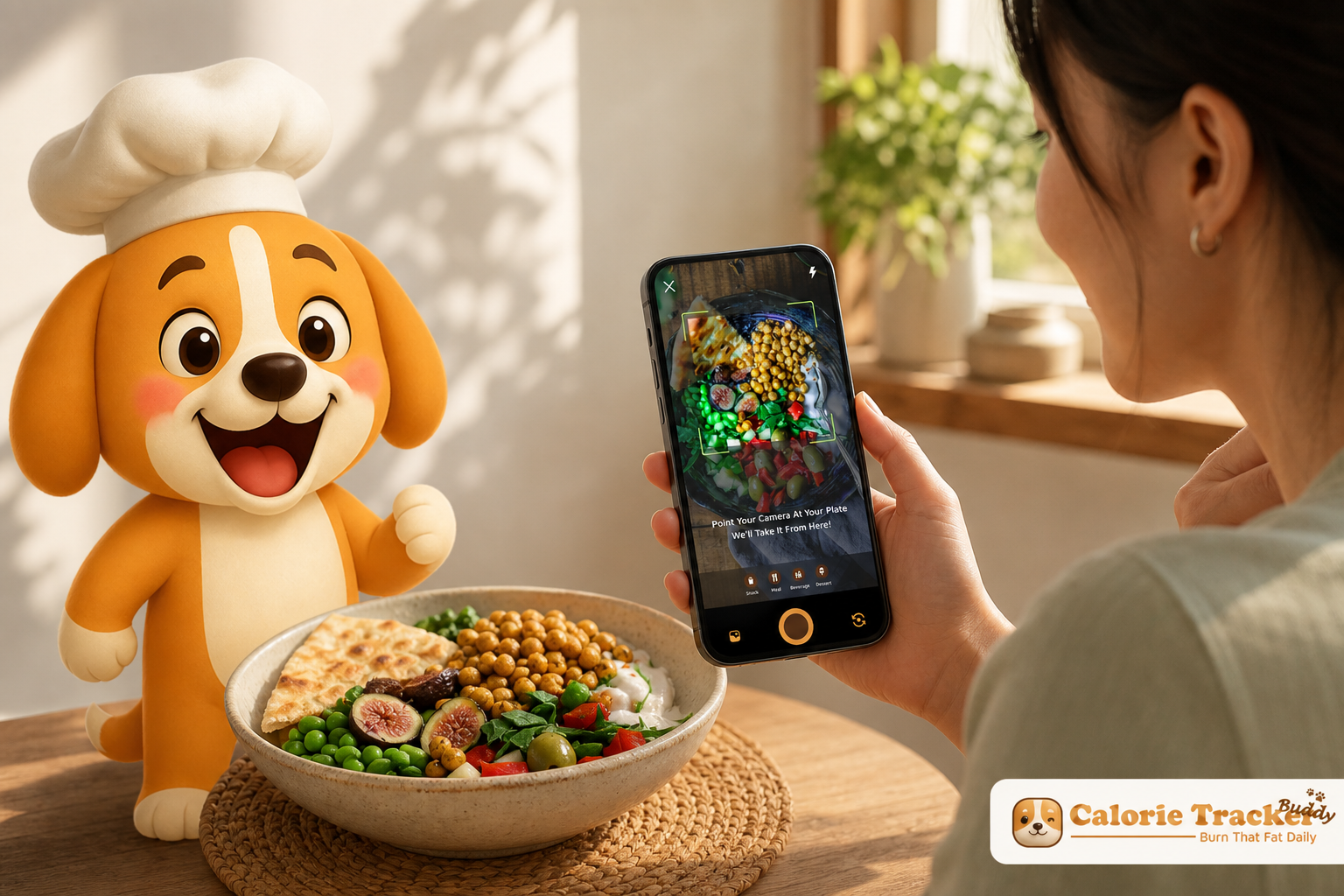
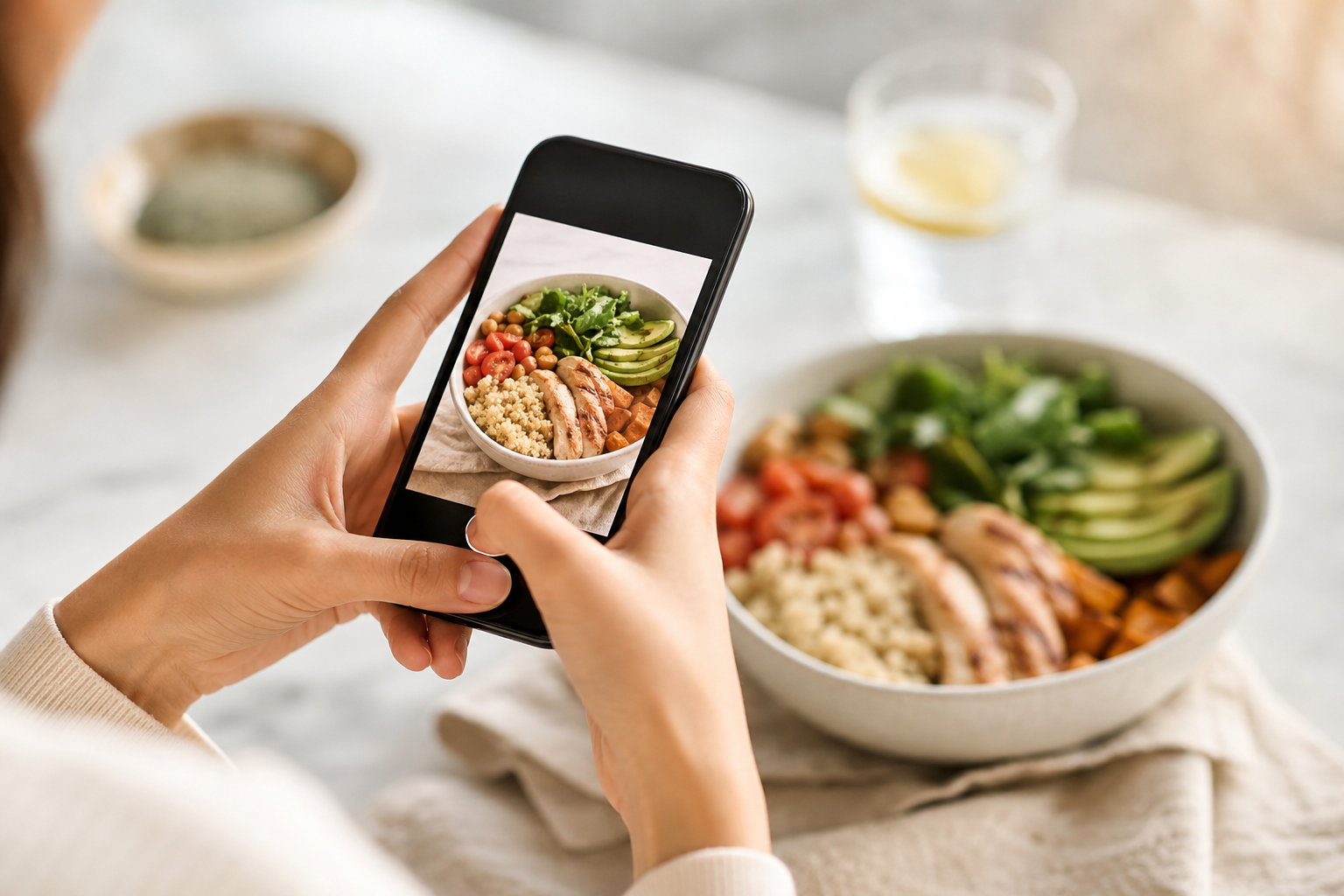
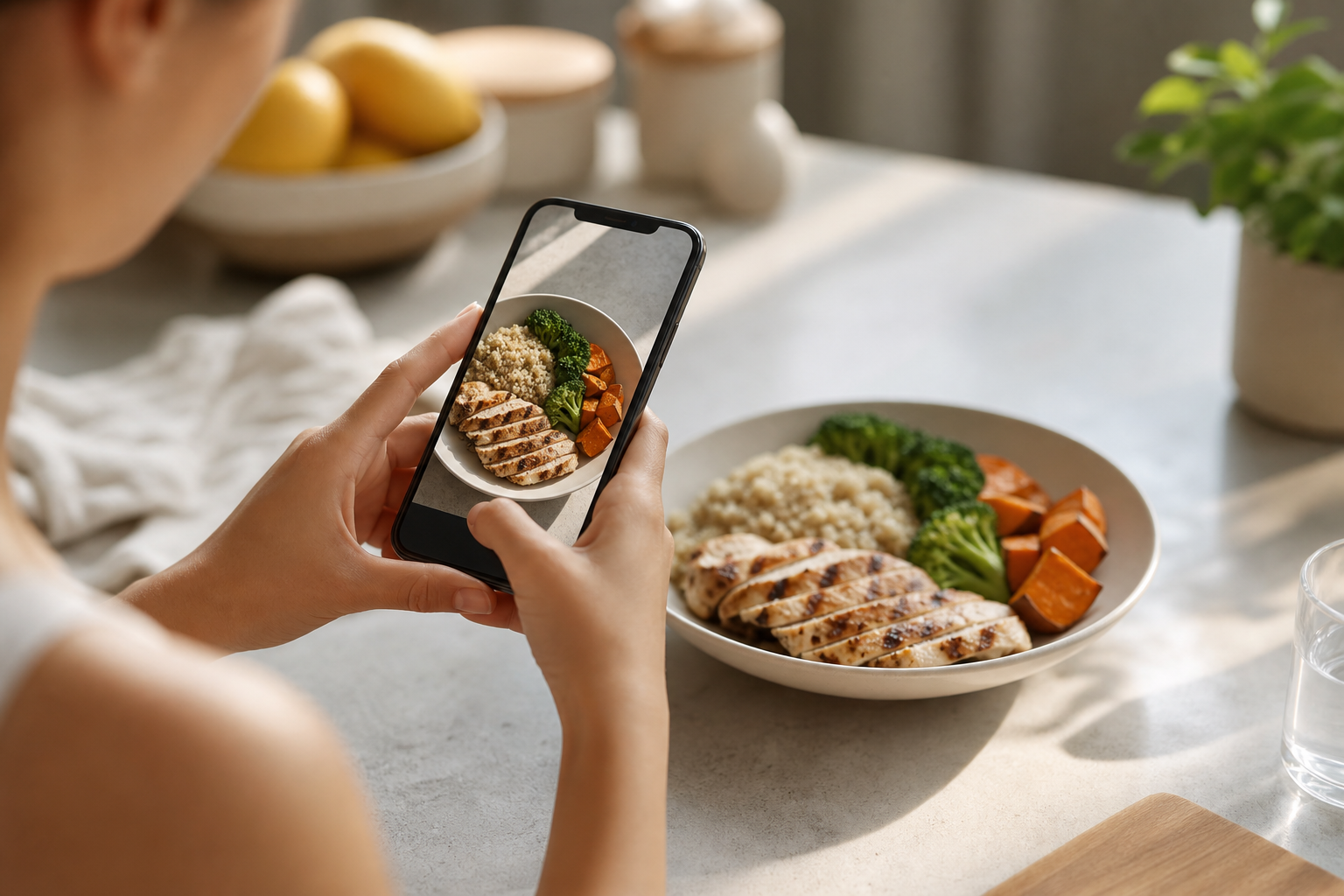
If you want to lose weight sustainably in 2026, learning how to use a photo calorie counter is one of the most practical skills you can develop. These innovative apps let you track your daily food intake by simply taking pictures of your meals, eliminating the tedious manual entry that causes most people to abandon traditional calorie counting within days. Photo-based tracking uses AI-powered computer vision to identify foods and estimate calories automatically, transforming what used to take five minutes per meal into a five-second snapshot.
The technology has matured significantly, with accuracy rates now reaching 70-90% for common foods when you use photo calorie counter apps correctly. This guide walks you through everything you need to know to start tracking effectively, avoid common accuracy mistakes, choose the right tools, and build a sustainable habit that actually produces weight loss results over weeks and months rather than abandoning the effort after a few frustrated days.
**Start Tracking Meals with Photos Today →.
Best Photo Calorie Counter Tools and Resources for Weight Loss
Choosing the right photo tracking app matters because you need something you'll actually use every day for months. Here's an honest evaluation of the top options in 2026, covering accuracy, ease of use, and features that support weight loss. Each tool excels in different scenarios and user types.
Lose It
Lose It! was one of the earliest apps to add photo food logging and maintains a large, well-established database. The app identifies most common foods accurately, particularly packaged items and restaurant chains. Strengths include a clean interface, barcode scanning for packaged foods, and strong integration with fitness trackers.
The photo feature works well for simple meals but struggles with mixed dishes. Free tier includes basic tracking functionality. Premium unlocks meal plans and macro tracking features.
Best for people who want a straightforward, proven tool with a large community. The established user base means extensive food database coverage for common items.
MyFintnessPal
MyFitnessPal has the largest food database of any tracking app, over 14 million items, making it excellent for finding obscure foods and international dishes. Photo logging was added to an already mature platform, so the AI sometimes feels less accurate than apps built around the photo-first experience. The real advantage is the database depth and community size.
Barcode scanning is exceptional for packaged foods. Free tier is usable but includes ads that interrupt the tracking experience. Premium removes ads and adds advanced features like meal timing analysis.
Best for people who eat a wide variety of foods or frequently need to search for specific brands and restaurant items. Database comprehensiveness outweighs photo AI limitations for diverse eaters.
Nutritionix Track
Nutritionix Track focuses specifically on restaurant and chain food recognition, making it strong for people who eat out frequently. The photo AI is trained heavily on restaurant portions, so estimates for Chipotle bowls, Starbucks drinks, and chain restaurant meals tend to be more accurate than generic apps. The database includes detailed nutritional information for hundreds of restaurant chains.
Interface is simple and focused on quick logging. Smaller user base means less community support compared to larger platforms. Best for people who rely heavily on restaurant meals and want accurate estimates for those specific situations.
Calorie Tracker Buddy
Calorie Tracker Buddy combines photo-based meal logging with real-time feedback, macro tracking, and motivational features designed to improve consistency. After you photograph a meal, the app shows immediately how that meal impacts your daily goal and predicts your weight trend based on current intake. The virtual buddy feature gamifies progress.
Your buddy grows and evolves as you maintain consistent tracking and hit your goals, which helps with the motivation problem that derails most dieters after a few weeks. The app tracks macros automatically, monitors water intake, and syncs with fitness trackers like Google Fit to account for exercise calories. Offline logging means you can track meals anywhere and sync later.
This feature proves useful for people with inconsistent internet access. Best for people who want full tracking with built-in accountability features that make consistency easier. Gamification and real-time feedback create psychological engagement.
Samsung Health and Apple Health don't have photo food logging built in, but they serve as excellent hubs that sync data from your chosen calorie tracker with step counts, workouts, and other health metrics. This unified view helps you understand how nutrition, activity, and sleep interact to affect your weight loss progress. Platform integration creates full health monitoring.
Use these platforms to complement any photo tracking app on this list. Central dashboards reveal connections between different health behaviors.
Be honest about limitations: no photo counter achieves perfect accuracy. The estimates are directional guidance, not laboratory measurements. Expect a realistic range of plus or minus 15-20% on most meals.
Some days you'll slightly underestimate intake. Other days you'll slightly overestimate. Over time, these errors average out when you maintain consistent methodology.
The key is picking a tool with enough accuracy and ease of use that you'll stay consistent for months, because consistency matters more than precision. Sustained adherence trumps perfect measurement every time.
Start with the free tier of any app that interests you. Commit to 30 days of consistent daily tracking before deciding whether to switch tools or upgrade to premium. The best app is the one you'll actually use tomorrow, next week, and three months from now.
If the interface feels clunky or the process frustrates you, switch immediately. There's no virtue in suffering through an app you hate. User experience determines adherence more than feature lists.
If you're specifically interested in Android options, this calorie counter android review covers additional platform-specific choices.
Also Read!
Best Photo Calorie Counter for Beginners in 2026
How to Track Calories with Photos When You Barely Have Time to Eat
What to Do This Week: Your Photo Calorie Counting Starter Plan
Here's your concrete seven-day plan to start tracking with photos and establish baseline data for sustainable weight loss. Each day builds on the previous day's learning without overwhelming you with too many changes at once.
Day 1-2: Download an app and photograph everything without restriction. Pick any tool from the previous section. Download Lose It!, MyFitnessPal, or Nutritionix Track based on which interface appeals to you. Spend five minutes setting up your profile with basic information: age, weight, goal weight, activity level.
The app will suggest a calorie target, but don't focus on meeting it yet. For the first two days, just photograph every meal and snack you eat. Document honestly without judgment.
Don't change your diet at all. Don't try to eat less or make healthier choices. Your only job is establishing the habit of taking food photos and seeing what the app estimates.
This observation phase shows your actual current intake without the pressure of restriction. Baseline data reveals reality before intervention begins. Many people discover they eat 300-500 more calories daily than they estimated mentally.
Day 3-4: Review your estimates and identify your highest-calorie meals. Look back at your logged meals from days one and two. Which meals consistently come in higher than you expected? What are your top three calorie sources across all your meals?
For most people, the surprise culprits are liquid calories like fancy coffee drinks, smoothies, or alcohol. Cooking fats such as oil and butter add up invisibly. Restaurant meals typically contain more calories than home-cooked versions.
Evening snacks often contribute more than anticipated. Write down your top three patterns without judgment. Don't judge them or feel guilt about the numbers.
Just notice them with curiosity. Understanding where your calories actually come from is the foundation for making targeted changes rather than vague attempts to "eat healthier." Specific awareness creates specific solutions.
Day 5-7: Make one small swap per day and photograph the difference. Now start experimenting with substitutions that reduce calories without requiring willpower. Day five: replace your regular soda with sparkling water at lunch, photograph both meals and compare the calorie difference. Day six: use half the cheese you normally add to your dinner.
Snap before and after photos to see the 100-calorie reduction. Day seven: swap your usual breakfast sandwich for a protein-rich alternative like Greek yogurt with berries and see how that changes both calorie and macro balance. Each small change teaches you which swaps actually matter and which are too small to notice.
By photographing before and after, you learn what 200 fewer calories actually looks like on your plate. Visual learning creates intuitive portion awareness.
Day 8: Calculate your baseline and set your first target. Add up your total calories for all seven days and divide by seven. This number is your current baseline intake.
Compare it to the TDEE-based target your app suggested on day one. If your baseline is 2,400 calories and your target for one pound per week loss is 1,900 calories, you know you need to reduce intake by about 500 calories daily. Understanding the gap between current and target clarifies the required change.
Don't try to make that full jump immediately. Cut 200-250 calories for the next week using the swaps you tested during days 5-7. Gradual reduction prevents the shock that triggers binge cycles.
Sustainable deficits feel manageable rather than restrictive. If you try to drop from 2,400 to 1,900 calories overnight, hunger and deprivation will overwhelm your willpower within days.
The first week is purely diagnostic and educational. The win is collecting real data about your actual eating patterns, not achieving perfect adherence to an arbitrary number. This data-first approach removes the guilt and shame that typically sabotage tracking attempts.
You're a scientist observing your behavior, not a dieter trying to earn a gold star. That mindset shift makes all the difference for long-term consistency. Curiosity replaces judgment as your primary mode.
For more full weight loss tips beyond tracking, explore strategies that complement your photo logging habit in full weight loss tips.
Also Read!
Best Photo Calorie Counter for Weight Loss in 2026
Calorie Tracker Buddy vs Lose It! for Gym-Goers: Which Is Better for AI Photo Calorie Counting?
Key Takeaways
Learning to use photo calorie counter technology removes the biggest barrier to consistent tracking, the tedious, time-consuming process of manual logging. Sustainability comes from reducing friction in the tracking process.
• Photo calorie counters use AI-powered computer vision to identify foods and estimate calories from images, with typical accuracy of 70-90%. You don't need perfect precision when consistent directional data drives weight loss through increased awareness. Pattern recognition matters more than individual measurement precision.
• Start by photographing just one meal per day for your first week to build the habit without overwhelming yourself. Take photos from directly overhead in good lighting conditions. Always review and adjust the AI's estimates manually rather than blindly trusting automated results.
• The five critical mistakes are ignoring liquid calories and condiments, blindly trusting AI estimates for calorie-dense foods, skipping tracking on high days, obsessing over daily numbers instead of weekly averages, and neglecting protein intake. Each mistake creates systematic inaccuracy that prevents weight loss.
• Top tools include Lose It! for simplicity and community, MyFitnessPal for database depth and variety, Nutritionix Track for restaurant accuracy, and Calorie Tracker Buddy for full tracking with real-time feedback and motivational features that improve consistency. Choose based on your specific eating patterns and motivational needs.
• Your first week is diagnostic rather than restrictive. Track everything without changing your diet to establish baseline data. Identify your highest-calorie patterns through observation.
Test small swaps to learn what calorie reduction feels like. Calculate your baseline to set a realistic deficit target that you can sustain for months.
Consistent tracking over weeks matters far more than perfect accuracy on any single meal. The tool you'll use tomorrow is better than the perfect system you'll abandon next month. Pick an app today, photograph your next meal, and start building the data that reveals your real eating patterns.
Conclusion
Photo calorie counting works because it turns awareness into action without making nutrition tracking feel overwhelming. The goal is not perfect accuracy but consistent habits that help you understand your eating patterns and make smarter daily choices.
By using a photo calorie counter regularly, reviewing trends, and making small sustainable adjustments, you create a system that supports long-term weight loss instead of short-term dieting.
Start simple, stay consistent, and focus on progress over perfection. One quick photo before each meal could become the habit that finally makes healthy weight management easier to maintain in 2026.
Long-term adherence determines results more than short-term precision.