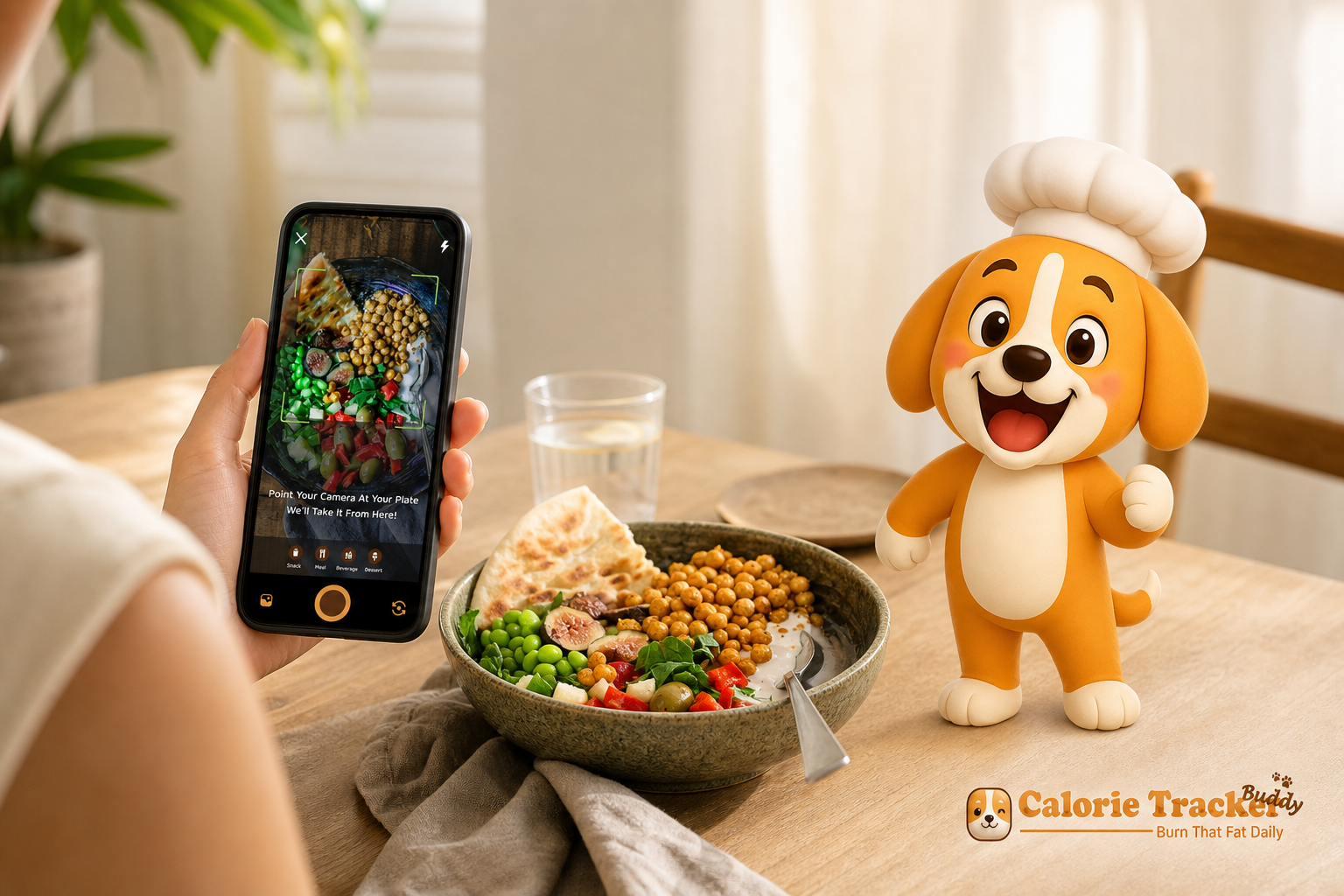
If you’re new to AI photo calorie counting, this guide shows you the simplest way to start and actually stick with it. Instead of typing, searching, and second‑guessing portions, you’ll snap a photo and get instant calories and macros so the habit feels light from day one.
**Download For Instant Logging →
Starting a health habit is easier said than done. First, manual food logging takes time you rarely have. You search for “chicken rice bowl,” then adjust entries, then add sides. After a long day, that feels like a chore.
Second, portion estimates go sideways. A “cup” of pasta or a “medium” banana sounds clear, but your plate or your fruit may not match the entry. Therefore, your numbers drift. If you don’t trust the log, you stop using it.
Third, huge databases overwhelm new users. You see 20 near‑identical options for oatmeal. Which one is right? That choice fatigue kills momentum, especially in week one.
Finally, motivation fades fast without quick wins. If you don’t see feedback fast, it’s hard to keep tracking. Most drop off within two weeks because the cost (time and doubt) outweighs the benefit (clarity and progress).
The Friction Points New Users Face
- Slow typing and endless searching
- Confusing portion sizes and vague entries
- Too many database choices for the same food
- Thin feedback that doesn’t guide the next choice
How AI Photos Remove Friction
Here’s where photo recognition flips the script. You point, snap, and see your meal in numbers. For common dishes, eggs on toast, dal with rice, yogurt with fruit, the AI does the heavy lifting. You can tweak edges, like switching “white rice” to “brown” or nudging a portion size up. But the heavy search work is gone.
As a result, the first hard step, logging, becomes light. You get feedback while you still remember the meal. You build a streak without grinding through menus.
If you want a primer on how image models identify food items, skim this friendly explainer on AI photo recognition. It shows why modern scans are fast and helpful for day‑to‑day meals.
Moreover, with built‑in daily anchors like a 10,000‑step target and a 2.5‑liter hydration goal, you don’t guess what “better” looks like. You just follow clear, simple cues, and your log stays on track.
What to Look for in a Photo Calorie Counter as a Beginner
Choosing your first app is like picking your first pair of running shoes. It should make the habit feel simple, not fancy. These are the buying criteria I use when friends ask me for a recommendation.
Accuracy on Everyday Meals
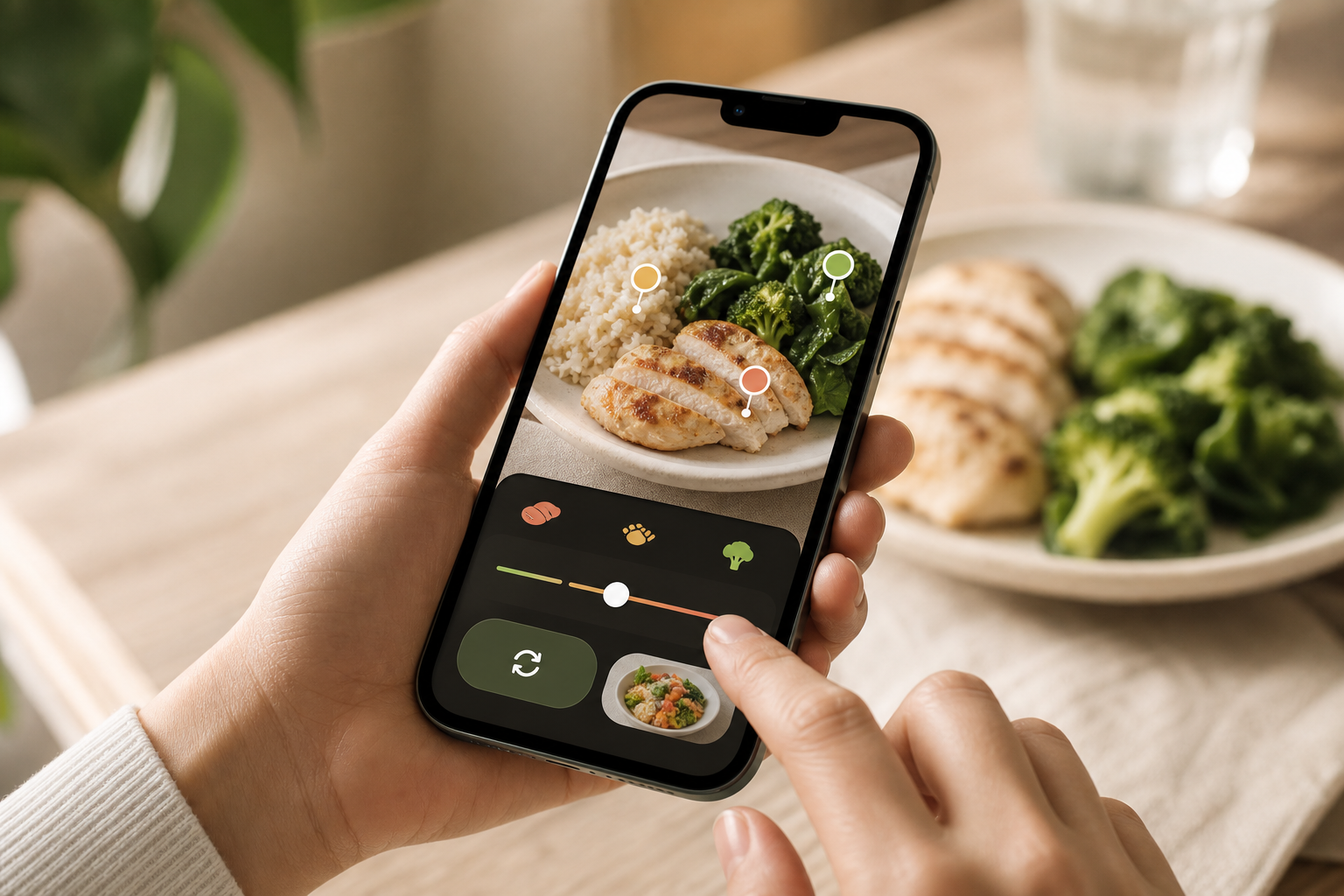
Accuracy matters, but perfection isn’t required to start. The key is strong recognition for common plates: sandwiches, stir‑fries, rotis with sabzi, pasta bowls, and salads. For mixed dishes, you should be able to refine the scan in seconds, not minutes. Therefore, look for quick portion sliders and clear item swaps rather than complex editors.
- Practical tip: After the scan, compare the AI’s portion to something familiar (your palm, a deck of cards) and nudge the slider once. This tiny tweak improves accuracy without turning logging into work.
Speed of Feedback
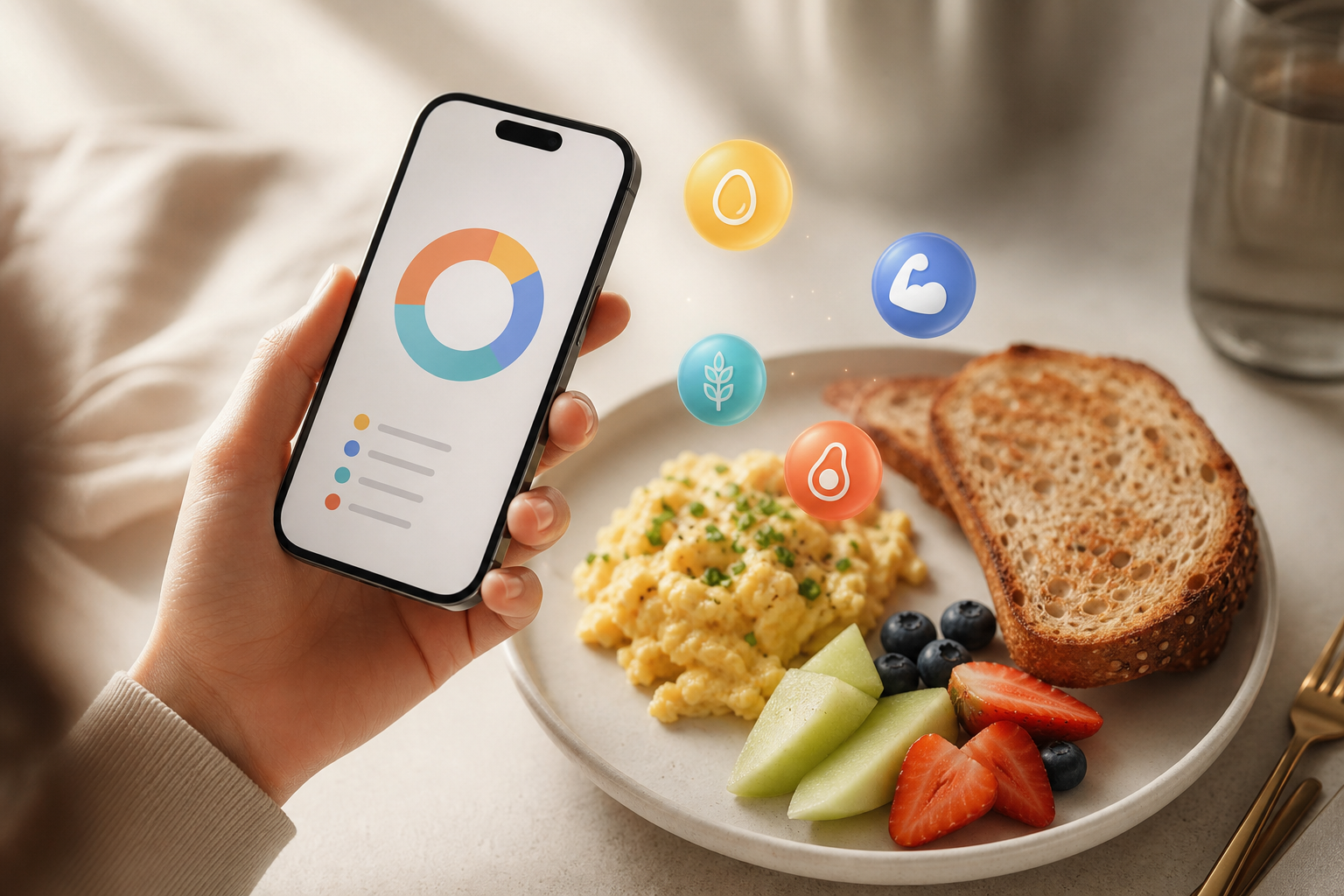
Fast feedback keeps you engaged. You should snap a photo and see calories, protein, carbs, and fat in real time. If you wait a minute for results, you’ll lose the flow. Instant coaching like “add 20g protein to hit your goal” helps you act while it still counts for the day.
- Red flag: If your app needs you to save the meal and navigate elsewhere to see macros, you’ll miss the “in the moment” advantage that photo logging delivers.
Simple, Beginner‑Friendly Interface
Beginners need fewer taps, not more. A clean camera-first home screen, one clear macro view, and a single daily progress bar beat five tabs and hidden settings. In addition, the best apps let you change the small stuff, portion, cooking method, side swaps, right on the scan screen.
- Simple wins matter: instant camera access, quick portion adjustment, and one-tap meal edits like changing cooking style or removing sauces make tracking faster and easier to maintain daily.
Motivation Past Week Two
Most people quit early because tracking feels like work. Therefore, look for streaks, friendly nudges, and fun elements that make you want to open the app. A virtual buddy or pet that grows with your choices might sound cute, but it works because you get instant, visual rewards for consistency.
- Pro‑engagement features: daily streaks, small celebratory animations after logging, and contextual nudges like “800 steps to close your ring.
Macro Tracking Beyond Calories
Calories tell you “how much.” Macros tell you “what kind.” You want a photo scan that breaks down protein, carbs, and fat right away, not just total calories. That way, you can spot patterns, like low protein at breakfast, and fix them with simple swaps.
- Beginner fix: If breakfast is low on protein, add a Greek yogurt, a boiled egg, or a scoop of protein to a smoothie — choices you can scan in seconds.
Offline Capability for Real Life
You’ll eat on a train, at work, or in a spot with poor signal. As a result, offline logging is key. You should be able to snap and save now, then auto‑sync when you’re back online. If an app locks logging behind internet, you’ll miss meals and the day’s numbers will skew.
Fitness Tracker Integration
Food is one side. Movement is the other. Integration with trackers like Google Fit lets the app combine intake with step counts and calorie burn. Therefore, you get one dashboard for the day rather than juggling screens. This helps new users see the full picture: meals, steps, and water in one flow.
If you want extra context on how photo features differ, this guide to photo calorie counter features breaks down the must‑haves with clear examples. It’s a good companion read before you pick your first app.
Also Read!
How to Track Calories with Photos When You Barely Have Time to Eat
How Calorie Tracker Buddy Makes Photo Calorie Counting Simple for Beginners
Calorie Tracker Buddy is built for first‑timers who want less typing and more doing. It starts with photo‑based tracking for meals and snacks, then adds real‑time feedback on calories and macros so you can adjust on the fly.
Specifically, the meal snap feature recognizes common foods and serves instant numbers for protein, carbs, fat, and total calories. You can nudge the portion or switch an item without leaving the screen. As Aanya Rastogi put it, “The meal snap feature is a game‑changer. I love how the app gives me tips and feedback in real time.
In addition, the app keeps beginners engaged past the usual two‑week drop. A friendly virtual buddy grows as you make healthier choices. Each logged meal, glass of water, or walk adds progress.
That little burst of positive feedback matters on busy days because it makes you want to come back. Pooja Rao said it best: “Logging meals is fun now, just snap a photo and boom, done. And the little buddy? It actually keeps me logging when I’d usually forget.
“I used to quit tracking by day 10. With photos and the buddy nudges, I’ve logged 23 days straight.” — R., new user
Built‑In Guidance That Removes Guesswork
You don’t need to set complex rules on day one. The app includes a Daily Step Target: 10,000 Steps/Day and a Daily Hydration Target: 2.5 Liter/Day. As a result, you can follow clear cues like “500 ml to go” or “2,300 steps left,” which makes daily wins feel within reach. Macro tracking is front and center, so you see the quality of your calories too.
Beyond Meals: Water, Steps, and More
Calorie Tracker Buddy tracks water intake, daily steps, and exercise in one place. It also syncs with fitness trackers like Google Fit to bring your movement into the same dashboard. Moreover, you can customize for dietary preferences and allergies so the app’s tips fit your needs from day one.
- Examples of quick customizations:
- Vegetarian, vegan, or high‑protein presets for suggested swaps
- Allergy flags (e. g.
- Cooking methods (grilled vs.
Real‑World Logging, Even Offline
Life doesn’t pause for Wi‑Fi. You can log meals and workouts offline, then auto‑sync once you’re back online. Therefore, your day stays accurate even if you’re off the grid for a few hours.
Furthermore, the app includes an AI Menu Scanner for dining out. Scan the menu, see calories and macros, and get goal‑friendly swaps with one tap. Beginners love this because eating out no longer breaks the streak. And if you’re still building confidence, the app offers goal predictions that show how each meal impacts your progress, which turns each choice into a small lesson.

Try Instant Meal Snaps →
| Feature | Calorie Tracker Buddy | Lose It! (popular photo logger) | MyFitnessPal (large database) |
|---|---|---|---|
| Photo accuracy (everyday meals) | Strong on common plates; instant tweaks for portions | Mature photo feature developed over years | Photo + barcode; results depend on entry sources |
| Beginner UX | Snap‑first flow; fewer taps; clear daily bar | Clean, with more menus for power users | Powerful but busy for new users |
| Gamification | Virtual buddy that grows; streaks and goal predictions | No virtual buddy; standard streaks | No virtual buddy; badges and streaks |
| Offline mode | Full logging offline; auto‑sync when online | Not specified here | Not specified here |
| Macro tracking | Full macros on every scan (protein, carbs, fat) | Available | Available |
| Fitness tracker sync | Works with Google Fit | Check app | Check app |
| Price tier | See app store listing | See app store listing | See app store listing |
Key comparison notes new users ask about
- Compared to MyFitnessPal: Calorie Tracker Buddy reduces new‑user overwhelm with a camera‑first home screen, on‑scan portion sliders, and fewer early decisions. MyFitnessPal’s database is excellent for power users, but brand‑new trackers often spend longer searching and second‑guessing entries.
- Compared to Lose It!: Calorie Tracker Buddy layers gamified accountability (the virtual buddy) and goal predictions directly onto photo results, which helps beginners act in the moment. Lose It! has a solid, mature photo feature; CTB leans harder into beginner guidance and offline logging so you don’t miss meals when you’re away from signal.
Therefore, if you value the “start now, learn as you go” style, Calorie Tracker Buddy stands out on beginner‑friendliness. If you already know exactly what you want to log and love deep databases, MyFitnessPal and Lose It! remain strong options. But for someone who wants the habit to stick in week one, the photo‑first flow, real‑time tips, and the virtual buddy make a clear difference.
Also Read!
Calorie Tracker Buddy vs Lose It! for Gym-Goers: Which Is Better for AI Photo Calorie Counting?
Why Beginners Trust Calorie Tracker Buddy: Credentials and Real Numbers
Beginners don’t want vague claims. They want simple, science‑backed defaults and proof the app is active and responsive. Calorie Tracker Buddy builds trust in a few concrete ways.
5 Liter/Day hydration target. You don’t have to guess. For context on the step goal’s background, see the overview at Wikipedia: 10,000 steps. The point isn’t to hit a magic number every day, but to have a steady, visible baseline that keeps you moving.
Second, it syncs with fitness trackers like Google Fit. As a result, you see real‑time updates on calorie burns, meals, steps, and goal progress in one dashboard. This reduces app‑hopping and keeps your focus on choices, not screens.
Third, the app doesn’t live in a silo. It has a social posting feature, so you can share meals, workouts, and small wins with the community. That sense of “I’m not doing this alone” helps new users who say they didn’t know where to start before using photo‑first tracking.
“Seeing other people’s quick wins in the feed nudged me to log just one more meal. It’s low‑pressure, but motivating.” — A beginner’s takeaway
Proof Points Beginners Notice in Week One
The first week reveals whether an app helps or hinders. With Calorie Tracker Buddy, you’ll notice instant meal feedback, streaks that reward small actions, and custom challenges that turn a vague goal into a short, clear path. The Fitness Coach mode adds tailored tips and prompts based on your progress, so advice lands when you can use it most.
- Day 1–2: Snap meals, see macros immediately, and get simple next steps (e. g., “Add 15g protein at lunch”).
- Day 3–5: Streaks and the virtual buddy make logging feel rewarding, not tedious.
- Day 6–7: Goal predictions help shape weekend choices (e. g., lighter dinner after a larger lunch) without rigid rules.
Also Read!
Calorie Tracker Buddy vs Lose It! for Beginners: Which Is Better for AI Photo Calorie Counting?
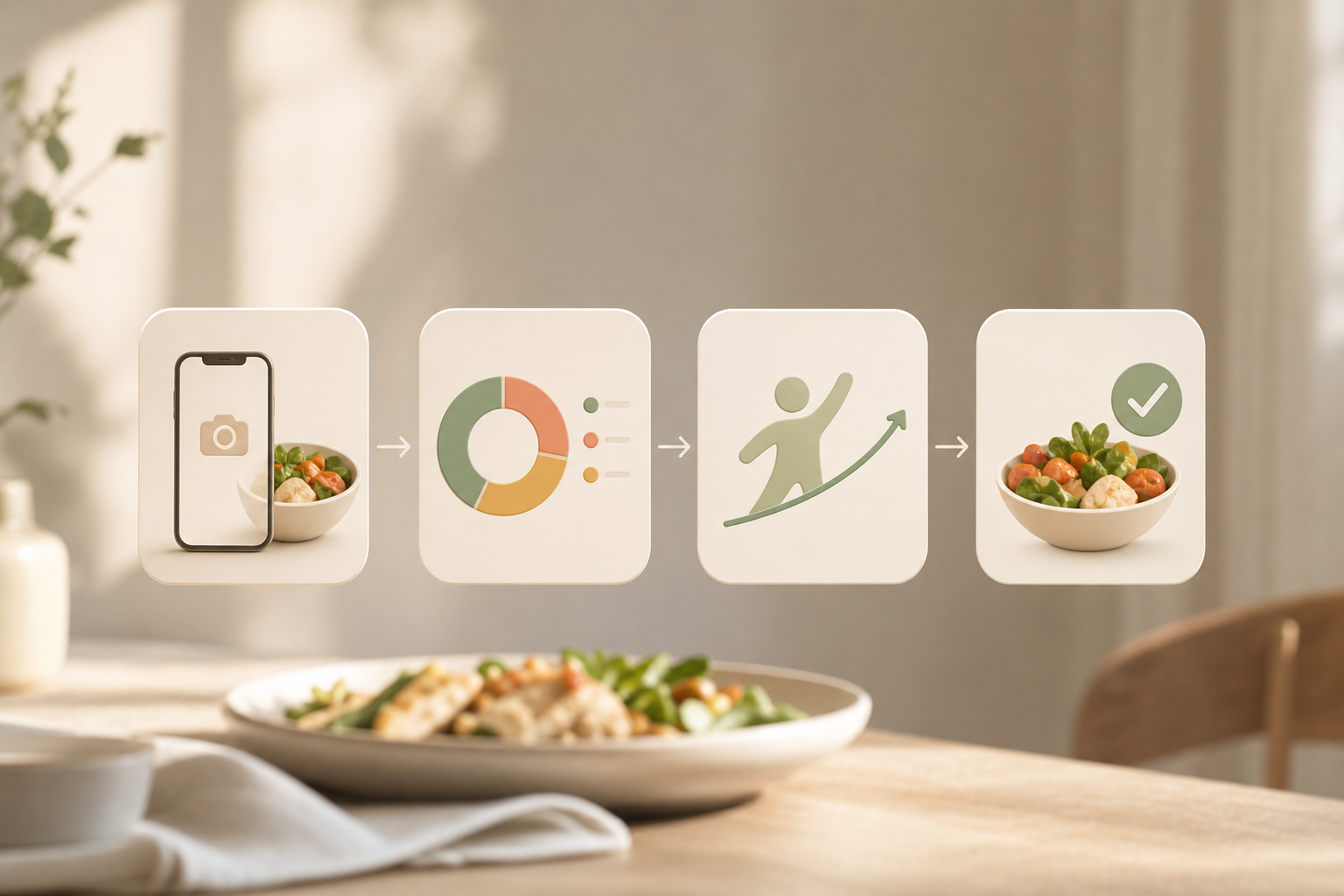
How to Get Started With Photo Calorie Counting Today (Step-by-Step)
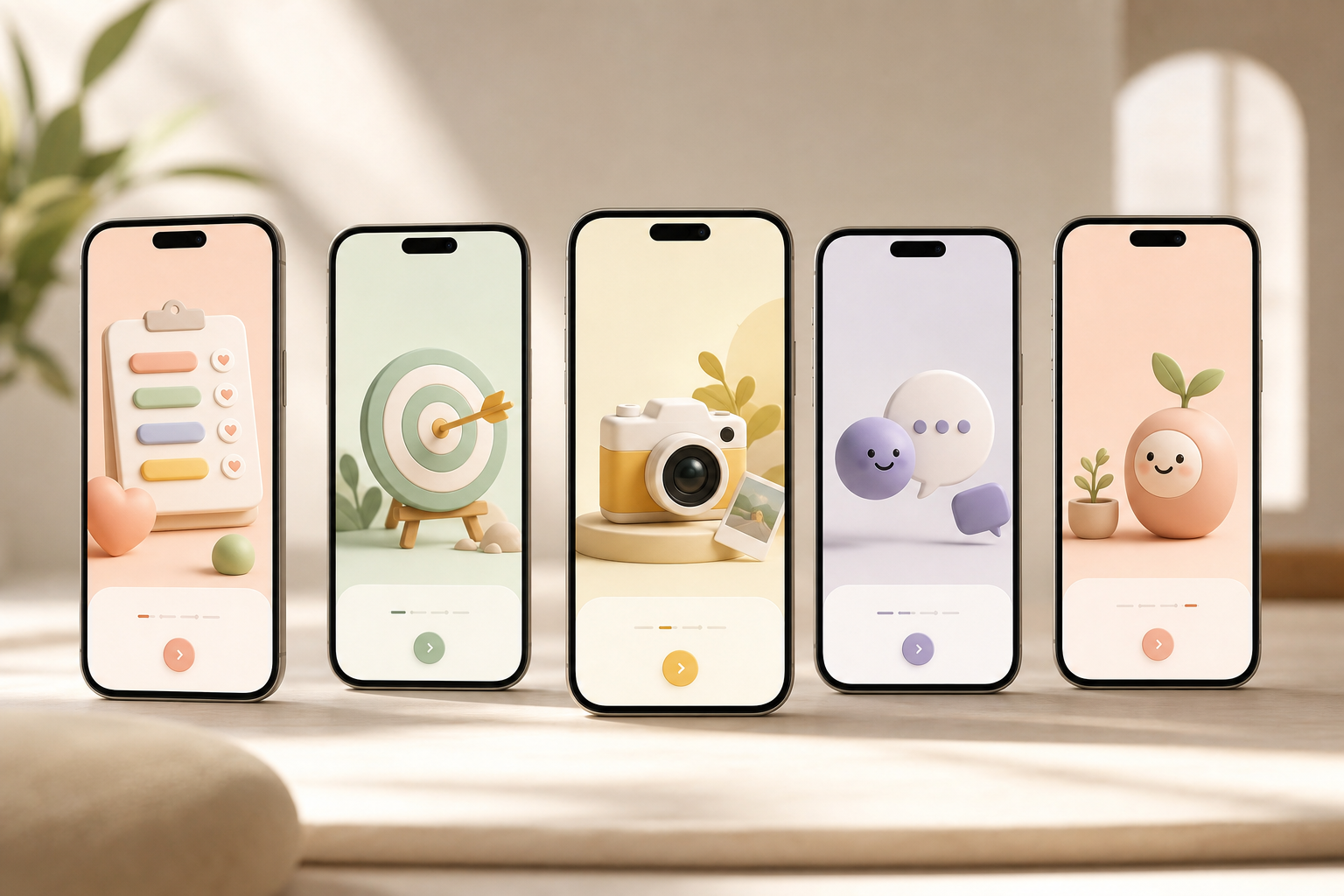
Starting small beats starting perfect. Here’s a five‑step guide that works for brand‑new trackers.
-
Step 1: Download and set up your profile. Add dietary preferences and allergies upfront so the app customizes tips and avoids foods you don’t eat.
-
Step 2: Set your daily calorie and macro goals. The app helps calculate a starting point. You can fine‑tune later as you learn what works.
-
Step 3: Snap your first meal. The camera recognizes the foods, estimates portions, and shows calories plus macros. You can adjust items or portions in seconds.
-
Step 4: Check real‑time feedback and the day’s goal prediction. See how this meal affects your remaining calories and macros. Plan your next snack with that in mind.
-
Step 5: Meet your virtual buddy. Build consistency with streaks and watch it “grow” as you log meals, water, and steps. Let small wins stack.
Pro tip: Start by snapping just one meal per day for three days. Then add a second meal next week. As a result, you build the habit without overwhelm. If you want more tricks to save time, these calorie counting hacks keep the routine light.
Moreover, remember that the goal is clarity, not perfection. You’ll learn fast as you see your own patterns. If you prefer a broader tour before you commit, this deep dive on picking a calorie counting app helps you compare styles, and spot red flags to avoid.
Frequently Asked Questions
How accurate are photo calorie counters compared to manual logging?
AI photo recognition has improved a lot. For common meals, you can expect results within about 10–20% of manual estimates. Calorie Tracker Buddy shows real‑time feedback, so you can adjust portions on the spot for better accuracy. For complex dishes, you can still tweak items after the scan. For beginners, directional accuracy that keeps you consistent matters more than perfect numbers on day one.
Is Calorie Tracker Buddy free, or do I need a paid plan?
You get core features like photo tracking, macro logging, and the virtual buddy. Fitness Coach mode and custom challenges add extra value for people who want tailored support. Pricing details can change, so the most accurate info is on the app store listing. Pick the tier that matches your goals and budget, start small, then upgrade if you need more.
Can a photo calorie counter work with homemade meals, not just packaged food?
Yes. The AI analyzes the visual makeup of your plate, estimates portions, and provides calories and macros for homemade dishes, restaurant meals, and snacks. You can fine‑tune estimates right after the scan. Over time, your adjustments help the app learn what you eat most.
What makes Calorie Tracker Buddy better for beginners than MyFitnessPal or Lose It?
Three things stand out: the virtual buddy gamification that keeps you engaged past week two, real‑time coaching tips tied to your activity, and snap‑and‑go logging that avoids deep database hunting. MyFitnessPal does have a larger database, but new users can find it overwhelming. Calorie Tracker Buddy trims steps so the habit sticks.
Do I need an internet connection to log meals with a photo?
No. You can snap and log meals and workouts offline in Calorie Tracker Buddy. The app automatically syncs your data once you reconnect. This is handy for travel, trains, or spotty service at work.
Will a photo calorie counter help me lose weight, or just track calories?
Tracking builds awareness, which is the base. Calorie Tracker Buddy goes further with goal predictions that show how each meal affects progress, plus daily step and hydration targets. Real users report strong outcomes with consistent use, such as 4kg in five weeks and 5kg overall. Your results will follow your habits, not strict rules.
Can I track macros (protein, carbs, fat) with a photo, or just total calories?
You get a full macro breakdown, protein, carbs, and fat, from each meal photo. You also track water intake and exercise in the same app. For beginners, macro awareness helps you improve meal quality, not just calorie totals.
Does Calorie Tracker Buddy sync with my fitness watch or Google Fit?
Yes. Google Fit integration lets the app combine your calorie intake with step counts and calorie burn. You’ll see one clear daily picture rather than bouncing between screens. That simplicity helps you act on the data faster.
Final Takeaways for New Trackers
- Start light, not perfect. Snap one meal a day and let the habit grow.
- Use built‑in anchors. The 10,000‑step and 2.5‑liter defaults remove guesswork.
- Trust fast feedback. Photo scans with real‑time macros teach you more than long searches do.
If a photo‑first flow, friendly coaching, and a growing virtual buddy sound like your kind of start, you’ll feel right at home here.
If you love guiding others too, you can also explore the coaching tools any time: **Get Coaching Tools & Tips →