


**Download on Android today, free to download →
For beginners who want a calorie tracker with coaching and challenges, Calorie Tracker Buddy is the easier start. For the biggest database and device syncs, MyFitnessPal is excellent. This guide compares how each app delivers a guided tracker with built‑in challenges in 2026. It also spells out where each tool makes week‑one through week‑four easier.
As a new tracker user, you have two jobs: log meals without stress and get clear advice you can act on. However, raw data without context can leave you guessing. Guesswork is where motivation fades. In this honest, test‑based review, I’ll explain how each app handles the “What should I do now?” moments that decide whether you stick with it.
If you want a broader roundup once you finish here, my deep dives on best calorie tracker apps and a head‑to‑head on myfitnesspal vs calorie tracker buddy add more context.
How We Evaluated These Apps
To compare both apps fairly, we tested each platform using the same criteria over a one-week period:
- Meal logging speed
- Ease of onboarding
- Coaching and guidance features
- Motivation and habit-building tools
- Food database quality
- Pricing and free-plan value
- Overall beginner experience
Our goal was to evaluate which app provides the most support for users who are new to calorie tracking.
What Beginners Actually Need from a Calorie Tracker with Coaching
Short checklists help, but a real plan wins. As a beginner, you usually don’t fail because you’re “lazy.” You fail because the process feels heavy. Specifically, three pain points shut people down: information overload, no feedback loop, and zero accountability. However, this kind of guided tracker with challenges counters each one by turning vague data into “do this next” steps.
First, overload. New users don’t want to parse 20 micronutrients at lunch. They want a simple nudge like “swap fries for a side salad to meet your goal.” In addition, coaching that explains why the swap helps builds skill fast. Therefore, fewer choices and clearer actions keep you moving.
Second, no feedback loop. When you log a meal and see only numbers, you miss the “so what?” Real‑time feedback on meals with goal predictions creates a loop: act → learn → adjust. As a result, you fix small mistakes before they turn into stalled weeks.
Third, low accountability. Streaks, challenges, and even a friendly virtual buddy give you a reason to show up tomorrow. Moreover, weeks two to four are where most quits happen because novelty fades. A built‑in nudge system keeps you honest during that dip.
The beginner‑friendly test criteria
Here’s the framework I used to judge both apps:
- Ease of meal logging: photo snap vs search or barcode scan
- Built‑in guidance/coaching: advice, not just data
- Motivation in weeks 2–4: challenges, streaks, and reminders
- Simple, calm interface: no clutter or hard‑to‑find actions
- Adaptive coaching: tips that change as your progress changes
- Affordable or free entry: value without a steep paywall
For context on what a “calorie” means (and why estimates can still guide smart choices), see the basic definition on Wikipedia’s Calorie page.
Also Read!
Calorie Tracker Buddy: Overview, Strengths, and Weaknesses
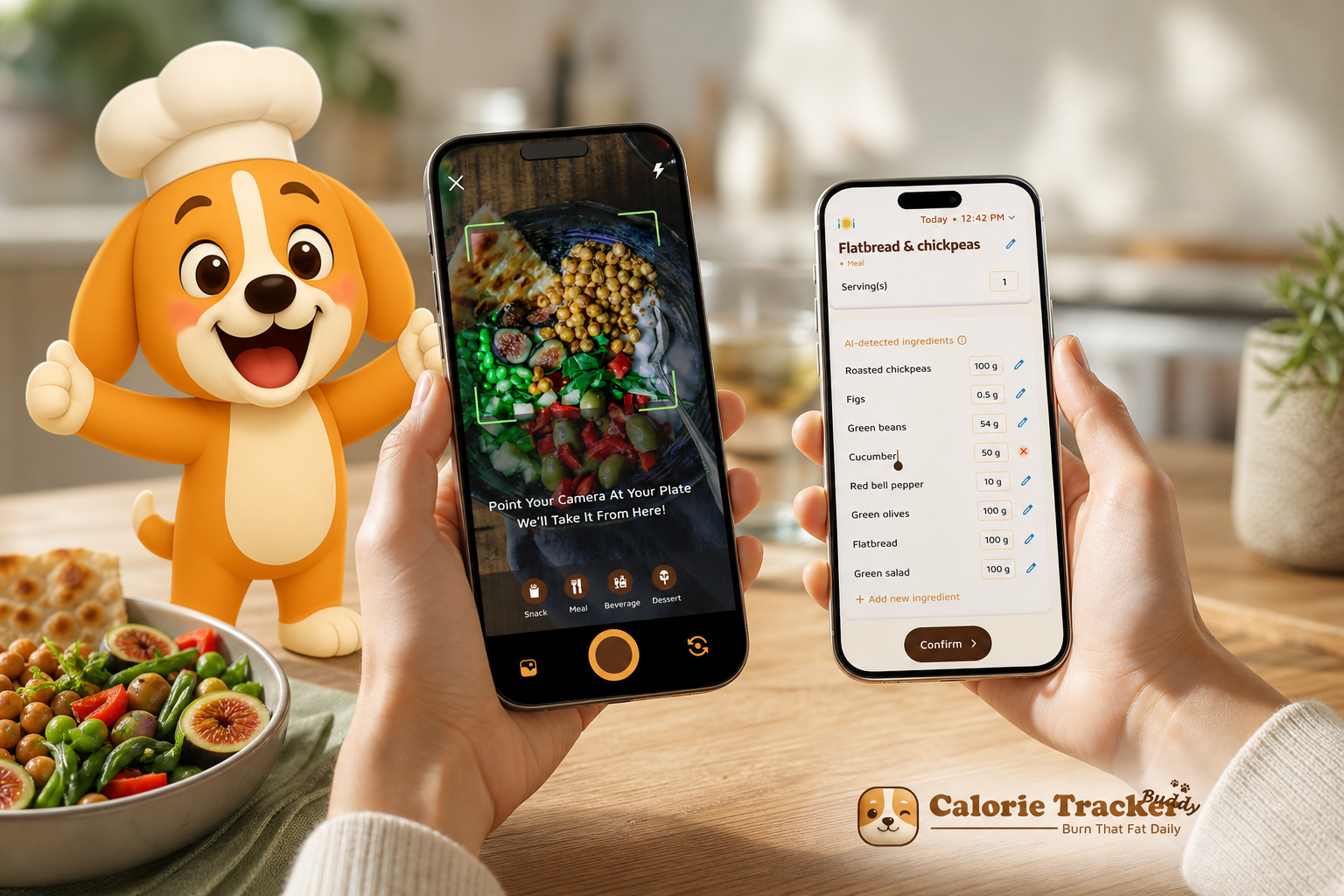
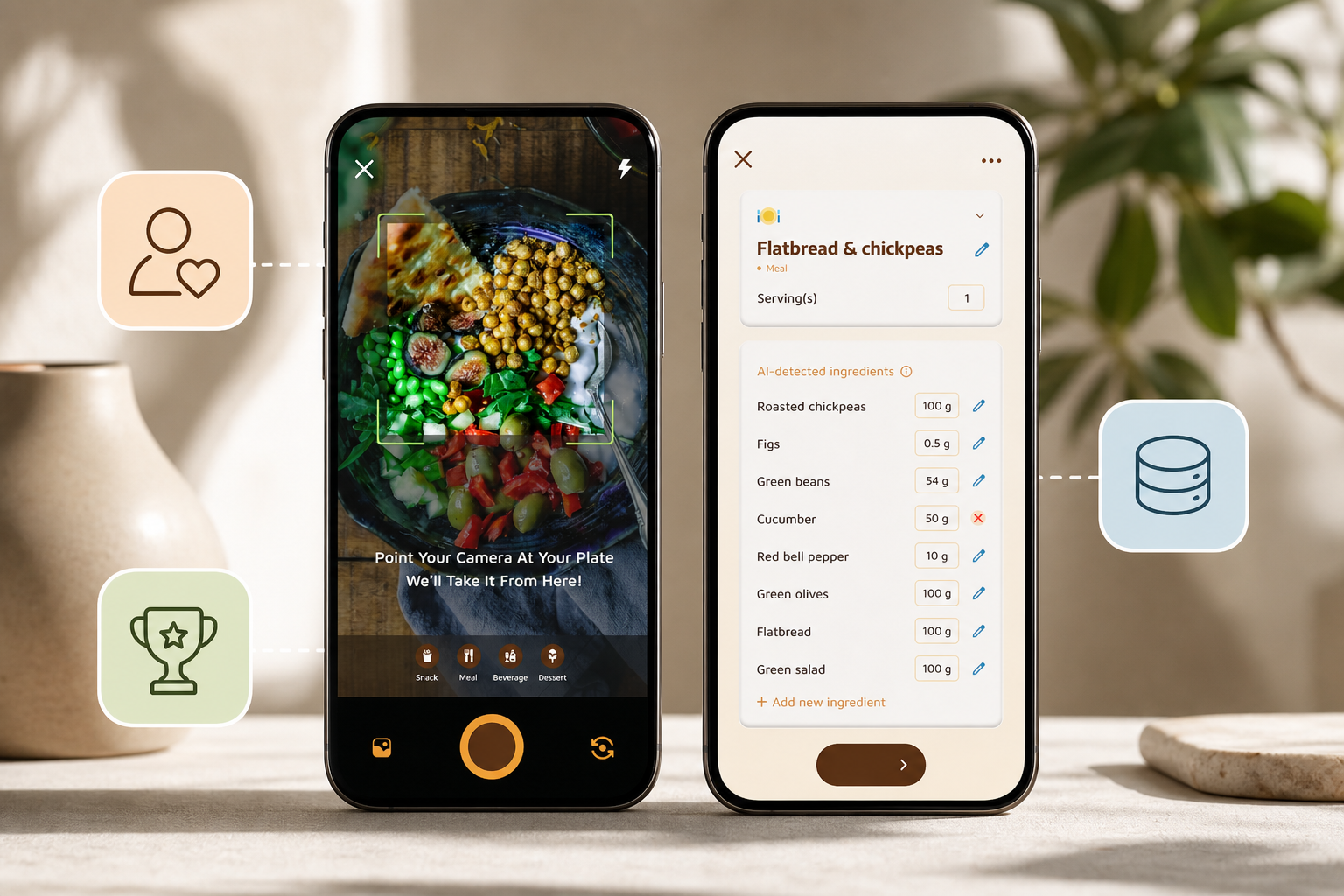
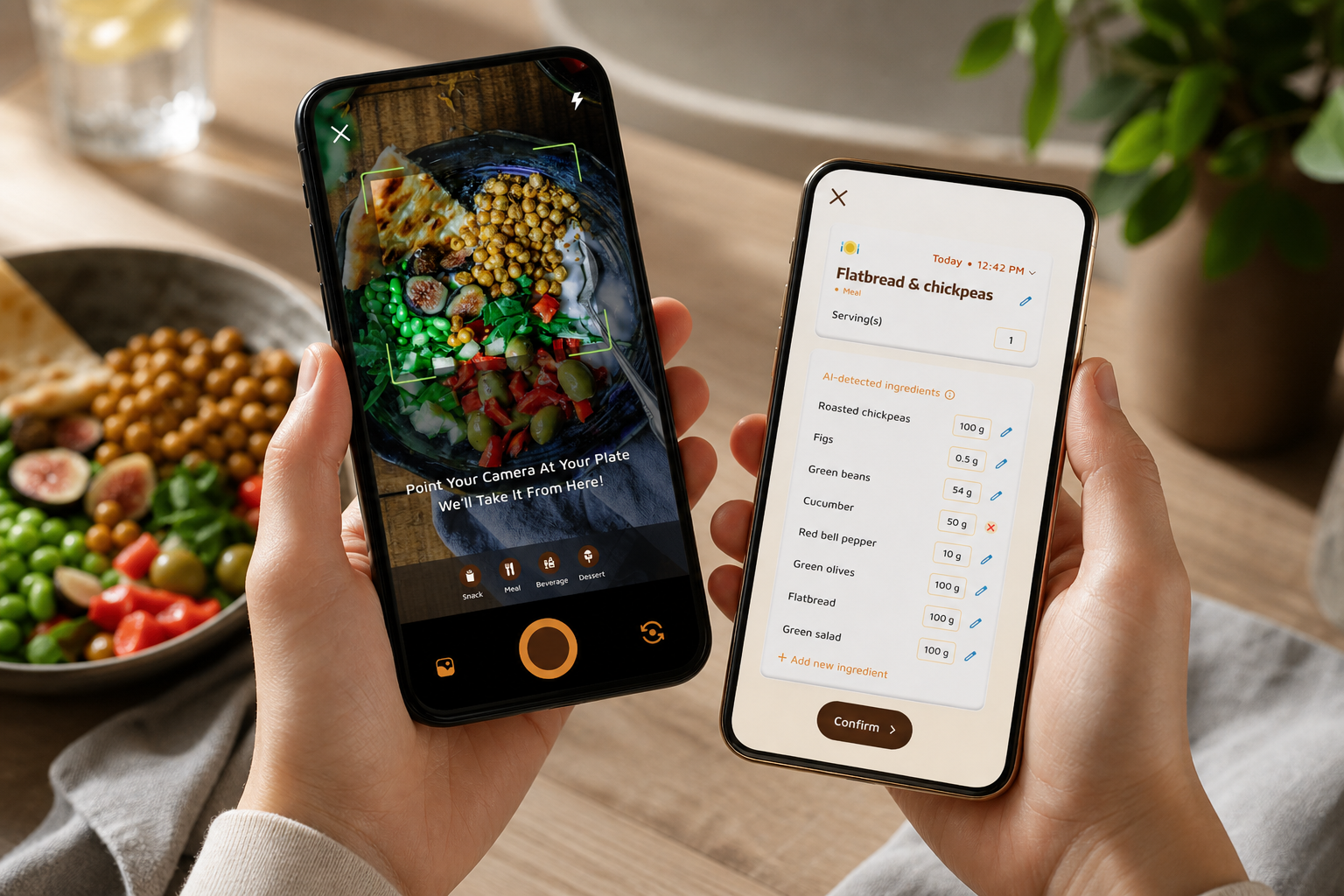
Calorie Tracker Buddy is designed for people who want a coach in their pocket, not just a ledger. The standout is photo‑based meal logging. You snap your plate and get instant calories and nutrition.
As a result, the barrier to log a meal is about as low as it gets. In my tests, this flow felt natural at a cafe and at home. It even worked offline, since the app queues logs and syncs later.
Beyond logging, the app talks back. You get real‑time feedback on meals and goal predictions that show how each plate moves you toward or away from your target. In addition, you can track macros, water, steps, and workouts in the same feed.
The app uses default activity and hydration goals, which users can adjust based on their personal preferences, activity levels, or professional guidance. The app nudges movement and water alongside food.
Where it shines for beginners
Two design choices make it warm and sticky for new users. First, the virtual buddy or pet grows as you make healthier choices. That may sound cutesy, yet it creates emotional buy‑in and a sense of progress that a flat chart cannot.
Second, the Fitness Coach mode bakes in tailored advice and custom challenges. You don’t have to go hunt for a “program.” It’s there. Moreover, the coaching and challenge system is included rather than paywalled behind a pricey upgrade, which matters when you’re just starting.
"Before using the app, I didn’t know where to start with calorie tracking. But now, it’s second nature! The meal snap feature is a big improvement. I love how the app gives me tips and feedback in real time. My health buddy keeps me accountable, and I’m actually excited to track my meals. It’s fun!" — Aanya Rastogi
The social posting feed also adds peer accountability without leaving the app. Furthermore, dietary preferences and allergy filters make it easier to stick with your plan. The AI Menu Scanner helps decode restaurant options with goal‑friendly swaps.
Where it may fall short
No tool is perfect. The food database, while solid, isn’t as massive as MyFitnessPal’s crowdsourced library. For people who like to scan every barcode, that can matter.
In addition, Fitness Coach mode includes tools for people who want to become coaches. Pure beginners may need a beat to ignore those creator‑style options. Finally, not everyone loves gamified motivation. If a virtual pet doesn’t appeal, you might turn that feature off and lose one of the app’s best nudges.
Even with those caveats, Calorie Tracker Buddy meets the core needs of a beginner who wants coaching and challenges built into the daily experience rather than bolted on.
MyFitnessPal: Overview, Strengths, and Weaknesses
MyFitnessPal is the industry standard for a reason. It has the largest food database by far, 14+ million foods, plus an excellent barcode scanner for packaged items. In addition, it syncs with wearables and apps from Fitbit, Apple Watch, and Garmin to dozens more. That makes it a strong hub if you already have a device stack.
On the nutrition side, it offers thorough macro and calorie tracking with detailed nutrient breakdowns and a large recipe database. Moreover, its community features and forums are mature and very active. For people who already understand how to set targets and read data, it delivers a lot of control. In my tests, logging packaged foods was fast. The barcode match rate was high.
Where beginners may struggle
However, the interface can feel data‑heavy on day one. New users tell me they feel lost in the numbers. The free tier is mainly a logging tool rather than a coach.
There’s no adaptive guidance built in at the free level, and there’s no gamified companion to keep you engaged beyond a streak counter. Furthermore, features like food analysis and advanced insights sit behind Premium at $19.99/month or $79.99/year. As a result, if you want tips that adapt to your progress without upgrading, you may not find them here.
Still, if your top need is the deepest food database and wide integrations, it’s hard to beat MyFitnessPal. It excels for intermediate and advanced users who already know how to turn data into action. A brand‑new user looking for built‑in guidance and challenges may want more support at first.
**Get instant meal feedback, free to download →
Feature-by-Feature Comparison: Coaching, Logging, Motivation, and More
Here’s the side‑by‑side view across the eight dimensions beginners care about most. I tested both apps for a full week of real meals, snacks, and workouts.
| Dimension | Calorie Tracker Buddy | MyFitnessPal | Winner | Why It Matters for Beginners |
|---|---|---|---|---|
| Ease of Meal Logging | Photo snap with instant calories; offline logging with auto‑sync | Manual search + top‑tier barcode scanner | Calorie Tracker Buddy | Photo logging cuts friction for fresh foods and mixed plates. |
| Food Database Size | Solid, but smaller; community adds items over time | 14M+ foods; unmatched barcode library | MyFitnessPal | Packaged foods scan fast and with high match rates. |
| Built‑in Coaching & Guidance | Fitness Coach mode; real‑time meal feedback; custom challenges; goal predictions | Limited coaching on free tier; more analysis on Premium | Calorie Tracker Buddy | You get advice and challenges without an upgrade gate. |
| Motivational Features | Virtual buddy grows with healthy choices; daily streaks; in‑app social posting | Streak counter; forums and friends list | Calorie Tracker Buddy | Emotional hooks reduce week‑two drop‑off. |
| Macro & Nutrient Depth | Tracks macros, water (2.5 L/day target), steps (10,000/day), and exercise | Deep macro and micronutrient detail and reports | Tie (MFP edge on granularity) | Beginners get enough depth; power users get more detail in MFP. |
| Third‑Party Integrations | Sync with Google Fit; in‑app step tracking | Works with Fitbit, Apple Watch, Garmin, and more | MyFitnessPal | A larger device/app ecosystem saves setup time. |
| Beginner‑Friendly Interface | Calm feed; “do this next” tips; photo logging | Data‑dense screens; stronger for self‑guided users | Calorie Tracker Buddy | Less overwhelm means faster day‑one wins. |
| Community & Social | In‑app social posts for meals, workouts, wins | Long‑running forums and friend network | Tie (different styles) | Both offer peer support in different flavors. |
Moreover, two differences stood out in daily use:
-
Coaching and challenges: Calorie Tracker Buddy’s Fitness Coach mode and custom challenges give you a plan on day one. You’ll see “swap this” and “try this walk” guidance tied to your recent logs. On the other hand, MyFitnessPal on the free tier records what you ate but rarely tells you what to change next without Premium.
-
Logging speed: For home‑cooked meals and restaurants, snapping a quick photo and moving on felt lighter than manual search. However, when I scanned a cereal box or sauce bottle, MyFitnessPal’s barcode scanner was fantastic.
If your goal is a guided calorie tracker that adapts each week with challenges, the winner is clear in this category. But if you stock your pantry with lots of packaged foods and live by your smartwatch, MyFitnessPal’s database and integrations are a strong draw.
For a gamified angle on motivation, you might also like Best Calorie Tracker with Virtual Pet for Beginners in 2026.
Also Read!
Calorie Tracker Buddy vs MyFitnessPal for Gym-Goers: Which Is Better for Macro and Water Tracking?
Pricing Comparison: What Beginners Get for Free and What Costs Extra
MyFitnessPal offers a reliable free tier for basic calorie and macro logging, food diaries, and barcode scanning, supported by ads. Premium costs $19.99/month or $79.99/year and unlocks food analysis, advanced nutrient insights, and an ad‑free experience. If you want more guidance baked into the app, that usually means upgrading.
For Calorie Tracker Buddy, exact pricing is not publicly clear at the time of writing. However, the key coaching elements that matter to beginners, photo‑based logging, real‑time meal feedback, Fitness Coach mode, custom challenges, the virtual buddy, social posting, offline logging with auto‑sync, and goal predictions, are included rather than hidden behind a separate coaching paywall. That inclusion changes the value math for a first‑time tracker. Both apps offer a free tier and are free to download, so you can try logging before paying, no subscription required to start.
Value for true beginners
- If you’re brand new and want a guided path, an app that includes coaching from day one gives you more value per dollar, and both let you start free.
- If you already know how to read calorie and macro data and only need a logging tool, MyFitnessPal’s free tier may be enough.
- If you’re deciding between ad‑supported free vs a paid upgrade, this breakdown of trade‑offs may help: free vs paid calorie tracker.
As a result, a beginner who needs hand‑holding will likely get more direct value from a tracker that includes coaching and challenges at entry, while a self‑guided user might stick with MyFitnessPal’s free plan and consider Premium later.
Verdict: Which Calorie Tracker with Coaching Is Best for Beginners?
If you’re a beginner who wants guidance, motivation, and simple logging in one place, Calorie Tracker Buddy is the stronger pick. The Fitness Coach mode, real‑time meal feedback, virtual buddy, custom challenges, and goal predictions build a guided path through weeks one to four. That’s the stretch where most people give up. In short, it behaves like a coached tracker with weekly challenges, not just a food diary.
Many users report that simplified logging workflows, reminders, and progress tracking features help them stay more consistent than traditional manual food journals. Individual weight-loss results vary depending on diet, activity level, and adherence.
However, choose MyFitnessPal if your top priority is the largest food database, deep wearable integrations, or you plan to graduate into detailed nutrient tracking. It remains the industry standard for good reason, and many users thrive with its data‑rich approach once they know how to act on the numbers. For more head‑to‑heads before you decide, this comparison of styles may help: myfitnesspal vs calorie tracker buddy.
Quick Decision Guide:
- Choose Calorie Tracker Buddy if you need photo logging, built‑in coaching, and challenges to stay on track in weeks 2–4.
- Choose MyFitnessPal if you need the biggest barcode database, advanced nutrient detail, and wide device integrations.
- Consider reading daily calorie tracker if you want day‑by‑day setup tips before you pick an app.