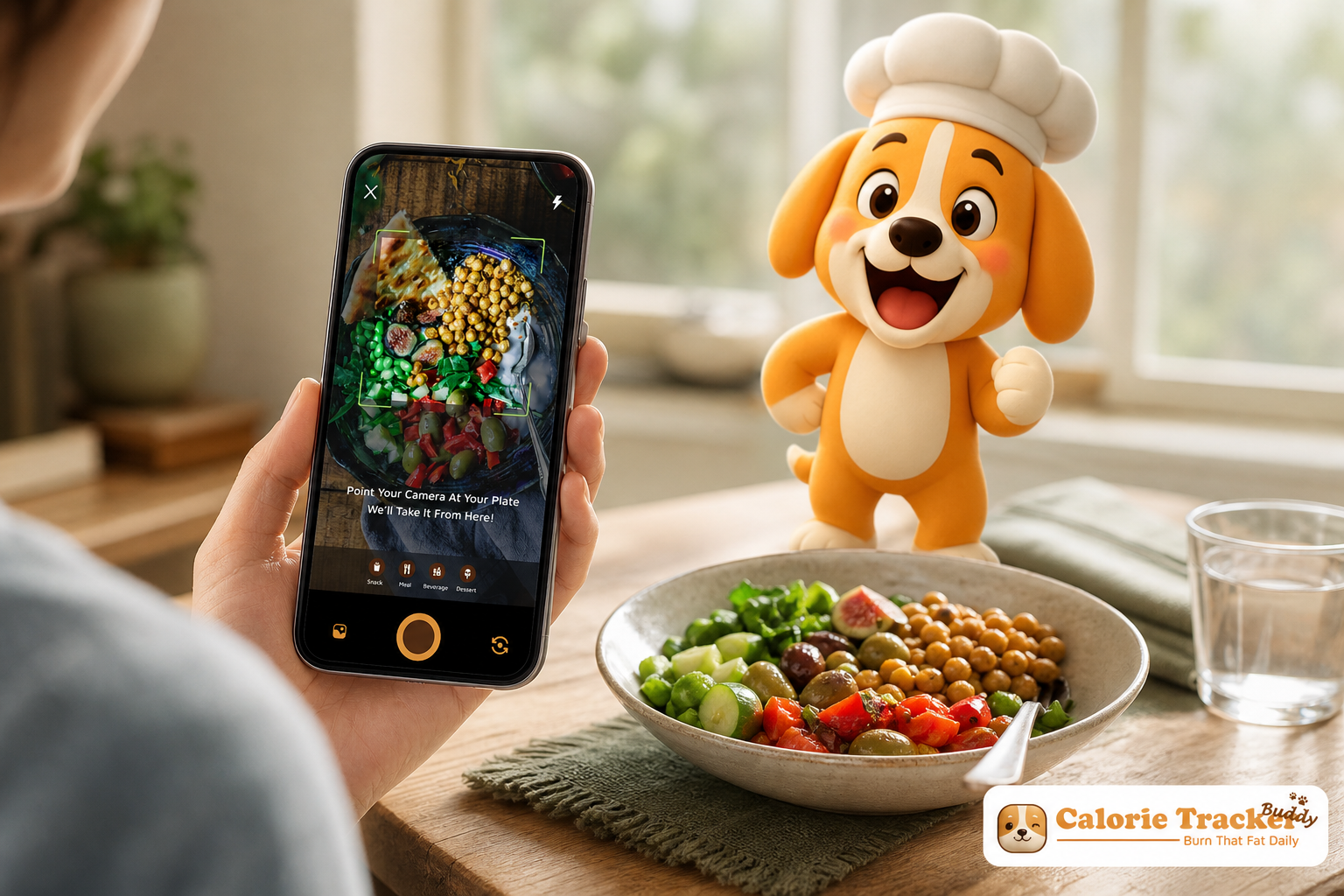
Pressed for time but still want real weightloss results? AI photo calorie counting makes logging faster by turning a quick snap of your meal into calories and macros you can act on in seconds. In this guide, you’ll learn how it works, what accuracy to expect, and a simple plan to build a 15‑second habit that sticks.
However, accuracy has limits. Expect estimates to land within about 10–20% of careful manual logging. That range widens with mixed dishes (think chili or stir-fry), unusual recipes, or hidden oils.
Directionally, it keeps you honest. Precisely? It won’t match a food scale gram for gram.
Quick takeaway: fast, consistent logging beats perfection. Use photos for directional accuracy, then make small in‑the‑moment adjustments.
Why this matters for busy people: since it's time-saving. Traditional logging pulls you into a search-and-portion rabbit hole for 5–10 minutes per meal. A quick photo and tap takes under 15 seconds. Over a week, that’s saving about 90–180 minutes. That’s two to four full commutes.
How it works, in plain terms
- Identify foods: the model labels what it “sees” (sandwich, salad, latte).
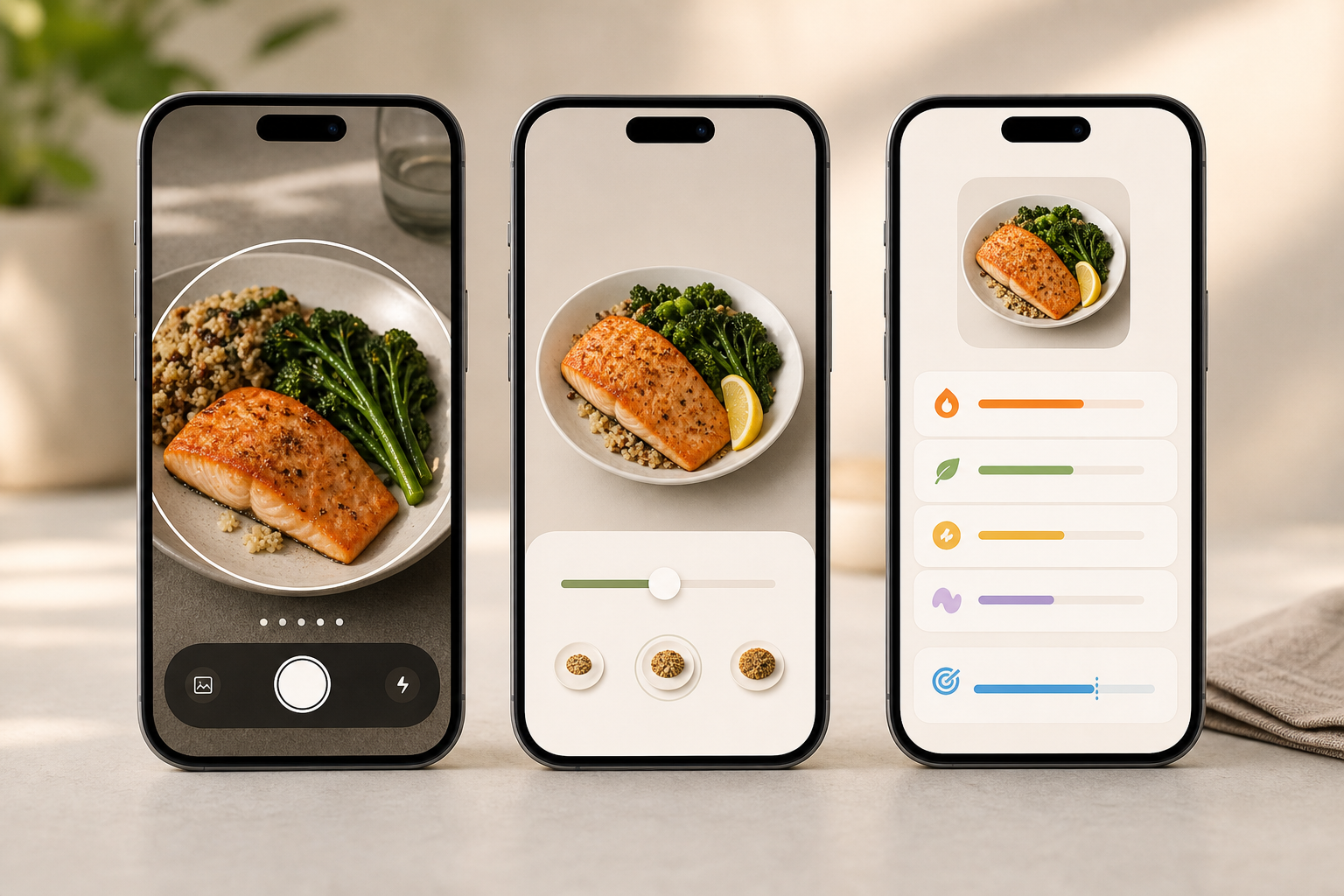
- Estimate portions: it compares size cues (plate, utensil, your thumb) to guess grams.
- Cross-reference: it fetches calories and macros from a nutrition database and shows real-time feedback.
For example, picture a parent scarfing lunch at their desk. You snap your salad and half-panini; the app flags 610 calories with 32 g protein and nudges you that dinner can carry more veggies. Or imagine a takeout bowl on the train home. One photo gives you a 780-calorie estimate and a note that the sauce drives 220 of those calories. Photo-based tracking gives you numbers and real-time feedback right when you can still adjust.
For a deeper look at how models spot food items and portion cues, this primer on AI photo recognition breaks it down with examples.
5 Steps to Build a Photo Calorie Tracking Habit That Actually Sticks
Consistency beats precision. A slightly off photo log every day will outpace a perfect manual log three times a week. Here’s a five-step framework that fits real life. It also helps AI photo calorie counting feel automatic.
- Start with one meal per day (3 minutes to set up, 15 seconds per day)
-
Pick lunch. It’s stable, less chaotic than breakfast, and often eaten away from home. – Set your daily calorie goal once.
-
Done in under 3 minutes. – For the next 7 days, only snap lunch. That’s one tap and one quick glance.
- Tie the snap to an existing cue (30 seconds to set)
- Add a phone reminder at 12:15 p. m. or a calendar nudge.
- Or pair it with “plate hits desk” or “first sip of drink.” Cues beat willpower.
- Read the real-time feedback (10–20 seconds per meal)
- Don’t just log. Scan what the app says: “High fat,” “low fiber,” or “nice protein hit.
- Use goal predictions if your app has them to see how that meal shifts your day’s target. Seeing “350 left for dinner” right now changes your next choice.
- Do a 5-minute weekly review (set a timer)
- Open your trends view each Sunday. Look at total calories and macro bars.
- Spot one pattern to tweak: “Tuesday lunches average 820 calories because burrito place,” or “low protein on Fridays.
- Pick one small fix for the next week: add a 20 g protein side or swap sauce.
- Log offline when you’re in transit (0 seconds extra if you snap first)
- If you lose signal, most apps let you snap-and-hold logs. Sync later.
- That way, flights, subways, or dead zones don’t break your streak.
“Before using the app, I didn’t know where to start with calorie tracking. But now, it’s second nature! The meal snap feature is a big improvement. I love how the app gives me tips and feedback in real time.” — Aanya Rastogi
Moreover, aim for “good enough” speed. You’ll have meals that are guessy. That’s fine. The win is the 15-second habit that keeps you aware and nudges you toward better choices day after day.
For more ways to shave time, these practical calorie counting hacks save minutes without losing the plot.
Get instant meal feedback →
Common mistakes and quick fixes
- Only photographing “bad” meals out of guilt
- Fix: Snap everything for 7 days straight. Full data beats cherry-picking and shows true daily totals.
- Skipping portion corrections after the photo
- Fix: Nudge the portion slider once if the app’s guess looks off. Ten seconds now saves hundreds of calories drift per week.
- Forgetting drinks and snacks
- Fix: Add lattes, juice, and handful snacks. That can hide 300–400+ calories. Use quick-add or a fast barcode if your app supports it.
- Treating the estimate as gospel
- Fix: Use the number as a range, not law. Let it guide choices; don’t obsess.
- Going all-or-nothing after a missed day
- Fix: Restart on the next meal. No “catch up,” no punishment. A small streak is still a streak.
Make the data work for you
- Track macros and water in the same place so you see the full day.
- Check your “calorie intake and burn” view if your app pairs with steps or workouts.
- Use a single metric to steer one small change this week (like “+15 g protein at lunch”).
“I’ve always wanted to be healthier but never found the right tools to make it stick. This app has been a total big improvement. Not only have I lost 5kg, but I also feel more energized.” — Sandy T
Additionally, if you want a science anchor for daily energy needs and why snacks matter, the NIH’s overview of weight management explains energy balance in plain terms.
Also Read!
Best Photo Calorie Counter for Weight Loss in 2026
Calorie Tracker Buddy vs Lose It! for Gym-Goers: Which Is Better for AI Photo Calorie Counting?
Photo Calorie Counter Tools Worth Trying in 2026
You have real choices now. The best tool is the one you use every day, not the one with the longest feature list. Here’s an unbiased look at the kinds of tools on the market in 2026, and how to pick what fits your life.
Three types you’ll see
First, there are apps that specialize in photo recognition accuracy. Some prompt you to snap from two angles or include a reference (fork, card) to tighten portion size. They excel with simple plates and clear portions. If you eat lots of home-cooked bowls or mixed dishes, these still help, but expect more manual tweaks.
Second, broader fitness ecosystems fold food photos into your steps, workouts, and sleep. If you already wear a watch, these can sync with Google Fit so you see “calorie intake and burn” in one place. As a result, you can match your dinner to your training day without mental math.
Third, there are tools built for pure speed and simplicity. They keep screens clean, save your “usuals,” and work offline. You snap, skim real-time feedback, and move on. These are ideal if you live in transit or work in spots with bad signal.
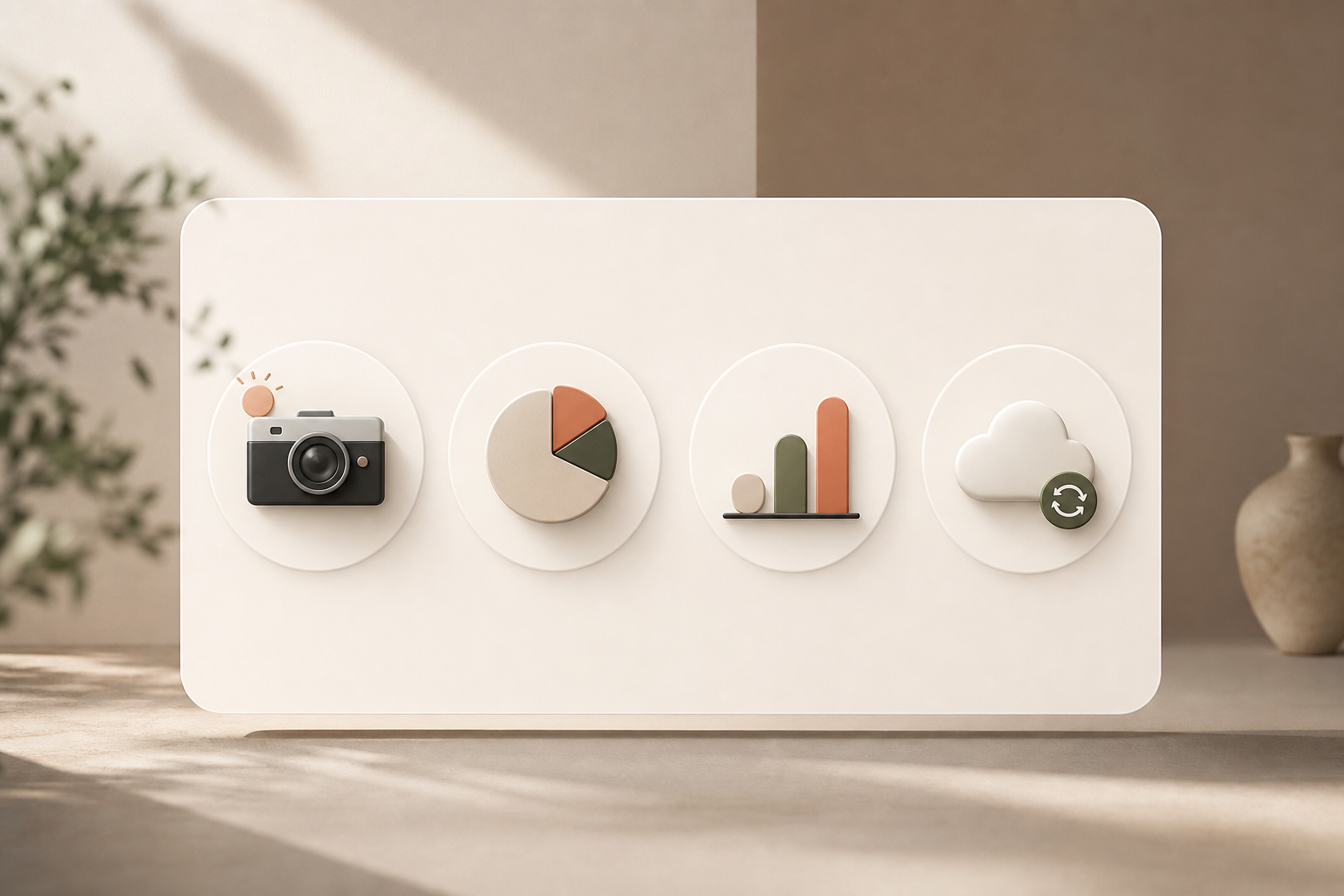
Tools like Calorie Tracker Buddy sit in the middle. You get photo-based logging for meals and snacks, real-time feedback, offline logging with auto-sync, and goal predictions that show how each meal impacts progress. If you travel or subway commute, that offline piece matters more than you think at 6 p. m. in a dead zone.
Criteria that matter more than hype
- Accuracy: Does the photo AI get close on your common meals?
- Speed: Can you log in under 15 seconds?
- Offline: Will it queue your snaps and sync later?
- Integrations: Does it sync with trackers like Google Fit for real-time updates on calories burned and steps?
- Fit: Can you set dietary preferences or allergies so suggestions match your needs?
Moreover, think about your week, not a feature sheet. If most of your meals are at the office, a fast logger with saved “go-to” lunches beats a complex dashboard. If you train for a 10K, integration with step and workout data can guide refuels.
For deeper pros and cons, this roundup on AI calorie counters explains photo recognition trade-offs, and this guide to a photo calorie counter highlights must-have features for 2026.
If you’re comparing beginner-friendly options by name, this analysis, Calorie Tracker Buddy vs Lose It! for Beginners: Which Is Better for AI Photo Calorie Counting?, walks through real-world use cases without fluff.
Key Takeaways
Before you change how you eat, change how you track. Here’s the short list to keep you moving, with pointers back to the core ideas that make AI photo calorie counting work for real life.
- A photo log takes under 15 seconds per meal and lands within about 10–20% of manual accuracy. That’s “accurate enough” to steer choices when time is tight.
- Consistency beats precision. One photo at lunch daily builds a streak. You can add breakfast and snacks later.
- Read the feedback, not just the number. Real-time notes on macros and goal predictions are where habits shift.
- Fix small errors fast. Nudge portions once, log drinks, and avoid the all-or-nothing trap after a missed day.
- Pick tools that match your life: speed, offline logging, Google Fit sync, and dietary preferences matter more than a giant feature list.
Furthermore, if you want a deeper dive into how camera-based logging works and what to expect, this overview of a photo calorie counter pairs accuracy notes with practical tips you can use today.
What to Do This Week: Your 7-Day Photo Tracking Kickstart
The goal of week one isn’t weight loss. It’s building the 15-second “snap before you eat” habit. By day seven, you should feel calm and in control, not glued to a food diary. Here’s a simple micro-plan you can start today.
- Day 1–2 (10 minutes total): Download one photo calorie app and set your goal. Log lunch only. Skim the real-time feedback after each snap.
- Day 3–4 (2 minutes per day): Add breakfast. Keep it simple if you cook at home—yogurt cup, toast, or eggs are quick for the model to read.
- Day 5 (under 3 minutes total): Log all meals, including snacks and drinks. Add a quick portion correction if the estimate looks off.
- Day 6 (5 minutes): Review your week. Which day overran calories? Which meal hit protein? Pick one small tweak for next week.
- Day 7 (10 minutes): Decide to stick with this app or try another. If you switch, export or note your weekly averages so you don’t lose the plot.
Mindset note: the best tool is the one you open every day. If the app feels heavy, choose a simpler one. If you love data, pick the one that integrates with your watch. In 2026, there’s no single “right” choice, only the one that fits your life.
As a next step, keep lunch logging daily, and add one new meal every week. That’s it. Tiny steps, kept, beat grand plans, dropped.
Try offline photo logging → covers features that save time without adding stress.