


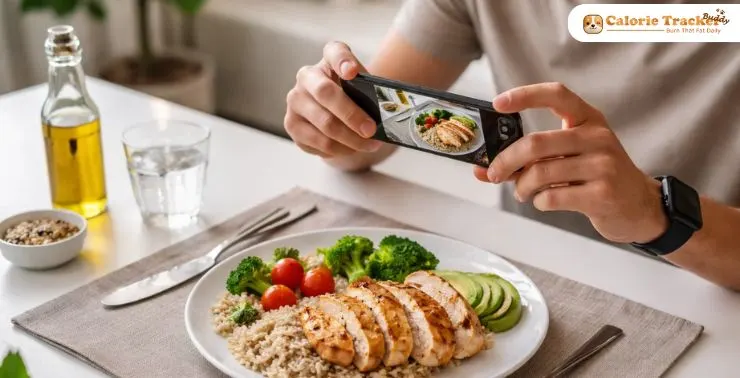
Tracking calories used to mean manually searching for foods, guessing portion sizes, and hoping the numbers were right. But things have changed.
With the rise of AI calorie counter apps, you can now snap a photo of your meal and get an instant estimate of calories and nutrients. It feels almost effortless and for many people, it finally makes consistent tracking possible.
But here’s the catch: not all apps are equally accurate or easy to use.
Some prioritize speed but sacrifice precision. Others offer detailed insights, but feel overwhelming. So how do you choose the right one?
Let’s break it down.
You can listen to this blog here.
What Is an AI Calorie Counter?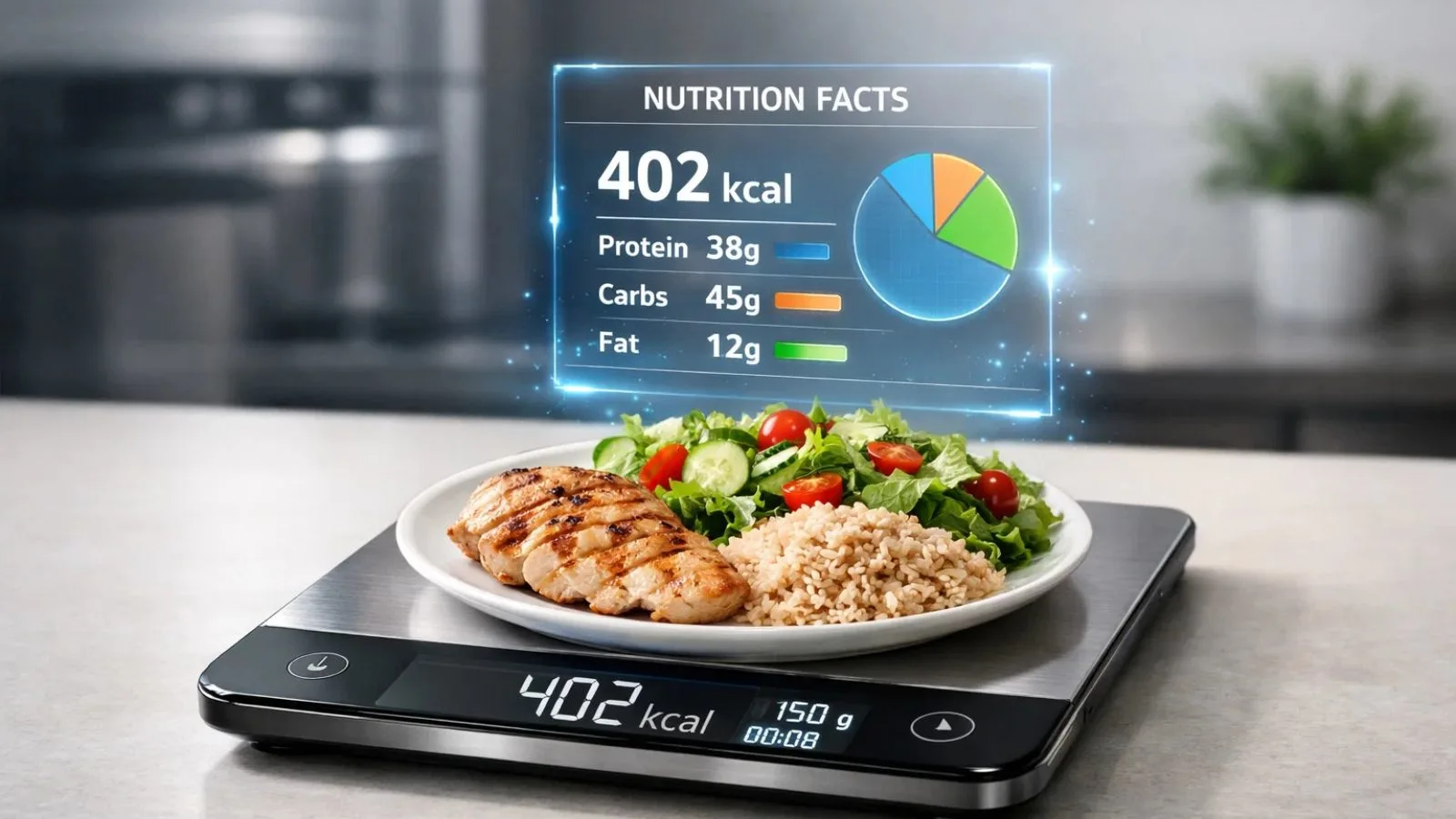
An AI calorie counter is a smart nutrition tracking tool that uses artificial intelligence to identify food items and estimate their nutritional value, often from just a photo.
Instead of typing in every ingredient, you simply:
- Take a picture of your meal
- Let the app analyze it
- Get calorie and nutrient estimates instantly
Most modern apps use photo recognition calorie technology, combining image recognition with food databases to deliver results in seconds.
How Photo Recognition Calorie Tracking Works?
It might seem like magic, but there’s real tech behind it.
When you upload a food photo, the app:
- Detects food items using image recognition
- Matches them with a nutrition database
- Estimates portion sizes using visual cues
- Calculates calories and nutrients
Some advanced tools even learn your eating habits over time, improving accuracy with repeated use.
That’s the promise of a truly smart AI calorie counter: less effort, more consistency.
Why AI Calorie Counters Are Gaining Popularity?
Let’s be honest, manual tracking is tiring.
Here’s why more people are switching:
1. Speed and Convenience
No more typing long food names. A quick snap replaces minutes of searching.
2. Better Consistency
When tracking becomes easy, you’re more likely to stick with it.
3. Reduced Guesswork
AI helps estimate portions and calories, reducing human error.
4. Smarter Insights
Many apps go beyond calories, offering trends and personalized feedback.
That said, convenience doesn’t always mean accuracy, which is why choosing the right app matters.
Best AI Calorie Counters with Photo Recognition
Here are some of the top apps worth considering:
1. Calorie Tracker Buddy (Best Overall Balance)
If most apps force you to choose between simplicity and accuracy, Calorie Tracker Buddy tries to give you both.
Why It Stands Out
- Accurate food recognition powered by AI
- Clean, beginner-friendly interface
- Fast logging with photo-based tracking
- Reliable calorie and macro insights
- Smart suggestions based on your habits
Unlike many tools, it doesn’t overwhelm you with excessive data while still maintaining precision.
Best For
- Beginners who want ease of use
- Users are tired of inaccurate food entries
- Anyone looking for a balanced AI calorie counter
2. MyFitnessPal (Best for Database Size)
A long-time favorite in the fitness world, MyFitnessPal has recently added AI-powered features.
Key Highlights
- Massive food database
- Barcode scanning
- Community support
- Basic photo logging features
Limitations
- Accuracy depends on user-generated entries
- Photo recognition isn’t its strongest feature
Best For
- Users who want flexibility and variety
3. Cronometer (Best for Nutrient Accuracy)
Cronometer focuses on precision rather than speed.
Key Highlights
- Highly accurate, verified food database
- Tracks vitamins and minerals
- Detailed nutrition breakdown
Limitations
- Limited photo recognition capabilities
- Slightly complex interface
Best For
- Advanced users and nutrition-focused individuals
4. SnapCalorie (Best for AI-First Experience)
SnapCalorie is built specifically around AI food recognition.
Key Highlights
- Strong photo-based tracking
- AI-driven calorie estimation
- Quick and intuitive logging
Limitations
- Smaller food database
- Accuracy can vary for complex meals
Best For
- Users who prefer visual tracking over manual input
5. Lose It! (Best for Weight Loss Goals)
Lose It! combines AI features with structured weight loss tools.
Key Highlights
- Goal-based tracking
- Photo logging support
- Simple interface
Limitations
- Some features are locked behind a premium
- AI recognition is not as advanced
Best For
- Users focused on losing weight
Here’s a quick side-by-side comparison to help you decide:
| Feature | Calorie Tracker Buddy | MyFitnessPal | Cronometer | SnapCalorie | Lose It! |
| Photo Recognition | Strong & accurate | Basic | Limited | Strong | Moderate |
| Ease of Use | Very easy | Easy | Moderate | Easy | Easy |
| Data Accuracy | High | Medium | Very high | Medium | Medium |
| Food Database | Balanced & verified | Very large | Curated | Smaller | Large |
| Micronutrient Tracking | Moderate | Limited | Extensive | Limited | Limited |
| Best For | Balanced tracking | Variety & flexibility | Precision | AI-first users | Weight loss |
What to Look for in an AI Calorie Counter?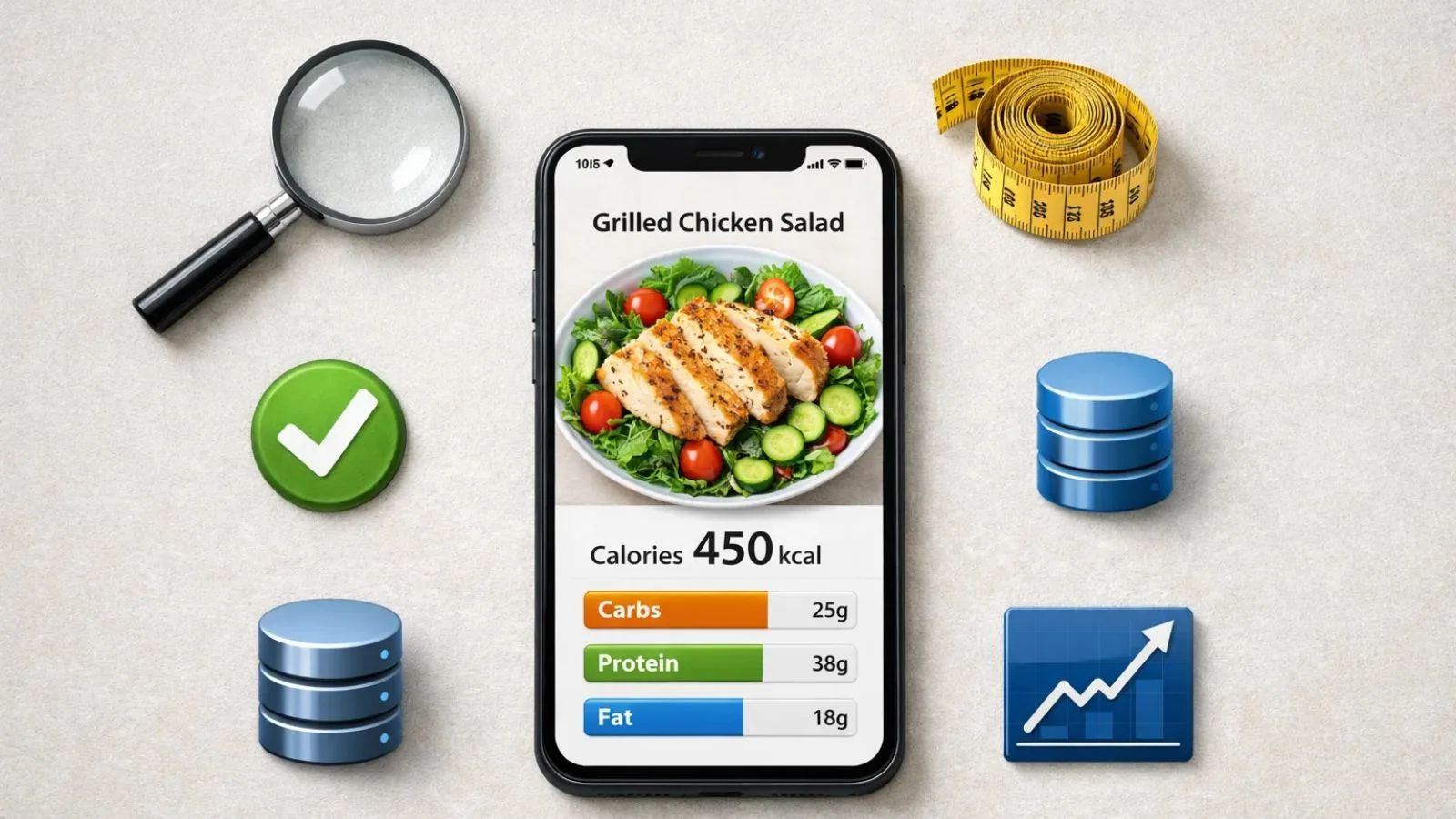
Not all apps are created equal, and choosing the right one comes down to a few key factors. First, the accuracy of recognition is critical. If the app misidentifies your food, the calorie estimates and nutrient tracking become unreliable.
Portion size estimation is equally important; this is where many apps struggle, so a tool that combines AI with smart visual cues will give you better results. Ease of use also matters: even the most accurate app won’t help if logging feels like a chore.
Database quality is another consideration. Verified data is far more trustworthy than a huge but inconsistent database. Finally, insights and tracking capabilities can make a difference, giving you trends and actionable suggestions rather than just raw numbers. In short, the best AI calorie counter balances accuracy, usability, and useful data.
Are AI Calorie Counters Actually Accurate?
AI calorie counters are improving rapidly, but they’re not perfect. They work best when meals are simple, clearly visible, and made from common ingredients. Complex dishes, hidden components, or mixed foods like stews, curries, or elaborate bowls can reduce accuracy. Portion sizes can also be tricky to estimate from a photo alone.
That’s why the most effective apps combine AI suggestions with manual adjustments, giving you control when needed and improving overall reliability.
Who Should Use an AI Calorie Counter?
These tools are ideal for anyone who wants faster, hassle-free tracking and struggles with staying consistent. People who prefer visual logging over typing or are focused on weight loss and fitness goals will find them especially useful.
That said, AI calorie counters might not be the best option for individuals requiring medical-level precision or for highly controlled diet plans, where every gram counts. For most everyday users, however, these apps simplify tracking while keeping it reasonably accurate.
Also Read,
Conclusion
The rise of the AI calorie counter has transformed nutrition tracking. What once required manual logging and guesswork can now be done in seconds using photo recognition technology. Choosing the right app comes down to your priorities: if speed and simplicity are most important, MyFitnessPal is a good option.
For detailed nutrient tracking, Cronometer stands out. Those looking for AI-first tracking experiences may prefer SnapCalorie. But for most users, Calorie Tracker Buddy provides the best balance, combining accurate AI tracking with an easy-to-use interface. Ultimately, the best tool is the one that makes consistent tracking simple, accurate, and sustainable for your lifestyle.
FAQs
1. Which AI calorie counter with photo recognition is best?
For most users, Calorie Tracker Buddy offers the best combination of accuracy and ease of use. Apps like SnapCalorie also provide strong AI-powered photo tracking, but may have smaller food databases.
2. How accurate is photo recognition calorie tracking?
Photo recognition technology is fairly accurate for simple meals, but it can vary with complex dishes. Most apps allow manual adjustments to improve results.
3. Can AI calorie counters replace manual tracking?
AI counters significantly reduce effort, but are not perfect. Manual adjustments for mixed meals or hidden ingredients help maintain accuracy.