


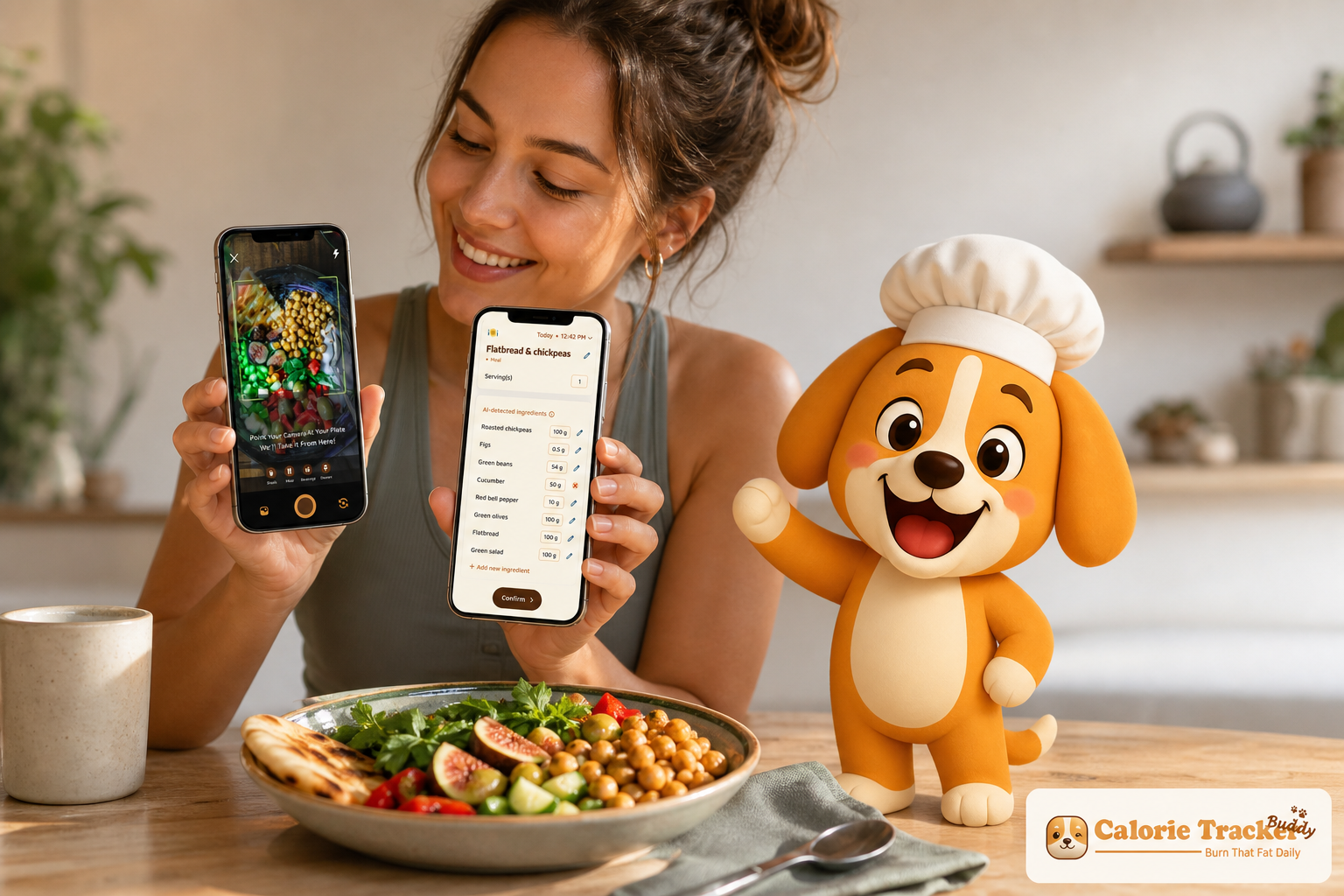
Busy people don’t fail calorie tracking because of willpower. They fail because the process is slow and rigid. The fix is simple: use a calorie tracker with coaching and challenges, and set up a 30‑second logging workflow. In 2026, the most reliable way to stay consistent is to make logging fast, add adaptive nudges, and swap “discipline” for short, finite streaks.
Here’s the direct answer up front: you need three pieces working together, speed (under 30 seconds per meal), coaching that gives real‑time feedback and predictions, and short challenges that keep you engaged without chewing up your focus.
I’ve been that person with a calendar that looks like Tetris. I’ve also watched food logs fade out by day 10. You’re not broken. Most apps assume you have 15–20 minutes per meal to search databases, build custom recipes, and analyze macros. That’s a non‑starter on a packed Tuesday in 2026.
Instead, you’ll use photo logging or scanning to capture meals fast, let coaching convert those snapshots into practical tips, and run 7‑day micro‑challenges that feel winnable. This article gives you a full, no‑guilt system you can run in real life. It’s education first, product second, with specifics you can act on today. We evaluated calorie-tracking tools based on factors such as food database quality, ease of logging, barcode scanning capabilities, goal-setting features, reporting tools, and overall usability. This guide summarizes the findings to help readers choose a solution that fits their lifestyle and tracking preferences.
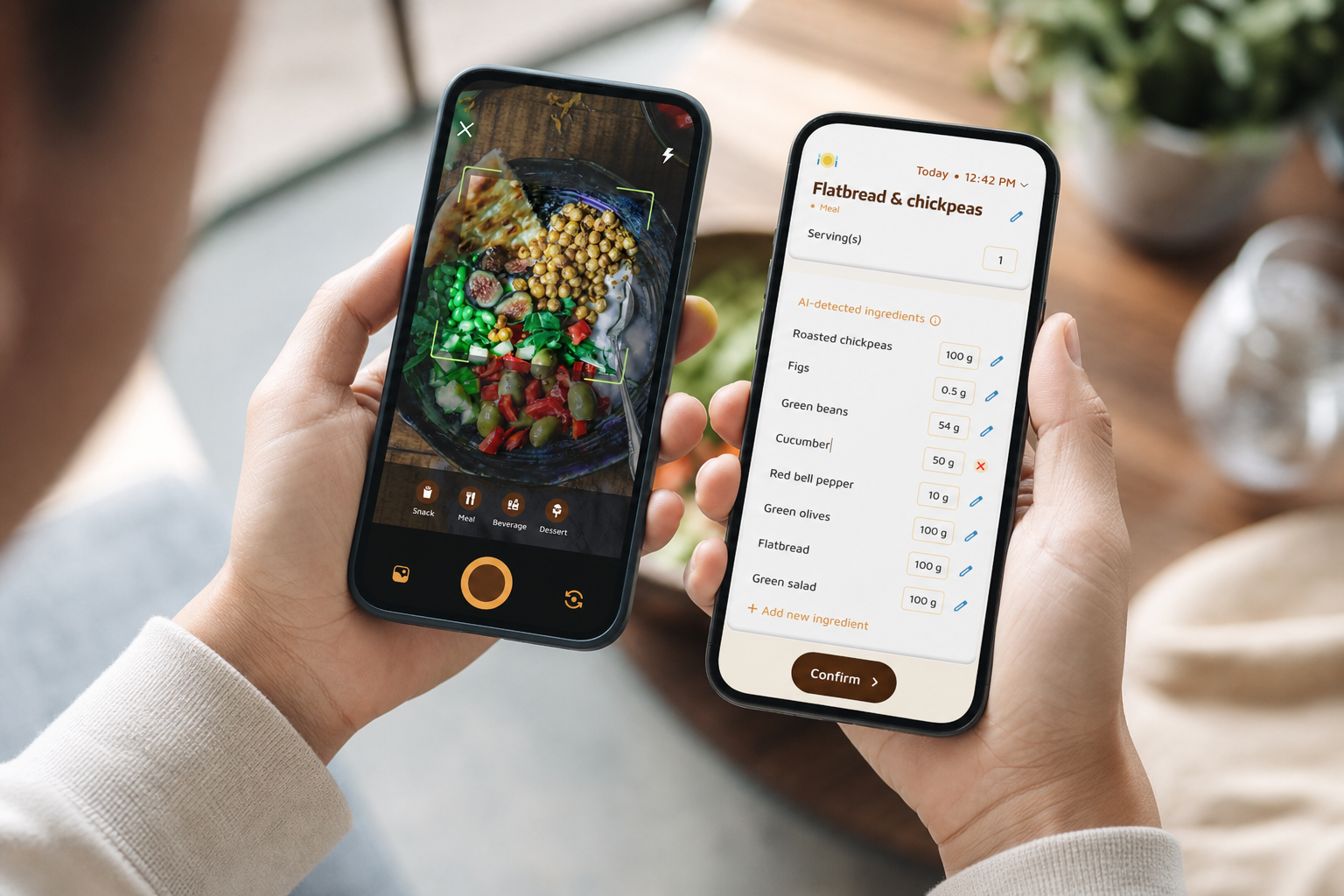 take meal photo (0:30), 2) get real-time feedback and goal prediction, 3) complete a 7-day micro-challenge; modern UI, mobile screen mockups, friendly colors)
Why Calorie Tracking Fails for Busy People (And What Actually Works)
You probably tried to log every bite in MyFitnessPal or a spreadsheet. It went great for a week, then a work fire drill hit, and logging stopped. That drop‑off isn’t about grit. It’s because the default workflow is slow: manual search, portion math, and macro checks, all during lunch.
What works for busy people is a system that reduces friction and adds lightweight rewards. Photo‑based tracking lets you snap your meal and get calories and macros in seconds. Real‑time feedback helps you adjust while it still matters (“Add 20g protein to hit your target”). Custom challenges or streaks give you a simple “win” to chase without thinking about the whole month.
Moreover, research on “implementation intentions” (the if‑then planning that powers habit stacking) shows that pre‑deciding a tiny action at a trigger point increases follow‑through. For a quick primer, see the Wikipedia overview of implementation intention. In practice, that means: “If I sit down with my lunch, then I snap a photo before the first bite.” No debate. No delay.
In addition, small, finite goals beat vague, endless ones. A 7‑day “log every lunch” streak gives you a finish line and a dopamine nudge each day you check the box. As a result, you don’t need to “feel motivated” for 30 days straight. You only need to win today.
The Three Fixes That Make It Work
- Under‑30‑second logging: photo snaps, voice notes, or barcode scans.
- Built‑in coaching: real‑time meal feedback plus goal predictions per meal.
- Short challenges: 7‑day streaks you can restart after a miss.
Furthermore, modern tools can translate photos into calorie estimates, flag missing protein, and even suggest simple swaps. That’s the blend you’re after: speed, guidance, and bite‑size wins in a single calorie app.
Also Read!
The 5-Step Calorie Tracking System for People With No Time
You’ll set this up once. Then it runs in the background while you live your life. The whole point: no guilt, no all‑day dashboard watching, and no 20‑minute meal logs.
Step 1: Set Your Baseline in 5 Minutes
First, set a starting calorie target. Per day, your total daily energy expenditure (TDEE) is your base burn × an activity factor.
- Simple path: TDEE ≈ body weight (lb) × 14 (lightly active) to × 16 (very active).
- Prefer formulas? Estimate BMR, then multiply by activity. Don’t chase perfect math — you’ll refine based on two weeks of real data.
Then pick a moderate target. For fat loss without rebound, aim for a 300–500 kcal daily deficit. Consistency beats precision. If you’re within ±100 kcal on busy days, you’re on track.
For context on how long habits take to solidify, a 2009 study reported a median of 66 days (range 18–254) for a new habit to form (Source: European Journal of Social Psychology via PubMed). Therefore, give yourself at least eight weeks before you judge results.
Step 2: Choose a 30-Second Logging Method
Second, lock in the fastest capture method for you.
- Photo logging: Fastest for mixed meals and takeout. You snap, the app identifies foods, estimates portions, and logs calories and macros. Great when you don’t have a label.
- Voice logging: Hands busy? Dictate “grilled chicken wrap and an apple.” Good for drivers or parents wrangling kids.
- Barcode scanning: Most accurate for packaged items. Not great for restaurant meals.
Moreover, look for extras that save time on the go: an AI menu scanner for restaurants, and offline logging that syncs later so planes and subways don’t break your streak. If you like a structured walkthrough, this site’s daily calorie tracker article includes a simple daily checklist you can copy.
Step 3: Turn On Coaching Nudges
Third, enable coaching features on day one.
- Real‑time meal feedback: “This bowl is low on protein; add Greek yogurt or eggs.
- Personalized tips tied to your activity and progress: “You’re 2,000 steps from your 10,000 target; a 15‑minute walk balances dinner.
- Goal predictions per meal: “If you eat this as‑is, you’ll end the day +220 kcal over target.
Furthermore, coaching should track macros, water, and exercise in one place. And it should show real‑time updates on calorie burn and steps so you can make same‑day calls instead of next‑week regrets.
**Try fast photo logging today →
Step 4: Use Challenges Instead of Willpower
Fourth, replace willpower with finite micro‑challenges.
- “Log every lunch this week.
- “Hit your protein target on 5 of 7 days.
- “Take a photo of every snack after 3 p.m.
Because the goal is short and specific, your brain gets a quick reward loop. You don’t need to summon motivation for a month. You need one small win today. As a bonus, streaks can include a virtual buddy or pet that “levels up” with each win, a simple way to turn behavior into a visible streak.
If you want a bigger buyer’s view of how different apps build challenges, this 2026 breakdown is a helpful read: Best Calorie Tracker with Coaching for Weight Loss in 2026.
Step 5: Batch Your Review on Sundays (10 Minutes)
Fifth, stop doom‑scrolling your dashboard. Spend 10 minutes every Sunday.
- Calorie trends: Were you under/over by more than 1,000 kcal for the week?
- Macro ratios: Did protein lag on travel days?
- Meal patterns: Which meals push you off plan? Late‑night snacks? Friday takeout?
As a result, you’ll make one or two tweaks for the next week. For instance, move protein to breakfast on early‑meeting days or pre‑log a go‑to lunch for travel. Then run the next 7‑day challenge.
5 Mistakes Busy People Make with Calorie Tracking and Coaching Apps
Even with a solid plan, a few traps can stall progress. Here’s what to watch for and how to fix it fast in a coached, challenge-based tracker.
1) Manually Entering Every Ingredient
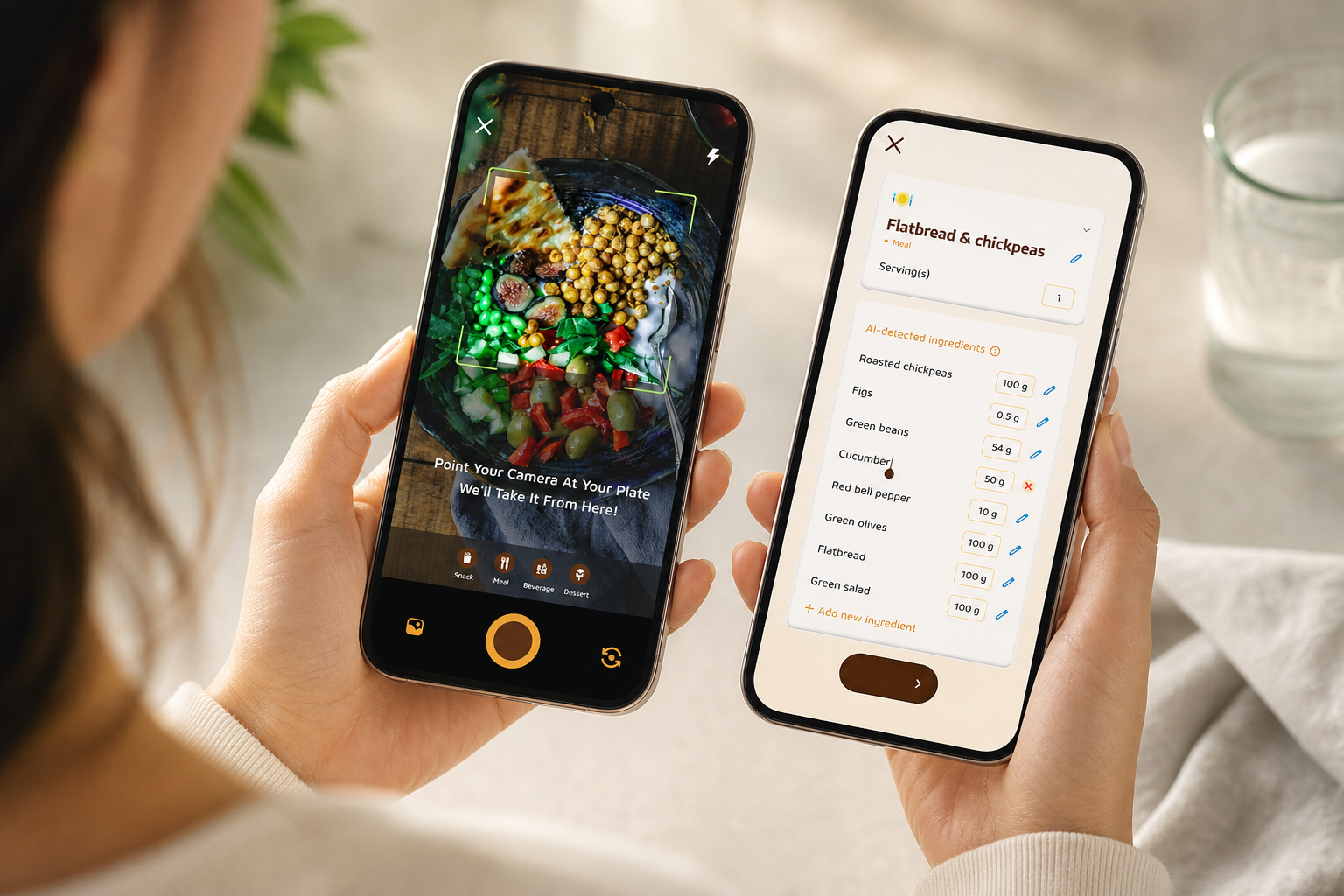
Typing every ingredient for a burrito bowl is slow and adds guesswork. The fix: use photo‑based recognition or barcode scans as your default. Snap first; edit only if needed. Moreover, offline logging keeps you moving when signal drops and syncs later without breaking your streak.
2) Ignoring the Coaching You’re Paying For
Downloading an app with coaching but leaving notifications off is like hiring a tutor and skipping every session. The fix: turn on real‑time meal feedback for the first 30 days. Specifically, read the note, make a tiny change (add 20g protein, swap a side), and move on. Those micro‑adjustments stack up.
Many people find that streamlined calorie logging and automated tracking features help them maintain healthier habits more consistently than traditional pen-and-paper food journals.
3) Setting a Deficit That’s Too Aggressive
A huge cut Mon–Thu often triggers a Fri–Sun rebound. The fix: use meal‑level goal predictions. If lunch puts you on track for a large deficit, you can add a snack now rather than “breaking” later. Therefore, you hold steady rather than yo‑yo.
4) Not Syncing With Your Watch or Phone
If you wear a tracker but don’t connect it, your calorie burn is off. The fix: sync with Google Fit or Apple Health so steps and workouts flow into your log. Furthermore, daily step tracking (a 10,000 steps/day goal) keeps your non‑exercise activity visible, which matters more than we think on desk‑heavy days.
5) Quitting After One Missed Day
Perfection is brittle. Systems are resilient. The fix: use streaks and gamified cues (a virtual buddy that grows as you make healthier choices, daily challenges that reset) to bounce back the next day. As a result, missed days don’t end the run; they become part of a longer, more honest streak.
If you want to see how logging workflows differ between tools that busy people try, this comparison breaks it down cleanly: myfitnesspal vs calorie tracker buddy.
Also Read!
Tools and Apps That Combine Calorie Tracking with Coaching
There are three broad paths that blend tracking with guidance. No single option is perfect. Your best choice hinges on budget, time, and how much accountability you want.
1) Built‑In AI Coaching Apps
These include behavior‑focused tools like Noom. They add lessons and quizzes to teach food choices. Pros: strong education and psychology. Cons: higher cost and time‑intensive daily tasks. If you love reading lessons and want deeper behavior change work, this lane fits.
2) Community Coaching and Challenges
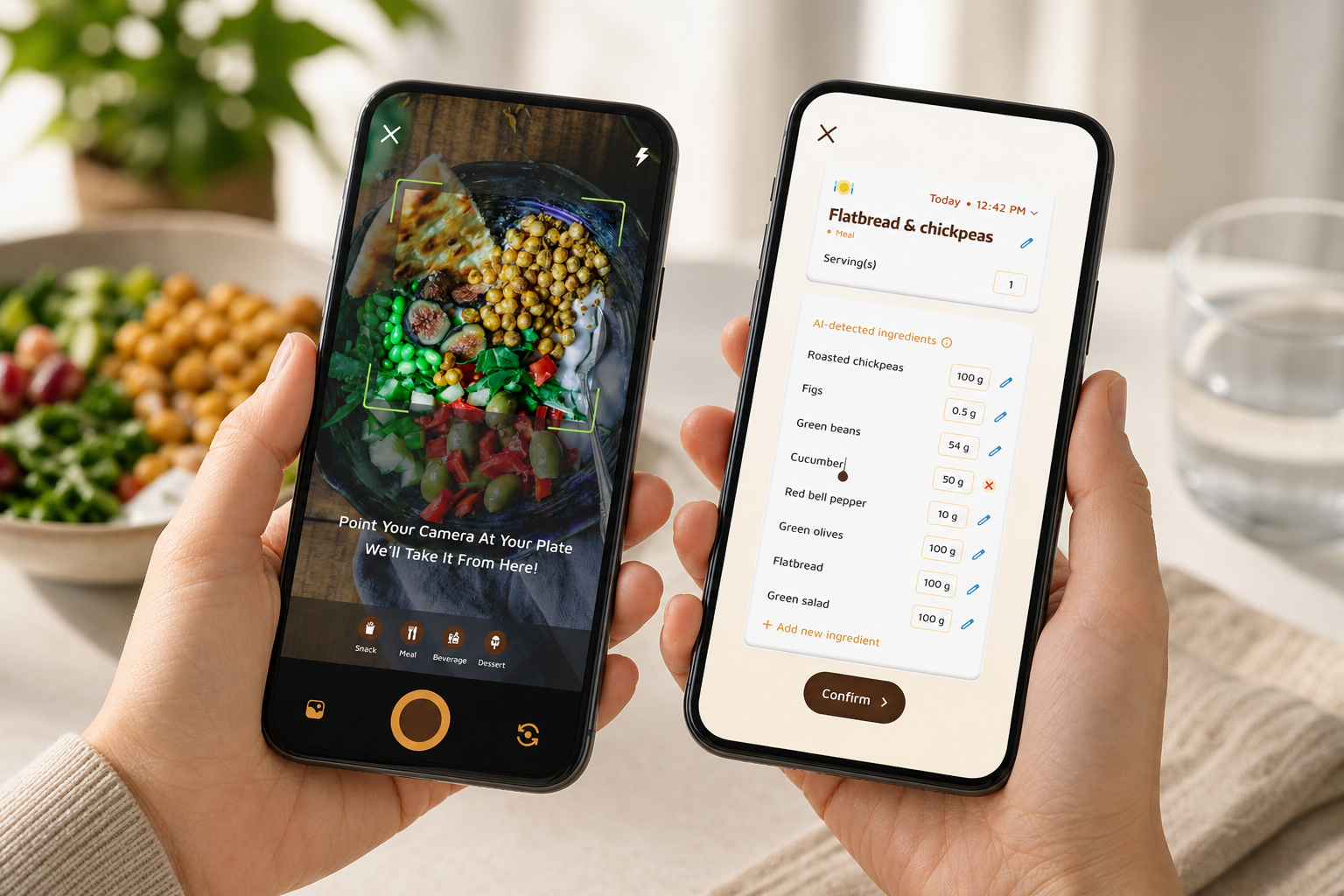
Tools like Calorie Tracker Buddy combine photo‑based meal logging (fast), a Fitness Coach mode for tailored tips and challenges, goal predictions that show how each meal affects your week, and a virtual buddy/pet that “levels up” as you log. Pros: quick capture (under 30 seconds per meal), adaptive nudges, custom challenges, and offline logging so travel doesn’t break your streak. Cons: fewer long‑form lessons. If you value speed plus light coaching, this lane helps a lot.
For a balanced buyer’s look at behavior‑heavy apps versus fast‑logger apps, see this 2026 write‑up: Calorie Tracker Buddy vs Noom for Weight Loss: Which Is Better for Calorie Tracking with Coaching?.
3) Human Coaching With a Shared Dashboard
Some coaches use platforms like Trainerize or MacroFactor to review your logs and adjust weekly. Pros: high accountability, custom tweaks. Cons: higher cost, scheduling, and you still need a fast logging method. This can work well if you’ve got a history of going dark without a person checking in.
Moreover, check for essentials across all three: photo logging, real‑time feedback, personalized tips tied to your activity, custom challenges, and dietary preference filters (allergies matter on rushed days). In addition, offline logging is crucial if you commute, ride the subway, or fly for work in 2026.
If you want more options across price points, this round‑up is helpful: best calorie tracker apps.
Key Takeaways and What to Do This Week
- Fast beats perfect: under 30 seconds per meal keeps you logging on busy days.
- Coaching matters: real‑time tips and goal predictions prevent late‑night course corrections.
- Short wins stick: 7‑day challenges build streaks without burnout.
- Batch thinking: the 10‑minute Sunday review guides next week’s small tweaks.
- A calorie tracker with coaching and challenges works best when it syncs steps, supports offline logging, and shows meal‑level impact.
Your Week 1 Plan
- Day 1 — Calculate your TDEE and set a moderate daily target (a 300–500 kcal deficit if your goal is fat loss). Write it down.
- Day 1–2 — Download a coaching‑enabled tracker and log meals using the fastest method available (photo snap first, then edit if needed).
- Day 3–4 — Enable notifications for coaching nudges and set your first 7‑day micro‑challenge (for example, “log every lunch”).
- Day 5–7 — Track without judgment. Note which meals are easiest and hardest to log and which ones push calories over target.
- End of Week 1 — Do a 10‑minute Sunday review. Choose one tweak for next week (like pre‑logging a travel‑day lunch).
Remember, the goal isn’t perfection. It’s building a system that survives a busy Tuesday. Even logging 4 of 7 days puts you ahead of most people trying to track without a plan in 2026.
**Start your 7‑day challenge →
For a deeper system overview with extra checklists, this 2026 article is a solid next read: calorie tracker with fitness coaching and challenges 2026 guide.