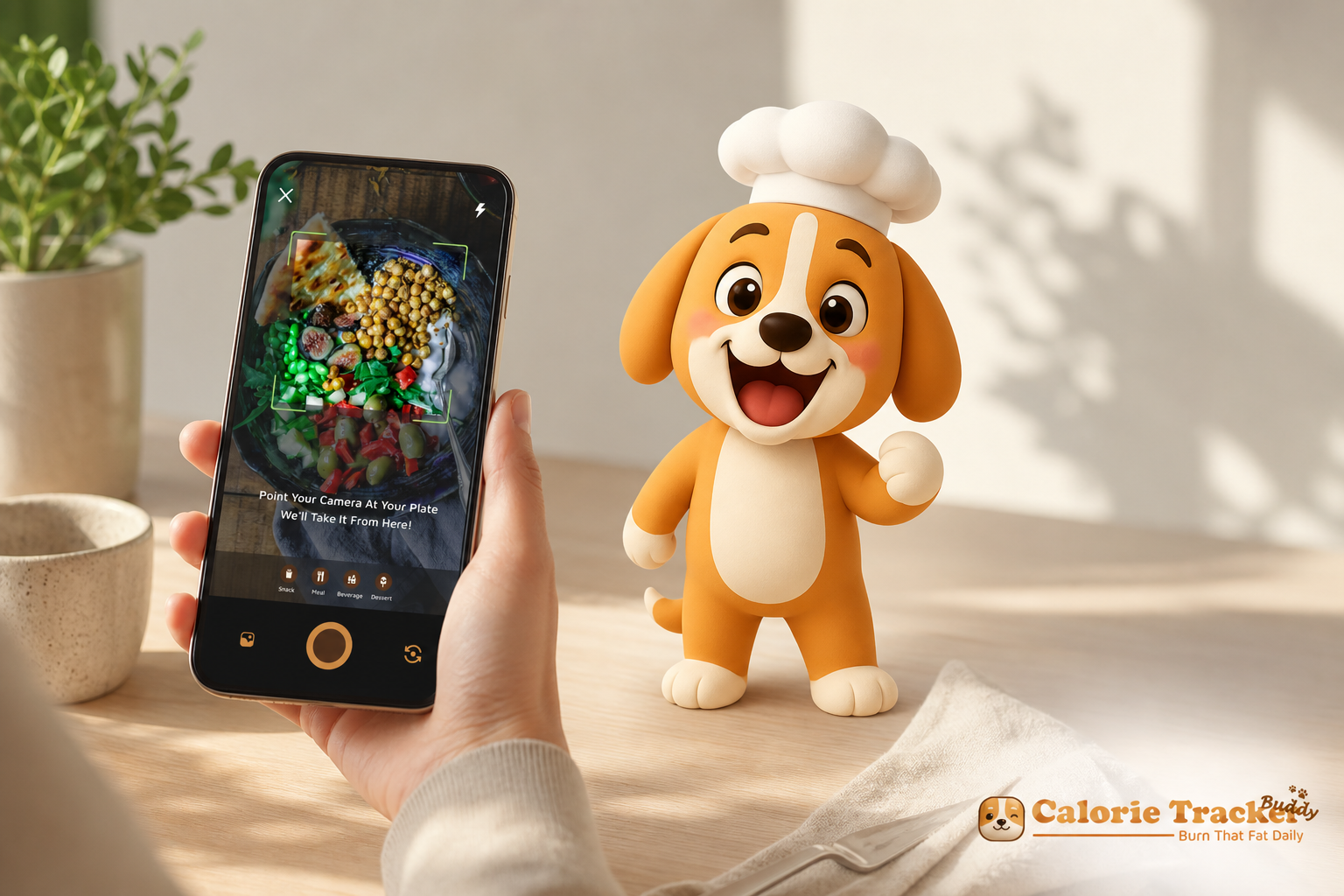
If you’re curious about gamified calorie tracking with virtual pet motivation, this beginner-friendly guide shows how to turn food logging into a habit you enjoy rather than dread. You’ll learn the basics, the psychology, and a simple first-week plan you can follow today.
Download free on Android today →, it breaks it down.
What Is Gamified Calorie Tracking and Why Does It Work for Beginners?
Quick definition and beginner benefits
Gamified calorie tracking with virtual pet takes a standard food log and adds a light layer of play. You still log meals. But now, each action nudges a virtual buddy that “grows,” smiles, or earns badges when you hit goals. For beginners, that small spark makes the habit feel less like homework and more like care.
The psychology in plain English
Psychology explains why this helps in the first two weeks. First, extrinsic motivation (points, streaks, badges) can bridge the gap while you build intrinsic habits. Second, small variable rewards keep you curious. For example, a surprise badge for three days straight can feel like a high‑five.
Research on operant conditioning shows that timely feedback and rewards reinforce the exact behavior you want to repeat.
In addition, progress visualization matters. You don’t just “know” you stayed under your goal, you see your pet level up, your streak light up, and your progress ring move. Therefore, the act of logging becomes its own reward. Over time, that gentle loop can replace dread with momentum.
Let’s define a few terms so you’re not lost:
- Gamification: Adding game‑style elements (points, badges, streaks) to a non‑game task to make it more engaging.
- Virtual pet/buddy: A small character that reacts to your habits — it grows, smiles, or levels up when you log meals, water, or steps.
- Streaks: How many days in a row you complete a task, like logging dinner or hitting steps.
- Progress rewards: Milestones (e. g., 7‑day streak badge) that your app gives you as you build consistency.
Why beginners quit — and how a virtual buddy helps
Most new trackers quit in 2 weeks because logging feels endless and joyless. With a pet‑style tracker, each meal is a small win that changes what you see on screen right away. Moreover, you build an emotional bond with the buddy, which creates light accountability. You’re not doing this “for the app”, you’re doing it for your little sidekick.
“I’ve been using Calorie Tracker Buddy for five weeks, and I’ve already lost 4kg! The app keeps me motivated with my little buddy cheering me on. I didn’t have to cut out my favorite foods — it’s about balance.” — Alex Sim
If you want a starter on picking tools in general, here’s a friendly walkthrough of calorie tracking apps.
Also Read!
Best Calorie Tracker with Virtual Pet for Beginners in 2026
Calorie Tracker Buddy vs Lose It! for Beginners: Which Is Better for AI Photo Calorie Counting?
How to Start Gamified Calorie Tracking in 5 Steps
You can start today. Keep it simple. Here’s a five‑step framework I wish I had in week one.
Step 1) Set a simple calorie goal
First, get a rough Total Daily Energy Expenditure (TDEE) from any reputable free calculator. Don’t overthink it. Pick a moderate goal and round to the nearest 100 for ease. For example, if your TDEE is 2,150, try 1,900–2,000 for weight loss or 2,200 for maintenance.
Furthermore, remember the basics of energy balance, the CDC has a plain‑English explainer on calories and your weight.
- Practical tip: If you’re unsure where to start, choose a small 250–300 kcal deficit rather than a crash approach. Slow-and-steady progress is easier to maintain and less likely to spike hunger.
- Example: TDEE 2,400 → Start at 2,100–2,200 kcal. Adjust by ±100 kcal after two weeks based on energy and progress.
Step 2) Choose an app with virtual pet gamification
Second, pick an app that adds a virtual companion and removes friction.
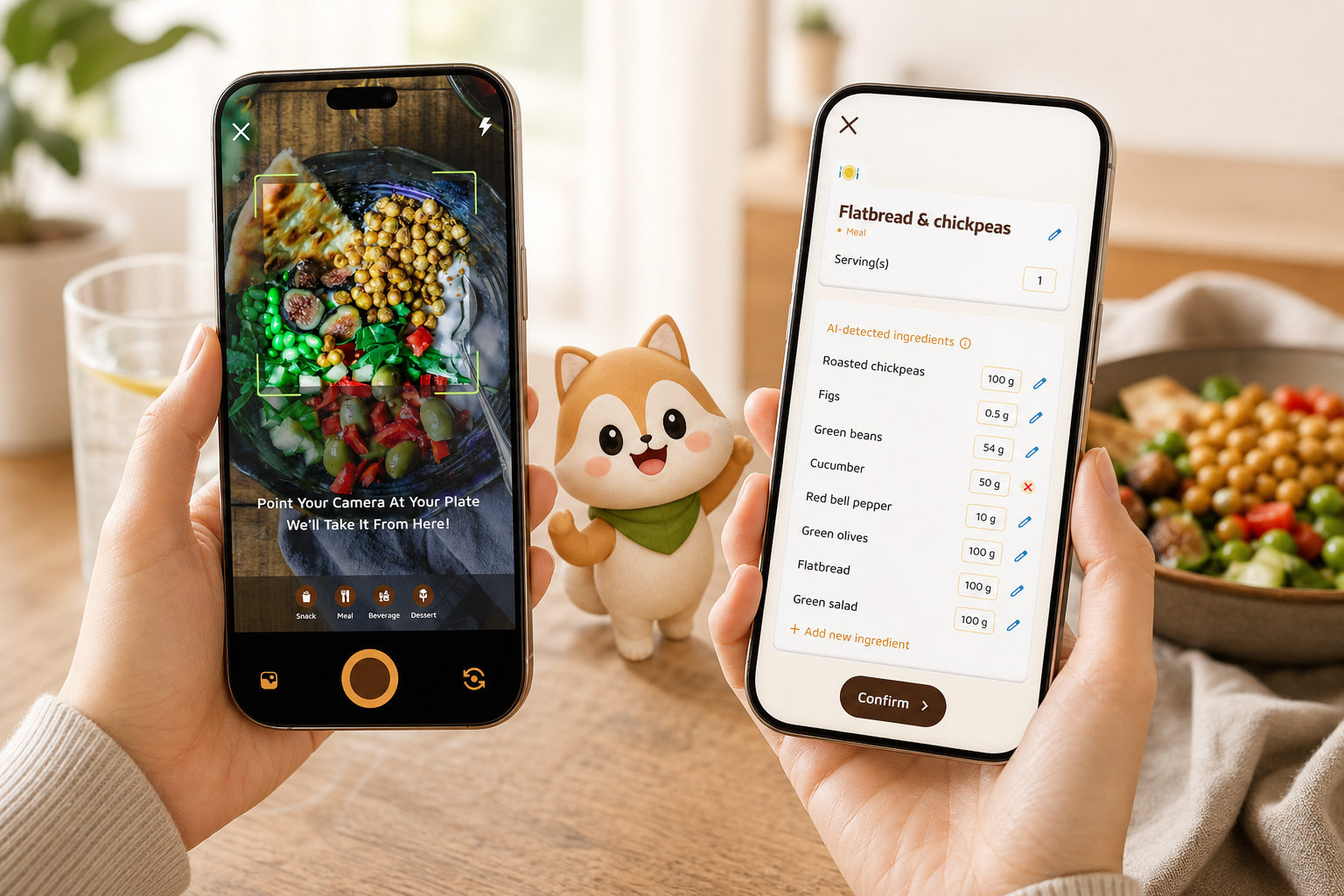
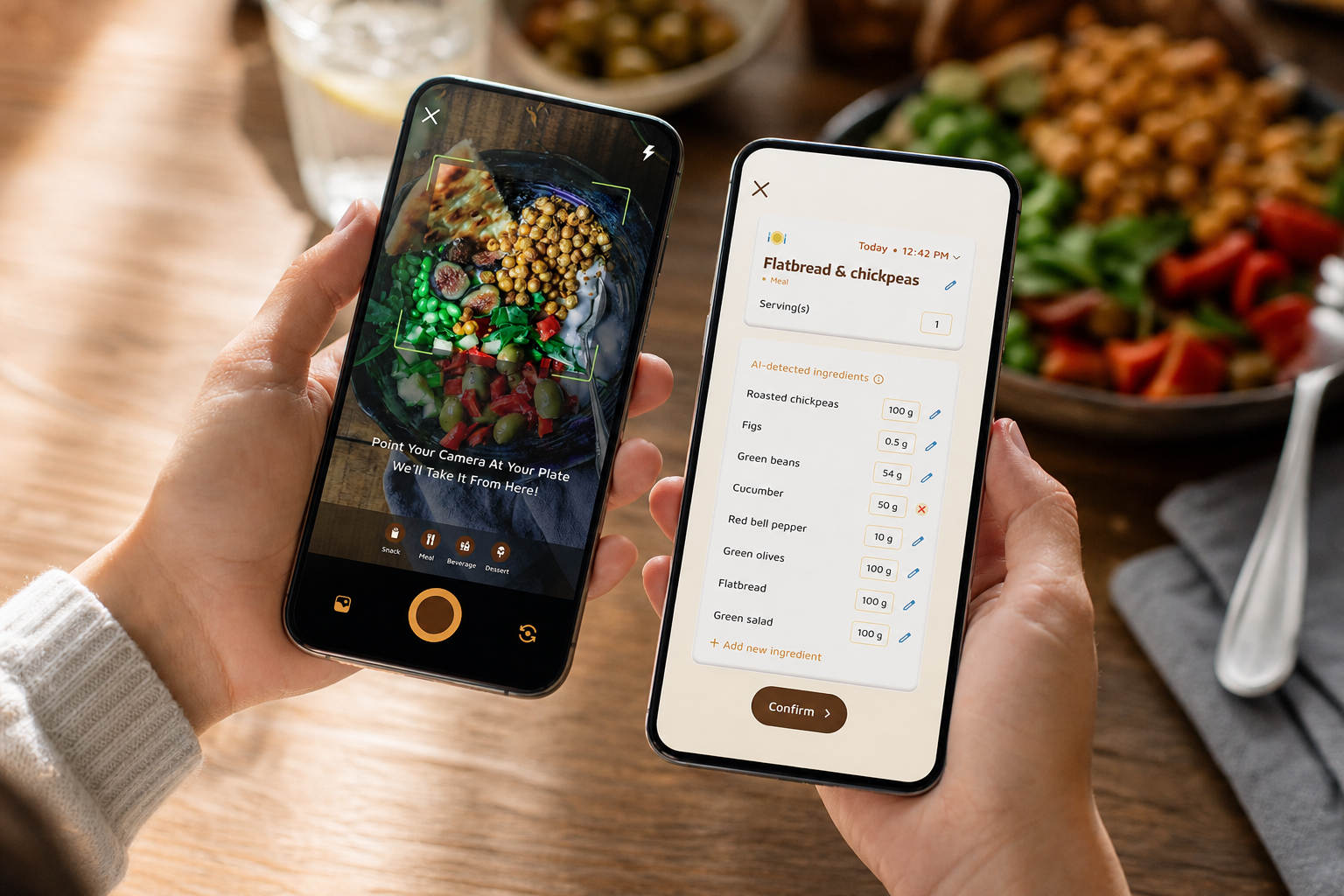
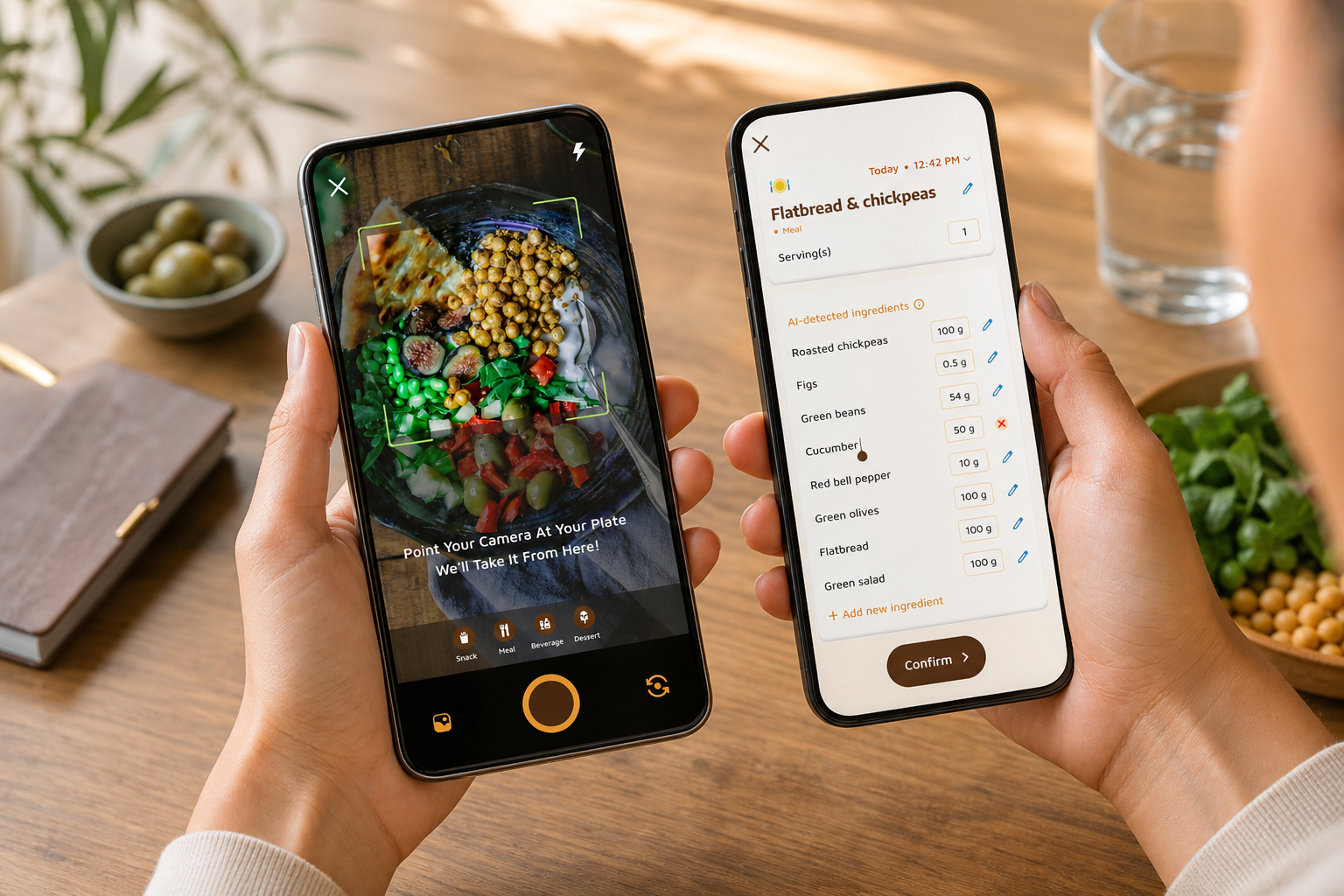
- Photo‑based logging so you can snap meals and get calories and macros with less typing.
- Real‑time feedback on meals and snacks.
- A pet or buddy that reacts to your habits with growth, mood, or badges.
- Goal predictions that show how each meal affects your day.
- Daily step tracking (10,000 steps/day is a common target) and calorie intake/burn views.
- Optional: Barcode scanning and favorites for repeat meals to keep logging under 60 seconds.
Step 3) Log your first three days without changing anything
Third, just observe. Snap every meal and snack for 3 full days. No “perfect” days.
As a result, you’ll have a baseline to work with rather than wild guesses.
- Include beverages and bites: milk in coffee, sauces, and late-night nibbles can quietly add 200–400 kcal/day.
- If you eat out, take a quick photo and add a note like “half portion” or “no fries” so your future self remembers.
Starting here prevents overwhelm and shame spirals. If you like structure, this calorie tracking app tutorial step‑by‑step shows what a clean first week looks like.
Step 4) Engage with the gamification
Fourth, check your pet at least once a day. Aim for a 3‑day streak, then a 7‑day streak. Celebrate small milestones, a new badge, a level‑up, or a day where you hit your step goal. The emotional link to the buddy builds a gentle loop: you log, your buddy cheers, you feel good, you log again.
- Micro-rewards matter: unlock a hat for your pet after 3 consistent breakfasts, or a “night owl logger” badge if you fill gaps before bed.
- Set a daily “check pet” reminder during a time you already look at your phone (e. g., after lunch).
Step 5) Add one healthy swap per week
Fifth, use your app’s real‑time tips to pick one swap, once per week.
- Replace one sugary drink with water or a 0‑cal option.
- Add 20 grams of protein to breakfast.
- Walk 10 extra minutes after lunch to push toward 10,000 steps.
- Keep a go-to snack at eye level (Greek yogurt, fruit, nuts) to replace impulse calories.
Moreover, keep weekly upgrades small. Your goal is compounding, not heroics. In week 2, add water tracking. In week 3, glance at macros. By week 4, you’ll have a rhythm, not a crash.
 user entering age/height/weight to get TDEE, 2) selecting an app with a virtual buddy, 3) snapping photos of meals for three days, 4) pet leveling up with streaks, 5) making one food swap; clean, friendly icons)
Quality checks that keep you on track
- If photo logs feel off, add a quick note on portion size (e. g., “2 cups pasta”).
- Use goal predictions to choose dinner if lunch ran high.
- Sync step data if you walk with your phone or watch.
- Keep your streak alive with offline logging if you’re traveling; sync later.
- Sanity-check your day: if you’re starving, you may be cutting too hard. Add 100–150 kcal and reassess after a few days.
By the end of week one, you’ll have data you can trust and a buddy that’s already growing.
Get started free with instant feedback →
Common mistakes and easy fixes
-
Obsessing over exact numbers on day one
Perfection kills consistency. Photo‑based logging gets you about 80% accuracy, which is plenty to see trends. Fix: Round portions, add a quick note if you “eyeball” it, and keep going. In two weeks, you’ll be more precise without the stress. -
Ignoring the virtual pet’s signals
Your buddy’s growth and mood are a feedback loop, not a test. If you skip logs and the pet “declines,” that’s data, not a punishment. Fix: Open the app, add the missed meal from memory, and watch the pet bounce back. The next small win matters more than a perfect day. If you’re off track by dinner, use goal predictions to steer your last meal rather than skipping food. -
Tracking everything at once (macros, water, steps, calories)
Layer habits. Fix: Start with calories in week 1. 5 liters/day).
Add macros in week 3. Then look at exercise calories and step trends. As a result, you’ll build a stack you can keep.
- Skipping social or community features
Sharing boosts follow‑through. Even a private or anonymous post helps. Fix: Post one meal or a streak badge to the app’s community this week.
A tiny dose of accountability raises stick‑with‑it odds. If you need ideas, this note on calorie tracking mistakes covers mindset traps to avoid.
- Treating a “bad day” as failure and quitting the streak
Life happens. Most gamified apps let you recover a streak or earn a “bounce back” badge. Fix: Log the off day anyway. Then stack two solid days. In addition, review real‑time updates on meals, steps, and goal progress so you can steer the next choice, not rewrite the past.
Quick reminder: consistency beats perfection. Your pet celebrates direction, not flawlessness.
Build a simple layering roadmap
- Week 1: Calories + daily check‑in with your pet.
- Week 2: Add water (2.5 L/day) and keep the streak alive.
- Week 3: Skim macros (carbs/protein/fat) and aim for 10,000 steps.
- Week 4: Use goal predictions to plan high‑risk meals.
- Week 5+: Consider adding fiber and protein goals, and try a mini-challenge (e. g., 3 veggie servings/day) with your pet cheering you on.
If you want a broader tour of options, here are the best calorie tracking apps compared for ease and features.
Also Read!
Best Photo Calorie Counter for Busy People in 2026
Calorie Tracker Buddy vs Lose It! for Weight Loss: Which Is Better for AI Photo Calorie Counting?
Best Tools and Apps for Gamified Calorie Tracking in 2026
You have four good paths. Pick the one you’ll stick with in 2026, not the one with the longest feature list.
Feature checklist for 2026 virtual pet apps
-
Fast capture: photo logging, barcode scan, and recent/favorites for 60‑second entries.
-
Smart nudges: real‑time meal feedback, goal predictions, and “course corrector” prompts.
-
Pet dynamics: visible growth levels, mood states tied to habits, and cosmetic unlocks.
-
Movement sync: steps from your phone/watch with progress toward 10,000/day.
-
Offline mode + auto‑sync: keep streaks alive when traveling.
-
Data control: easy export, privacy settings, and delete‑my‑data options.
-
Inclusivity: regional foods, multi‑language support, and customizable reminders.
-
Virtual pet apps (built‑in companion)
Tools like Calorie Tracker Buddy offer a virtual companion that “grows” as you make healthier choices. You’ll get photo‑based meal logging, real‑time feedback, goal predictions, and social sharing in one place. In addition, these tools can sync with fitness trackers like Google Fit, track steps toward 10,000/day, and handle offline logging with auto‑sync. Tradeoff: You get depth and ease, but may pay a small monthly fee for advanced features. -
Standalone gamified habit apps
Habit apps (e. g., Habitica) let you “gamify” tasks and pair them with a basic calorie counter. This gives strong streaks and quests. However, the calorie database and photo logging are weaker, and setup takes longer since you stitch two apps together. -
Fitness trackers with badges and streaks
Wearables like Fitbit or Apple Watch offer badges, rings, and step streaks. They’re great for movement and reminders. On the other hand, food logging can be basic, and there’s no virtual pet emotional hook. -
A spreadsheet with your own rewards
Free and flexible. You can build any system you want and set self‑made rewards. But you’ll track foods by hand, and you lose real‑time nudges. As a result, most beginners stall by week two unless they love spreadsheets.
| Approach | Ease of Setup | Depth of Gamification | Calorie Accuracy | Cost |
|---|---|---|---|---|
| Virtual pet apps | 5–10 min | High (pet, badges, streaks) | High with photo logging | Free tier + paid |
| Habit app + counter | 20–30 min | Medium (quests, streaks) | Medium (depends on counter) | Often free |
| Fitness trackers | 10–15 min | Medium (badges, rings) | Medium | Device + app |
| Spreadsheet | 30–45 min | Low (DIY rewards) | Varies (manual) | Free |
Furthermore, some virtual pet apps include a Fitness Coach mode that can send tailored tips, set custom challenges, and offer motivational support. That can help you adjust in real time rather than guessing. For example, if your lunch puts you ahead of target, a coach prompt might suggest a lighter dinner and a 10‑minute walk, with your pet unlocking a “course corrector” badge.
If you’re still torn, skim this quick guide on the best calorie tracking app tradeoffs so you can choose a tool you’ll actually use.
Privacy and data notes
- Check what’s stored on device vs. cloud and whether your photos are used for model training.
- Look for an explicit privacy policy, data retention timeline, and easy deletion.
- If you share to a community, use anonymous mode if you prefer to keep your profile private.
Pro tip: the best app is the one you open daily. Fewer taps to log = more streaks you’ll actually keep.
Your first 7‑day plan
Try a virtual pet tracker free today →
- Day 1: Log everything you eat, even late snacks. Don’t change habits yet. 2) Day 2: Repeat full-day logging. Check your pet once in the afternoon to keep the streak alive and note any mood changes or level-ups. 3) Day 3: Review the first two days.
Where did most calories come from? Breakfast pastries? Night snacks? Use goal predictions to plan dinner. 4) Day 4–5: Make one small swap based on the app’s feedback.
For example, replace one sugary drink with water. Watch your pet respond with growth or a mood bump. 5) Day 6: Hit your 10,000‑step goal for the first time. Note any badges or pet reactions. If you’re short, add a 10‑minute walk after dinner.
- Day 7: Share your week‑one badge or favorite meal with the community. If you prefer privacy, send a screenshot to a friend. That tiny ounce of accountability helps.
Furthermore, sip toward a Daily Hydration Target of 2.5 liters/day. You can set three water reminders if needed. As a result, you’ll wrap day seven with clear food patterns, a live streak, and a buddy that’s leveling up.
Before you plan week two, remember the basics: energy balance matters (see the CDC’s overview above), and your goal is consistency you can hold for months, not days.
Key Takeaways
- Gamified calorie tracking with a virtual pet turns tedious logs into small wins that build consistency past week two.
- Start simple: round your calorie goal to the nearest 100, log three baseline days, and add one swap per week.
- Use photo‑based logging, real‑time feedback, and goal predictions to steer the next choice, not relive the last one.
- Layer habits: week 1 calories, week 2 water (2.5 L/day), week 3 macros, and push steps toward 10,000/day.
- Pick the tool you’ll actually use in 2026 — the best system is the one that keeps you logging.
- Keep your bond with the virtual buddy alive: open the app daily, collect a tiny win, and let streaks carry you through low‑motivation days.
What to do this week: Pick your app, set a rounded goal, and log three days without changes. Then make one swap, chase a 7‑day streak, and let your buddy cheer you on.
**Download free and start your streak today →
As you build confidence, you can also explore coaching features that offer tailored advice and custom challenges. If you want to guide others, you can learn more here: https://calorietrackerbuddy.