


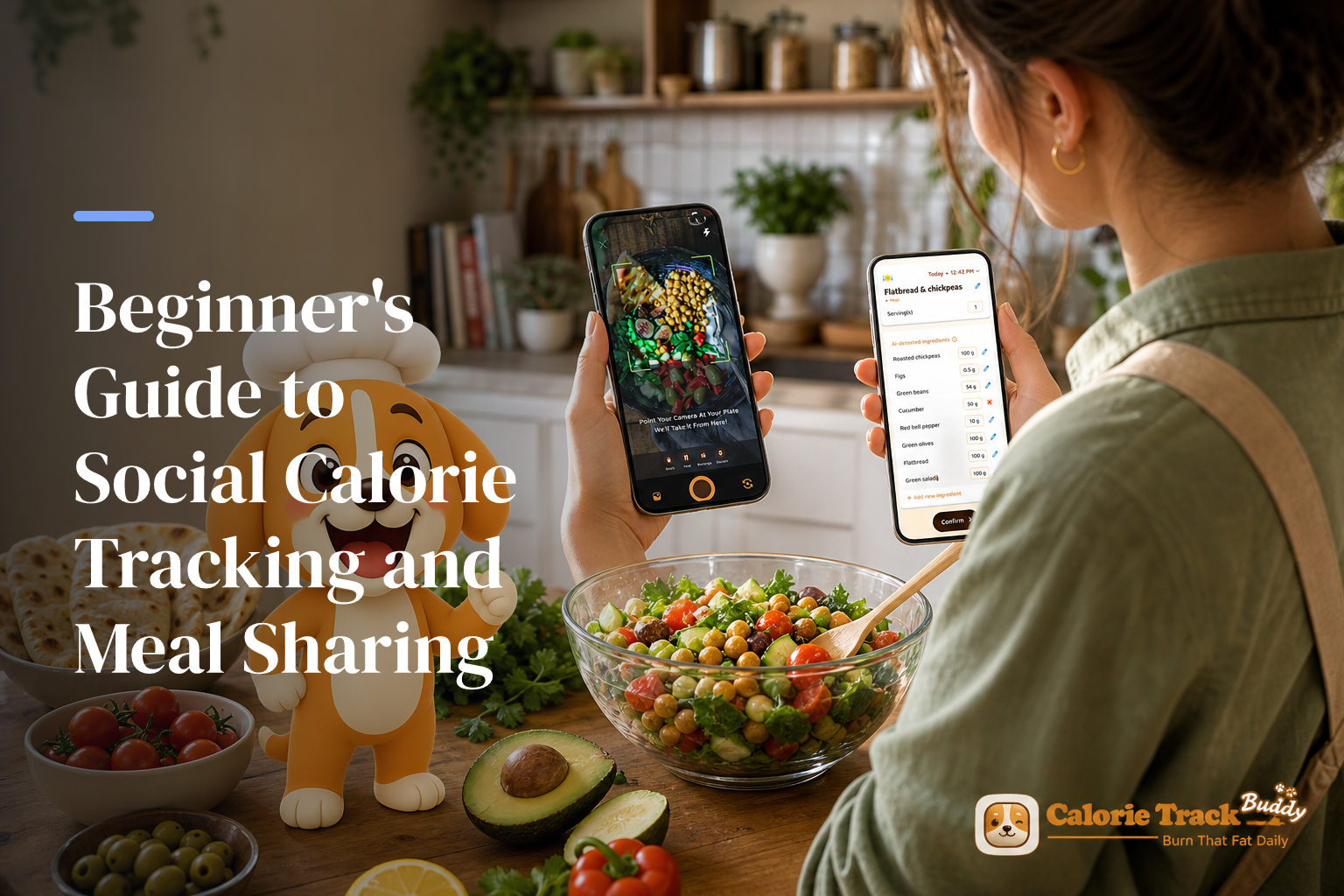
Social calorie tracking with meal sharing taps this effect: in one classic study, people who joined a weight program with friends were 2.75x more likely to keep results at 10 months. This approach builds on this same idea by turning logging into a shared, supportive habit, not a solo chore. In 2026, the fastest way to stick with tracking is to add the social layer early.
Here’s the answer up front: pair basic calorie logging with simple sharing (a photo, a short note), and you’ll add motivation, tips, and gentle pressure to keep going. As a result, you don’t just collect numbers, you build a daily rhythm you’ll still follow next month.
Starting can feel tender. You might worry people will judge your plate or that you don’t “know enough” yet. However, you don’t need perfect plates or perfect math. You need easy wins, kind people, and a loop that nudges you to open the app again. For background on why this works, see how small, repeatable habits beat strict rules in our guides on calorie tracking mistakes and why manual calorie tracking fails.
What Is Social Meal Logging and Why Does It Work for Beginners?
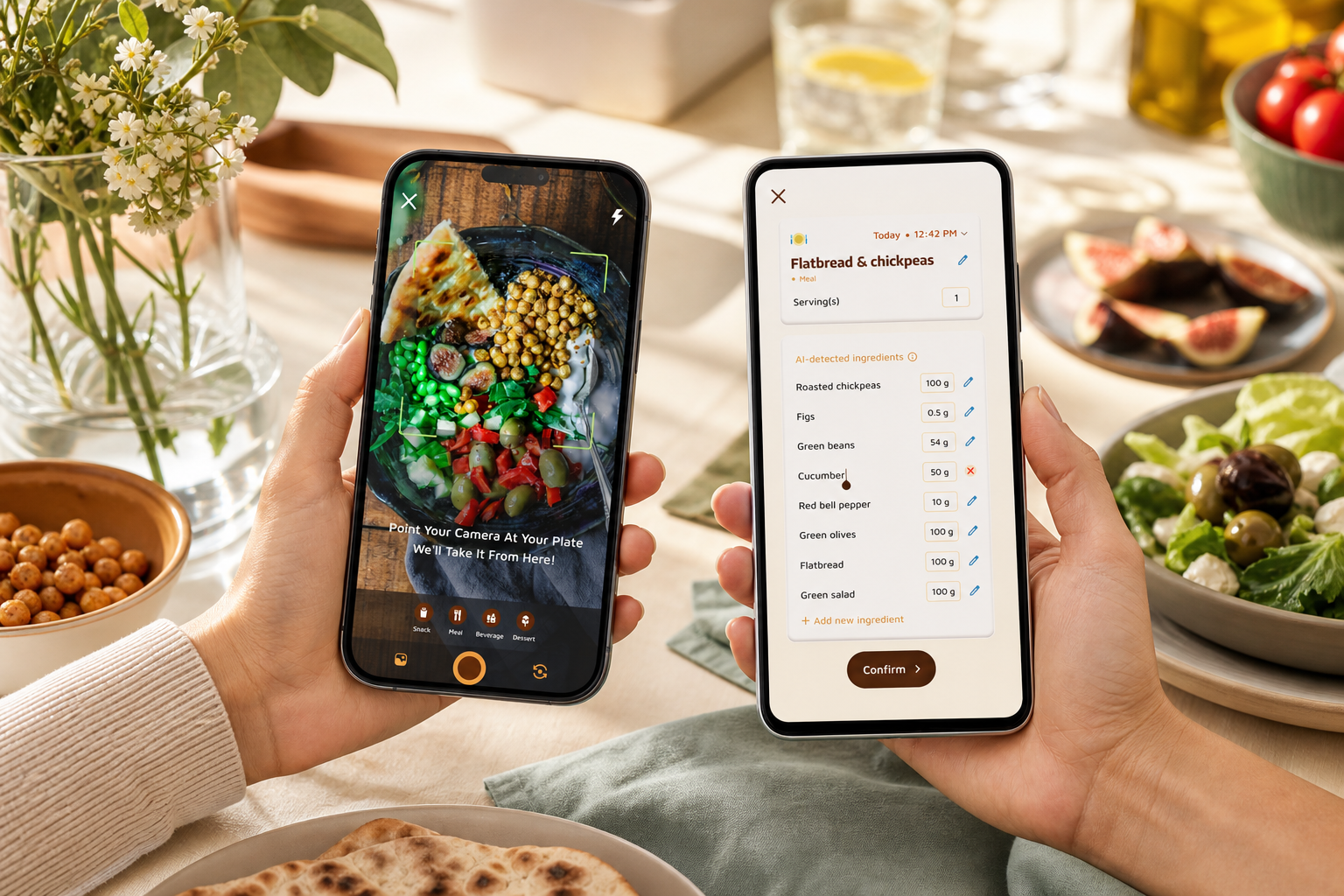
This style of tracking is simple: you count what you eat and share snapshots of meals, progress notes, and small wins with friends or a community. Instead of typing alone in a diary, you post a quick meal photo, add a one‑line thought (“late lunch, added extra greens”), and get kind feedback. That light two‑way flow turns a private task into a shared habit.
Why does it work so well for first‑timers? Accountability. In fact, decades of behavior research show support boosts adherence. For example, participants who enrolled in a program with friends were more than twice as likely to maintain results at 10 months compared with those who joined alone (Wing & Jeffery, 1999. PubMed). Therefore, adding people to your tracking loop helps you show up on the days you’d skip.
However, beginners worry about being judged. You might ask, “What if my meal isn’t ‘healthy’?” Here’s the truth: modern communities value effort over perfection. Moreover, most feeds are full of real plates, not styled shoots. The small note you write teaches others too: “Tried whole‑grain bread today, stayed full longer.
In addition, social features create reasons to re‑open the app: a friend liked your breakfast, a coach posted a tip, your streak needs one more tap. As a result, the habit feels less like homework and more like a quick check‑in.
- What social sharing looks like day to day:
- Snap a photo of lunch and post it with calories or a short thought.
- Share a weekly graph of your steps and water.
- Celebrate a milestone, like “7 days logged.
“Logging meals is fun now — just snap a photo and boom, done. And the little buddy keeps me going.” — Pooja Rao
Also Read!
Best Social Calorie Tracker with Meal Sharing for Beginners in 2026
How to Start Social Meal Logging in 5 Simple Steps
You don’t need to overhaul your life. Start small, build confidence, and then share. Here’s a five‑step path that works.
Step 1: Pick a tracker with built‑in social features
Choose a tool that makes sharing feel natural.
- Photo meal posts (faster than manual entry)
- A community feed and reactions
- Friend requests or accountability pairs
- Real‑time feedback on meals and snacks
- Goal predictions that show how each meal nudges progress
If you prefer quick wins, pick an app with photo‑based tracking and a social posting feed. For a deeper primer, see our picks in calorie tracking apps.
Step 2: Set realistic goals using TDEE (start at maintenance)
Your Total Daily Energy Expenditure (TDEE) is the calories you burn in a day. For week one, set your target close to maintenance. As a result, you’ll learn your routine without the stress of a big cut. Then, if you want weight loss, adjust by a small, steady deficit. Furthermore, set simple add‑ons: protein range, water goal, and step goal.
Pro tip: A starter target of maintenance plus a 10% buffer for logging wiggle room is fine for your first week. You can fine‑tune after 5–7 days of real data.
Step 3: Log your first 3 days privately
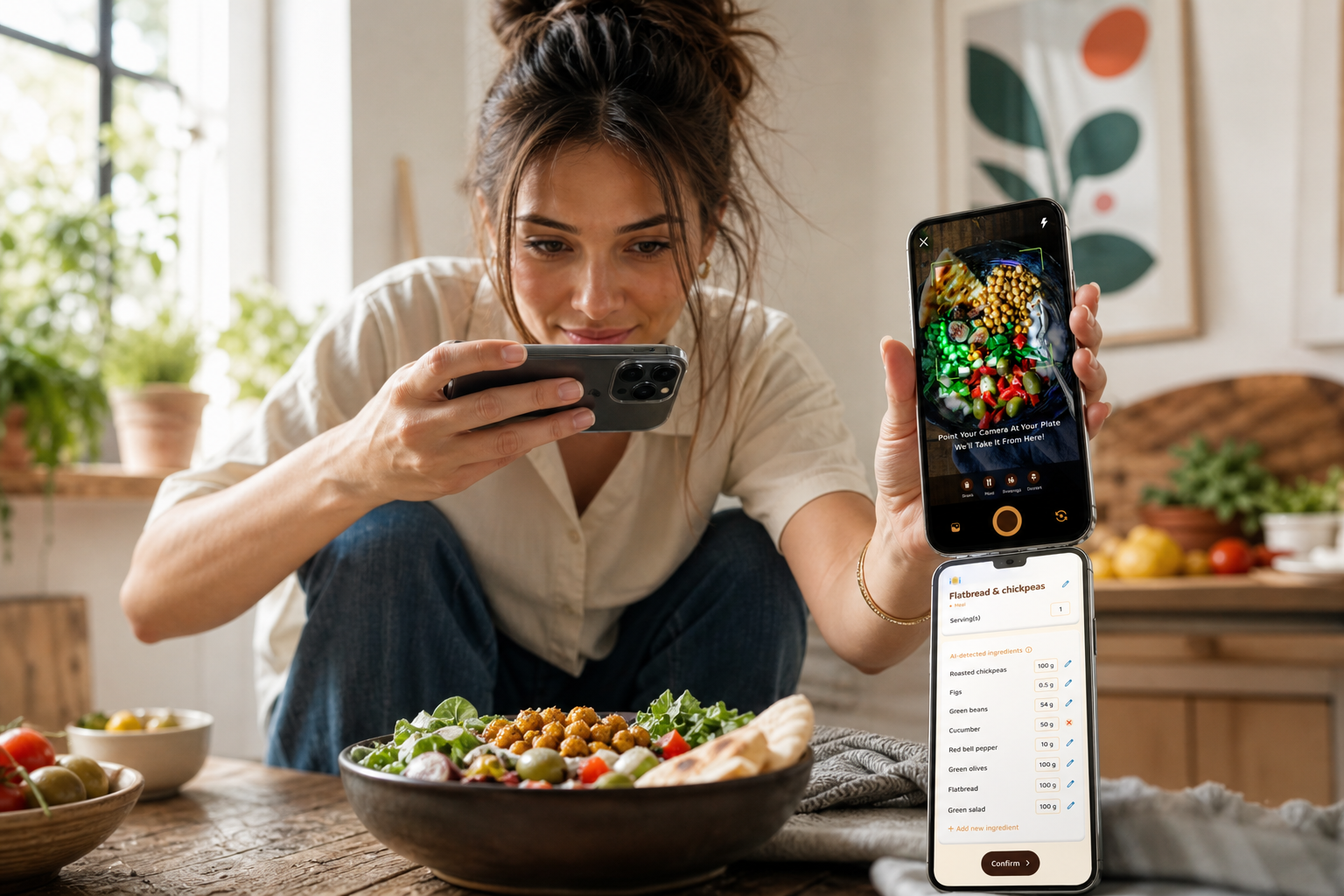
Give yourself a runway. Log breakfast, lunch, dinner, and snacks for three full days with privacy on. In addition, use photo logging to save time and reduce guesswork. The goal is momentum, not perfect math. Therefore, focus on learning your usual portions and times.
Moreover, log as soon as you eat. A 30‑second post right after a meal beats trying to backfill at 9 p.m.
Step 4: Share your first meal post (keep it casual)
On day four, share one meal.
- “Quick oats, banana, peanut butter. Kept me full till noon.
- “Takeout bowl — asked for extra veggies.
However, skip the urge to “perform.” You’re not auditioning. You’re practicing a habit with witnesses who want you to win.
Step 5: Find 2–3 accountability partners or join a beginner group
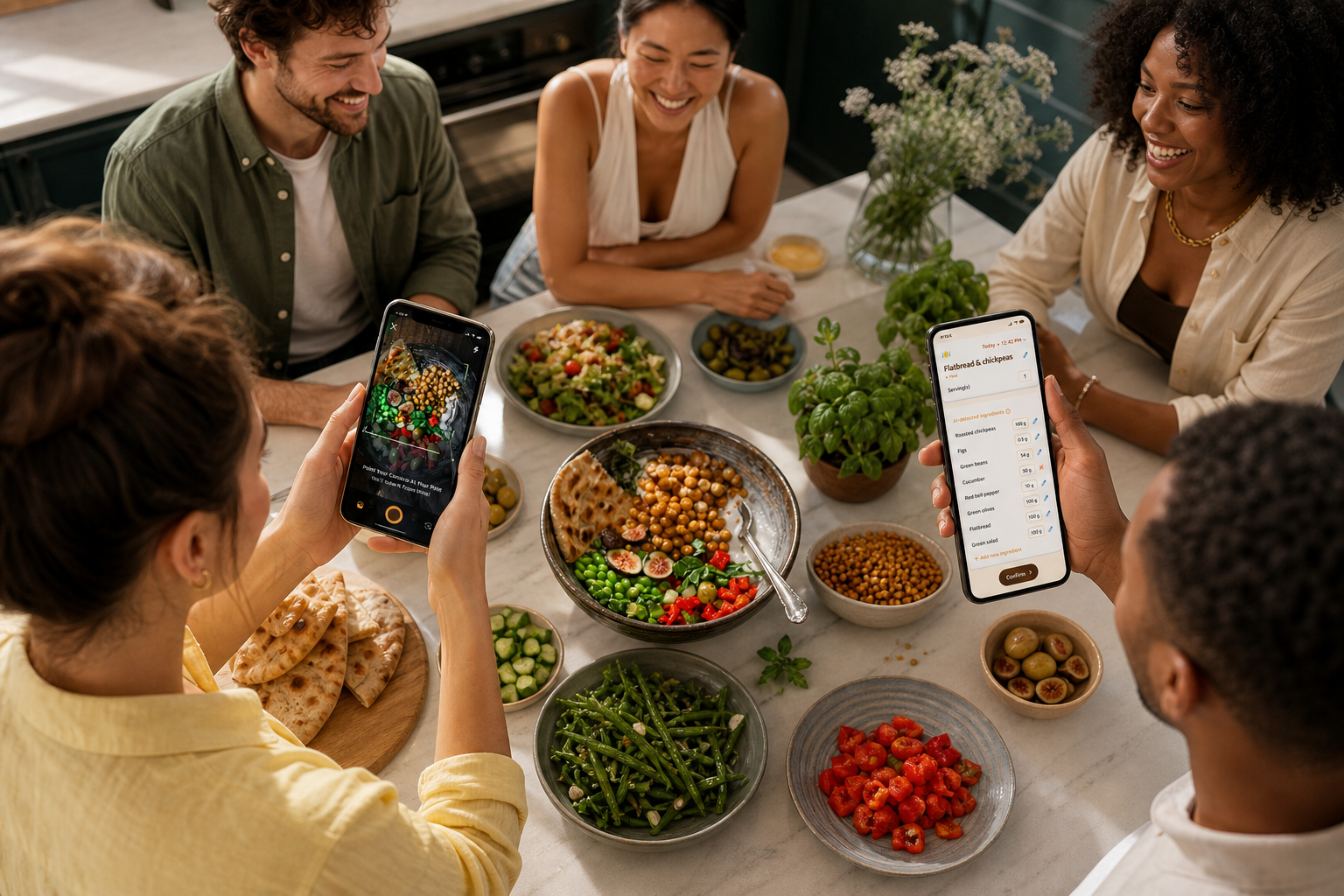
Ask one friend to join you. Or, join a “week one” group inside the app. In addition, comment on two posts per day. As a result, you’ll feel part of a small, steady team. If full tracking feels like a lot, start with one meal per day shared, and add more meals in week two.
Practical tips that make tracking stick:
-
Log right after you eat. It takes one minute. – Use photo‑based logging to skip search and typing.
-
Start with breakfast only for three days, then add lunch. – Track water and steps to see non‑food wins pile up. – Customize for allergies or preferences so the feed fits your life.
“Before using the app, I didn’t know where to start with calorie tracking. But now it’s second nature — the meal snap feature made it easy.” — Aanya Rastogi
5 Mistakes Beginners Make with Social Tracking
Getting stuck is normal. Here are five traps to avoid, plus what to do instead.
Mistake 1: Going “perfect” for 3 days, then quitting
All‑or‑nothing burns you out. Instead, aim for 80% days. For example, log three meals and let snacks be rough notes. As a result, you’ll stay in the game past day three. In addition, schedule one “messy log” day each week. Tracking something beats tracking nothing.
Do this instead: Set a tiny non‑negotiable (share one meal photo per day). Everything else is a bonus.
Mistake 2: Comparing your plate to advanced users
Curated feeds can make normal food feel “less than.” However, you’re building a skill, not a photo album. Therefore, follow beginners and supportive posters first. Moreover, remember that even pros have off days, they just don’t post them.
Do this instead: Save three posts that look do‑able this week and try one swap, not a full makeover.
Mistake 3: Only sharing “good” meals
Hiding the hard meals removes the very support you need. In fact, research shows support improves adherence past the first month. Sharing struggles invites tips you can use at the next meal.
Do this instead: Post a “win and one tweak” caption. Example: “Tasty burger. Next time, side salad instead of fries.
Mistake 4: Obsessing over exact numbers
Early on, gram‑level accuracy is less useful than portion awareness. Moreover, your app’s goal predictions and real‑time updates on burns, steps, and meals tell a story even if an entry is off by 50 calories.
Do this instead: Use hand‑size estimates and your plate as a guide. Learn first; dial in later.
Mistake 5: Lurking but not engaging
Social tracking is a two‑way street. If you never comment, you never build your net. As a result, it’s easier to slip away.
Do this instead: Leave two supportive comments daily. Keep it simple: “Nice swap!” or “That looks filling.
Quick fixes to keep momentum:
- Comment on 2 posts per day.
- Share one “imperfect” meal per week.
- Use goal predictions to plan your next plate, not judge your last one.
Also Read!
How to Use a Calorie Tracker with Coaching to Hit Your Gym Goals
Best Calorie Trackers with Social Sharing Features for Beginners
You have good options. The right pick is the one that makes sharing natural.
First, decide what matters most in 2026: photo‑based logging speed, a friendly community feed, and low‑friction sharing. In addition, look for real‑time feedback on meals, water and step tracking, and optional friend challenges. If you like fun touches, a virtual buddy that “grows” with your streaks can make you smile on low‑motivation days.
Here’s a plain‑spoken tour:
-
MyFitnessPal: Massive food database, barcode scanning, and friend features. Groups exist, but sharing can feel broad unless you curate your circle. – Lose It!: Clear logging with social challenges and groups. Good for streaks and small team goals.
-
Tools like Calorie Tracker Buddy: Combines fast photo meal tracking with a community sharing feed, a virtual buddy that grows with healthier choices, and goal predictions that show how each meal impacts progress. In addition, it supports offline logging with auto‑sync, custom challenges, and daily step tracking (works with Google Fit). If you coach friends, there’s a coach mode for tailored tips.
For a deeper dive on features to weigh, check our guide to the best calorie tracking app.
| Tool | Ease of Use | Social Features Depth | Free vs. Paid | Beginner‑Friendliness |
|---|---|---|---|---|
| MyFitnessPal | Fast search, huge database | Friends, some groups | Free + Premium | Strong if you curate feed |
| Lose It! | Clear UI, simple goals | Challenges, groups | Free + Premium | Great for team streaks |
| Calorie Tracker Buddy | Photo logging, offline support | Community feed, virtual buddy, custom challenges | Free + Optional | Very friendly, gamified |
| Instagram/Discord layer | Familiar posting | Depends on your friends/server | Free | Good add‑on, not a tracker |
Key message: pick the tool you’ll open twice a day. If sharing feels forced, swap apps.
Key Takeaways
- Add people, not pressure. Light meal sharing builds a habit you’ll keep past week one.
- Start at maintenance, post one meal daily, and aim for 80% days — not perfection.
- Use photo logging, goal predictions, and real‑time updates to guide your next choice.
- Choose the app that makes sharing easy; a virtual buddy or small group can boost stickiness.
- Comment on two posts a day to build your support net.
What to Do This Week: Your Social Meal-Logging Quick-Start Plan
Day 1–2: Download a social tracker and set up your profile with your dietary preferences, allergies, and a calorie target near maintenance. Then log meals privately to learn your routine. Set your Daily Hydration Target to 2.5 liters per day and your Daily Step Target to 10,000 steps per day.
Day 3–4: Share your first meal photo with a short note. Keep it casual. In addition, use photo‑based logging to cut the time to under a minute per meal. If your tool offers real‑time tips, turn them on.
Day 5: Engage with three posts. Like, comment, and encourage. As a result, you’ll feel part of the flow and get ideas you can copy at your next meal.
If you track socially for two or more weeks, you’re far more likely to still be logging at three months, because you’re not doing it alone.
Day 6–7: Reflect for 10 minutes. What patterns showed up? Maybe breakfast lacks protein, or late snacks crowd your target. Therefore, adjust one small thing for next week: add 20–30 grams of protein to breakfast, swap a soda for water, or walk an extra 1,000 steps.
Moreover, tools with “option to send personalized fitness tips based on your activity and progress” can nudge you at the right time.
For next steps, skim our starter guides on calorie tracking and a hands‑on calorie tracking app walkthrough to keep your setup simple.