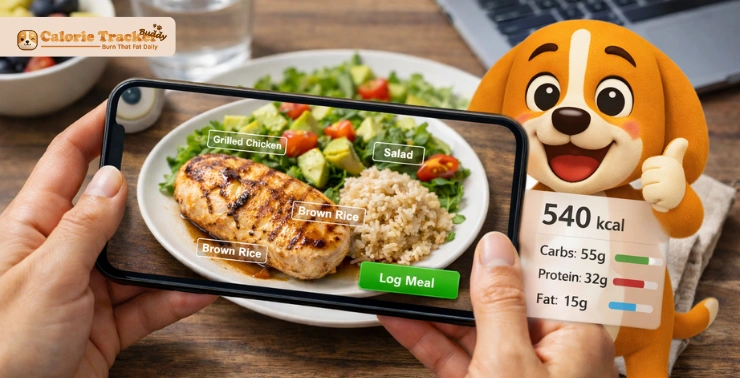
A photo calorie counter sounds simple, but it solves a real problem most people face. Tracking food often starts with good intentions and quickly turns into a daily burden.
Measuring portions, searching for items, and logging every bite can feel exhausting. It’s no surprise that many people stop within a few days.
A calorie counter changes that experience. You take a picture of your meal, and the system estimates calories for you. No long searches. No constant guesswork.
But does it really work as smoothly as it sounds? And can it be trusted for real progress?
Let’s break it down so you can decide if it fits your routine.
Quick Answer
A photo calorie counter uses AI to analyze food images and estimate calories and nutrients. You snap a picture, and the system identifies the food, estimates portions, and logs everything automatically. This makes it faster and easier than manual tracking while still giving useful insights.
What Is a Photo Calorie Counter?
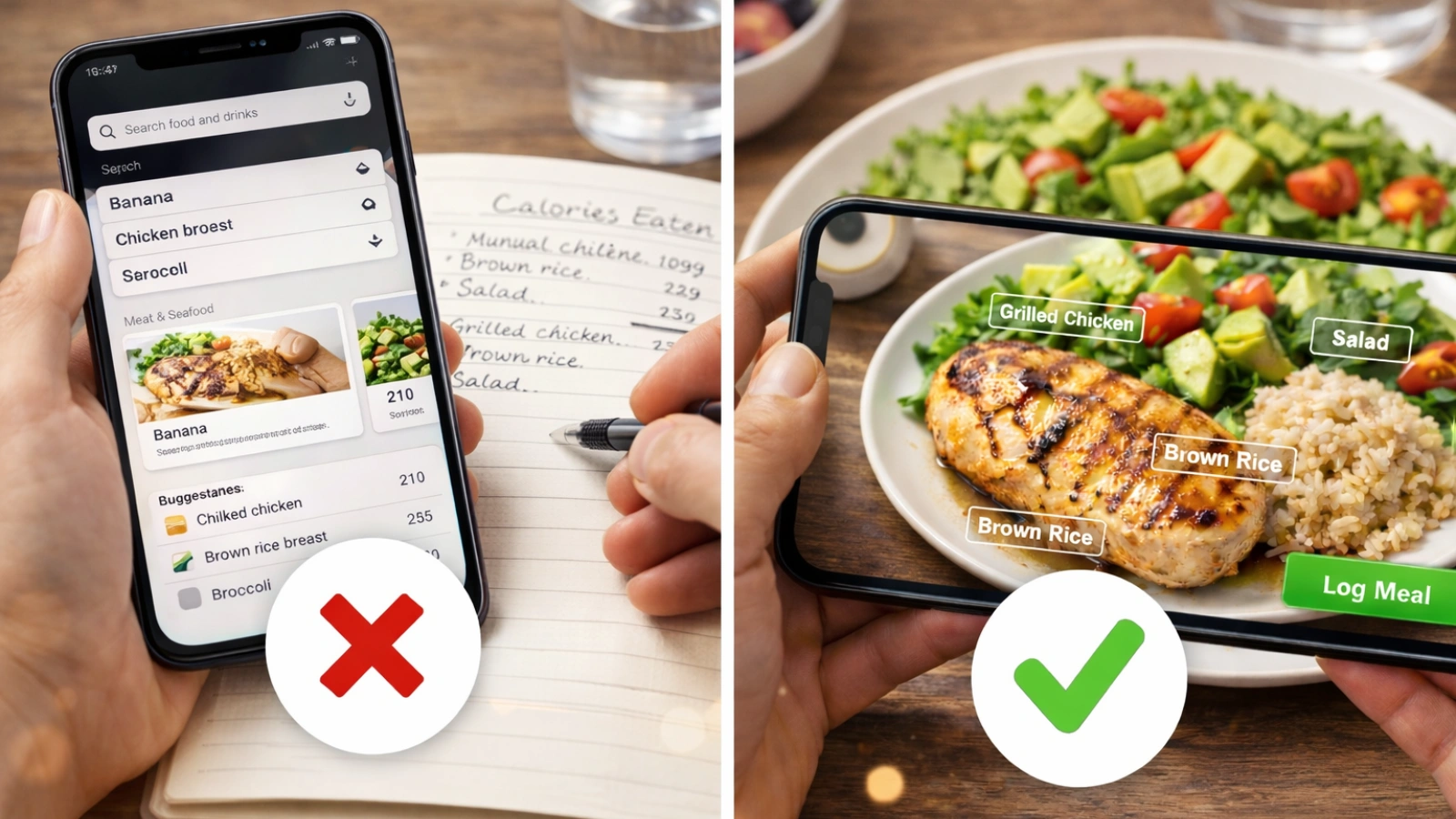
This is a tool that lets you track food by taking pictures instead of typing everything manually. It simplifies the process without removing your control over the data.
Most tools like this are built into a calorie tracking app, combining image recognition with a nutrition database. The goal is clear. Make tracking easier, so you actually stick with it.
This approach works well for different people. Beginners find it less overwhelming. Busy professionals save time. Fitness-focused users can track meals without interrupting their routine.
Why It Matters Today
Manual tracking hasn’t evolved much over time. It still depends on effort, and effort often leads to inconsistency.
A photo calorie counter flips that model. You eat, take a picture, and move on. The process fits into your day instead of slowing it down.
That balance between convenience and acceptable accuracy is what makes it practical.
How a Photo Calorie Counter Works
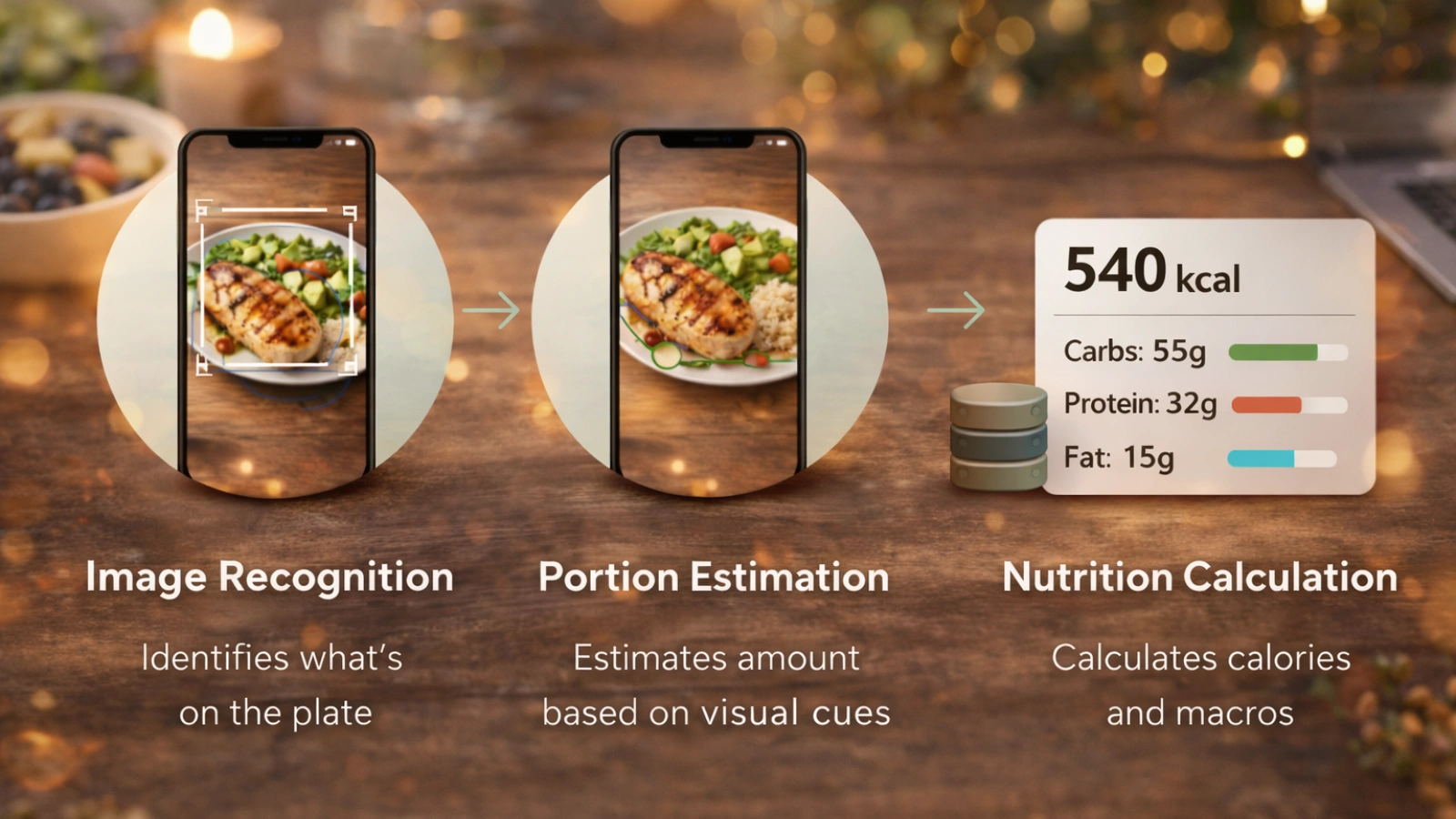
The process feels instant, but a lot happens in the background when you use a calorie counter.
Step 1: Image Recognition
The system scans your photo and identifies what’s on your plate. It looks at shapes, colors, and textures to recognize different foods.
For example, it can tell the difference between rice and pasta or grilled and fried food.
Step 2: Portion Estimation
Next comes portion size. The tool estimates how much food is present using visual cues like plate size and proportions.
It’s not measuring exact grams, but it makes a smart estimate based on training data.
Step 3: Nutrition Calculation
Finally, the system matches the food with a database to calculate calories and macros. This includes protein, carbs, and fats.
All of this happens in seconds, which is why a photo calorie counter feels effortless to use.
Key Features of an AI-Powered Calorie Tracker
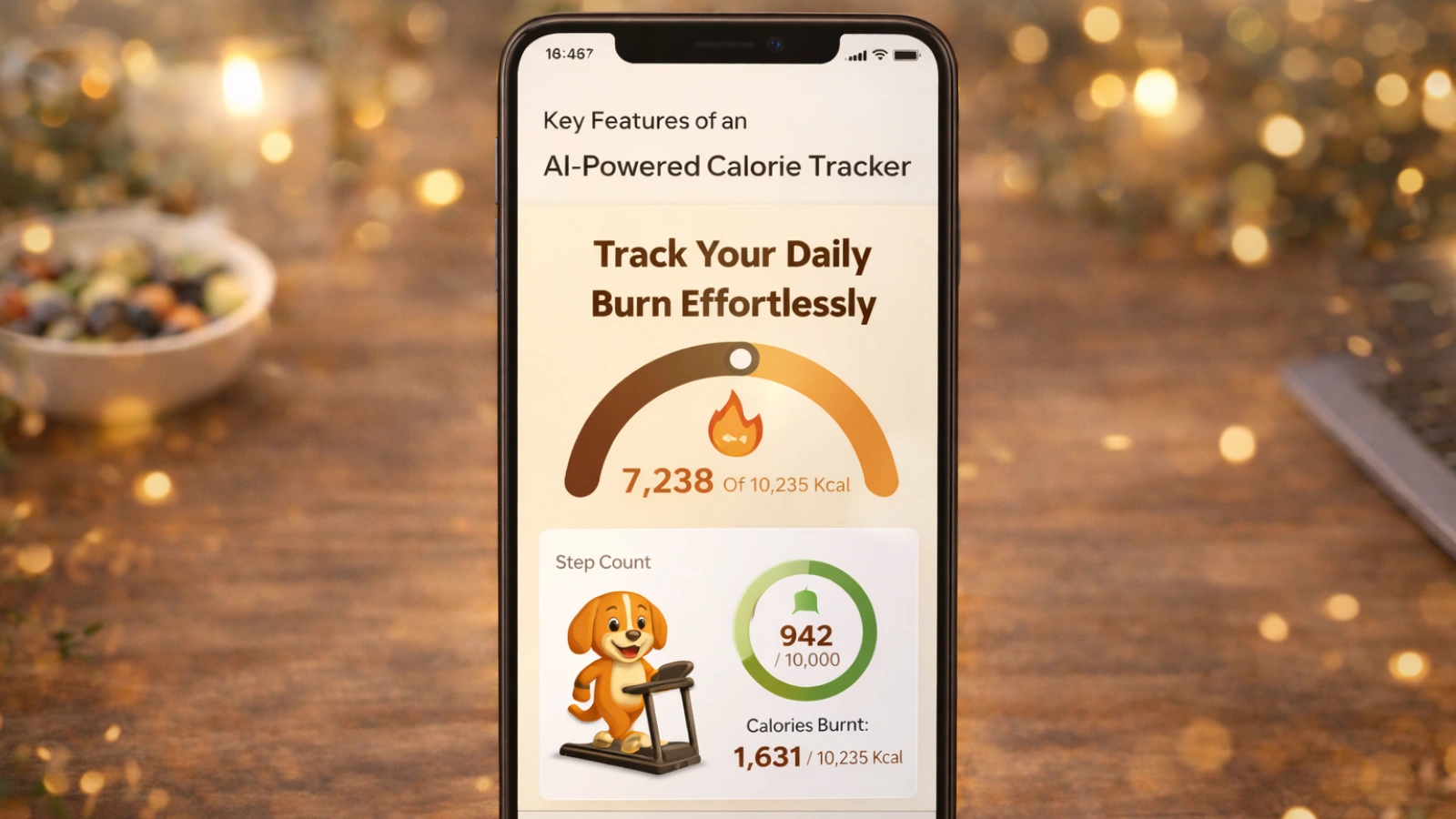
A good calorie counter comes with features that make tracking smooth and practical.
- Instant calorie estimation from images
- Macro breakdown including protein, carbs, and fats
- Large food database for accurate matching
- Meal history tracking for consistency
- Adaptive learning based on your habits
These features reduce effort while still letting you adjust entries when needed.
Benefits of Using a Calorie Tracker That Scans With Camera
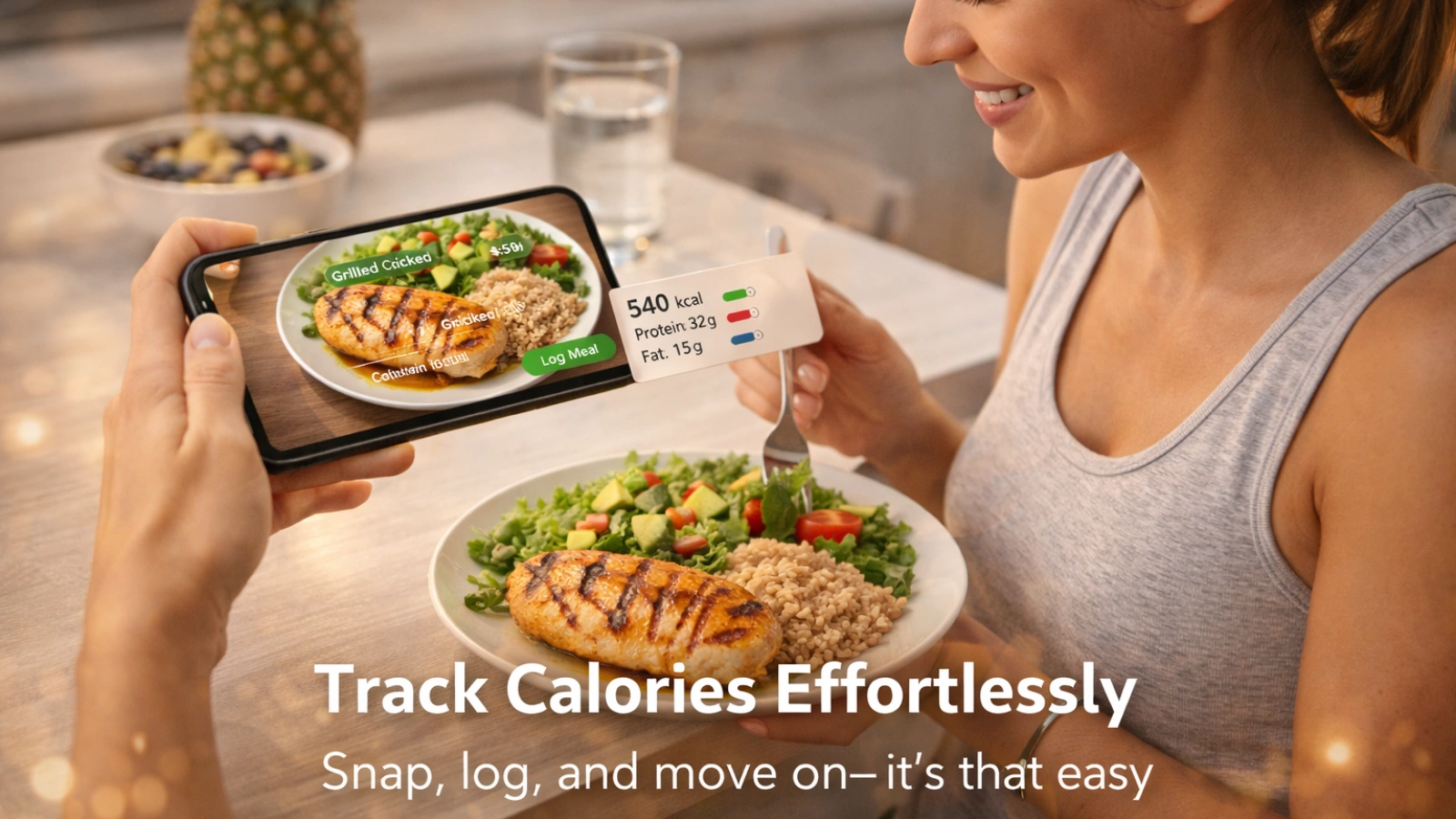
The biggest advantage of a calorie counter is speed. What used to take minutes now takes seconds.
That time savings adds up quickly. Over weeks, it becomes much easier to stay consistent. It also reduces mental effort. You don’t have to remember ingredients or search through endless lists.
For beginners, it feels approachable. For experienced users, it removes friction.
Who Benefits the Most?
Certain users get the most value from Calorie Counter.
- People focused on weight loss who need consistency
- Fitness enthusiasts tracking daily intake
- Busy professionals who often skip logging
If tracking has ever felt like a chore, this approach makes it easier to maintain.
How Accurate Are Photo Calorie Counters?
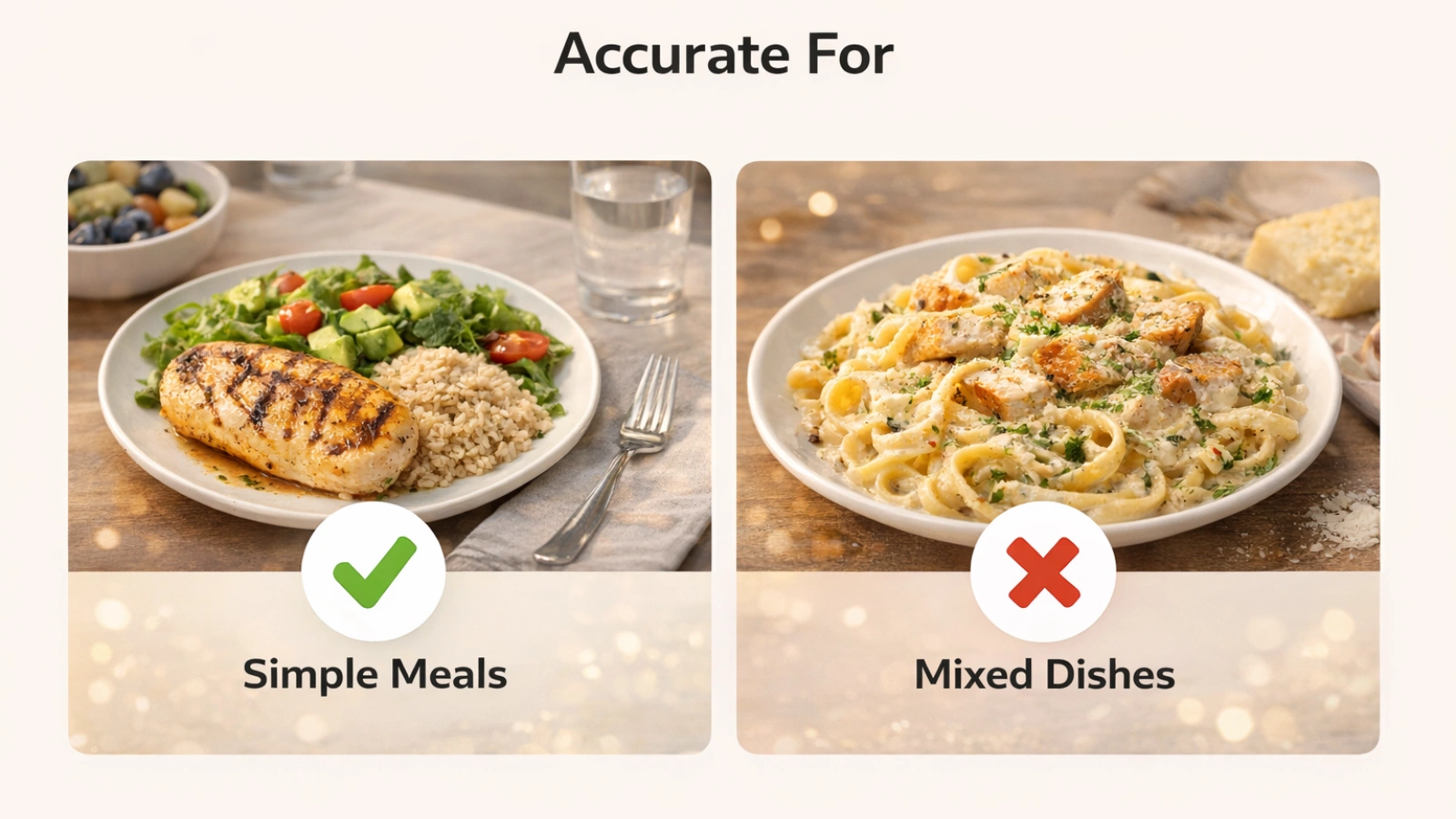
Accuracy is important, but it helps to set the right expectations with a calorie counter.
These tools are not perfect, but they are often accurate enough to be useful. In most cases, consistency matters more than exact numbers.
Accuracy depends on factors like image quality, food type, and portion visibility.
When It Works Best
A photo calorie counter performs best with simple meals. Foods like grilled chicken, rice, or vegetables are easier to identify.
Clear portions lead to better estimates.
When It Struggles
Mixed dishes can be tricky. Meals like curries or biryani combine ingredients, making portion estimation harder.
Hidden elements like oil or sauces can also affect accuracy.
Photo recognition calorie tracker — accuracy by meal type
Knowing this helps you use the tool more effectively instead of relying on it blindly.
Photo Tracking vs Manual Calorie Logging
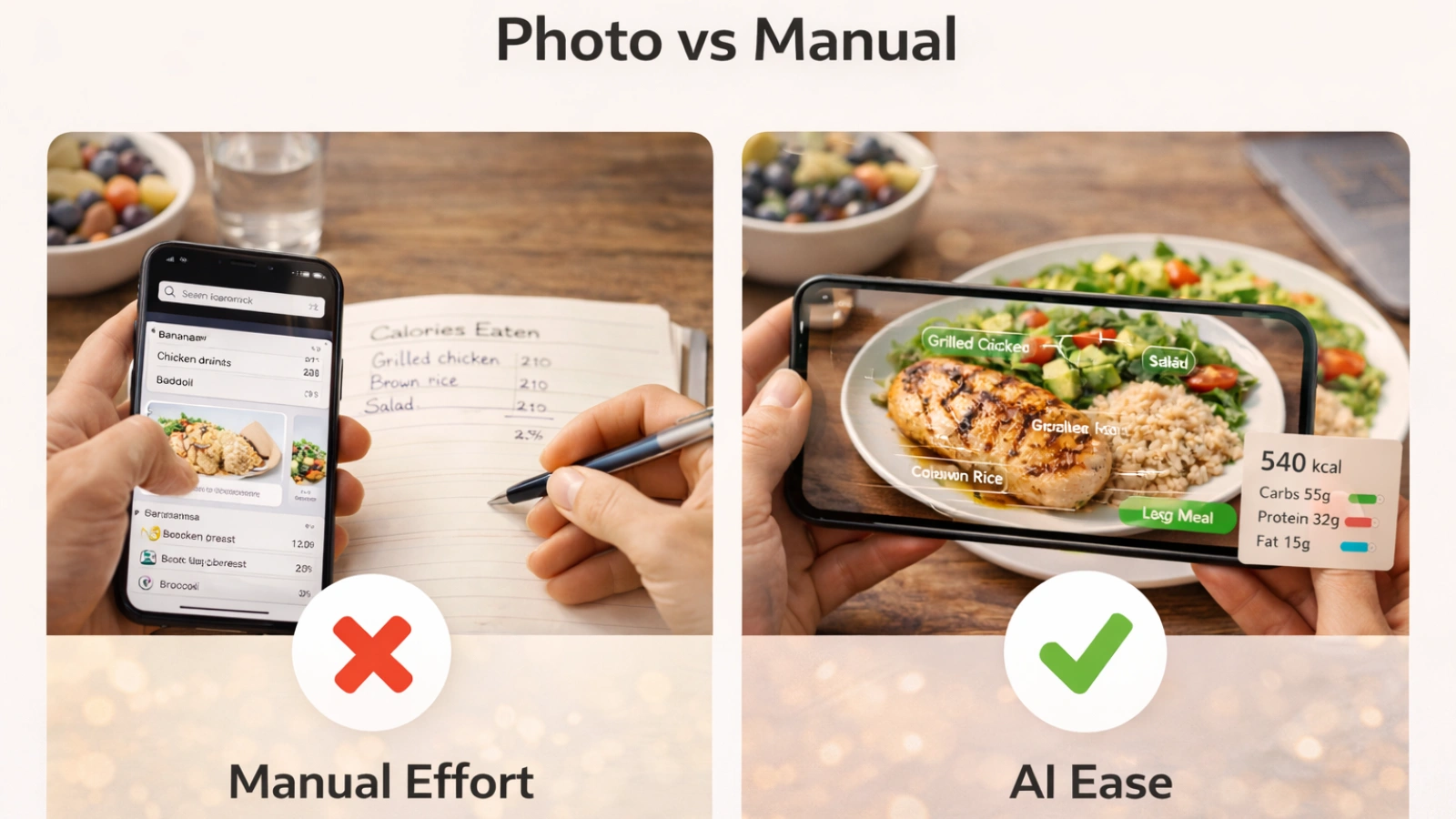
A photo calorie counter and manual tracking both serve a purpose. The difference lies in effort versus precision.
Manual logging gives precise data, but it takes time. A calorie counter trades a bit of accuracy for ease.
For most people, that trade-off leads to better long-term consistency.
How to Use a Photo Calorie Counter Effectively
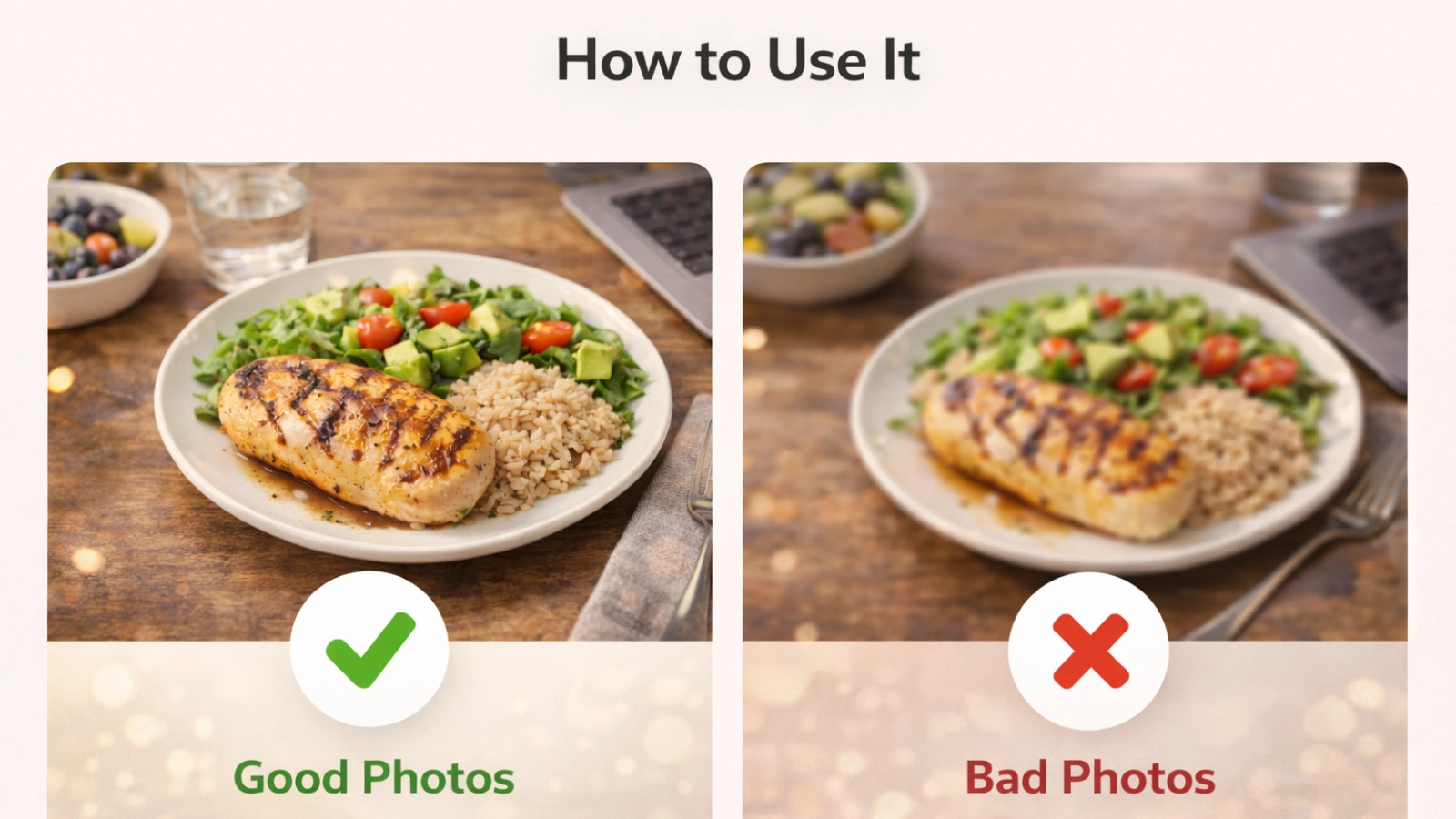
Using a calorie counter is simple. Getting the best results requires a few smart habits.
Step-by-Step Process
Take a clear photo of your meal. Make sure the entire plate is visible and well-lit.
Let the system analyze the image. Once the result appears, review it.
If something looks off, adjust it. Then save the entry and move on.
Pro Tips for Better Accuracy
Small improvements can make a noticeable difference when using a calorie counter.
- Capture the full plate
- Avoid blurry or dark images
- Use a top-down angle when possible
- Adjust portion estimates if needed
These steps take very little time but improve reliability.
How Calorie Tracker Buddy Simplifies Photo-Based Tracking

A well-designed photo calorie counter should feel effortless, and Calorie Tracker Buddy focuses on making daily tracking simple, engaging, and consistent.
- Snap your meal with a single tap and instantly scan calories, nutrients, and balance
- Track calories burned throughout the day, from workouts to everyday activities
- Monitor calorie intake in seconds with instant feedback on how meals fit your goals
- Get goal predictions that show how each meal or snack impacts your progress
- Stay motivated with a virtual buddy that grows with your healthy habits
- Share your meals, streaks, and progress easily with friends and social circles
The idea is simple. Make tracking intuitive, motivating, and easy enough that you actually stick with it.
Common Mistakes When Using Photo Calorie Counters
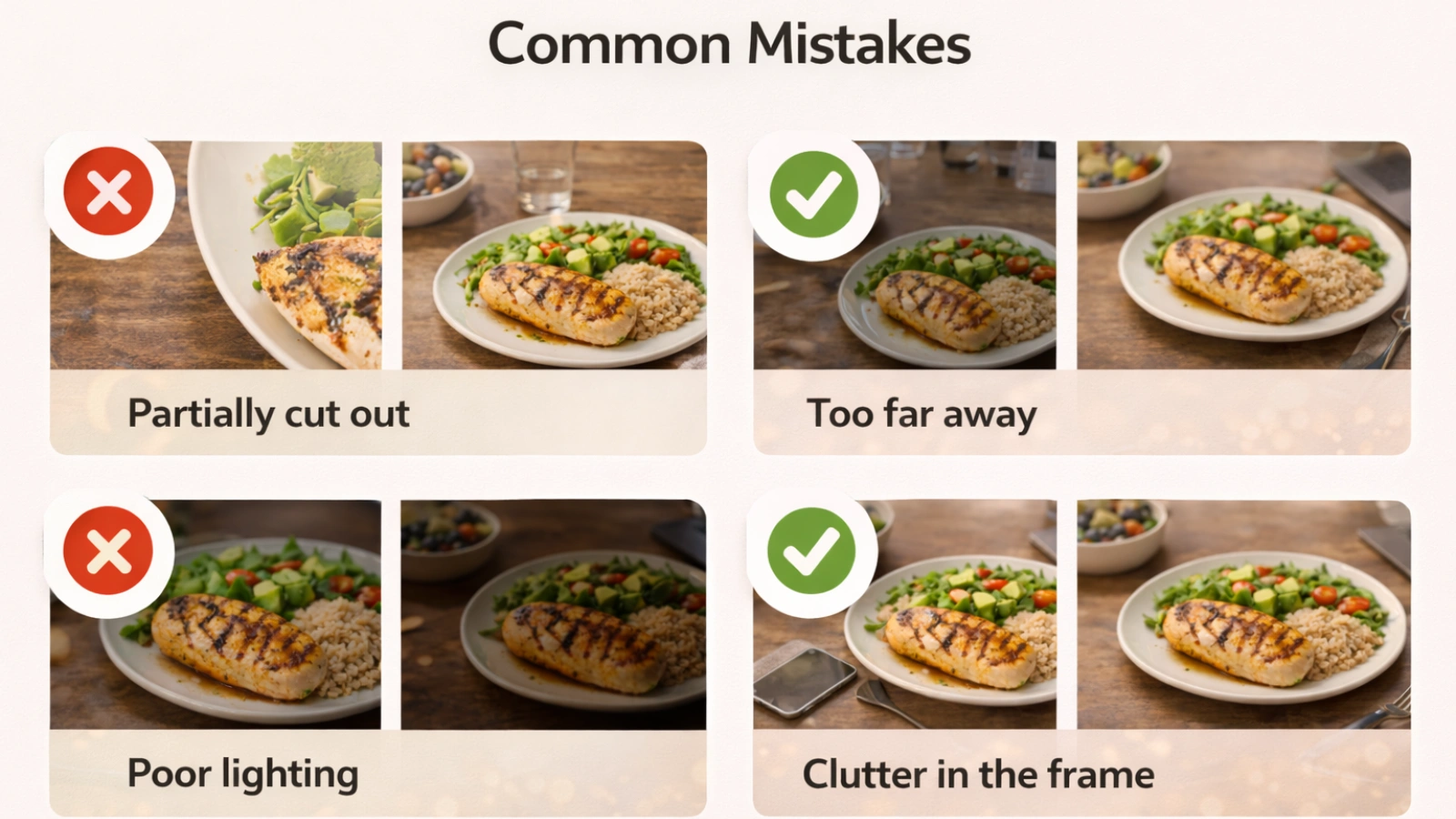
Even the best calorie counter can give poor results if used incorrectly. One common mistake is assuming every result is exact. These are estimates, not precise measurements.
Poor image quality is another issue. Blurry photos make it harder for the system to recognize food. Skipping review is also a problem. A quick check can fix small errors, especially for complex meals.
Finally, inconsistency limits results. Using the tool regularly matters more than perfect accuracy.
Read More!
The Future of AI in Calorie Tracking
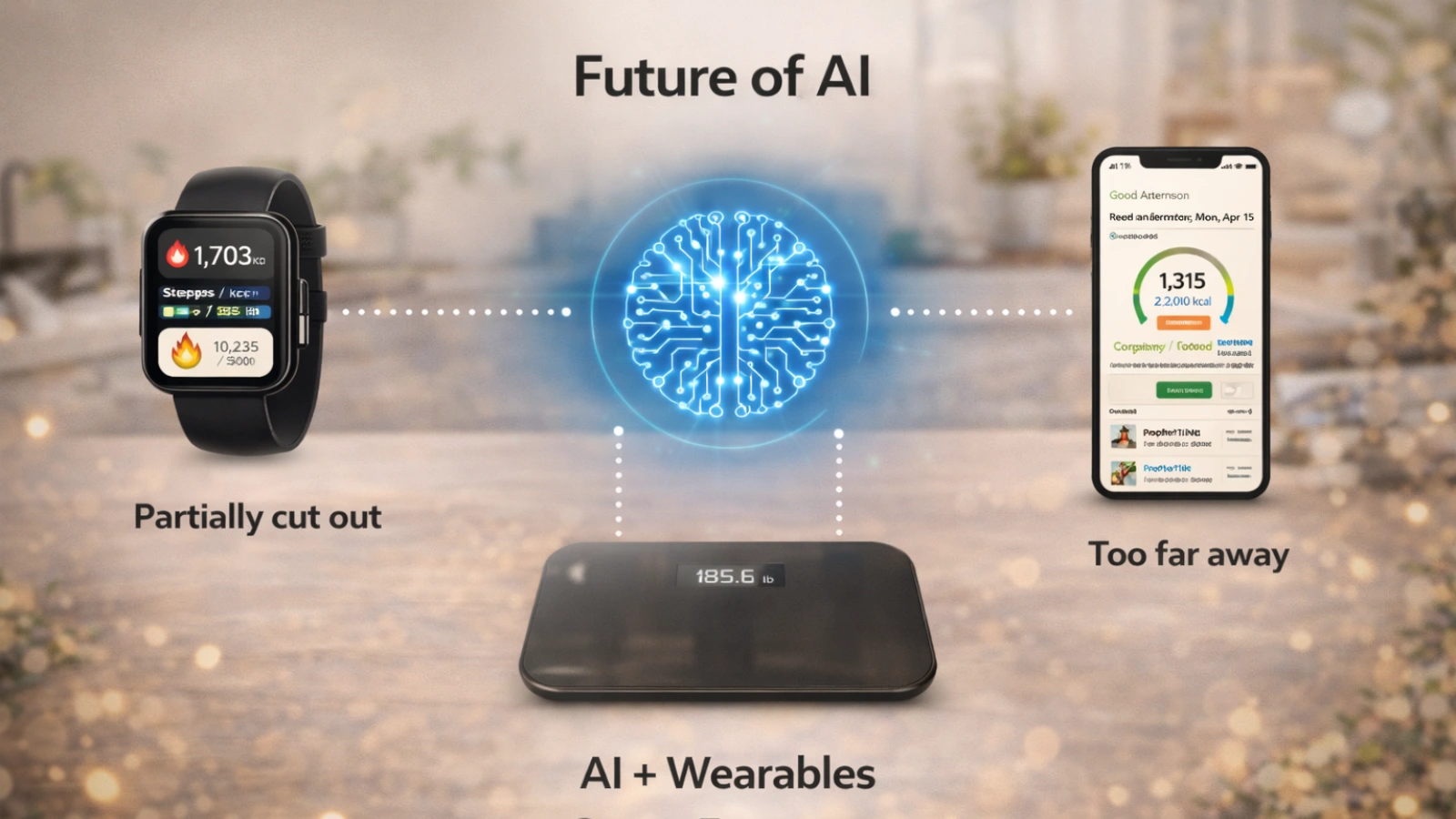
A photo calorie counter is only the beginning. The technology behind it is improving quickly.
Food recognition is becoming more precise. Portion estimation is getting smarter. Integration with wearables is expanding. Personalization is also evolving. Tools are starting to adapt to individual habits instead of offering generic tracking.
Is AI Replacing Traditional Tracking?
Not completely.
Manual tracking still matters when precision is critical. But a photo calorie counter is changing how most people approach daily logging.
A mix of both methods often works best. Use photo tracking for speed, and adjust manually when needed.
Conclusion
A photo calorie counter makes calorie tracking easier to maintain. It removes much of the effort that usually causes people to quit.
It may not be perfectly accurate, but it doesn’t need to be. What matters is consistency, and this approach supports that better than most traditional methods.
Used regularly, it becomes part of your routine rather than a task you avoid. That shift is what helps turn short-term effort into long-term results.
Frequently Asked Questions
1. Are photo calorie counter apps accurate for daily tracking?
Most photo calorie counter apps provide reasonably accurate estimates for everyday use. Accuracy is higher for simple meals but may vary for mixed dishes or foods with hidden ingredients like oils or sauces.
2. Which is the best free photo calorie counter app?
The best free photo calorie counter app depends on ease of use, accuracy, and features like macro tracking. Look for apps that combine fast image recognition with manual adjustment options for better results.
3. Can a calorie tracker scan with camera replace manual tracking?
A calorie tracker that scans with a camera can replace manual logging for convenience and speed. However, for highly precise tracking, some users still combine it with manual adjustments when needed.
4. How do I get better results from an AI-powered calorie tracker?
To improve accuracy, take clear photos in good lighting, capture the full plate, and review results before saving. Small adjustments can make a big difference in long-term tracking accuracy.
5. How does Calorie Tracker Buddy improve photo-based calorie tracking?
Calorie Tracker Buddy simplifies tracking by combining AI food recognition with smart portion estimation and real-time macro insights. It reduces manual effort while helping users stay consistent with their daily nutrition goals.