


**Download Android App Free Today →
You can track your nutrition in under five minutes a day by setting simple targets, saving five go-to meals, snapping photos for the rest, and tying water to three daily moments. This article shows you a practical macro and water tracking workflow that works even on meeting-heavy days in 2026.
The fix isn’t more willpower. It’s building a two-minute system that captures the big rocks and lets the small details slide.
Back-to-back calls. A rushed commute. Dinner after 9 p.m.
You’re smart and motivated, but macro and water tracking has felt like a part-time job.
 , water progress to 2.5L, and three check marks for AM, lunch, and commute hydration; soft neutral colors, clear labels, minimal UI, 2026 style)
Why Tracking Macros and Water Feels Impossible When You're Busy (And Why It Doesn't Have To)
You already know tracking helps. But every app you’ve tried seems to ask for a barcode, a brand, and a food scale. Meanwhile, your day moves fast. You skip lunch in a 90-minute stand-up, then grab whatever’s near at 3:15 p.m. That leads to a blood sugar dip, a second latte, and a “where did the day go?” dinner at 10.
Here’s the real cost of not tracking, in scenarios you know:
- You live on coffee before noon and forget water. By 2 p.m., a dull headache hits. You lose focus in a key meeting and push work to the evening. – You eyeball protein and come up short.
Then you feel hungrier at night and overeat snacks while replying to messages. – You “wing it” after a 12,000-step day. You under-fuel, sleep worse, and feel flat during tomorrow’s workout.
However, it doesn’t have to feel like admin. For most, that’s 80% of the data in 20% of the time.
Effective tracking for busy people is not about perfection. It’s about minimum effective tracking: the smallest amount of logging that still moves the needle.
What the research shows
Moreover, research on food journaling shows that self-monitoring, even when imperfect, improves diet quality and weight outcomes. You don’t need perfect grams to get better results; you need a clear, fast habit you’ll keep. For background on food diaries and their benefits, see this overview on food journaling (Source: Wikipedia).
In addition, hydration is a simple lever with outsized gains. A practical daily range is 2.0–2.5 liters for most adults, and the Calorie Tracker Buddy stat card sets the Daily Hydration Target at 2.5 Liter/Day. You’ll feel the payoff in steadier energy and fewer “brain fog” moments.
Minimum Effective Tracking (MET) in practice
- Log only what matters most: protein, total calories, and water.
- Pre-save 5–7 meals you eat on repeat to make logging a tap.
- Snap a photo for everything else. No weighing. No search rabbit holes.
- Do a 60-second review at night. Nudge tomorrow, don’t punish today.
Importantly, this minimum approach still counts as macro and water tracking. You’ll see trends form fast without burning time on food scales.
Also Read!
Best Macro and Water Tracker for Busy People in 2026
Calorie Tracker Buddy vs MyFitnessPal for Beginners: Which Is Better for Macro and Water Tracking?
The 5-Step System for Tracking Macros and Water in Under 5 Minutes a Day
Here’s the playbook I give packed-schedule clients. It spreads tiny tasks across the day, so no step takes more than a minute. The result: you’ll keep data for weeks, not days, and you’ll make better choices with less effort.
Step 1: Set your macro targets once
- Protein: Use body weight × activity multiplier. A simple start is 0.7–0.9 g per pound. For a 160 lb moderately active person: 160 × 0.8 = 128 g protein (about 512 kcal).
- Calories: Pick a realistic daily range. If you don’t have one yet, use your current average and shave 200–300 kcal for fat loss, or add 200–300 kcal for muscle gain. Keep it simple for the first week.
- Carbs and fat: Fill the remaining calories in line with your taste and schedule. For example, if you love rice and fruit at lunch, tilt toward more carbs. If you prefer savory and feel full longer on fat, shift a bit that way.
Moreover, if you want a deeper primer on setting targets without math overwhelm, this guide on tracking nutrition breaks down a clear path.
Step 2: Build a rotation of 5–7 “known meals”
Pick the meals you eat all the time. Log them once, save them, and stop searching.
1.
2.
3.
4.
5.
6.
7.
Specifically, once these are saved, you’ll log breakfast or lunch in under 15 seconds, tap, confirm, done.
Step 3: Use photo-based logging for everything else
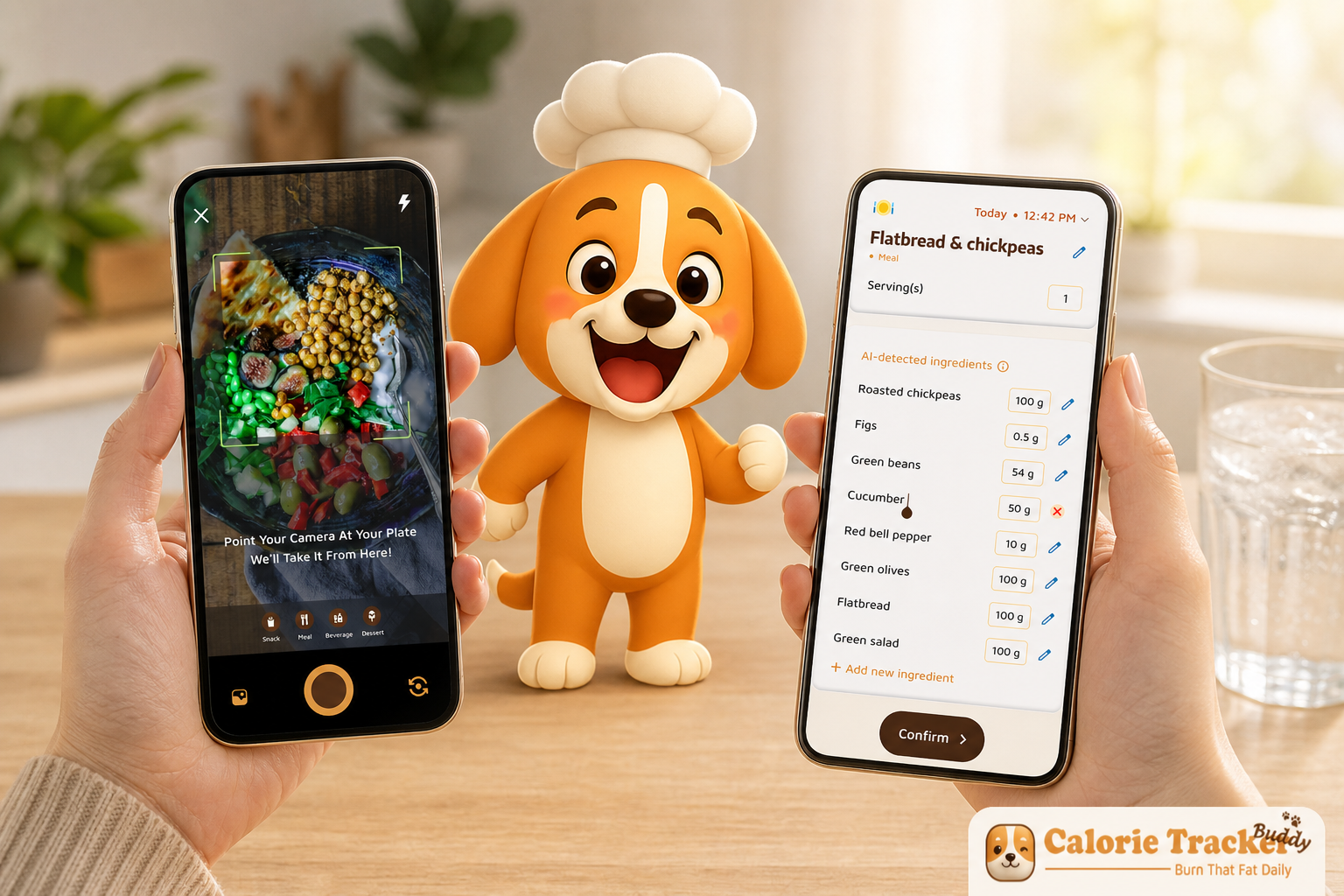
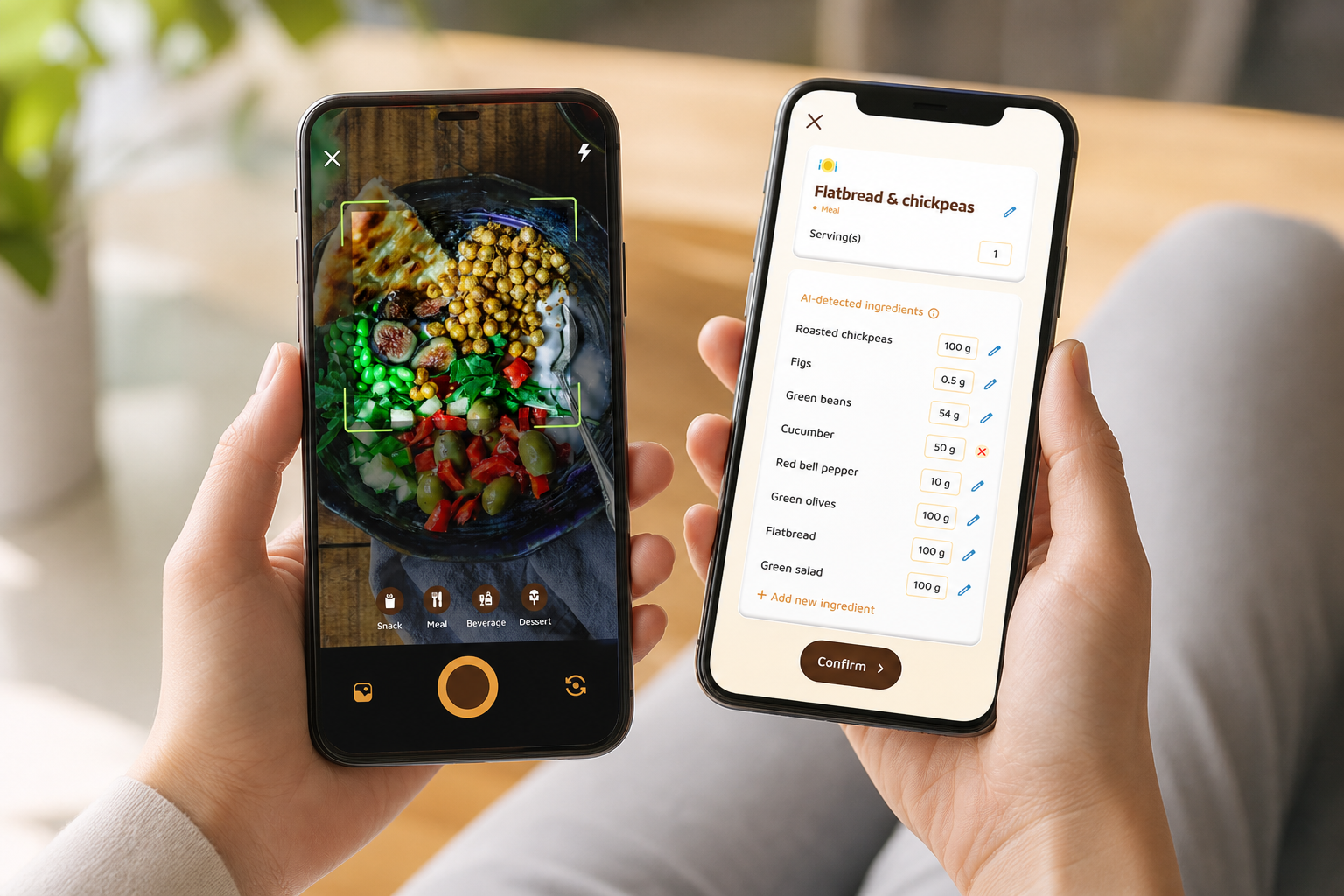
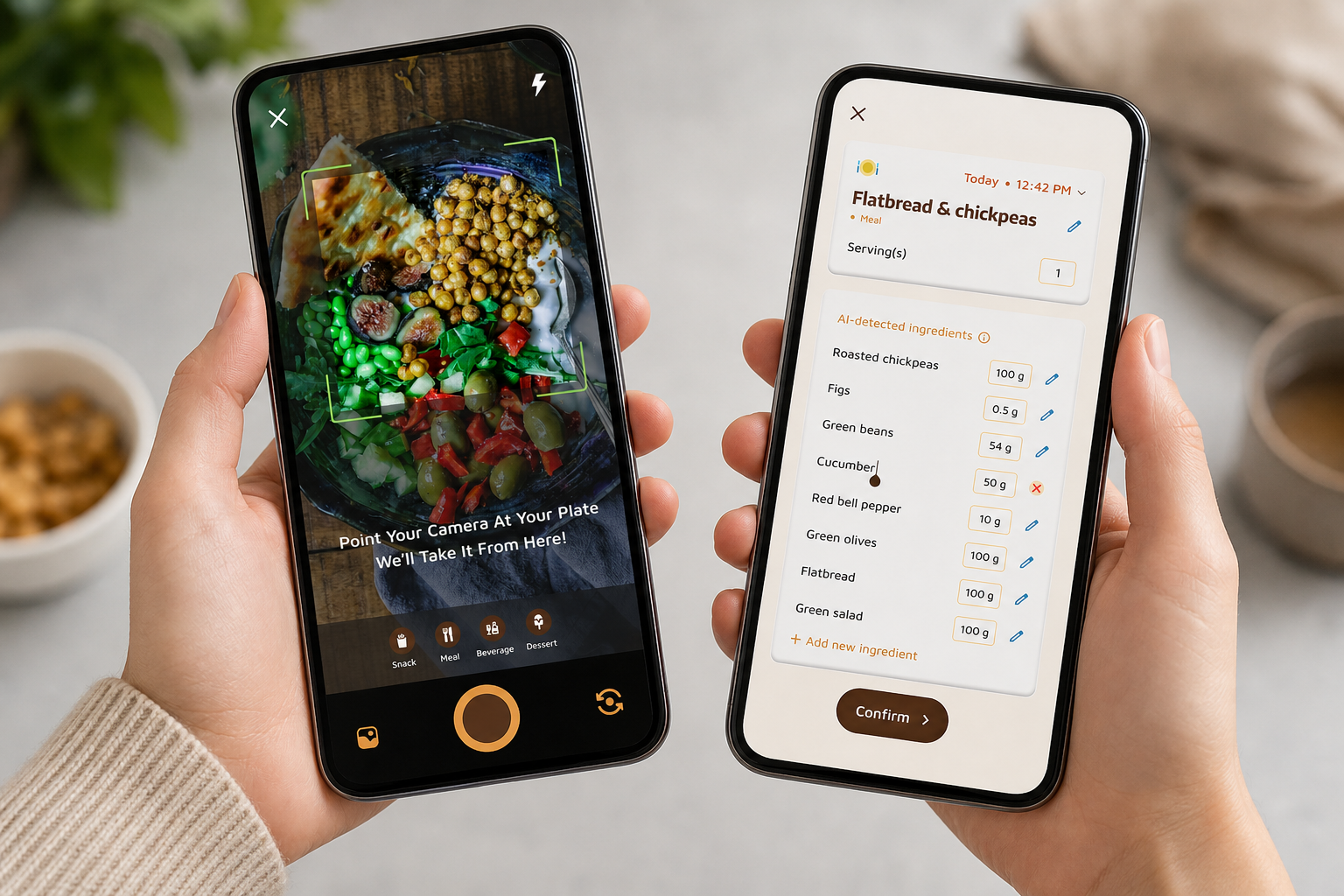
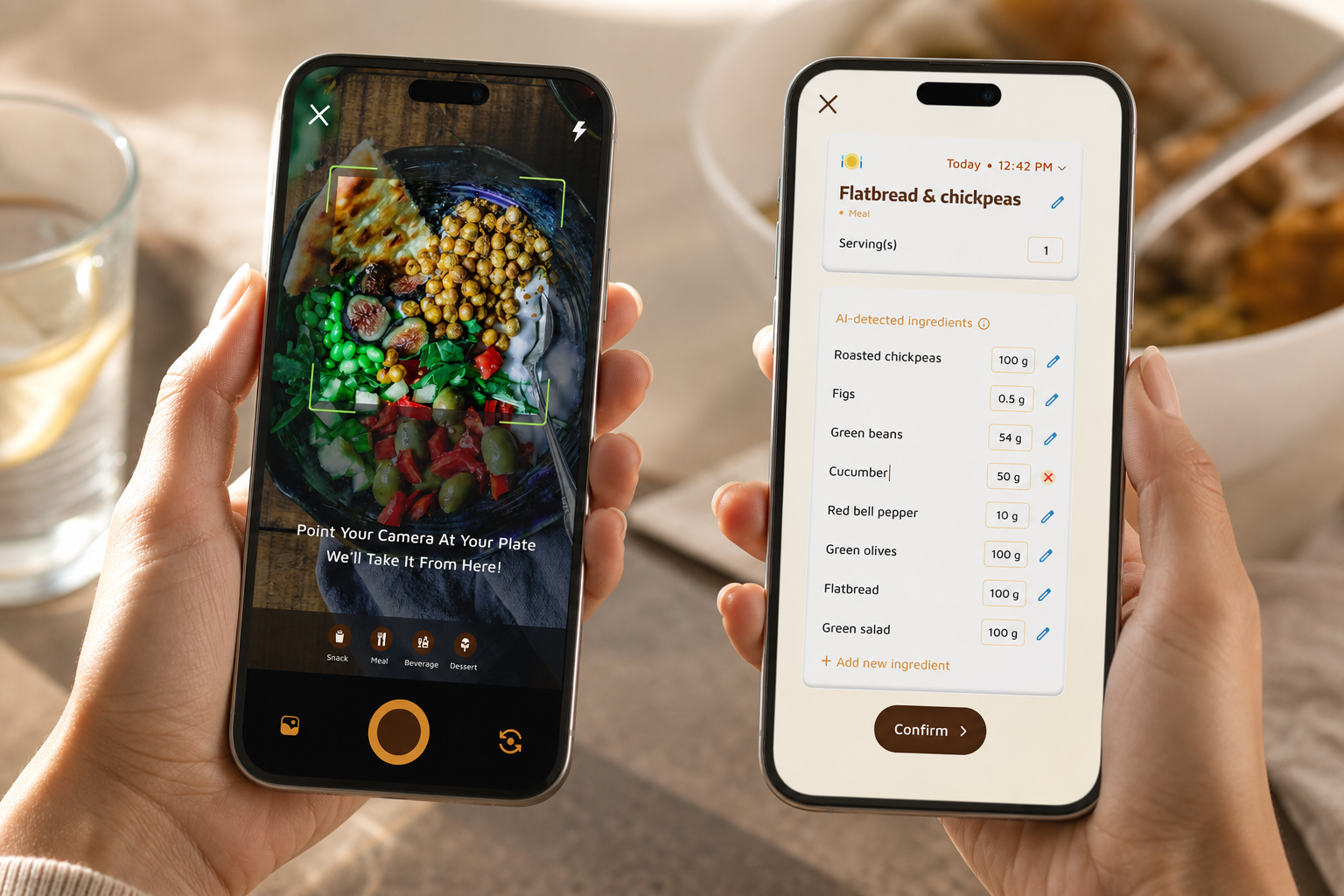
You don’t need manual entry for a client lunch or a cookie at 4 p.m. Snap the plate. Photo logging takes ~30 seconds, versus 3+ minutes to search, weigh, and stress. Modern apps read the picture, estimate macros, and give real-time feedback so you see how the choice fits your day.
- Photo-based tracking for meals and snacks gives you quick nutritional info and calorie counts.
- Real-time feedback on meals and snacks helps you decide if you need more protein later.
- Allows offline logging on flights or subways with automatic syncing once you’re online.
Therefore, your adherence goes up because the act of logging is fast and light.
Step 4: Set 3 water checkpoints tied to habits
Aim for 2.0–2.5 liters daily. Don’t “sip when thirsty” because thirst lags behind need.
- With your morning coffee or tea → drink 500 ml
- At the start of lunch → drink 500 ml
- When you leave work or head home → drink 500 ml
Additionally, these checkpoints cover 1.5 liters without thinking. The rest comes from meals and sips. For more detail on daily needs and exceptions, check this primer on water intake.
Step 5: Do a 60-second evening review
Open your dashboard. Check two dials: protein and water. If protein is low, plan a higher-protein first meal tomorrow. If water is low, move one checkpoint earlier. That’s it. No judgment. Just a nudge for the next day.
“Logging meals is fun now—just snap a photo and boom, done.” — Pooja Rao
 set protein, 2) save meals, 3) snap-to-log, 4) 3 water checkpoints, 5) 60-second review; bright, simple, instructional style)
In total, this system spreads under five minutes across your whole day. Crucially, it still qualifies as macro and water tracking because you’re collecting the core signals that drive results.
5 Mistakes Busy People Make When Tracking Macros and Water
Perfectionism and complex tools derail busy people more than lack of effort. Here are five common traps and fast fixes.
- All-or-nothing tracking
- The trap: You miss one meal log, then “throw away” the day.
- The fix: Log the next thing you eat or drink. Partial data still shows trends and guides tomorrow’s plan.
- Overly precise macro targets
- The trap: Chasing exact grams adds stress and leads to burnout.
- The fix: Use a 10% window. If your goal is 128 g protein, anything between ~115–140 g is a win.
- Tracking water only when thirsty
- The trap: By the time you feel thirst, you may already be 1–2% dehydrated, which can affect mood and focus (Source: Dehydration, Wikipedia).
- The fix: Tie water to three fixed checkpoints and watch your headache and afternoon slump rates drop.
- Choosing a complex app that requires weighing everything
- The trap: Scales and database hunting feel like homework.
- The fix: Favor photo-based and quick-log tools. You’ll trade 30 seconds to snap a plate for 3 minutes of manual entry and still make great progress.
- Not syncing nutrition with activity data
- The trap: You eat the same on a desk day and a 12,000-step day, so you under-fuel.
- The fix: Use real-time updates on calorie burns, meals, steps, and goal progress. If your tracker shows a big activity spike, add a snack or bump carbs. Daily step tracking with a goal of 10,000 helps you see the pattern, and the ability to sync with fitness trackers like Google Fit keeps data in one place.
In addition, tools with goal predictions that show how each meal impacts progress make these choices clearer in seconds.
“I’ve been using Calorie Tracker Buddy for five weeks, and I’ve already lost 4kg! The meal snap feature keeps me consistent.” — Alex Sim
**Download Android App Free Today →
Importantly, treating misses as data, not failure, keeps you in the game. That’s the heart of sustainable macro and water tracking.
Also Read!
Beginner’s Guide to Macro and Water Tracking
How to Use a Calorie Tracker with a Virtual Pet to Stay Consistent at the Gym
Tools That Make Macro and Water Tracking Actually Stick
You don’t need the flashiest app. You need the one you’ll use on your busiest day.
- Speed of logging: Can you log a meal in under 30 seconds?
- Photo entry vs. manual search: Does a snap-to-log feature cut out database hunting?
- Integrated water tracking: Can you track water and food in one place?
- Offline capability: Can you log during flights, subways, or low-signal commutes?
- Smart reminders: Do nudges help, not nag? Can you tie them to your habits?
Tool categories that fit a packed schedule
- Dedicated macro trackers: Good databases and macro control. They’re strong if you like detail, but make sure logging time stays under 30 seconds.
- All-in-one health apps: These combine macro tracking, water intake, and activity data in one screen. This lowers friction and is ideal for adherence.
- Simple methods: A spreadsheet or paper journal can work if you’re disciplined. Add phone photos for meals to speed recall.
Within the all-in-one category, tools like Calorie Tracker Buddy combine photo-based meal logging, tracking of macros (carbs, protein, fat), water intake monitoring, and the ability to sync with fitness trackers like Google Fit into a single, clean interface. You also get real-time feedback on meals and snacks, customization for dietary preferences and allergies, and offline logging of meals with automatic syncing once you’re back online. This blend reduces the tap count that causes busy people to quit by week two.
 , water progress bar to 2.5L, and step count syncing with Google Fit; clean, minimal, 2026 app design, light mode)
For cross-checking features across popular options, this quick best apps roundup for 2026 outlines what matters for staying consistent.
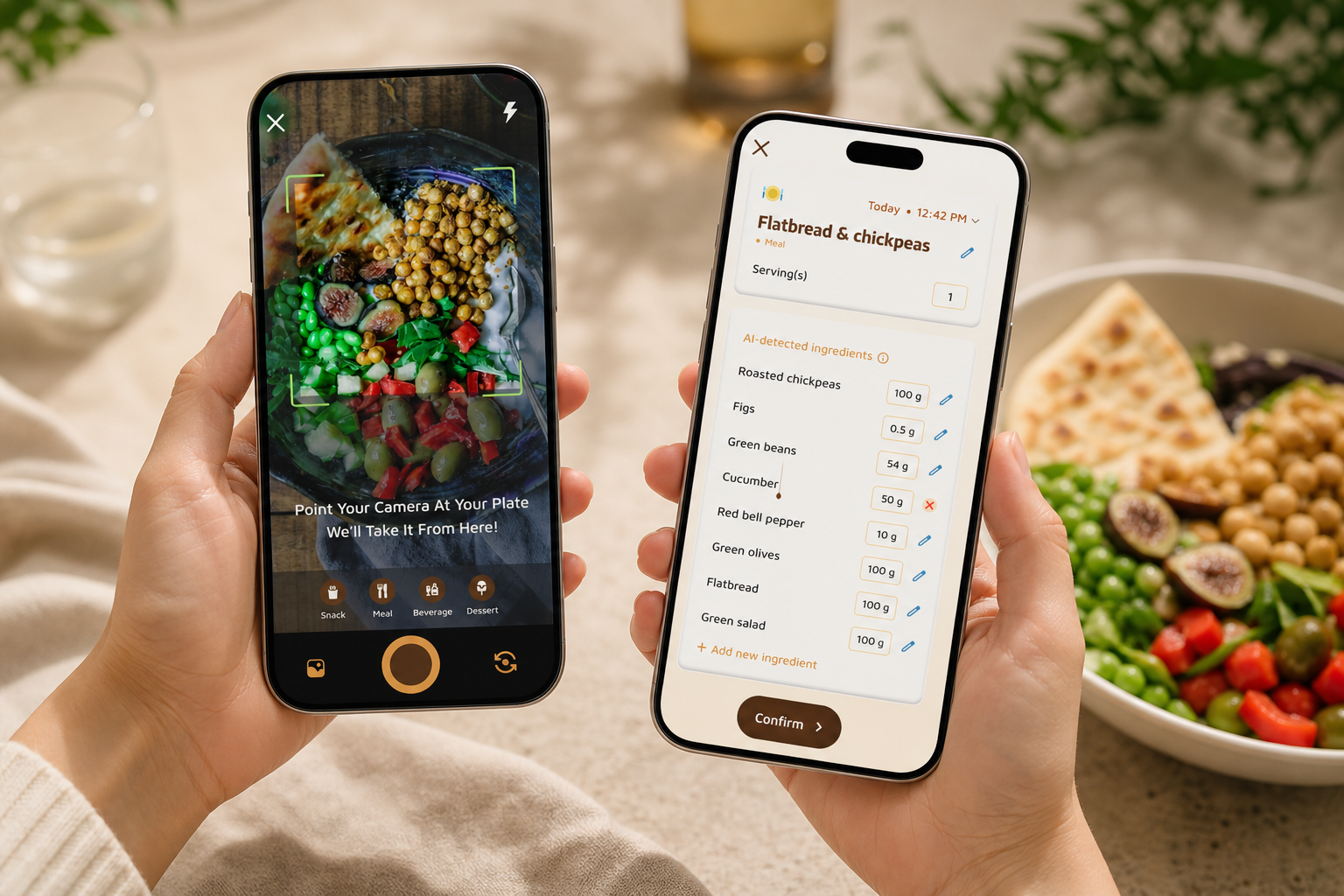
Finally, the best tool is the one you’ll use every day. If it helps you log fast, ties water to your flow, and shows progress in real time, it’s a keeper for macro and water tracking.
Key Takeaways and What to Do This Week
- You don’t need perfect grams. You need a fast habit you’ll keep in 2026 and beyond.
- Save 5–7 known meals to cut logging to taps, not searches.
- Use photo-based logging for everything else to capture 80% of the data in 20% of the time.
- Tie water to three daily checkpoints to hit 2.0–2.5 liters with no guesswork.
- Do a 60-second review at night to nudge tomorrow’s plan.
7-day starter plan
- Day 1–2: Set your macro targets. Pick a daily water goal of 2.0–2.5 L. If you want a simple walkthrough, read this piece on calorie tracking.
- Day 3–4: Choose your tool and log everything with photo entry or quick-log. Don’t chase perfection yet.
- Day 5–7: Identify your five “known meals” and set your three water checkpoints (AM, lunch, commute). Add one saved snack you like. By the end of week one, you’ll have a system that takes under five minutes a day.
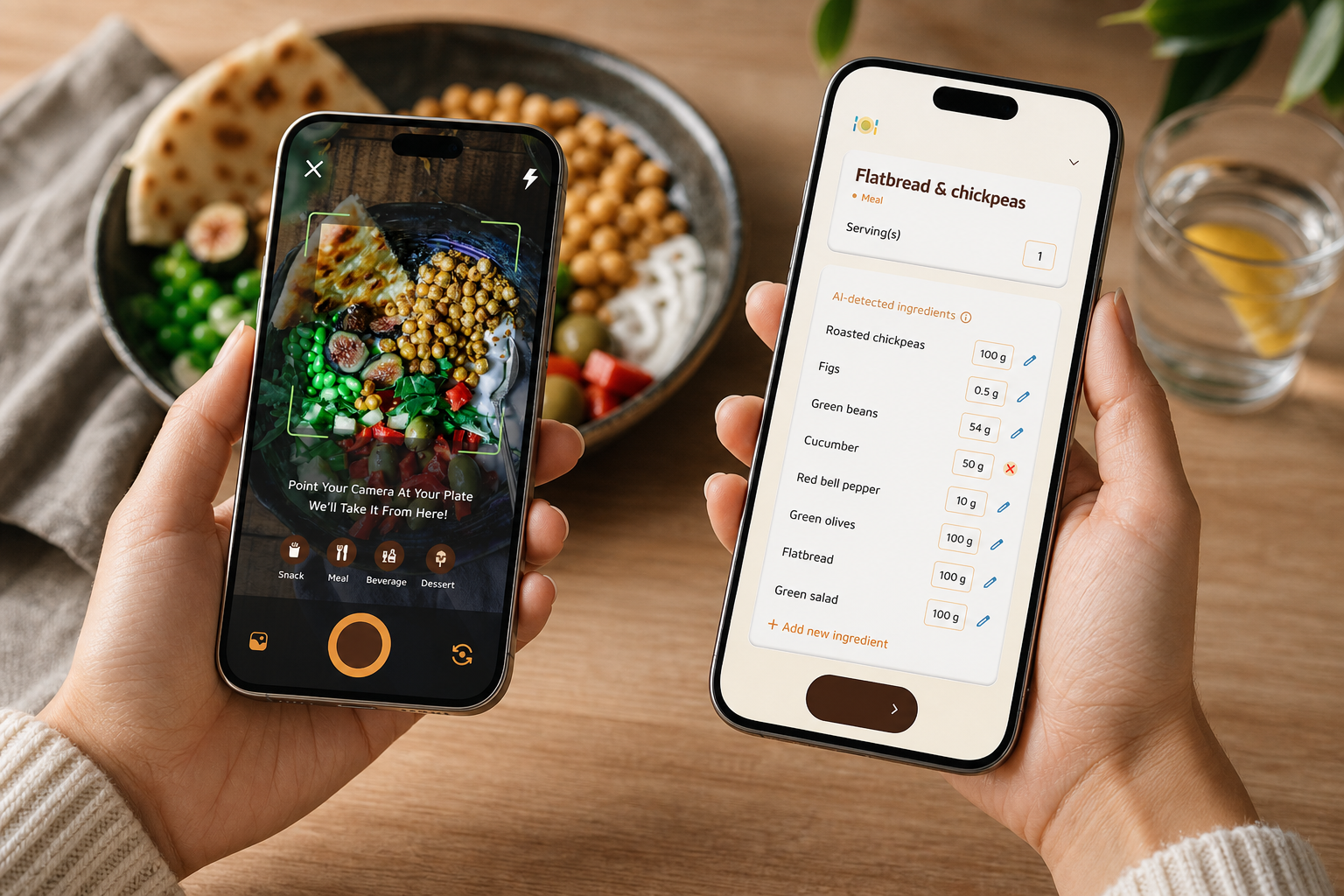
As your meal library grows, tracking gets faster.
Even imperfect logs beat no logs for reaching your goals.
If you prefer to track hydration with a visual aid, bookmark this simple water tracker and pair it with your photo logs.
**Download Android App Free Today →
Additionally, if coconut water is part of your routine, this explainer on coconut water helps you count it toward your goal without guesswork.