You’ve stuck to your meal prep all week, feeling great about your choices. But then Friday comes, and you’re at a restaurant with no nutritional info. You order grilled salmon, a side salad, and a glass of wine, but later realize you have no clue how many calories you actually consumed. Calorie trackers make it easy to estimate and log those restaurant meals, helping you stay on track without the guesswork.
Most fitness apps are great for tracking home-cooked meals, but when it comes to dining out, they often fall short. Restaurant meals are tricky to track; portion sizes vary, sauces add hidden calories, and “grilled” doesn’t always mean what you think it does.
That’s where calorie trackers designed for dining out come in. In this post, we’ll explore the top seven apps that make it easier to log restaurant meals accurately, turning your dining experience into a more informed one.
Hit ‘Play’ Button & Tune Into The Blog!
What Is a Calorie Tracker for Restaurant Meals?
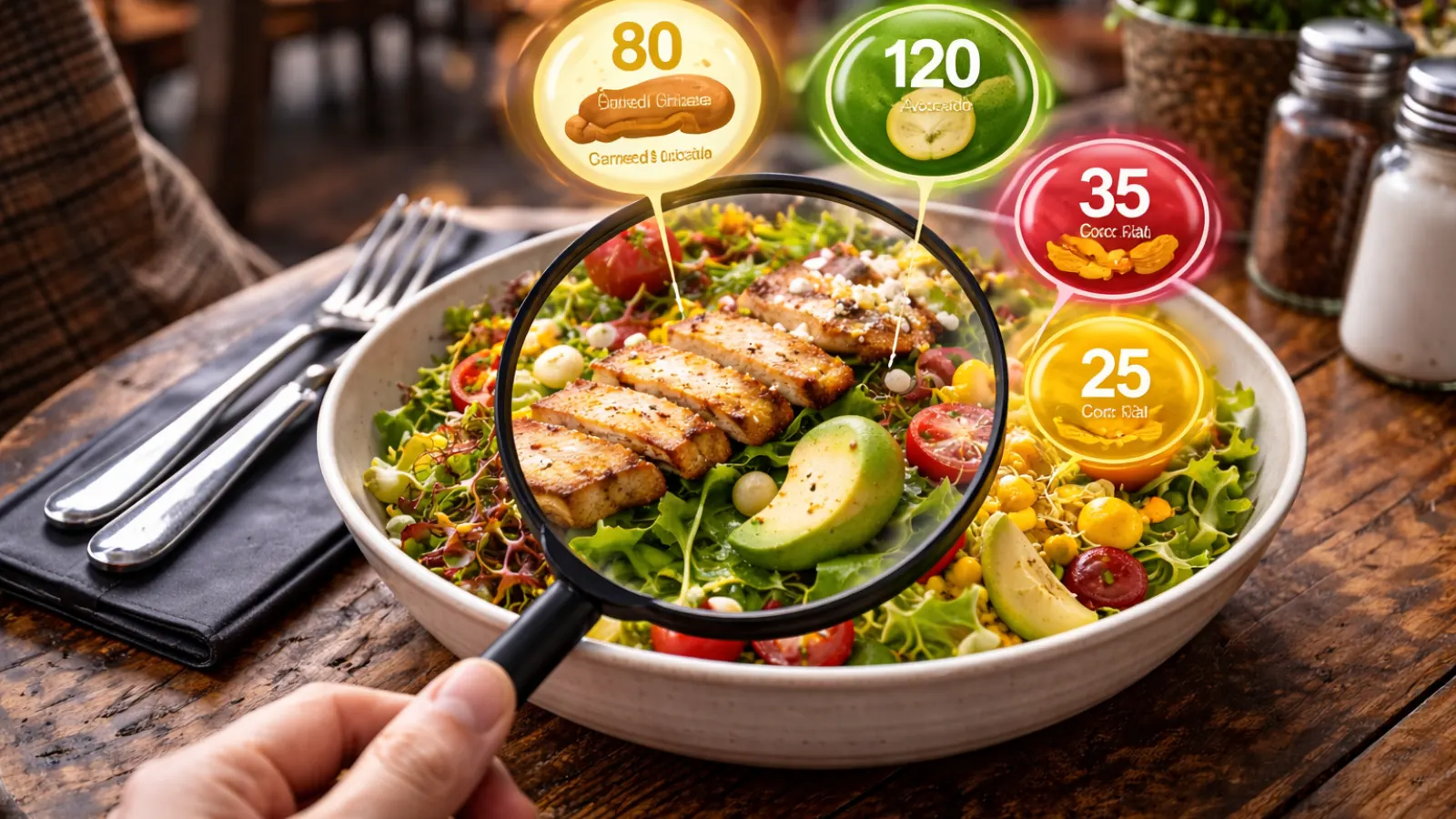
A calorie tracker helps you log what you eat and shows how many calories, macros, and sometimes micronutrients you’ve consumed. But not all calorie trackers are designed for restaurant meals.
Restaurant-specific calorie trackers offer features like:
- Restaurant databases for chain menus
- Dish search by name
- Photo recognition to estimate what’s on your plate
- Verified nutrition data from brands or community submissions for independent spots
These trackers are perfect for anyone trying to maintain a calorie deficit, hit protein goals, or just stay aware of what they’re eating when dining out. Whether you’re dieting, training, or just curious, these apps give you the information you need.
Why does this matter?
Research shows people often underestimate restaurant calories. For example, a salad with nuts, croutons, and creamy dressing can easily hit 800 calories. Knowing this can help you make more informed decisions, not about restricting, but about choosing wisely.
Why Calorie Tracking Matters When Dining Out
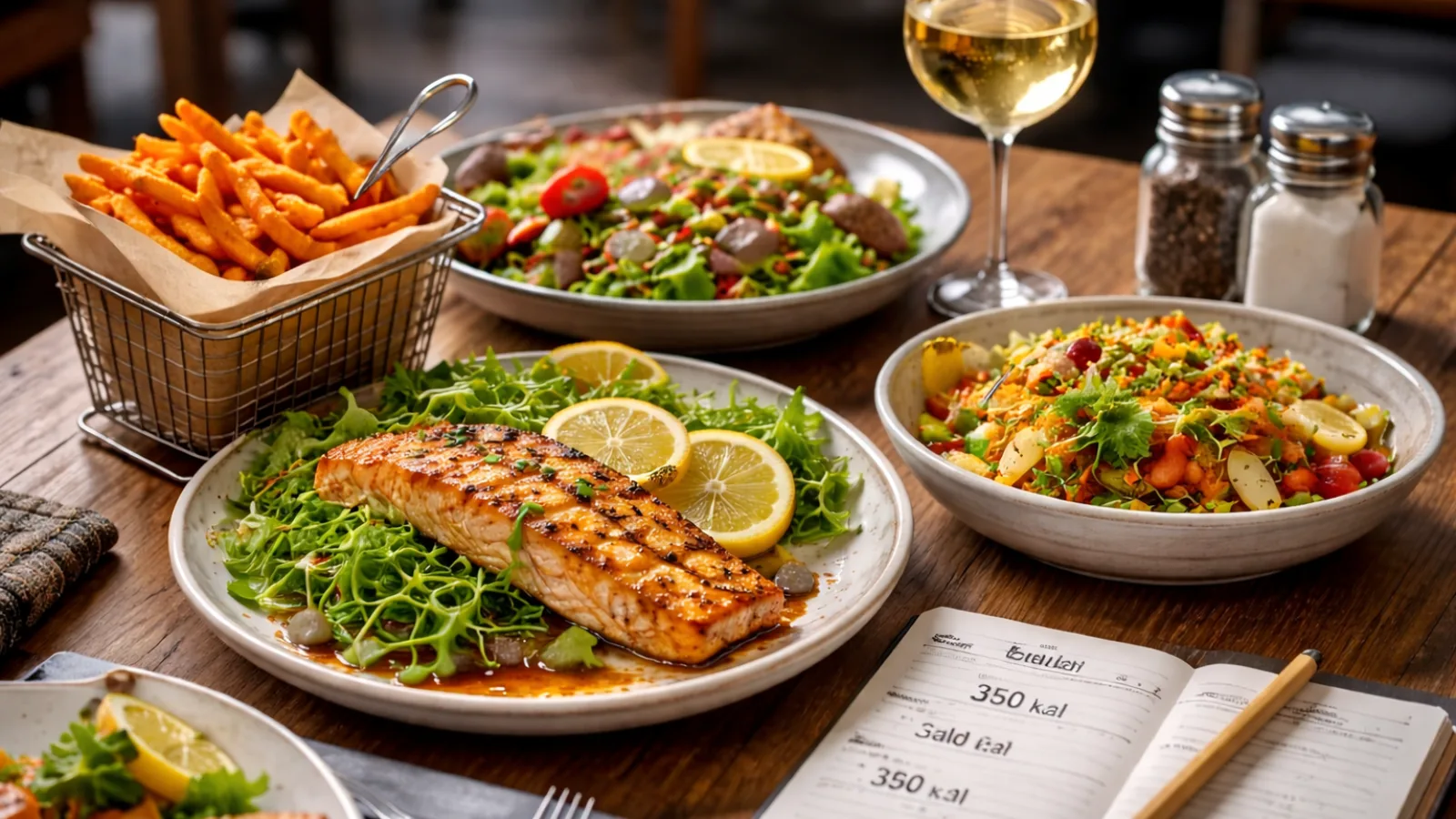
Restaurant meals present unique challenges when it comes to tracking calories. You have control over the ingredients, serving sizes, and cooking techniques at home. But at a restaurant? You control almost nothing.
Take a dish like “pan-seared chicken with roasted vegetables.” While it might sound healthy, the amount of oil the chef uses could add hundreds of hidden calories. And pasta dishes? They’re often served in portions 1.5 to 2 times the typical size. Sauces, like hollandaise or creamy risotto bases, can turn a modest meal into a calorie bomb.
The complexity increases when you visit independent restaurants. Unlike chain restaurants that provide standardized nutrition data, smaller eateries have no universal data, making it harder to track your intake. This is where calorie trackers become invaluable. They help bridge that gap, giving you more accurate data when dining out. With the right calorie tracker, you can make informed choices and estimate those hidden calories more effectively. For anyone serious about staying on track, calorie trackers are essential tools to have when dining outside your own kitchen.
Popular Features of Calorie Tracking Apps
When it comes to calorie tracking for restaurant meals, certain features make a big difference. Look for apps that include:
- Extensive Restaurant Database: Especially for chain restaurants.
- Photo Recognition: AI-powered tools that estimate the food on your plate from a single image.
- Barcode Scanning: Handy for packaged items or takeout.
- Manual Entry Tools: Sometimes, nothing in the app matches exactly what you ordered. The ability to create or modify entries is key.
- Portion Control: Many apps let you adjust portions, which can be crucial when estimating calories in restaurant meals.
How Do Calorie Trackers for Restaurant Meals Work?
Most calorie trackers operate via three main methods: database matching, AI photo recognition, and manual entry.
- Database Matching: You search for a specific dish, and the app gives you its nutritional profile. This works well for chain restaurants but can be less accurate for independent places.
- AI Photo Recognition: Take a photo of your plate, and the app identifies the foods on it, estimating portion sizes and calories. This is great for visual learners, but it still has limitations, especially with mixed dishes.
- Manual Entry: You manually log what you ate, often adjusting portion sizes to match your meal.
The Role of AI and Photo Recognition
AI-powered photo recognition has come a long way, though it’s not perfect. You snap a photo, and the app identifies the food items. It estimates quantities based on plate size and food density, then gives you a calorie estimate. While this feature is impressive, it works best with clearly separated foods like a steak and potato, and less so with mixed dishes like pasta or curries.
Manual Logging vs. AI-Powered Tracking
Manual logging puts you in control, which can lead to more accurate results, especially when the AI is uncertain. However, it can be tedious. AI-powered tracking is faster but sometimes less precise. Ultimately, the best choice depends on how much time you want to spend tracking and how accurate you need the information to be.
Top 7 Calorie Trackers for Restaurant Meals You Need to Try
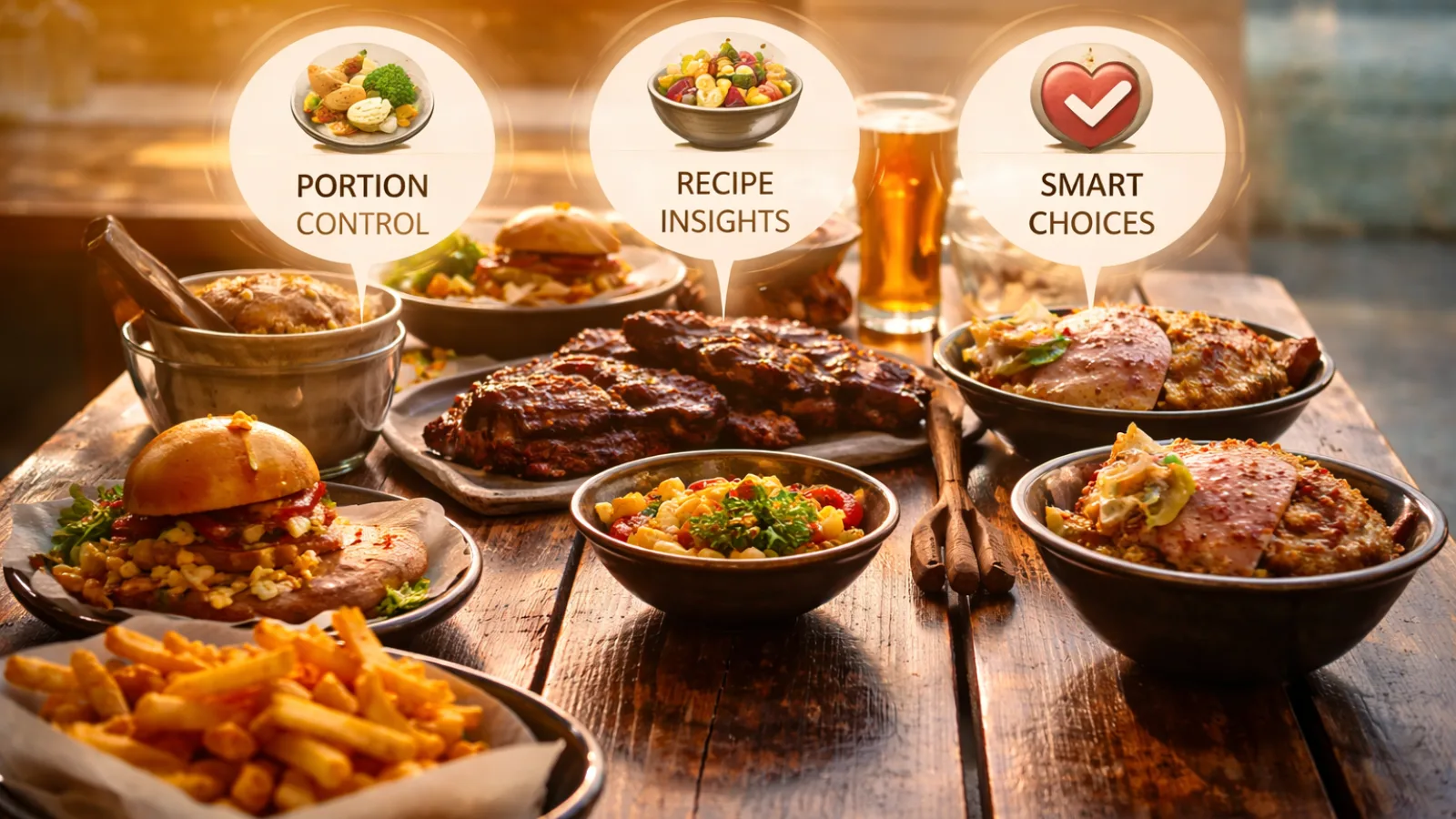
Tracking calories at restaurants can be tough, but the right tools make it simple. Here are the seven best calorie tracker apps to help you log meals quickly and accurately, no matter where you dine.
1. MyFitnessPal
MyFitnessPal features a database of over 20 million foods and tracks calories and macros, with 3.5 million+ five-star ratings reflecting real-world use.
Its extensive database is perfect for restaurant meals, offering accurate entries for national chains and common dishes. Logging is fast, with reliable barcode scanning and a new voice log feature.
The app syncs with 35+ devices, giving you a full view of meals, workouts, and weight trends. The free tier is solid, while premium adds meal plans and deeper insights.
2. Lose It!
Lose It! makes logging restaurant meals easy with voice input, photo recognition, and barcode scanning. It offers customizable macro tracking and water tracking, perfect for frequent diners.
The app’s simple interface lets you quickly log and move on, ideal for those who prefer an easy-to-use tool. The free version covers basic tracking, while the premium unlocks meal planning and advanced features.
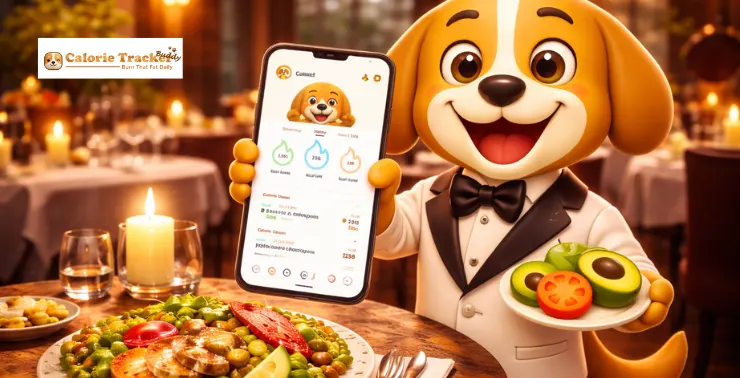
3. Calorie Tracker Buddy
Calorie Tracker Buddy takes a unique approach to motivation, and it works. At its core, the app is powered by AI, meaning you can simply photograph your meal and instantly get an estimate of calories, macros, and nutritional balance, no manual searching required.
Key Features:
- AI-Powered Meal Logging: Just snap a photo, and the app estimates your meal’s nutritional content.
- Virtual Wellness Pet: Your pet grows and thrives when you hit your daily goals, turning meal logging into a fun, rewarding activity. This feature makes sticking to your goals feel less like a chore.
- Friendly Design: The app’s philosophy, “joy, not judgment,” is reflected in its design a visual, approachable layout that makes it easy to form habits.
- Water, Workouts & Calorie Goals: It tracks more than just food — stay on top of water intake, workouts, and your overall calorie goals.
- Squad Feature: Share your progress and streaks with friends or family for added accountability. If gamification and community support help you stay consistent, this is the perfect tool.
Available on the Apple App Store and Indus Appstore.
4. FatSecret
FatSecret, founded in 2006, provides one of the most trusted free calorie tracking apps. The core features, calorie tracking, macro logging, barcode scanning, weight tracking, and community access are all available at no cost.
Its extensive food database powers other health platforms, ensuring reliable data. For restaurant meals, it includes a wide range of foods and common dishes, with a dependable barcode scanner for packaged goods.
While premium offers extras like meal plans and a water tracker, the free version is fully functional and sufficient for most users.
5. Cronometer
Cronometer focuses on more than just calories and macros, tracking up to 84 nutrients with top-tier accuracy, including vitamins, minerals, and amino acids.
While its database is smaller than MyFitnessPal’s, it offers detailed nutritional breakdowns beyond calories, showing how a restaurant meal affects nutrients like vitamin D or omega-3.
The app syncs with popular devices and supports various diets, including keto and vegan. Free for core tracking, it’s perfect for health-conscious users or those managing specific nutritional needs.
6. YAZIO
YAZIO, trusted by over 100 million users, combines food, fitness, and fasting tracking in a clean, easy-to-use interface. It generates personalized calorie and macro goals, adjusting as you log.
For restaurant meals, the app’s broad food database and smooth logging make consistency easy. YAZIO also supports intermittent fasting, making it ideal for users who fast while dining out.
7. Calorific
Calorific offers a visual approach to calorie tracking, showing what 200 calories look like across 180+ food photos, helping you grasp portion sizes before even ordering.
It also uses AI photo recognition to log meals quickly and lets you compare foods by name, weight, or type. While it’s not focused on deep nutritional data, it’s a great tool for beginners, especially in restaurant settings where portion sizes are hard to estimate.
Top Features Comparison
|
Feature |
MyFitnessPal | Lose It! | Calorie Tracker Buddy | FatSecret | Cronometer |
YAZIO |
|
Food Database Size |
20M+ | Large | AI-based | Very Large | Curated |
Large |
|
AI Photo Logging |
Yes (Premium) | Yes | Yes | No | No |
No |
|
Macro Tracking |
Yes | Yes | Yes | Yes | Yes (84 nutrients) |
Yes |
|
Water Tracking |
Yes | Yes | Yes | Premium | No |
Yes |
|
Fasting Tracking |
No | No | Yes | No | No |
Yes |
|
Gamification |
No | No | Yes (virtual pet) | No | No |
No |
|
Core Features Free |
Partial | Partial | Yes | Yes | Yes |
Partial |
|
Best For |
Most users | Ease of use | Beginners & habit-building | Budget users | Health-focused |
Fasting + nutrition |
How to Use Calorie Trackers for Restaurant Meals
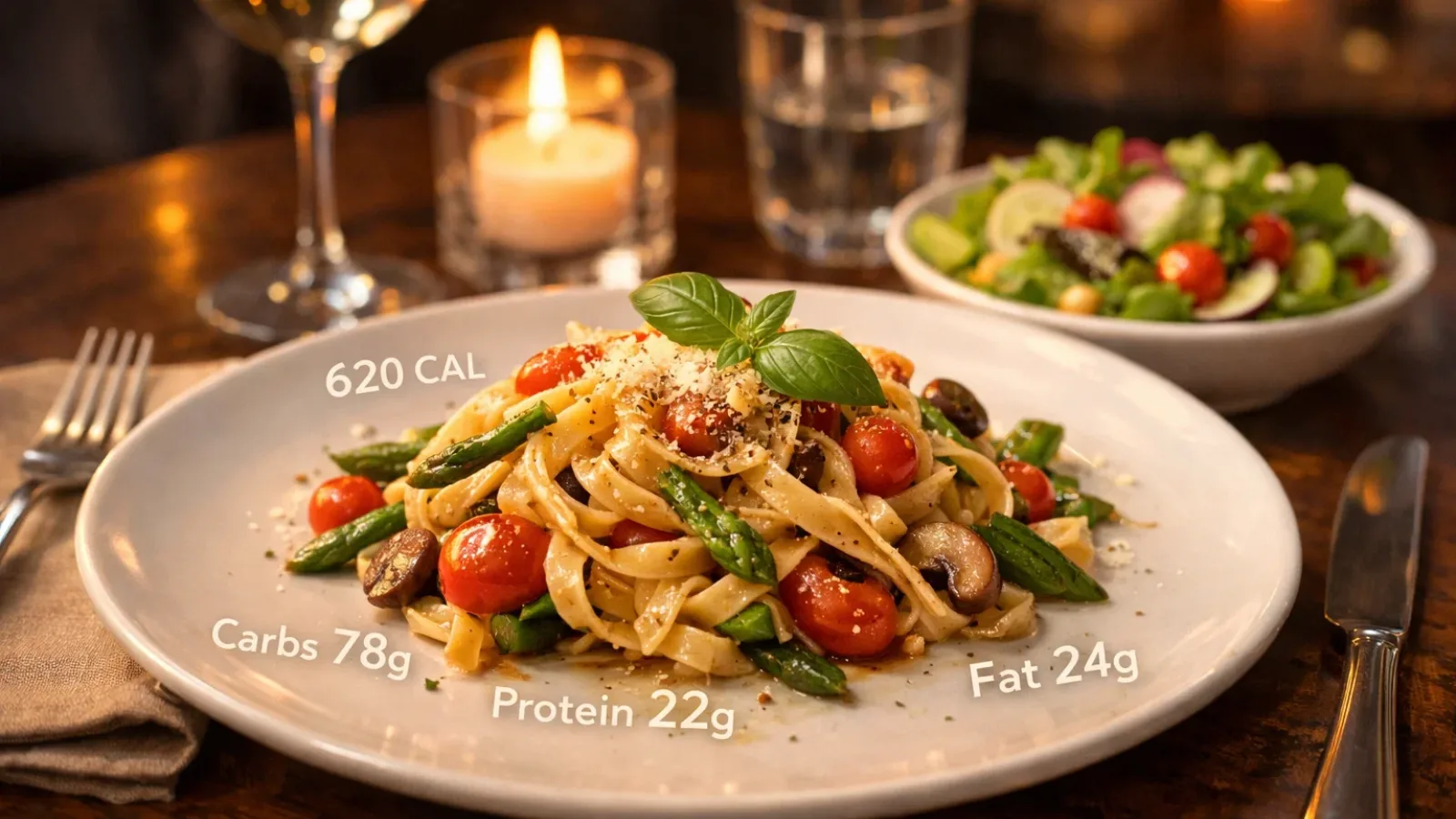
Choosing the right app is just the first step. Here’s how to take full advantage of it:
- Pick the Right App: Select an app that matches your needs. If you prefer quick tracking, choose one with photo recognition. If accuracy matters more, go for an app with a reliable database and manual entry.
- Log Your Meal in Real-Time: Log your food before or during the meal not after. It’s more accurate, and you’ll be less likely to forget details.
- Use Photo Recognition as a Starting Point: The estimate is helpful, but adjust if you think it’s inaccurate based on portion size.
- Review Your Data Weekly: Pay attention to your overall eating patterns, not just individual meals.
- Don’t Stress About Perfection: Even rough estimates are better than no tracking at all.
Read More!
Photo Recognition Calorie Trackers: Just Snap & Log Your Meals Instantly
Common Mistakes That Undercut Your Tracking
- Relying Too Much on App Estimates: If the app says 400 calories but your plate is huge, trust your judgment and adjust.
- Logging What You Ordered, Not What You Ate: If you share an appetizer or have a few bites of dessert, make sure you log everything you consumed.
- Giving Up Too Soon: Tracking calories for restaurant meals works best over weeks, not days. Stick with it and let the insights build up.
Advanced Insights on Calorie Tracking for Restaurant Meals
The Future of AI in Calorie Tracking
Photo recognition is improving rapidly, and future apps will likely offer even more accurate estimates. AI models are getting better at estimating portion sizes and cooking methods. However, hidden calories like oil and butter are still a challenge for AI.
Integration with Wearables
Many apps now sync with wearables like Apple Health, Fitbit, and Garmin, offering a more comprehensive picture of your calorie intake and expenditure.
How Restaurants Are Responding
More restaurant chains are providing calorie information on their menus. Some apps now directly integrate this official data, making it easier to track meals accurately.
Conclusion
Tracking calories at restaurants doesn’t have to be a guessing game. With the right calorie trackers, you can make more informed choices, stay on top of your nutrition, and meet your health goals all while dining out. Whether you choose an app that focuses on convenience, accuracy, or community support, the key is consistency. Start with one of the calorie trackers we’ve highlighted, build the habit, and let those insights guide your food choices. Remember, your health journey doesn’t pause when you step out of the kitchen, and with the right app, neither does your awareness.

Frequently Asked Questions
- How accurate are calorie trackers for restaurant meals?
Calorie trackers are generally accurate, especially with verified data, though the accuracy can vary for different dishes and restaurants. - Can I use calorie trackers for all types of restaurants?
Yes, most apps cover a wide range of chain and independent restaurants, though smaller eateries may require manual entry. - How do I track restaurant meals without nutritional info?
Use apps like Calorie Tracker Buddy with AI photo recognition or barcode scanning to estimate meals when official nutrition info is unavailable. - Are there apps that offer meal planning with calorie tracking?
Yes, apps like MyFitnessPal and YAZIO offer both calorie tracking and meal planning features, making it easier to stay on track. - Why use a calorie tracker when eating out?
A calorie tracker helps you make informed choices about your meal’s portion size and nutrition, especially when restaurant food calorie tracking isn’t available.