


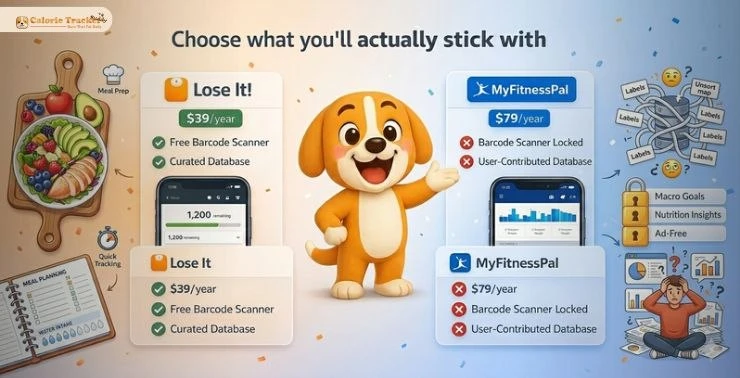
MyFitnessPal vs Lose It. One of the most searched calorie app comparisons on the internet, and most of the articles covering it are asking the wrong question.
Feature lists don’t tell you which app you’ll actually stick with. A 350-million-food database means nothing if the logging flow irritates you every morning. What actually determines whether a calorie tracker works for you is far more specific: how fast it lets you log, how it handles your eating patterns, and whether it stays out of your way. Metabolism and Weight Loss are often treated as purely biological problems, but in practice, consistency and usability matter just as much. That’s what this guide focuses on.
What Are These Apps, Really?
Before diving into features, it’s important to understand the app’s background. The origin and goals of the team behind it influence key decisions, like how the food database is built, which features are prioritized, and what is offered for free versus kept behind a paywall.
Lose It
Lose It launched in 2008 with a genuinely simple premise: show people how many calories they have left. No nutrition jargon, no complicated setup. FitNow built it for people who wanted to eat better without feeling like they needed a dietitian on call to use the software.
That original simplicity is still there. Over time, the app has expanded with features like AI-powered meal scanning, an intermittent fasting timer, and integrations with Fitbit, Apple Health, and Garmin—yet it remains easy to use from the first launch.
However, the premium plan, Lose It Plus, costs around $39.99 per year. While it’s competitively priced compared to other apps, it can still feel like a high upfront cost, especially for users who are just starting out and want to try the app without committing long-term.
Pros and Cons
What works well: The free tier is actually usable, barcode scanning included. At $39.99 per year for premium, the price is hard to beat. The native intermittent fasting timer is a thoughtful addition that saves the workaround frustration MFP users deal with. The interface is clean, onboarding is fast, and the curated database is more trustworthy than its crowd-sourced competitor.
Where it falls short: The community features are thin. There is no Google Fit integration. Full macro detail sits behind the premium tier. And because Lose It does not carry the same name recognition as MyFitnessPal, there are fewer third-party guides and resources built around it.
MyFitnessPal
MyFitnessPal’s history is a bit messier. It launched in 2005, was bought by Under Armour in 2015 for $475 million, and then sold again to Francisco Partners in 2020. Each change in ownership left fingerprints on the product. The most visible effect for users has been on pricing and what stays free. Premium now sits at approximately $79.99 per year, almost double what Lose It charges.
Pros and Cons
What works well: The database breadth is real and useful for international foods, specialty items, and niche dietary needs. Macro tracking goes deeper than most apps in the category. The community is active and well-established. Integrations cover more ground, including Google Fit, and the recipe import tools are more advanced.
Where it falls short: The free tier lost its most useful feature in 2022. Premium pricing at $79.99 per year is harder to justify for average users. Data accuracy is inconsistent. The interface rewards patience, which not everyone has at the start of a new habit. There is no native fasting support. And the app’s data privacy practices have drawn scrutiny on more than one occasion.
The app’s headline feature has always been its food database, which claims over 14 million entries. That number is accurate. What it does not tell you is that most of those entries were submitted by users, which has real implications for reliability. More on that shortly.
Feature-by-Feature Comparison
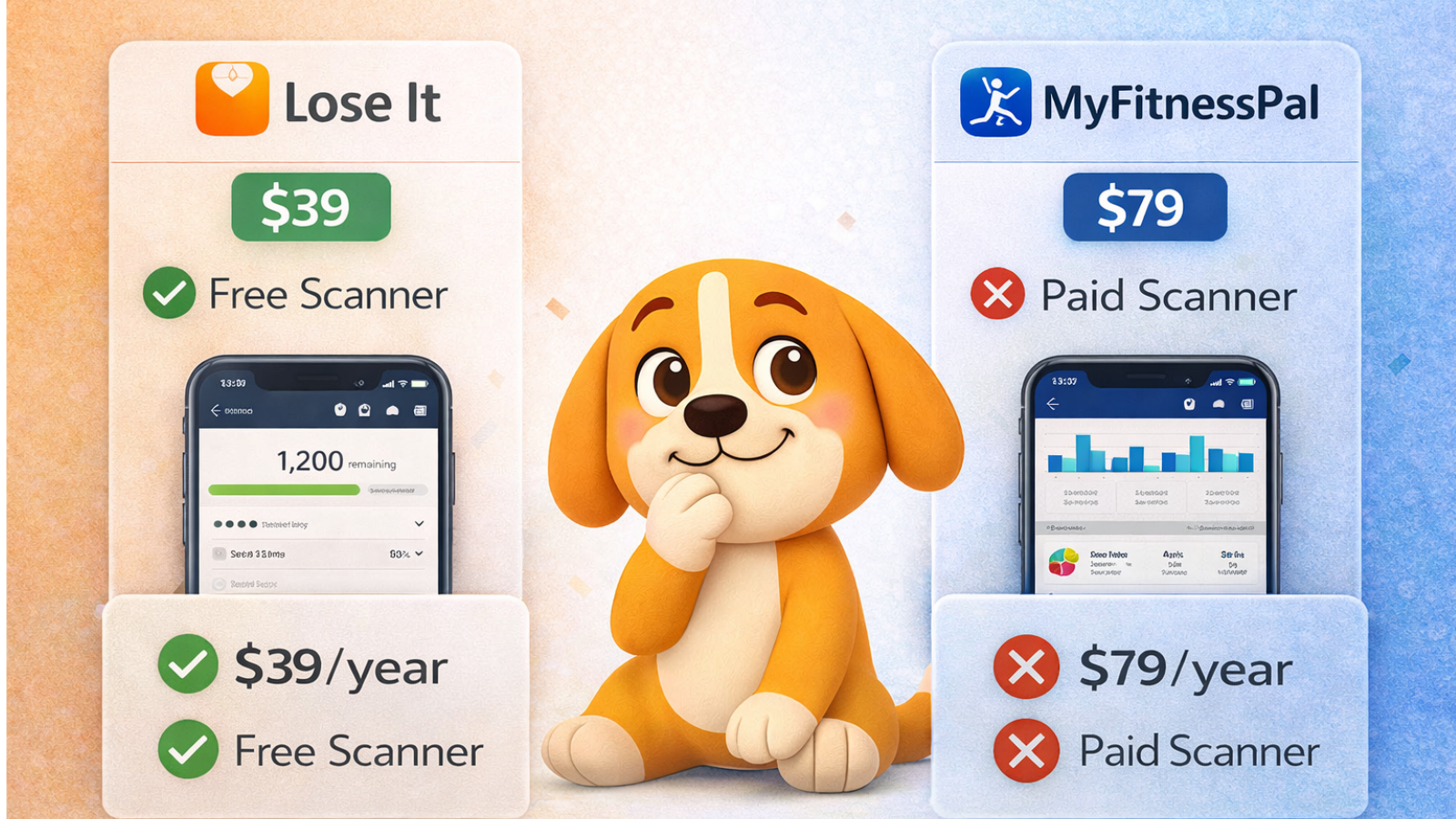
The table below lays out the key differences. The rows that deserve the most attention are the free tier, data accuracy, and pricing. Those three factors will determine the right choice for the majority of readers.
| Feature | Lose It | MyFitnessPal |
| Food Database | 33M+ entries (curated) | 14M+ entries (user-contributed) |
| Free Barcode Scanner | Yes, included free | No – removed in 2022, now premium only |
| Annual Premium Price | $39.99/year | $79.99/year |
| AI Food Recognition | Yes – Snap It camera | Yes – MFP food scan |
| Intermittent Fasting | Native built-in timer | No native support, workarounds only |
| Macro & Micro Tracking | Yes, full details on the premium | Yes – more detailed macro breakdown |
| Wearable Integrations | Fitbit, Apple Health, Garmin | Fitbit, Apple Health, Garmin, Google Fit |
| Recipe Import | Yes | Yes – more advanced import tools |
| Community / Social | Minimal | Active forums and community groups |
| Data Accuracy | Higher – curated entries | Variable – open contribution model |
| UI & Ease of Use | Intuitive, modern, low learning curve | Feature-rich but complex for beginners |
| Free Tier Value | Strong – diary, goals, barcode scan | Limited since the 2022 paywall change |
| Corporate / Group Plans | Available via the sales team | Limited enterprise options |
| Best For | Beginners, budget users, IF practitioners | Experienced trackers, macro-focused users |
Who Should Use Which App
Choose Lose It if you are new to calorie tracking and want something you can use without a learning period. It is also the right call if you practice intermittent fasting, want a capable free experience, care about data accuracy, or are trying to keep costs down, whether personally or across a team.
Choose MyFitnessPal if you are an experienced tracker who needs granular macro data and is willing to pay for it. It fits well for users who rely on community accountability, need Google Fit integration, or regularly log foods from international or specialty cuisines where database breadth actually makes a difference.
Calorie Tracker Buddy: A Different Kind of Tool

Apps like Lose It! and MyFitnessPal are well-established options for calorie tracking. They focus heavily on structured logging – entering meals, reviewing nutritional data, and using that information to guide decisions over time.
Calorie Tracker Buddy approaches the same goal a bit differently, with more emphasis on reducing friction and maintaining consistency.
How the experience differs
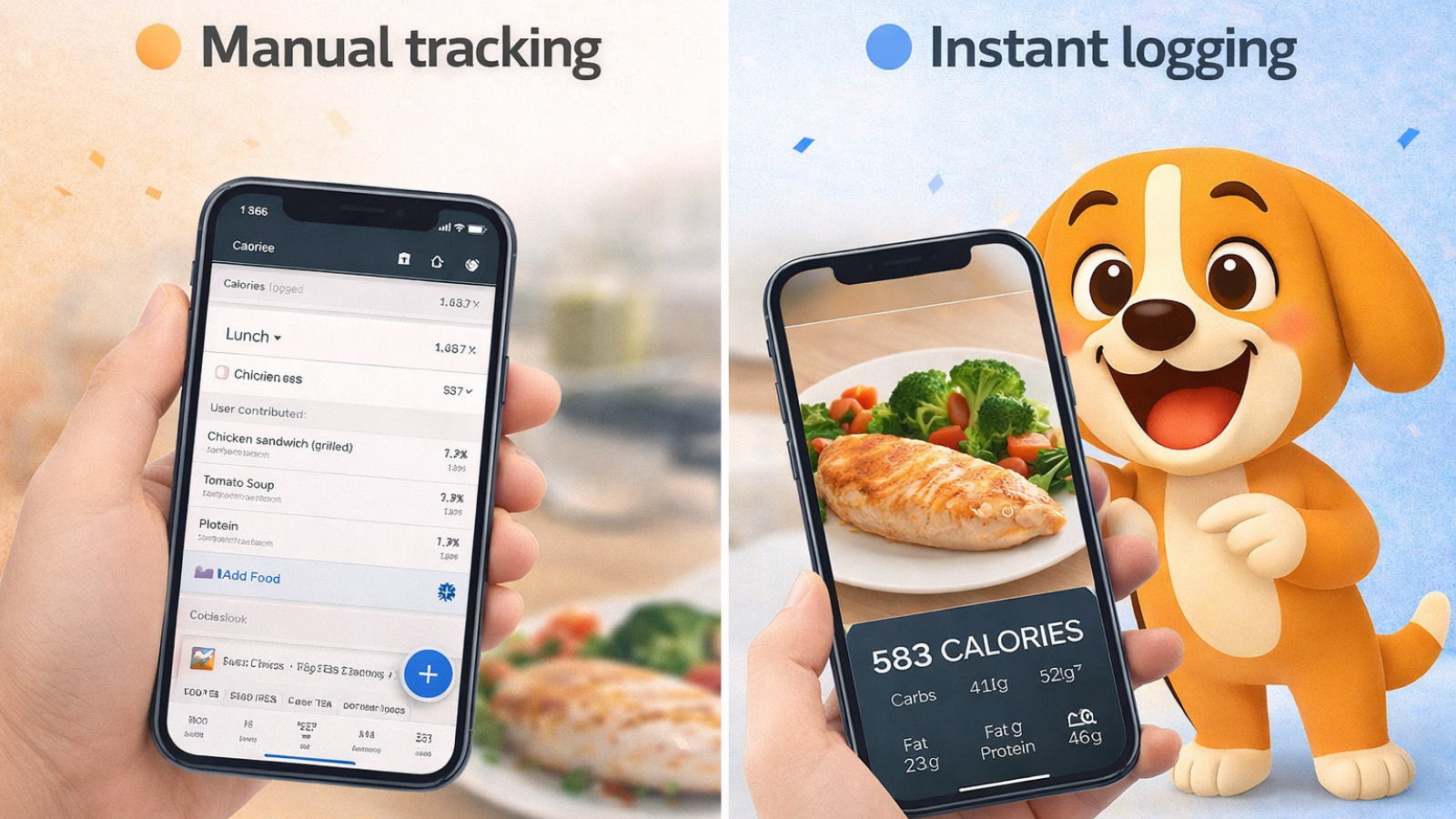
The core logging flow is camera-based – instead of searching for foods manually, you take a quick photo of your meal and receive an estimated calorie and macronutrient breakdown. In theory, this can make logging faster, especially for users who find traditional input methods repetitive, including everyday situations like tracking delicious & healthy snacks for late night cravings.
Like other apps, it also tracks daily activity and calorie burn, showing how meals and movement contribute to overall progress throughout the day.
There’s also a chat-based feature that provides general diet and workout suggestions, along with options to save routines, set reminders, and track habits such as hydration.
A different kind of engagement
One of the more distinctive elements is a virtual “buddy” that responds to your activity. Logging meals, staying active, and maintaining habits contribute to its progress, while inactivity is reflected as well.
For some users, this kind of feedback can make the process feel more interactive and may help with consistency. For others, it may feel unnecessary – it largely depends on personal preference.
Common Mistakes When Choosing
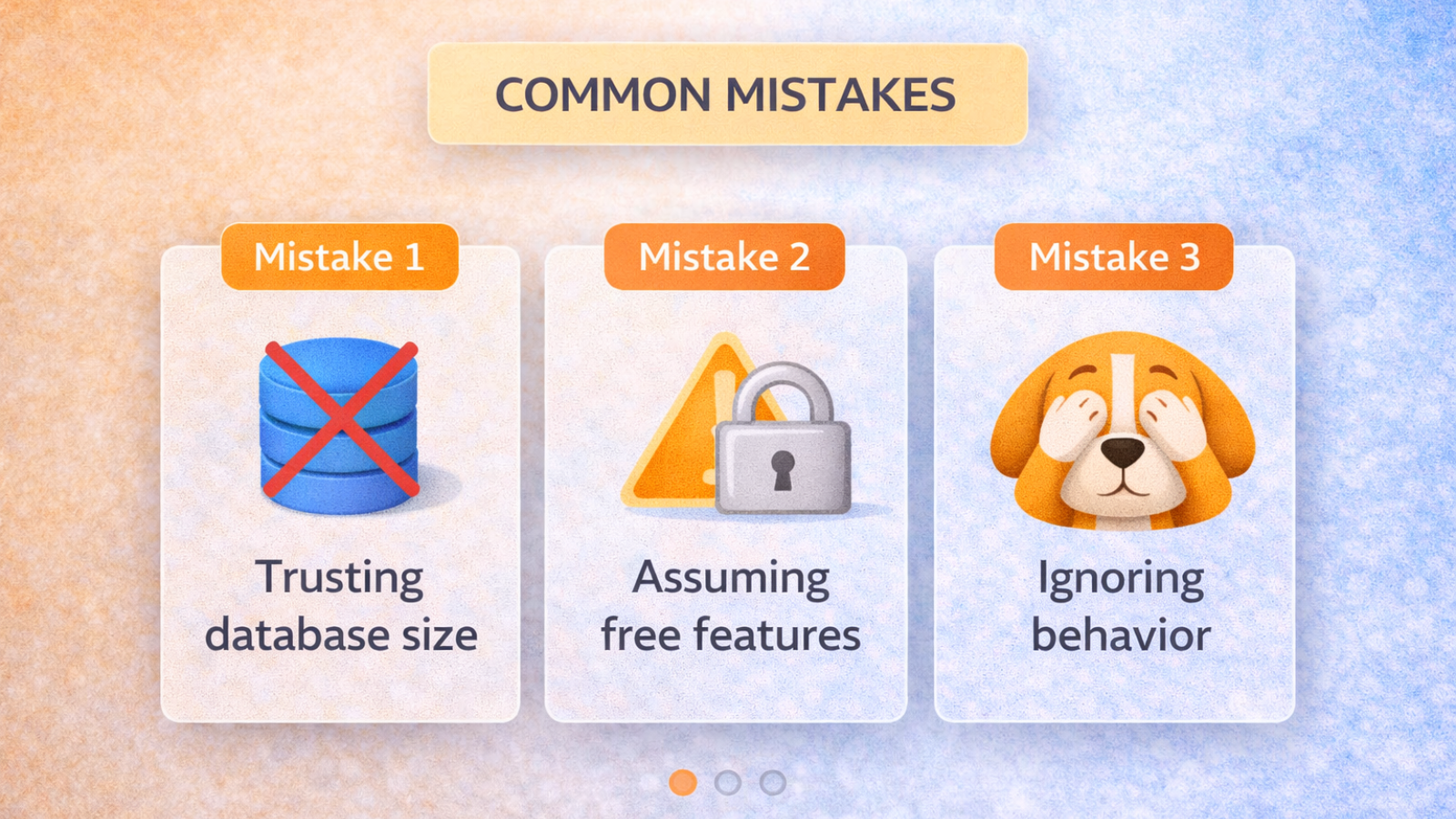
Assuming MFP’s free tier is still what it was. The 2022 barcode scanning change is real, and it is consequential. Articles that predate it make MFP sound far more accessible than it currently is for non-paying users.
Treating database size as a quality signal. Fourteen million entries mean very little if the entries themselves are unreliable. What the database is built from matters as much as how large it is.
Skipping the privacy review for employee programs. Recommending a health app to staff without reviewing how their data is used is an oversight with real compliance implications, especially in regulated industries or GDPR-covered regions.
Assuming all calorie apps solve the same problem. Lose It is a simple tool. MyFitnessPal is a depth tool. Calorie Tracker Buddy is a behavior tool. Picking the wrong category for your actual goal is the most common reason people abandon these apps in the first two weeks.
Read Aloud!
Noom vs MyFitnessPal: Which Health Tracker Is Right for You? – Calorie Tracker Buddy
MyFitnessPal vs Cronometer: Which is More Accurate? – Calorie Tracker Buddy
Final Thoughts
Lose It is the right starting point for most people. It is cheaper, more approachable, and more practical for everyday use since MFP’s 2022 changes narrowed the gap between the two free experiences considerably. MyFitnessPal still has a real audience: experienced trackers who need granular data, a large database, and community accountability, and who are willing to pay the premium for it.
Calorie Tracker Buddy operates in a different lane. It is not trying to beat the others on logging features. It is trying to answer why people stop tracking in the first place and build something that outlasts the two-week drop-off that most nutrition apps see. For habit-focused individuals and for HR teams that need a proper organizational tool rather than a consumer app repurposed for workplace use, that focus is worth taking seriously.
The right answer depends entirely on what you are actually trying to accomplish. After reading this, you should have a clear enough picture to make that call without second-guessing it.
Frequently Asked Questions
Is Lose It easier to use than MyFitnessPal for someone just getting started?
Yes, by a clear margin. The onboarding is shorter, the interface is less cluttered, and you can start logging within minutes. For new users, friction in the first week is the most common reason for abandonment. Lose It removes most of that friction.
Does MyFitnessPal still offer free barcode scanning?
Not since late 2022. Scanning a food barcode now requires a paid Premium subscription. The free tier still allows manual food searches and basic goal tracking, but the most convenient daily logging feature is paywalled.
Which app gives more accurate nutritional data?
Lose It and Calorie Tracker Buddy both operate on curated, verified databases. MyFitnessPal’s open-contribution model produces more entries but less consistent accuracy. For anyone where precision matters, such as managing a health condition or tracking macros for athletic performance, the curated approach is more reliable.
Can businesses realistically use Lose It or MyFitnessPal for employee wellness programs?
They can recommend them, but neither was designed for that context. Both lack the admin tools, structured challenge features, and organizational privacy documentation that a managed workplace program requires. Calorie Tracker Buddy is the option that was actually built for this use case.
What sets Calorie Tracker Buddy apart from the other two apps?
Its focus is on behavior rather than logging. Food mood tracking, personalized behavioral insights, and AI meal suggestions that adapt to your patterns give it capabilities that the other apps do not have. For people who have tried calorie tracking before and quit, it addresses the reasons that usually cause abandonment rather than just adding more features on top of the same model.
Is Calorie Tracker Buddy’s free tier worth using?
Yes. Barcode scanning, calorie and macro tracking, food mood logging, and goal setting are all included at no cost. The premium tier unlocks the full behavioral insight engine and team features, but the free experience is genuinely useful on its own.