

Calorie tracking works when people actually do it. The problem is not awareness or motivation; it’s friction. Most calorie counter apps for iPhone focus heavily on large food databases and detailed nutrition tracking.
While that information is useful, it often makes the process slower and more complicated. The real challenge isn’t access to data: it’s consistency. And consistency depends on how quickly and easily it is to log a meal.
We tested nine of the most downloaded calorie tracker apps iPhone across four weeks, evaluating each on logging speed, food database accuracy, iOS interface quality, AI and barcode capabilities, and overall consistency of experience.
This guide presents the ranked results with honest assessments of what each app does well and where it falls short, so you can choose the best calorie tracker app for iPhone based on how you actually eat, not how an app wants you to eat.
In a hurry? Listen to the blog instead!
How We Tested The Best Calorie Tracker Apps for iPhone
Every app on this list was tested by the same person over the same four-week period under consistent conditions. The evaluation framework covered five dimensions:
- Accuracy, how reliably the app identified foods from barcode scans, text search, and, where applicable, photo input; how closely nutritional data matched verified sources for mixed meals and restaurant items
- Ease of use on iOS, how well the interface followed iOS design conventions, how quickly a new user could complete a first login, and how the app handled iOS features like widgets, Siri shortcuts, and Health app integration
- Logging speed, the time from opening the app to completing a meal log for a typical three-item meal; apps were tested cold (from home screen), not from the recent apps tray
- Feature depth, AI capabilities, meal planning, barcode scanning, macro breakdowns, water tracking, and personalization options
- Free vs paid value, what the free tier genuinely delivers versus what requires a subscription, and whether the paid tier price is justified by the upgrade
9 Best Calorie Tracker Apps for iPhone (2026 Rankings)
1. Calorie Tracker Buddy, Best Overall Calorie Tracker App for iPhone

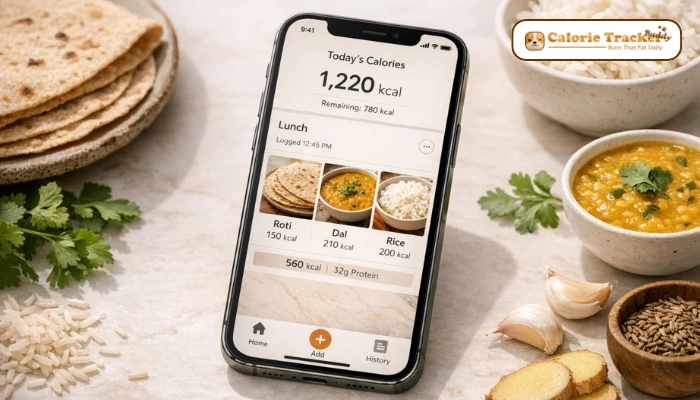
Calorie Tracker Buddy earns the top position for one reason that matters more than any individual feature: people actually stick with it. Most calorie tracker apps iPhone are abandoned within two weeks, not because they lack features but because they require too much effort per log. Calorie Tracker Buddy is designed around the opposite philosophy, minimize the friction between opening the app and completing a log.
The interface is clean, native to iOS conventions, and fast. A typical three-item meal logs in under 30 seconds once you’ve used the app for a few days and your frequent foods are in the recent history.
The quick-add system for common meals, the streamlined barcode scanner, and the absence of the cluttered dashboard that characterizes older apps in this category all contribute to a logging experience that feels like a tool rather than a chore.
The app does a strong job covering common foods and popular restaurant items. It may not match the depth of cuisines from all around the world. And sometimes, rare regional dishes or very specific branded products need to be added manually, but for everyday eating, the database is dependable and well-rounded.
- Best for: Busy professionals, beginners who’ve quit other tracking apps, anyone who prioritizes consistency over comprehensiveness
- Standout features: Fast logging UX, clean iOS design, quick-add for frequent meals, Health app integration
- Limitation: Database is not as extensive as MyFitnessPal for niche or regional foods
- Pricing: Right now, the app is completely free, with no locked features and no premium tiers, so you get full access to everything without paying a single rupee.
2. MyFitnessPal, Largest Food Database
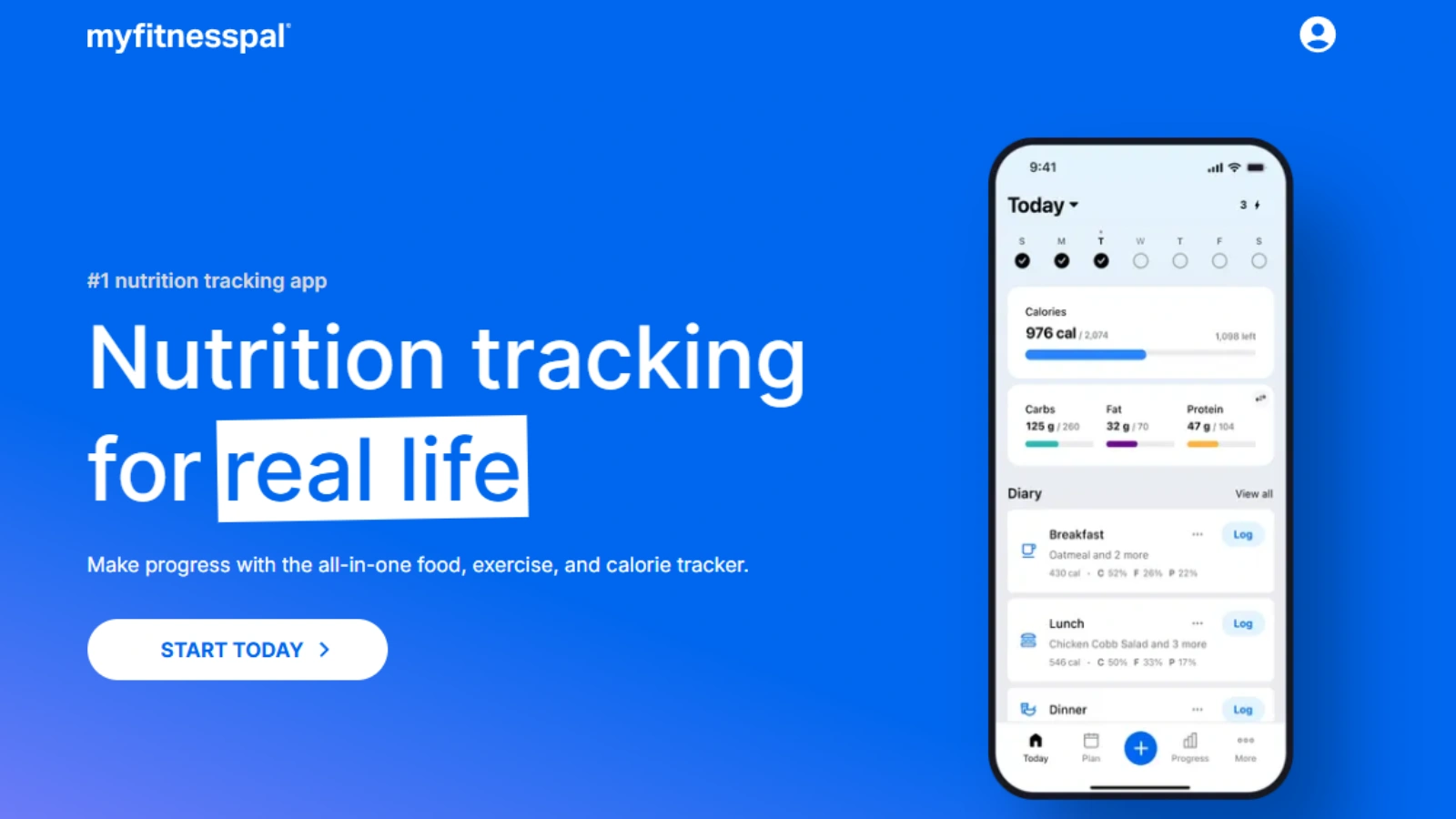
MyFitnessPal has the largest food database of any calorie counter app on iPhone, over 14 million foods, including user-submitted entries for regional dishes, branded products, and restaurant menu items.
If you eat something unusual or highly specific, MyFitnessPal is the most likely app to have it. The barcode scanner is fast and reliable, and the integrations ecosystem, connecting to fitness test, health apps, and third-party services, is the most mature in the category.
The limitations are real and frequently reported by users: the interface feels cluttered relative to newer apps, navigating between logging, goals, and reports requires more taps than it should, and the free tier has been progressively restricted over several product updates. Premium at $19.99 per month is among the most expensive options in this category. The user-submitted database, while vast, contains inaccuracies that require verification for precise tracking.
- Best for: Users who need the widest possible food database, heavy gym users who track macros precisely
- Limitation: Expensive premium tier, cluttered interface, free tier increasingly limited
- Pricing: Free / $19.99 per month or $79.99 per year
3. HealthifyMe, Best Calorie Tracker App for Indian Food on iPhone
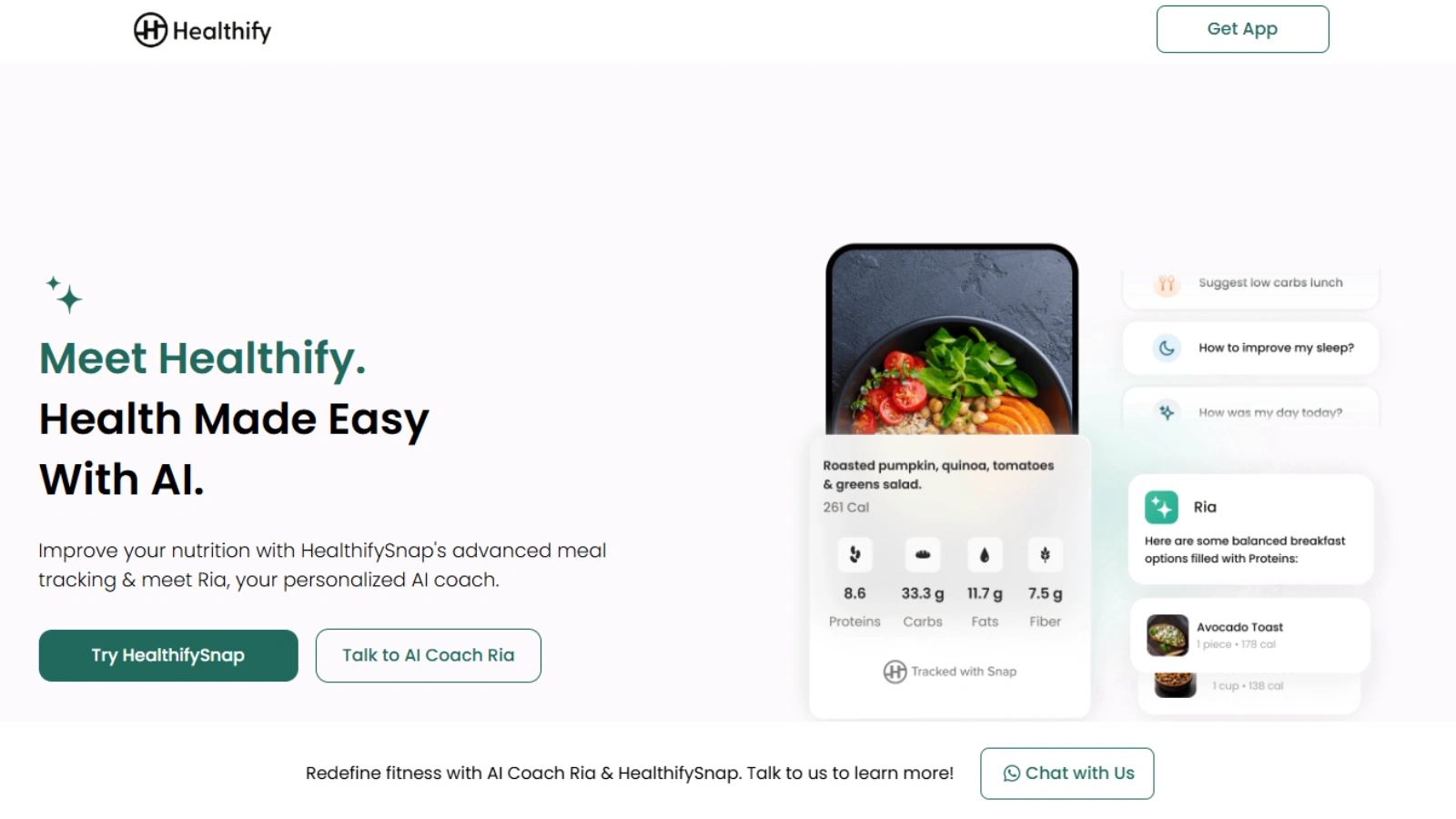
HealthifyMe is the standout choice for users tracking Indian food on iPhone. Its database covers regional Indian cuisine with a depth that Western-focused apps don’t approach, including dal, sabzi, regional rice dishes, street food, and homemade preparations that other apps either don’t include or get nutritionally wrong. The app was built for the Indian market, and it shows in the food data quality.
Beyond the database, HealthifyMe offers AI coaching, personalized meal plans, and integration with nutritionists and fitness trainers. These features make it genuinely useful for users who want guided tracking rather than pure self-service logging.
The downsides are consistent user complaints: aggressive upsell prompts within the app, a more complex interface than the simpler apps in this list, and coaching features that are harder to access without a premium subscription.
- Best for: Indian food tracking, users who want AI coaching alongside logging
- Limitation: Aggressive upsells, interface complexity, premium required for best features
- Pricing: Free / Subscription plans vary by region
4. Lose It!, Best for Goal-Based Tracking
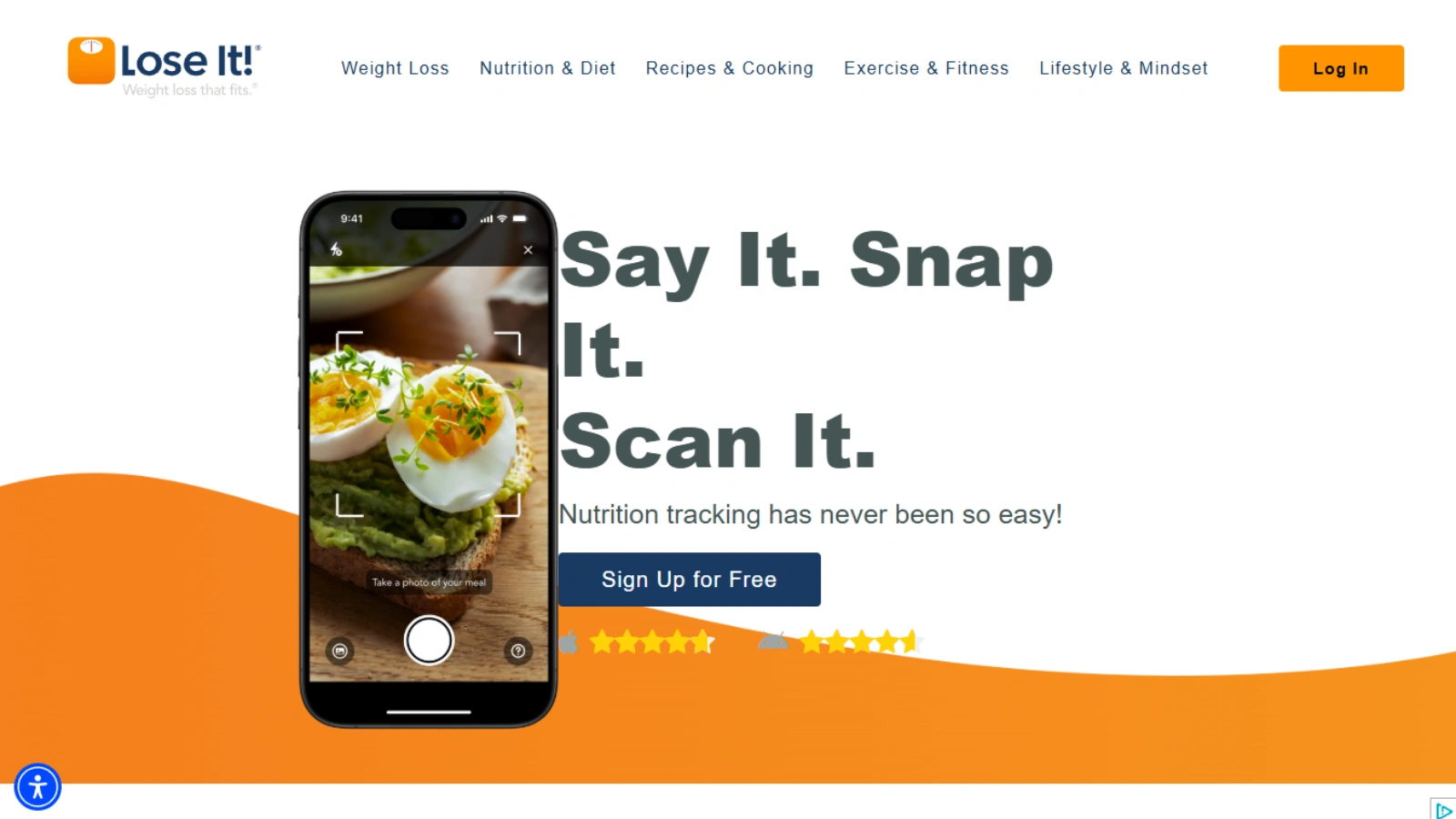
Lose It! takes a goal-first approach that distinguishes it from pure calorie counters. The onboarding sets a specific weight goal and timeline, and the app builds daily calorie and macro targets around that goal rather than leaving users to interpret raw data themselves. For users who respond well to structured progress toward a defined outcome, this framing is more motivating than a simple log-and-review approach.
The interface is clean and well-designed for iOS. The food database is good without matching MyFitnessPal’s breadth. Meal planning, water tracking, exercise logging, and weekly progress summaries are all included. The main limitation is that the most useful analytical features, detailed progress charts, and macro breakdown reports, sit behind the premium paywall.
- Best for: Users who are motivated by goal tracking and structured progress
- Limitation: Premium required for full analytics, database not as wide as MyFitnessPal
- Pricing: Free / $39.99 per year
5. Yazio, Best Minimalist Option
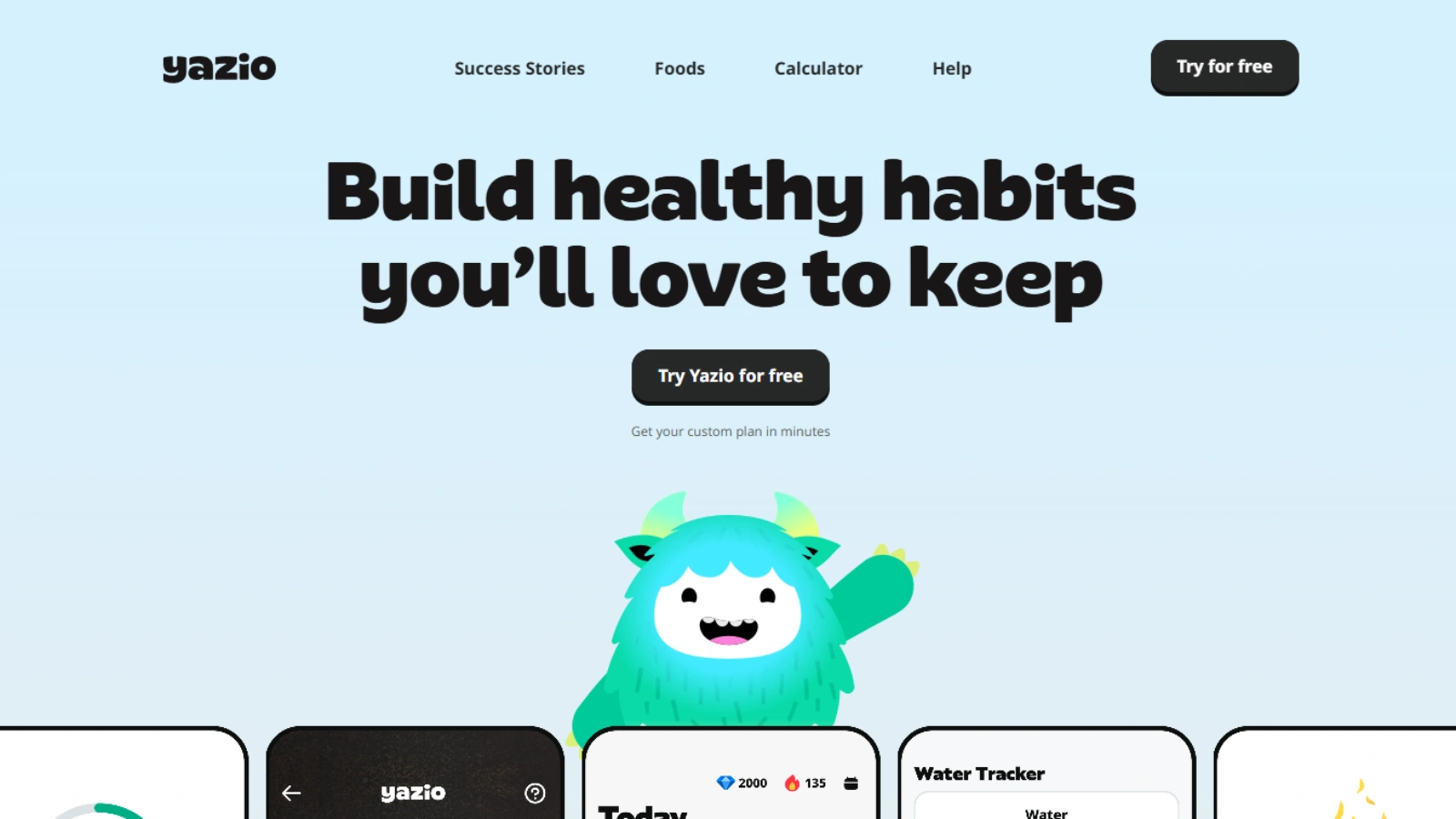
Yazio is the simplest and most approachable app on this list. The onboarding is fast, the interface is uncluttered, and a first-time user can complete their first log within minutes of downloading. For people who’ve been intimidated or overwhelmed by more feature-heavy apps, Yazio’s minimalism is its primary value proposition.
The trade-off is feature depth; Yazio doesn’t offer the micro-nutrient tracking of Cronometer, the database breadth of MyFitnessPal, or the goal sophistication of Lose It!.
The free tier is also more restricted than some competitors, limiting access to features like meal plans and detailed progress reports. As a starting point for someone new to calorie tracking, it works well; as a long-term solution for experienced trackers who want detailed data, it may feel limiting.
- Best for: First-time calorie trackers, users who quit other apps due to complexity
- Limitation: Limited free tier, less feature depth than competitors
- Pricing: Free / $39.99 per year
Also Read!
6. Cronometer, Most Accurate Nutrition Tracking
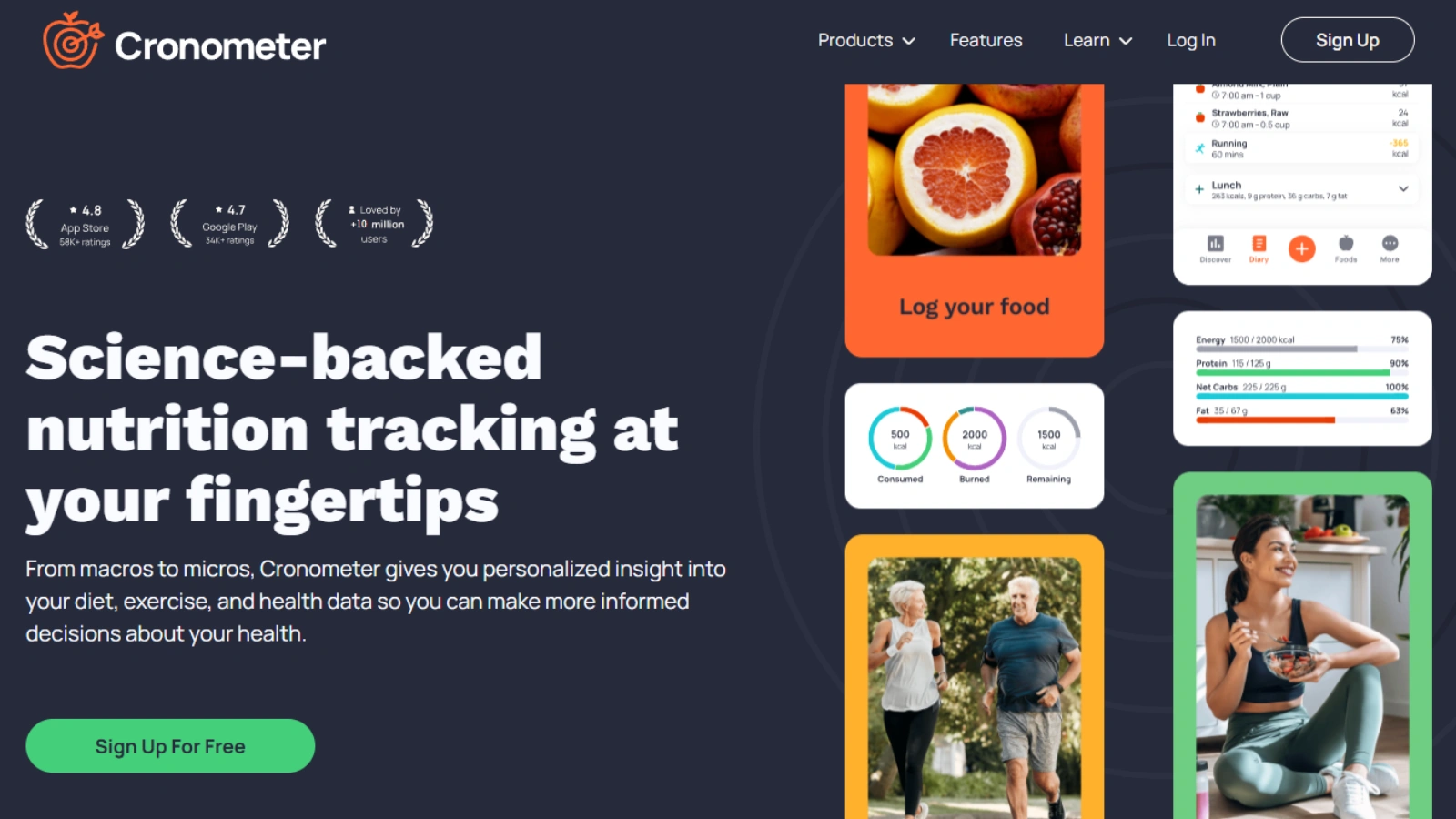
Cronometer is the most detailed nutrition app here. It tracks 80+ micronutrients, including vitamins, minerals, and amino acids, using verified data instead of user entries. Ideal for serious health tracking or working with a dietitian.
The interface reflects its data-heavy orientation; it’s functional and precise but less visually polished than Calorie Tracker Buddy, Yazio, or Lifesum. There are no ads on the free tier, which is a genuine differentiator in a category where free tiers are increasingly monetized through in-app advertising. The learning curve is real for users who just want to count calories without engaging with the full nutrient breakdown.
- Best for: Serious nutrition trackers, people managing health conditions, dietitian clients
- Limitation: Complex interface, steep learning curve for casual users
- Pricing: Free (no ads) / $49.99 per year for Gold
7. MyNetDiary, Best All-in-One Option
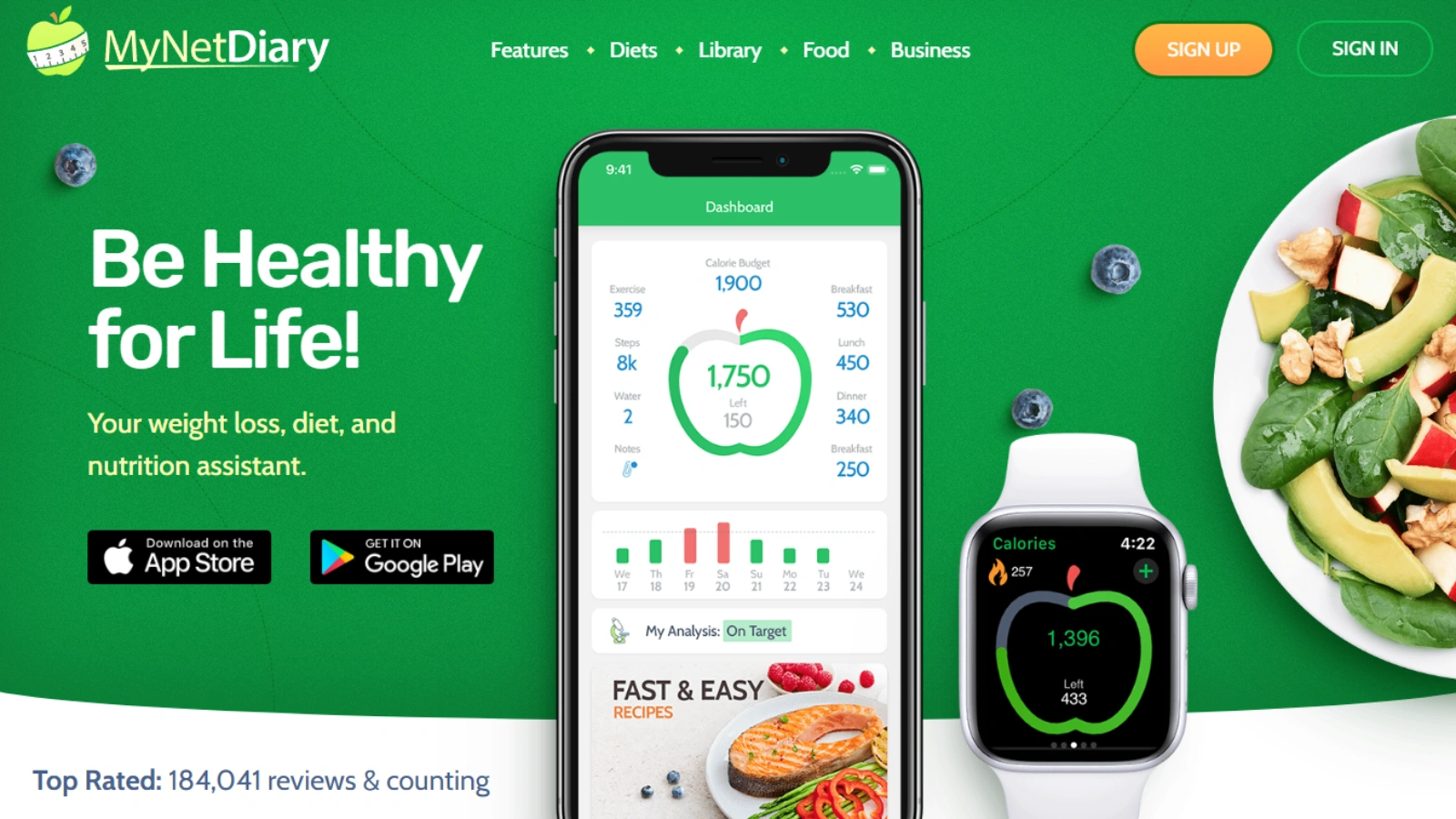
MyNetDiary attempts to cover more ground than most competitors, including calorie tracking, macro and micronutrient monitoring, blood glucose logging, cholesterol tracking, and integration with medical devices. For users managing diabetes or metabolic conditions alongside calorie tracking, this breadth is genuinely useful and hard to replicate by combining multiple apps.
The interface is functional but dated relative to newer entries in the category. The learning curve is higher than that of simpler apps, and the feature density can feel overwhelming during initial setup. Premium pricing at $59.99 per year is on the higher end for the category. For general calorie tracking without a specific medical tracking need, the all-in-one feature set is more than most users require.
- Best for: Users managing diabetes or metabolic conditions alongside calorie tracking
- Limitation: Dated interface, high premium price, overkill for general use
- Pricing: Free / $59.99 per year
8. Lifesum, Best for Diet Planning

Lifesum stands out for its polished, visually appealing design. It feels more like a lifestyle app, with structured diet plans like low-carb, Mediterranean, high-protein, and intermittent fasting, plus daily meal suggestions.
The food logging itself is solid but not exceptional. The database is good for common foods; less comprehensive for regional or niche items. The heaviest limitation is the paywall; many of the diet programs and most of the meaningful analytical features require a premium subscription. The free tier is more of an extended trial than a functional long-term option.
- Best for: Users who want structured diet programs alongside tracking
- Limitation: Heavy paywall, free tier too restricted for long-term use
- Pricing: Free / $44.99 per year
9. Cal AI, Best AI Calorie Tracker App iPhone
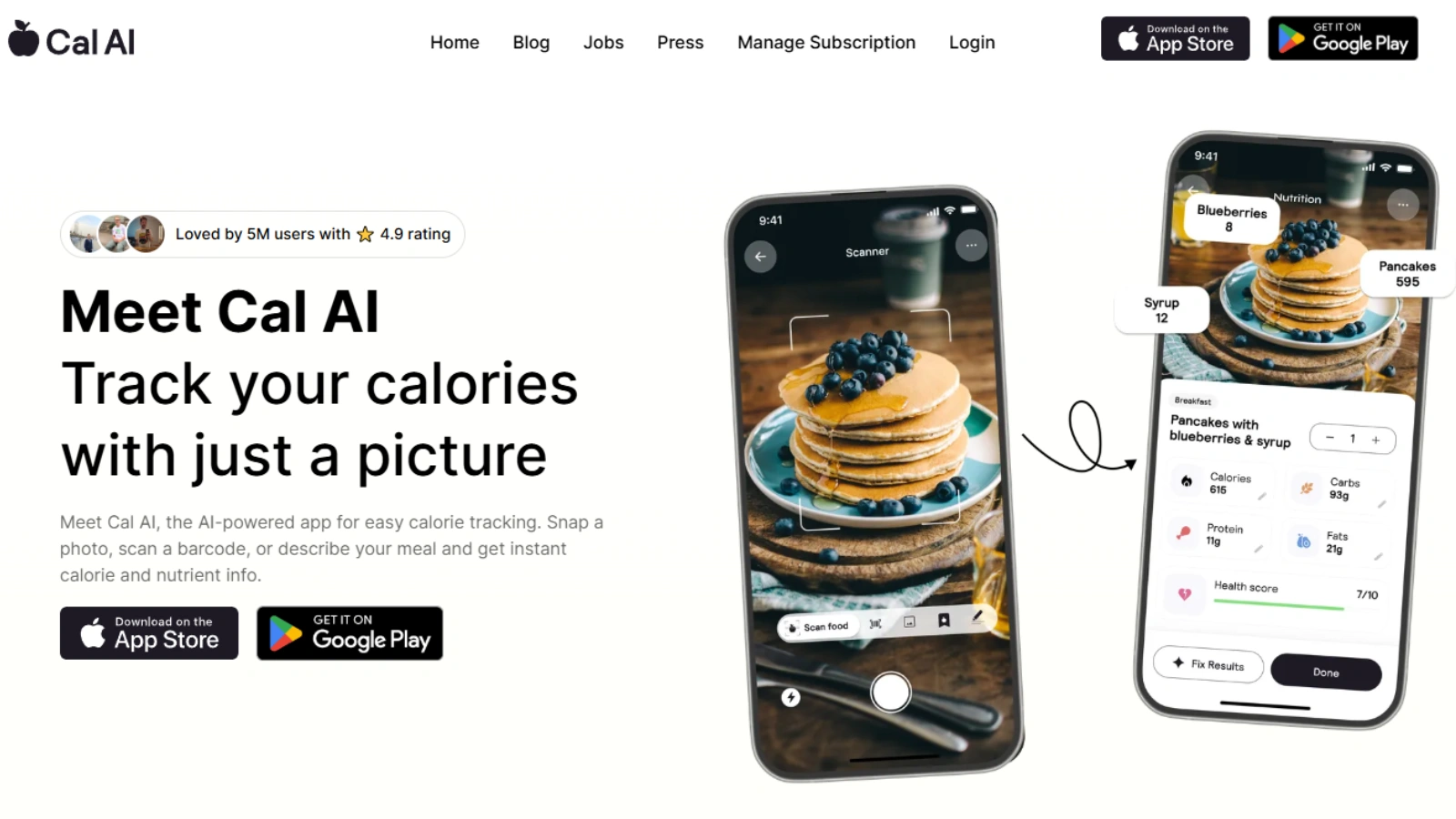
Cal AI represents the newest approach to calorie tracking on iPhone: photograph your meal and let AI estimate the calories and macros without any manual logging. In theory, this eliminates the primary friction point of traditional tracking. In practice, the accuracy is promising but inconsistent. Simple, well-lit meals of identifiable foods log reasonably well, while mixed dishes, plated restaurant meals, and homemade food with variable portion sizes produce estimates that can be significantly off.
As an automatic calorie tracking app concept, Cal AI points toward where the category is heading. The current version is best used as a supplement to traditional logging rather than a replacement, useful for quick estimates on meals you’d otherwise skip logging entirely, less reliable for the precise tracking that specific goals require. Accuracy is improving with model updates, and it’s the app most likely to look significantly different a year from now.
- Best for: Users who want a starting point without manual logging, casual trackers
- Limitation: Accuracy inconsistent for complex meals, not reliable for precise macro tracking
- Pricing: Free / $29.99 per month
Best Calorie Tracker Apps for iPhone Compared
Here’s the full side-by-side comparison across all nine apps.
How to Choose the Right Calorie Tracker App for iPhone
The best calorie tracker app iPhone is the one you’ll actually use consistently, which means the right answer depends on your specific situation rather than a universal ranking. Here’s how to match your needs to the right app.
If You’ve Quit Other Tracking Apps Before
Friction is the reason most people abandon calorie tracking, not lack of motivation. If you’ve tried MyFitnessPal or similar apps and found them too time-consuming to maintain, choose an app designed around logging speed and simplicity. Calorie Tracker Buddy and Yazio are the two apps on this list built specifically around low-friction logging; the difference in daily effort is real, and it accumulates over weeks into much better adherence.
If You Track Indian Food on iPhone
Western calorie tracker apps consistently underperform for Indian cuisine. The database gaps aren’t just inconvenient; they produce inaccurate tracking that undermines the whole exercise. HealthifyMe is the clear choice for users whose diet includes significant Indian food. Its database covers regional dishes, homemade preparations, and Indian restaurant items with an accuracy level that no Western-focused app currently matches. The interface complexity and upsell frequency are the trade-offs worth accepting for users who need that database quality.
If You Want AI or Photo-Based Tracking
AI calorie tracker apps on iPhone are improving, but not yet reliable enough for precise tracking. Cal AI is the most capable photo-based option currently available and works well for quick estimates on simple meals. For users who want speed without sacrificing accuracy, a fast manual logging app like Calorie Tracker Buddy currently outperforms photo-based AI for most meal types. The AI tracking category will likely look significantly different by 2027 as model accuracy improves.
Free vs Paid: What You Actually Get
Most free calorie tracker apps for iPhone offer enough to get started, but restrict the features that make long-term tracking genuinely useful, such as detailed analytics, macro breakdowns, meal planning, and progress reports. Cronometer is the notable exception: its free tier includes full micronutrient tracking with no ads. For most other apps, a paid subscription is worth evaluating after the first month if you’re using the app consistently and hitting the limits of the free tier.
Final Verdict: Best Calorie Tracker App for iPhone in 2026
After four weeks of testing, the clearest finding is that the best calorie tracker app for iPhone isn’t the one with the most features; it’s the one that removes enough friction to make daily logging sustainable.
Calorie Tracker Buddy is the most practical overall recommendation for 2026. Its combination of fast logging, clean iOS design, and consistent experience makes it the app most likely to survive beyond the initial motivation phase. For users who need the most comprehensive food database, MyFitnessPal remains the reference standard despite its interface limitations. For Indian food tracking, HealthifyMe has no real competitor. For rigorous micronutrient analysis, Cronometer stands apart.
The right choice among these nine is determined by one question: what would make you actually log your food tomorrow, and the day after, and the day after that? Start with the app that answers that question most honestly.
Frequently Asked Questions
What is the best free calorie tracker app for iPhone?
Cronometer offers the strongest free tier, full micronutrient tracking with no ads and no meaningful feature restrictions behind a paywall. For general calorie tracking, Calorie Tracker Buddy and Yazio both offer functional free tiers that cover the core logging experience. MyFitnessPal’s free tier has become increasingly restricted over recent updates and is less compelling than it was previously.
Which iPhone calorie app is most accurate?
Cronometer uses verified nutrition database sources rather than user-submitted entries, making it the most nutritionally accurate option for micronutrient tracking. For calorie and macro accuracy on everyday foods, Calorie Tracker Buddy and MyFitnessPal both perform well. Cal AI’s photo-based approach is the least consistent for accuracy, particularly for mixed or homemade meals.
Is AI calorie tracking on iPhone reliable yet?
For simple, well-lit meals of identifiable single foods, AI photo-based tracking like Cal AI produces reasonable estimates. For mixed dishes, restaurant meals, and homemade food with variable portions, accuracy is inconsistent enough that it shouldn’t be relied on for precise tracking goals. The technology is improving rapidly; it’s worth reassessing in 2026 as model updates roll out.
How long does it take to log a meal on a calorie tracker app?
Logging speed varies significantly between apps. On apps designed for speed like Calorie Tracker Buddy, a three-item meal with previously logged foods takes 20 to 30 seconds. On more feature-heavy apps like MyFitnessPal or Cronometer, the same log can take 60 to 90 seconds. That difference compounds into a meaningful time and effort gap over weeks of daily use, which is why logging speed is one of the strongest predictors of whether someone maintains the habit.