


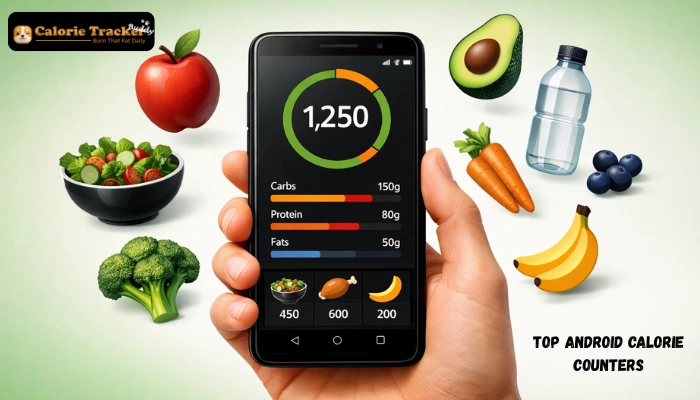
Losing weight, building muscle, or simply eating better, it all start with awareness. A reliable calorie counter Android app turns every meal into data you can act on. The challenge? Google Play is flooded with hundreds of options, and most users abandon apps within the first week because they picked the wrong one.
We spent weeks testing the top-rated calorie counter Android apps on Google Play in 2026, logging real meals, checking database accuracy, and measuring how long logging actually takes. This guide cuts through the noise. Whether you are a first-timer or someone switching from an app that stopped working for you, you will find your match here.
In a hurry? Listen to the blog instead!
Why Calorie Tracking Still Works In 2026?
The energy balance principle is simple: calories in versus calories out. A good calorie counter Android app removes the guesswork from this process and turns every meal into actionable data.
Modern apps go far beyond basic totals. The best ones track macronutrients, scan barcodes, sync with fitness devices, and identify meals from a photo using AI. What once required a dietitian now fits in your pocket.
Consistency is what drives results, and the right calorie counter Android app makes logging feel effortless rather than like a chore. That is exactly what this review is here to help you find.
Quick Stat: People who log their food intake consistently lose significantly more weight than those who track nothing, regardless of the diet they follow.
Top Calorie Counter Android Apps Reviewed
Below are our top picks for the calorie counter Android category on Google Play. Each app was evaluated on food database size, ease of use, barcode scanning, macro tracking, and value for money.
1. Calorie Tracker Buddy
If you want one app that handles everything without overwhelming you, Calorie Tracker Buddy is the answer. It stands out as the best calorie counter for Android users who need both simplicity and depth. The interface is clean, the database is comprehensive, and the AI-powered logging makes it feel effortless from day one.
What separates Calorie Tracker Buddy from the pack is how thoughtfully it is designed for everyday users. You do not need a nutrition degree to understand your dashboard. The app speaks in plain language, celebrates your wins, and nudges you back on track without any shame.
Key Features:
- AI Photo Food Recognition
- Comprehensive Food Database
- Macro Tracking (Protein, Carbs, Fat)
- Custom Meal Logging
- Water Intake Logging
- Exercise Calorie Sync
- Personalized Goal Setting
- Progress Charts & Analytics
- Offline Mode Available
- Virtual Buddy Character
Verdict: The most user-friendly calorie counter Android app available in 2026. Recommended for beginners and advanced trackers alike.
2. MyFitnessPal:
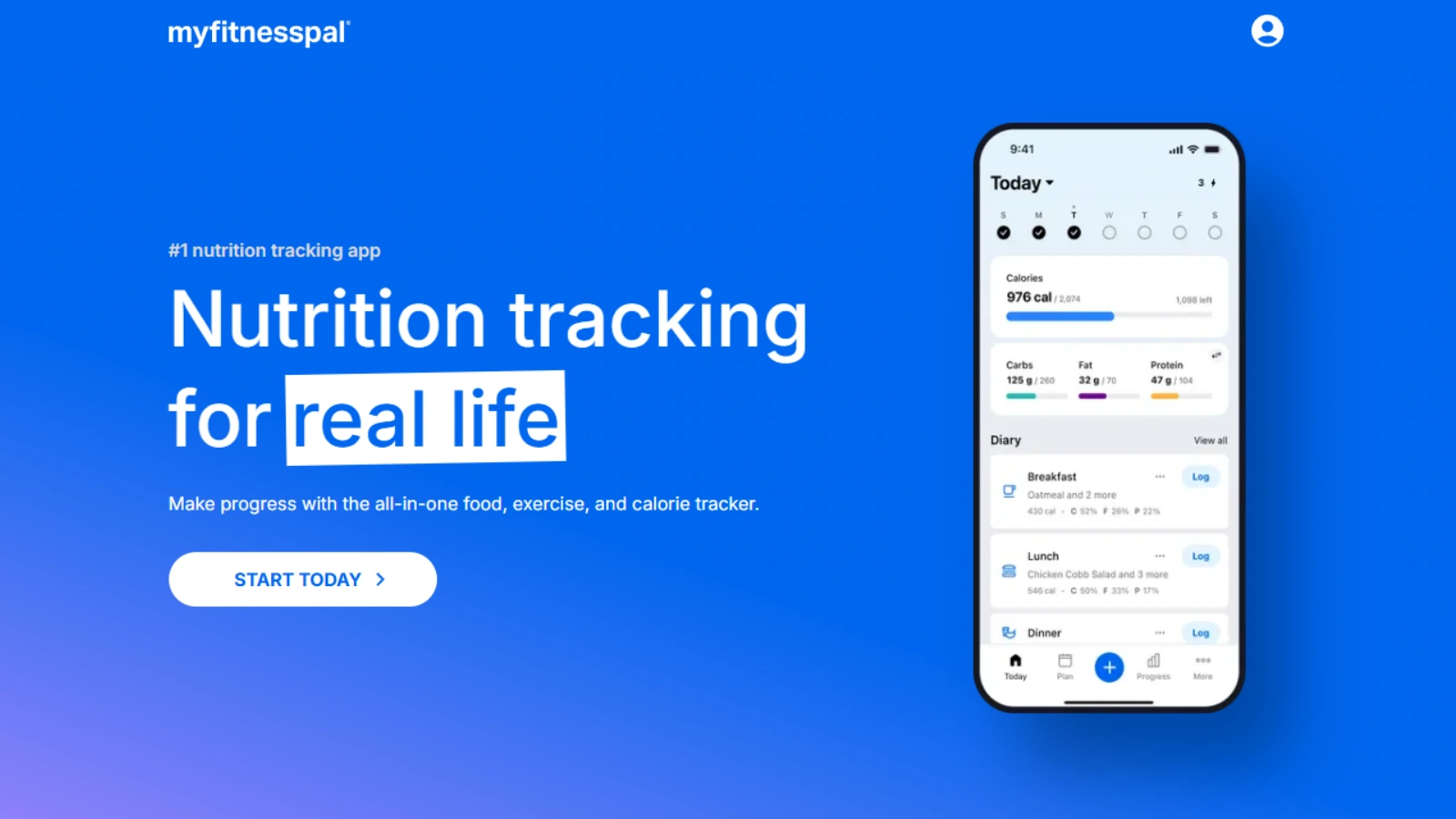
Rating: 4.5/5 · 50M+ Downloads
MyFitnessPal has been a household name in the calorie counter Android space for over a decade, and for good reason. Its food database of over 14 million entries is unmatched globally. If you frequently eat packaged foods, the barcode scanner here is the gold standard.
The app integrates with nearly every fitness device and platform, making it a hub for tracking both diet and exercise. However, the free tier has become increasingly limited, and the premium subscription is on the pricier end. New users may also find the interface a bit cluttered at first.
Key Features:
- 14M+ Food Database
- Premium Barcode Scanner
- Macro Tracking
- Fitness App Integrations
- Community & Forums
- Recipe Builder
Verdict: Best for users who eat a lot of packaged foods and need the widest possible food database.
3. Lose It!:
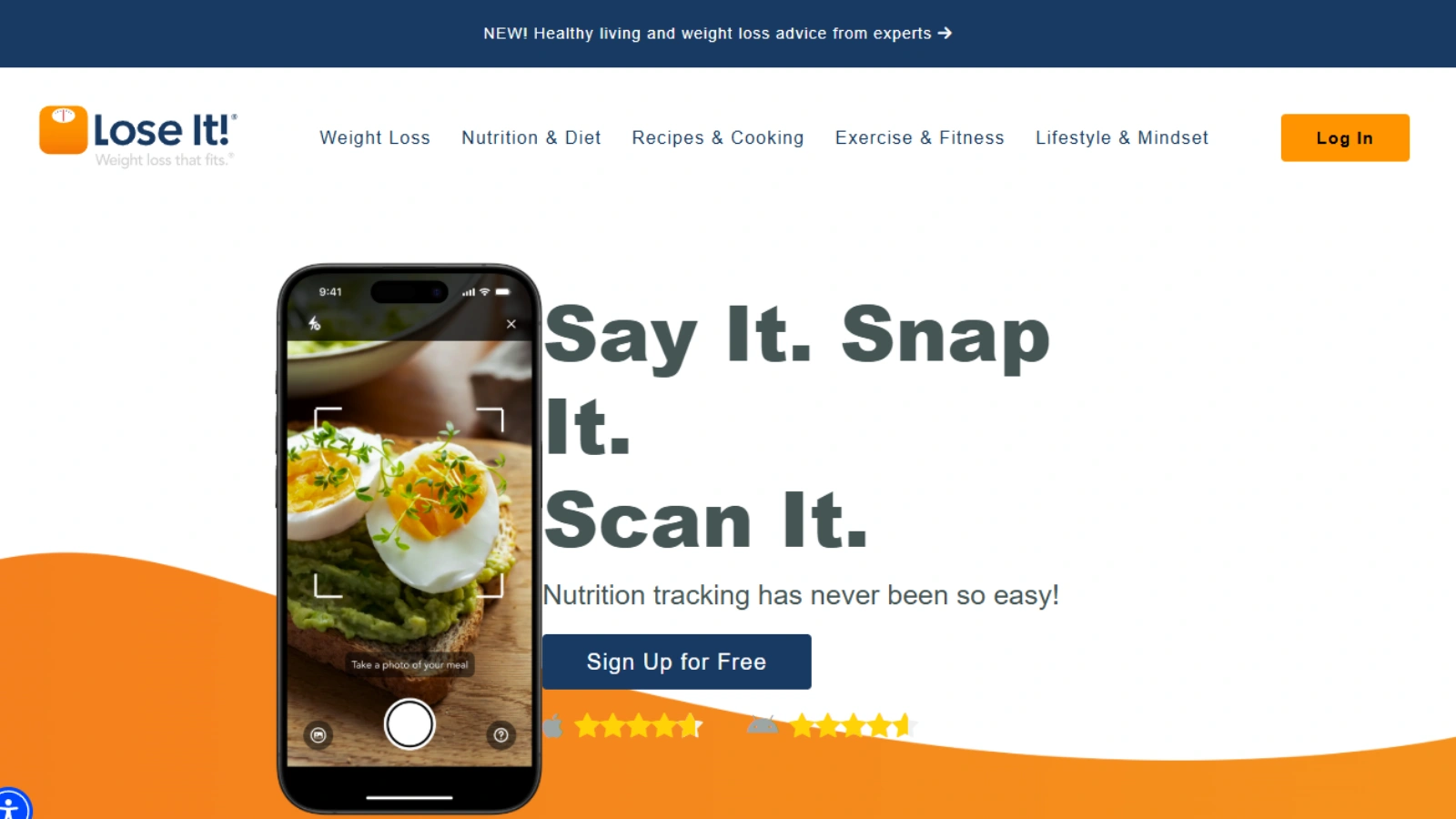
Rating: 4.4/5 · 10M+ Downloads
Lose It! is a focused calorie counter Android tool built specifically around weight loss goals. The app sets a daily calorie budget based on your target weight and timeline, then helps you stay within it. Its Snap It feature uses AI to estimate calories from a food photo, saving time for people who hate manual entry.
The interface is bright and motivating. Weekly summaries keep you aware of your overall pattern rather than obsessing over individual days. That said, some users find the free tier too restricted for serious tracking.
Key Features:
- AI Snap-to-Log Feature
- Daily Budget Planner
- Nutrient Breakdown
- Device Sync
- Meal Planning Tools
- Progress Streaks
Verdict: Best for people with a clear weight loss target who want a structured, goal-focused experience.
4. Cronometer:
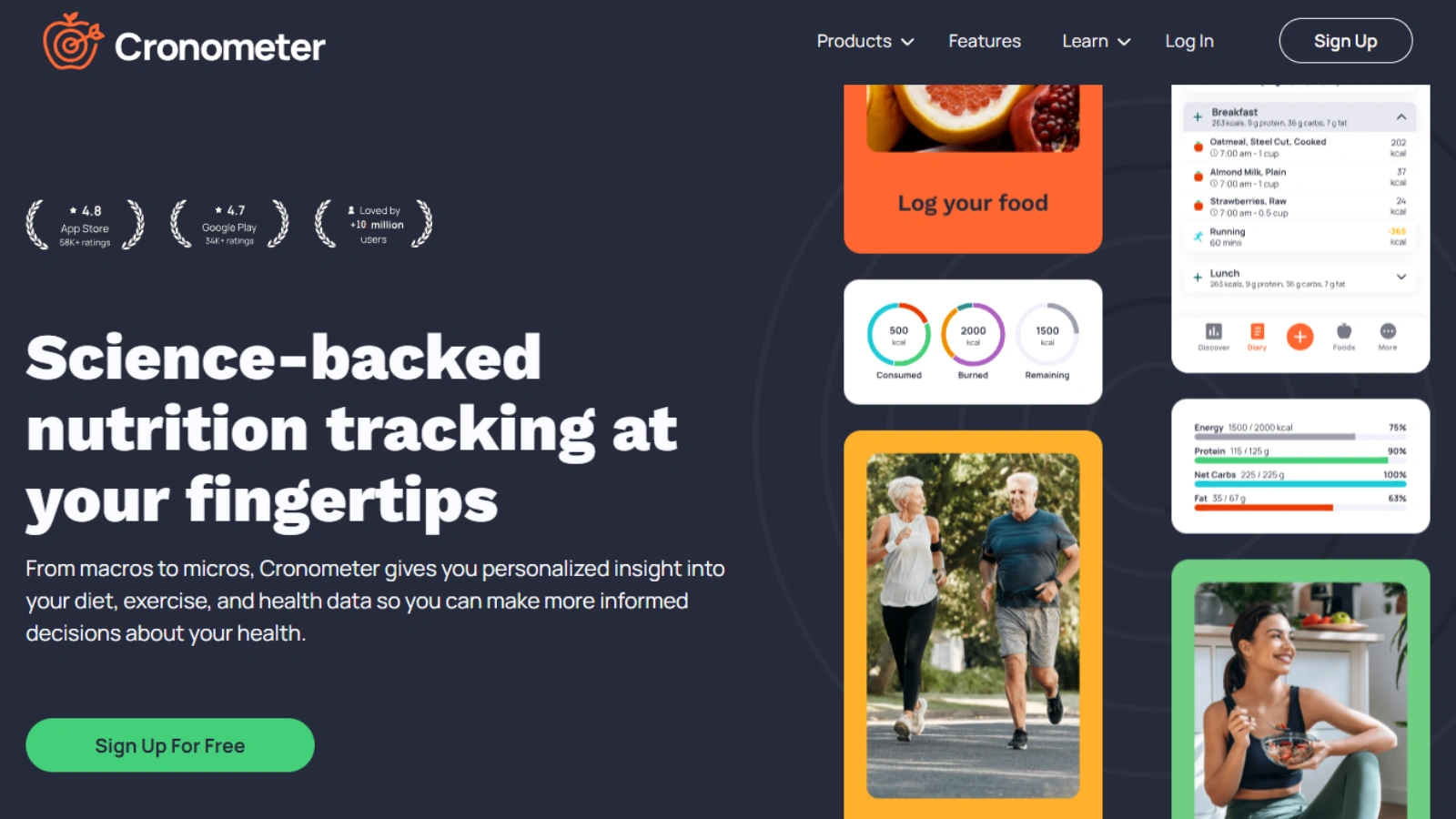
Rating: 4.5/5 · 5M+ Downloads
Cronometer is the go-to calorie counter Android option for users who care about more than just calories. It tracks over 80 micronutrients: vitamins, minerals, amino acids, sourced from verified scientific databases like the USDA. Athletes, people with dietary restrictions, and anyone managing a health condition will find this level of detail invaluable.
The trade-off is that Cronometer has a steeper learning curve. It is not the app you want if you are just getting started. However, for users who want complete nutritional visibility, nothing on Google Play comes close.
Key Features:
- 80+ Micronutrients Tracked
- USDA Verified Database
- Biometric Logging
- Custom Targets
- Blood Glucose Sync
- Gold Subscription Unlocks More
Verdict: Best for athletes, biohackers, and anyone managing specific health conditions who need granular nutritional data.
5. YAZIO:
Rating: 4.3/5 · 10M+ Downloads
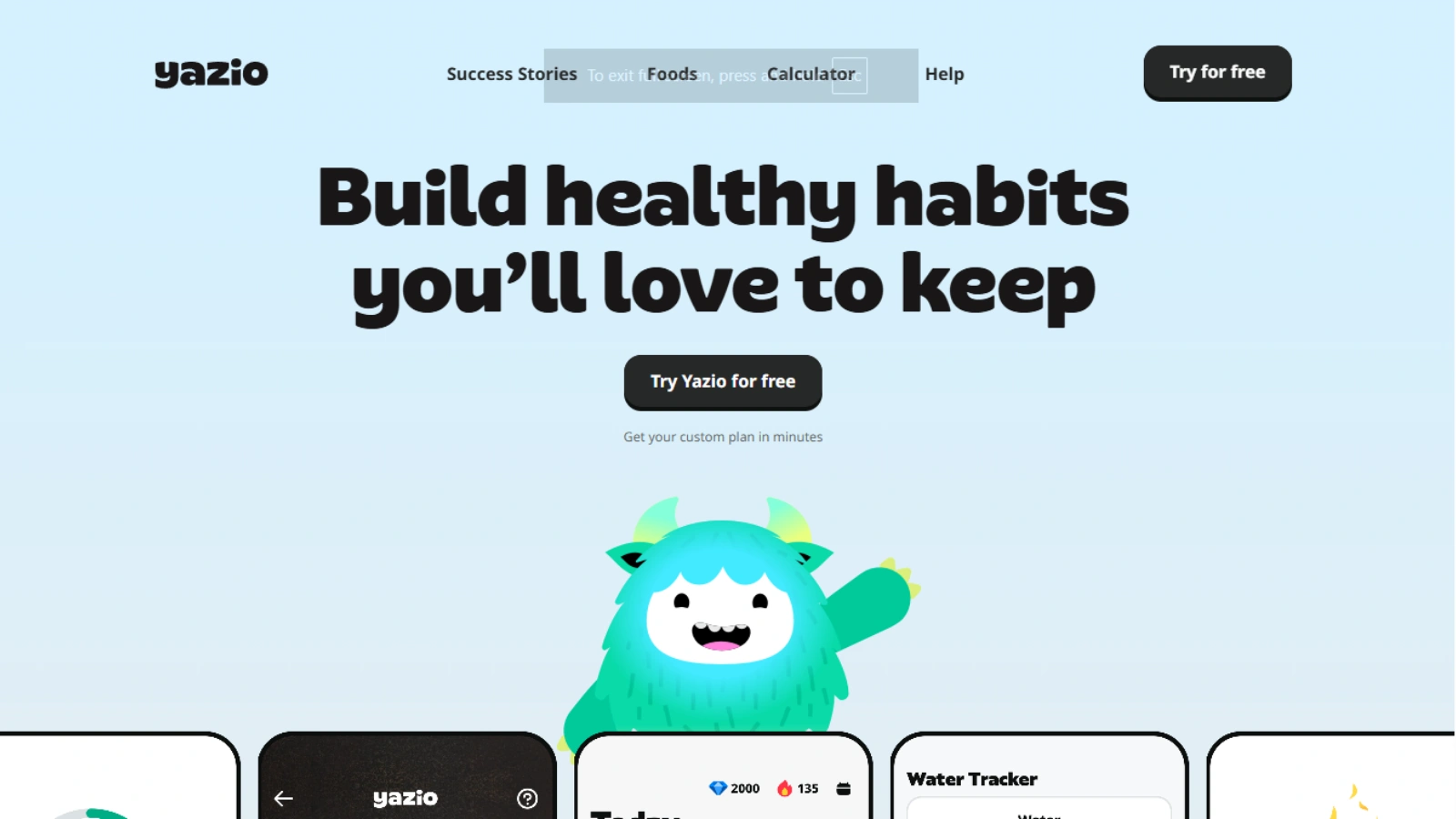
YAZIO combines intermittent fasting tools with a solid calorie counter Android system in one clean package. If you follow a 16:8 or 5:2 protocol, YAZIO manages your eating windows and logs your meals in the same place, something most standalone trackers do not offer.
The food database covers over 2 million items and supports barcode scanning. The fasting timer is beautifully designed and gives you real-time feedback on your window progress. Users looking for a calorie counter app that doubles as a fasting coach will find YAZIO hard to beat.
Key Features:
- Fasting Timer Built In
- 2M+ Food Database
- Meal Plans Included
- Weight Tracking
- Barcode Scanner
- Clean Minimalist Design
Verdict: Best for people combining intermittent fasting with calorie tracking who want both tools in one place.
6. FatSecret:
Rating: 4.2/5 · 5M+ Downloads
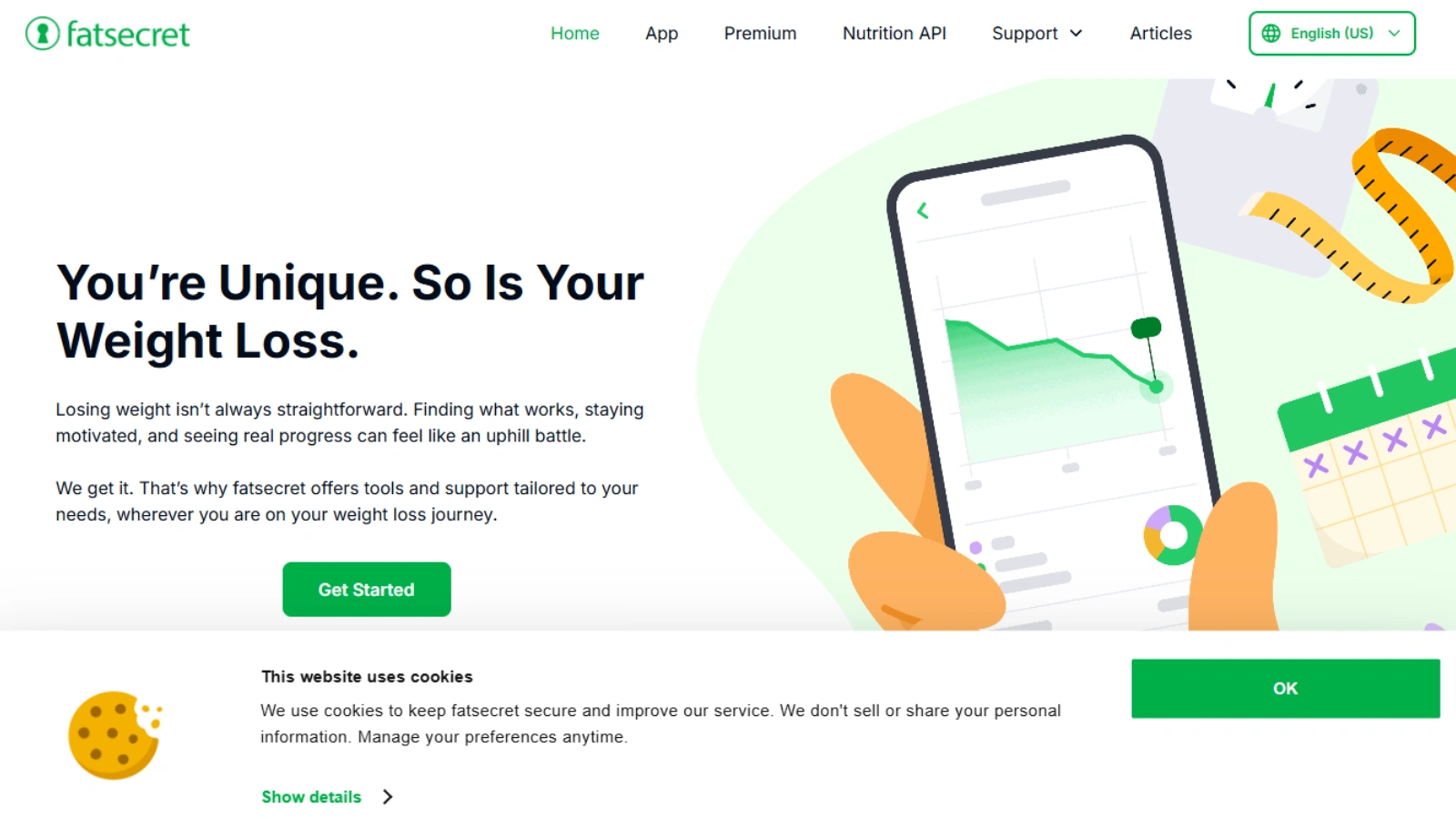
FatSecret earns its spot on this list by being the most generous free calorie counter Android option available. It does not lock essential features behind a paywall, which is increasingly rare in 2026. The app covers calorie tracking, macro breakdowns, barcode scanning, and a food diary, all at zero cost.
The interface is not the most modern, and the APK is lightweight, making it perfect for older Android devices. A community section lets users share diary entries and recipes, which adds a social accountability layer for those who find motivation in community.
Key Features:
- Fully Free Core Features
- Lightweight App Size
- Barcode Scanner
- Food Diary
- Community Sharing
- Works on Older Android Devices
Verdict: Best for budget-conscious users or anyone with an older Android device who wants a no-cost tracking solution.
Worth Spotlighting:
Among all the apps we tested, Calorie Tracker Buddy stood out for one simple reason: a complete beginner can open it, log their first meal, and understand their nutrition summary within three minutes. No tutorial needed. That friction-free experience is rarer than it should be, and it makes all the difference for long-term consistency.
Calorie Tracker Buddy, Why Does It Earn The Top Spot?

We mentioned Calorie Tracker Buddy at the top of our list, and this section explains exactly why. As the best calorie counter for Android in our 2026 testing round, it consistently outperformed competitors on the metrics that matter most to everyday users.
AI-Powered Food Recognition:
Point your camera at any meal and Calorie Tracker Buddy identifies it, estimates the portion, and logs the macros within seconds. It handles everything from a salad to a plate of rice and curry, making it a standout calorie counter Android choice for anyone who finds manual entry tedious.
A Database Built for Real Life:
The database covers restaurants, packaged foods, and home-cooked meals from a wide range of cuisines. When a food is missing, you can add it in seconds, and the app learns from your habits to make future logging even faster.
Smart Goal Setting and Personalization:
Calorie Tracker Buddy calculates your calorie target based on your height, weight, activity level, age, and goal. As you log consistently, the app refines its recommendations and adjusts targets intelligently over time.
Macro Breakdown:
Beyond calories, the app gives you a clear daily breakdown of protein, carbs, and fat. The visual dashboard makes it easy to see exactly where your nutrition stands at a glance.
Exercise and Water Logging:
A calorie counter Android tool that ignores exercise tells only half the story. Calorie Tracker Buddy logs workouts, adjusts your daily allowance for the burn, and tracks water intake, all in one place.
Progress Tracking That Keeps You Motivated:
Weekly and monthly charts show calorie trends, weight changes, and streaks in a clean format. Small wins are celebrated, which builds the momentum needed for lasting lifestyle change.
Your Virtual Buddy, The Feature That Sets It Apart:
One thing that truly sets Calorie Tracker Buddy apart is its virtual buddy character. The buddy reacts to your food choices and grows alongside your healthy habits, turning nutrition tracking into an experience that feels personal and rewarding rather than clinical.
Pricing
Calorie Tracker Buddy offers a solid free tier with core logging features. The premium plan unlocks advanced analytics and custom macro targets at one of the most reasonable price points in this category.
Also Read:
Quick Comparison: Top Calorie Counter Android Apps
| App | Food Database | AI Photo Log | Free Tier | Fasting Timer | Best For |
| Calorie Tracker Buddy | Large | ✅ Yes | ✅ Generous | ✅ Yes | Overall Best |
| MyFitnessPal | 14M+ | ❌ Limited | ⚠️ Restricted | ❌ No | Largest DB |
| Lose It! | 7M+ | ✅ Snap It | ⚠️ Limited | ❌ No | Weight Loss |
| Cronometer | Verified only | ❌ No | ✅ Core Free | ❌ No | Micronutrients |
| YAZIO | 2M+ | ❌ No | ✅ Good | ✅ Built-in | Fasting |
| FatSecret | Large | ❌ No | ✅ Fully Free | ❌ No | Budget Pick |
How To Choose The Right Calorie Counter Android App?
The best calorie counter Android app is simply the one you will actually use every day. Here is a quick framework to help you decide.
Define Your Primary Goal:
Weight loss, muscle gain, and general wellness each need slightly different features. Calorie Tracker Buddy adapts to all three, making it a strong starting point for most users.
Consider How You Eat
Home cooks need a solid recipe builder. Frequent diners need a restaurant database and photo logging. Packaged food lovers should prioritize barcode scanning accuracy above everything else.
Evaluate the Free Tier Honestly:
Many calorie counter Android apps claim to be free but hide core features behind a paywall. Always check whether the free version includes unlimited logging, barcode scanning, and macro breakdowns before committing.
Test It for Three Days:
Download your top two choices and use both for three days. The app you naturally reach for more often, and that leaves you feeling informed rather than judged, is the right one.

Final Verdict
Picking the right calorie counter Android app can genuinely change your relationship with food. After testing everything on this list, one thing is clear: Calorie Tracker Buddy is the most complete and user-friendly option on Google Play today.
Its AI-powered logging, smart goal personalization, and generous free tier make it the easiest recommendation for anyone starting their nutrition journey. If you need something more specific, the largest database (MyFitnessPal), micronutrient depth (Cronometer), or fasting tools (YAZIO) are solid alternatives. But for most people, Calorie Tracker Buddy is all you need.
Your body keeps a score of everything you eat. Now you can too.
FAQs
1. Which is the best calorie counter Android app in 2026?
Based on our testing, Calorie Tracker Buddy is the best all-around calorie counter Android app available on Google Play in 2026. It combines AI photo logging, a large food database, smart goal setting, and an intuitive interface that works for beginners and experienced trackers alike.
2. Are calorie counter apps accurate?
Modern calorie counter apps can be highly accurate, especially when you log portion sizes carefully. AI photo recognition typically lands within ±10% of actual calories. Barcode-scanned packaged foods are the most accurate since they pull directly from manufacturer data. Home-cooked meals require a bit more attention to portions but are manageable once you build the habit.
3. Is Calorie Tracker Buddy free to download?
Yes, Calorie Tracker Buddy is free to download on Google Play and offers a generous free tier with core calorie and macro tracking features. A premium upgrade is available for users who want advanced analytics, custom macro targets, and additional tools.