


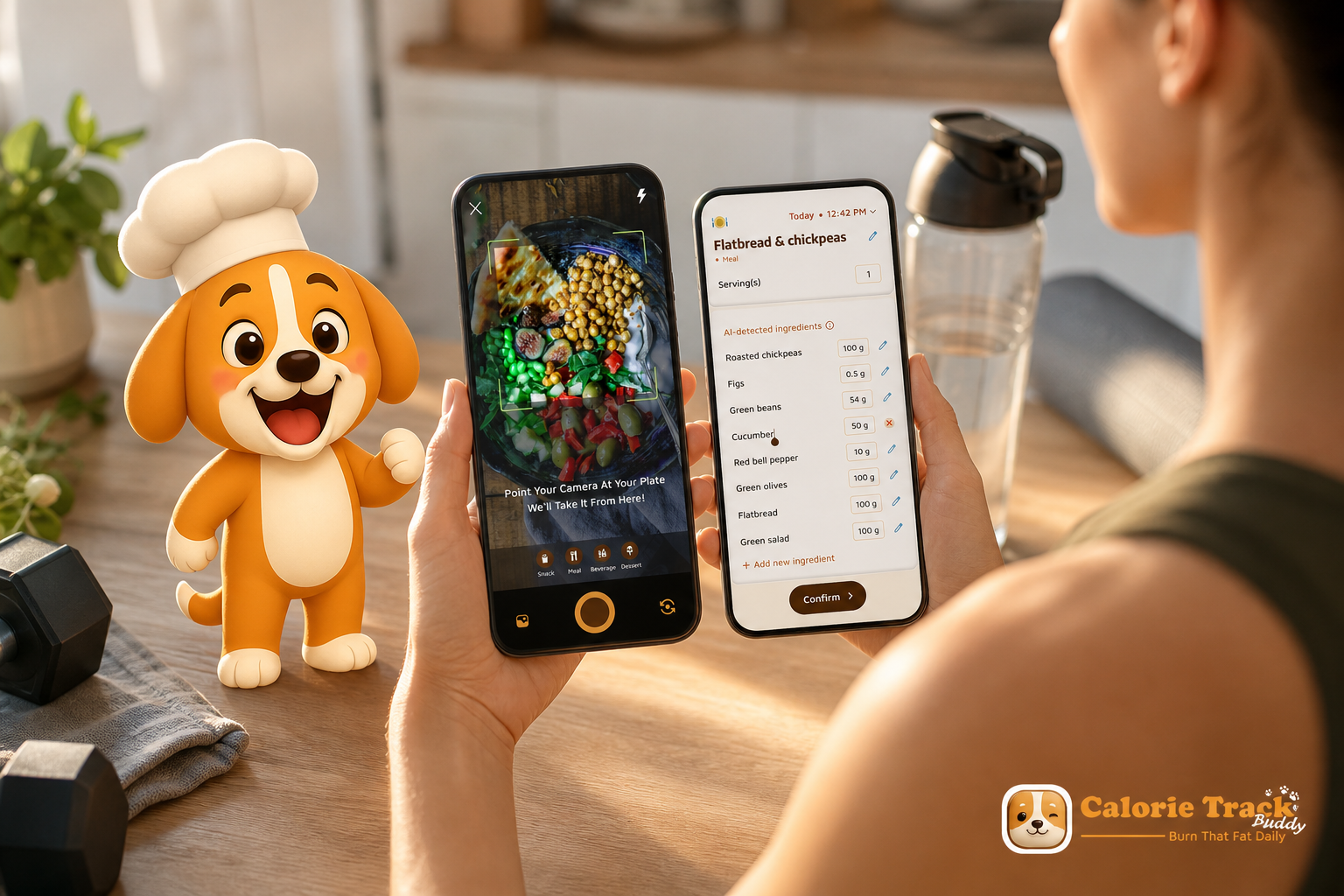
**Download Free on Android →, the calorie tracker with coaching and challenges; free download with core coaching included; optional premium tiers in-app.
Risk-free start: free download with core coaching included; premium upgrades are optional and in-app.
The best tool for serious gym work in 2026 pairs fast logging with real coaching, or it gets ignored. That’s why a calorie tracker with coaching and challenges beats plain counters for lifters and HIIT athletes.
Here’s the answer you came for: the right app for gym-goers should track macros with fine detail, give real-time feedback around sessions, sync workouts automatically, and still work when your phone signal dies in the squat rack corner. Anything less slows you down and muddies your plan.
You train hard. Your nutrition should match the work. Generic tracking treats a 1,800-calorie day the same whether you deadlifted heavy or sat in meetings. That mismatch hurts results.
What gym-first tracking must do
For strength or HIIT, protein needs rise, and carb timing matters. In fact, the 2016 joint position paper on athlete nutrition recommends 1.2–2.0 g/kg/day of protein for training populations, not the 0.8 g/kg/day general RDA (Nutrition and Athletic Performance. ACSM/AND/DC Position). So, your tracker must handle macro goals that flex with your split, not just a flat calorie cap.
Moreover, gym life is messy. You grab a shake on the way out, snap a post-workout bowl in the locker room, and log a pre-workout bar between sets. You need speed and signal-proof logging, not a five-minute food search. And you want feedback before your next set, not insights three days later.
Why Gym-Goers Struggle with Calorie Tracking and Coaching Consistency
Most calorie trackers were built for desk days and step goals, not squat PRs and interval sprints. That’s a problem. You train with intent. Your food log should reflect that intent in real time. However, generic trackers treat meals as isolated entries and ignore the rhythm of your training week.
Specifically, strength and HIIT raise protein needs, and carbs work best when you place more around hard sessions. Without timely feedback, you either underfuel a lift or overshoot calories on rest days. As a result, lifters drift from their macro targets and stall progress. You’ve likely seen it: strong weeks in the gym with flat scale trends and cloudy recovery.
Fuel timing and in-gym constraints
Furthermore, post-workout nutrition is urgent. You have a 15–30 minute window where a smart carb-protein hit can help you refill fuel and support muscle repair. If your tracker doesn’t prompt you or show what you have left for the day, you guess. Guessing introduces noise you feel on the next session.
On the other hand, self-coaching without context is tough. You can keep a spreadsheet and eyeball macros, but you won’t get alerts like “You’re 22 g short on protein for today’s leg session” or “You’re trending 300 kcal over your weekly target.” And, in the gym, poor cell signal makes slow manual searches a chore. So logging slips, and streaks break.
Common problems you can avoid
- Underestimating post-workout calories and protein needs after heavy days.
- Misaligning carbs with your split (too low on squat day, too high on rest day).
- Relying on generic burn estimates that ignore your training style.
- Losing streaks because the gym is a dead zone for data.
Importantly, a calorie tracker with coaching and challenges should handle gym reality: quick photo logging, offline mode, and meal feedback that updates with your plan. Without that, consistency fades.
Also Read!
Calorie Tracker Buddy vs Noom for Busy People: Which Is Better for Calorie Tracking with Coaching?
What to Look for in a Calorie Tracker with Coaching — A Gym-Goer's Checklist
You don’t need more app noise. You need features that hold up under chalk, sweat, and a packed week. Use this checklist and ask each question before you choose.
1) Does it track macros with real granularity?
Ask: “Can I set and track protein, carbs, and fat targets, not just calories?” For lifters, protein is non-negotiable, and carbs should flex with training days. You want daily and meal-level macro views, plus weekly rollups.
2) Will it give real-time feedback around my sessions?
Ask: “Does the app react to what I log, before my next set?” You should see prompts like “Add 25–35 g protein to support recovery” after your workout meal. Fast feedback tightens the loop between plan and action.
3) Is there built-in coaching and challenge support?
Ask: “Can I get adaptive challenges and nudges that fit my gym schedule?” Coaching tools should set protein streaks, hydration streaks, or rest-day calorie caps. Moreover, challenges should adapt as your data trends shift.
4) Does it sync training data automatically (e.g., Google Fit)?
Ask: “Will my lifts or circuits show up as calorie burns without manual entry?” Automatic integration saves time and ties meals to sessions for true energy balance in 2026.
5) Can I log with photos between sets?
Ask: “Is there a photo-based logger that’s accurate and fast?” Photo snaps beat manual search when you’re at a crowded cable stack. The best apps let you snap, adjust, and move on.
6) Will it work offline in my gym?
Ask: “Can I log offline and sync later?” Basement gyms and steel frames kill signal. Offline-first design protects streaks and data quality.
7) Is there a social layer for accountability?
Ask: “Can I share meals and workouts to a community feed?” Public logging raises follow-through. In addition, comments and likes keep morale high through long mesocycles.
For a deeper walkthrough of features across the market, you can scan this guide on best calorie tracker apps. And if cost matters to you, bookmark the breakdown on free vs paid calorie tracker.
How Calorie Tracker Buddy Solves the Coaching Gap for Gym-Goers
You want more than passive logging. Calorie Tracker Buddy’s Fitness Coach mode is built for that. It gives tailored advice, sets custom challenges, and delivers motivational support aligned to your training week. As your meals and workouts flow in, it updates suggestions in real time so you can adjust before recovery suffers.
First, macro tracking is precise. You track protein, carbs, and fat by the day and by the meal. Real-time meal feedback highlights what’s missing relative to your plan. Specifically, goal predictions show how each food choice moves you toward or away from your targets. For example, log a post-workout bowl, and the app projects how that meal affects today’s protein target and your weekly trend.
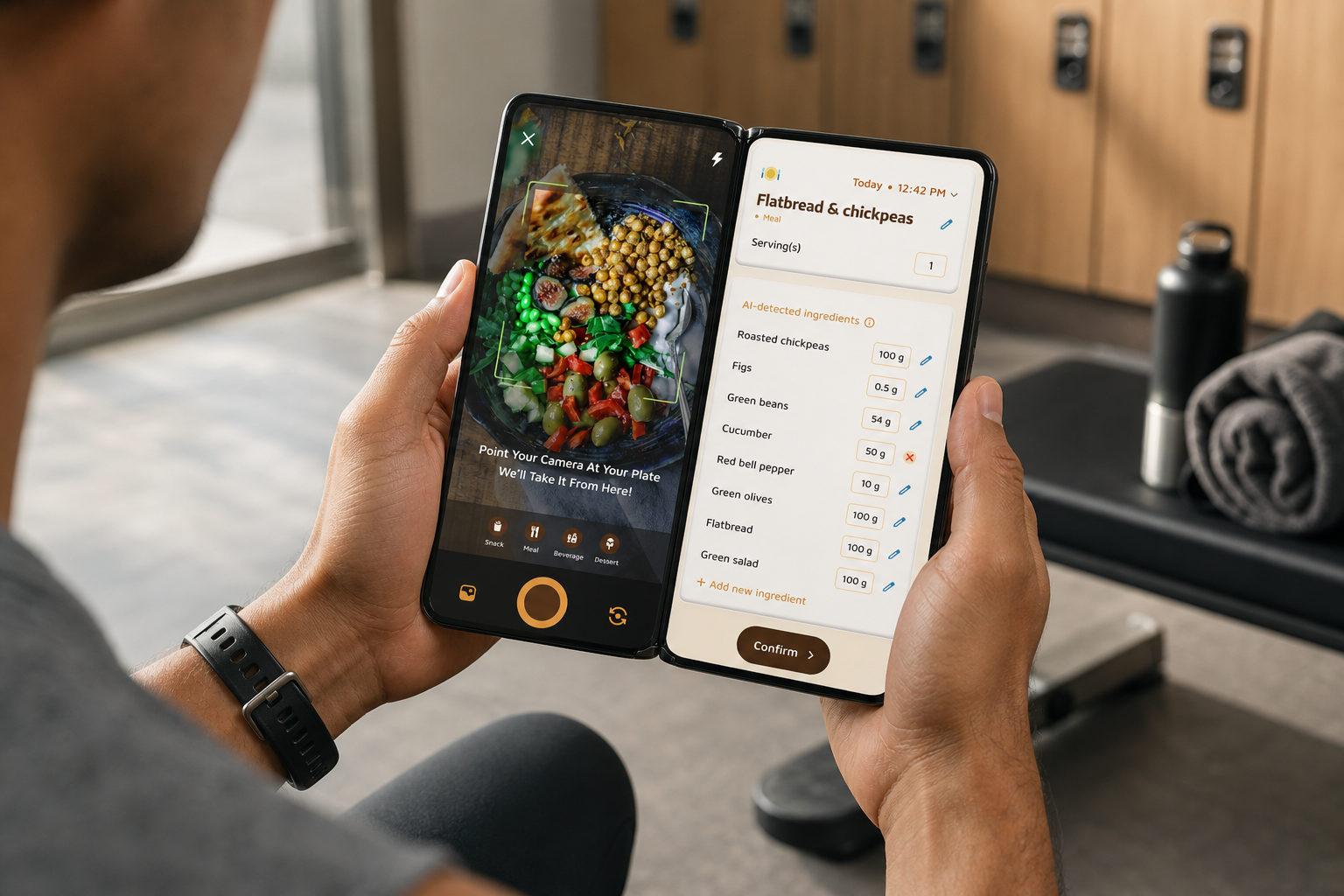
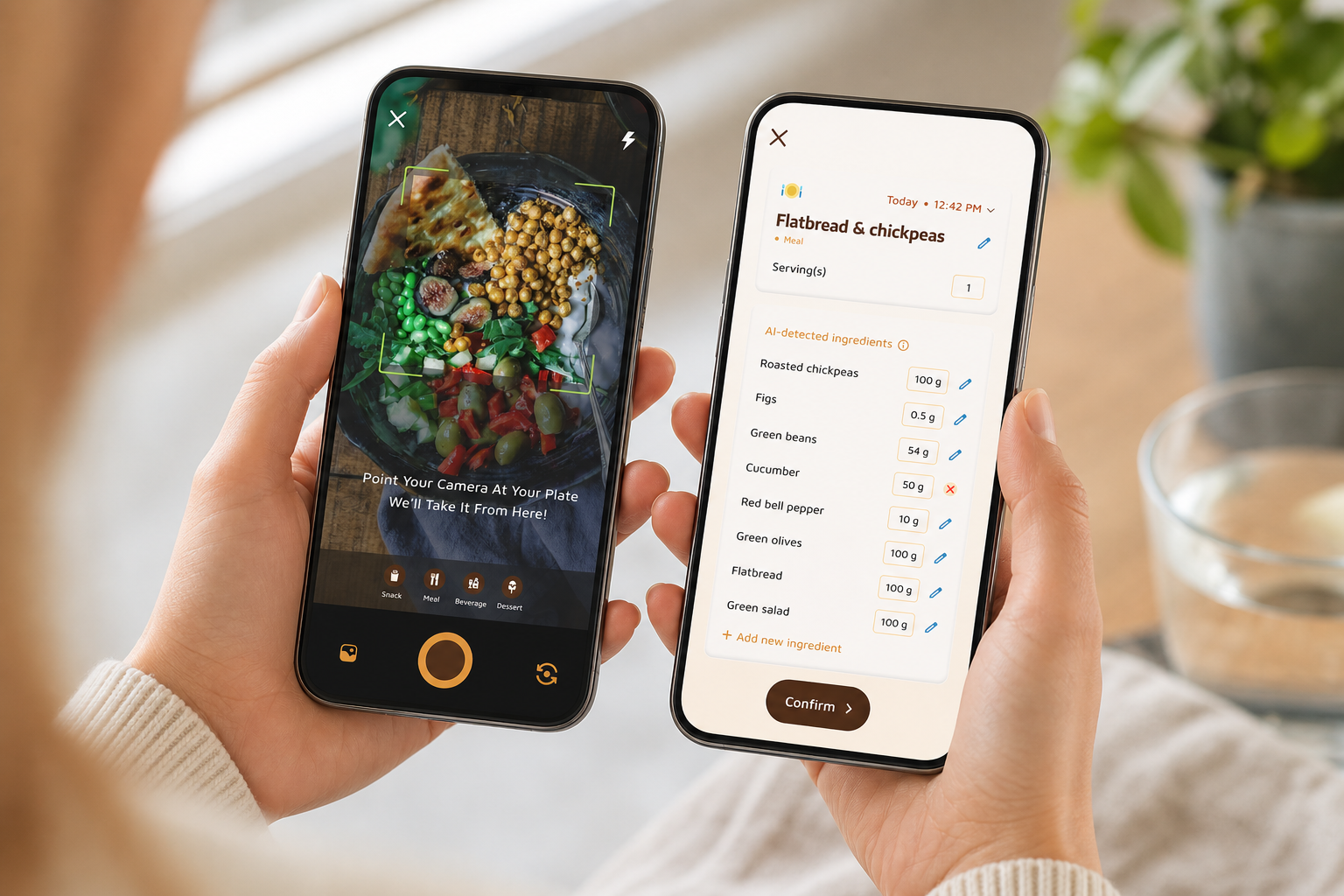
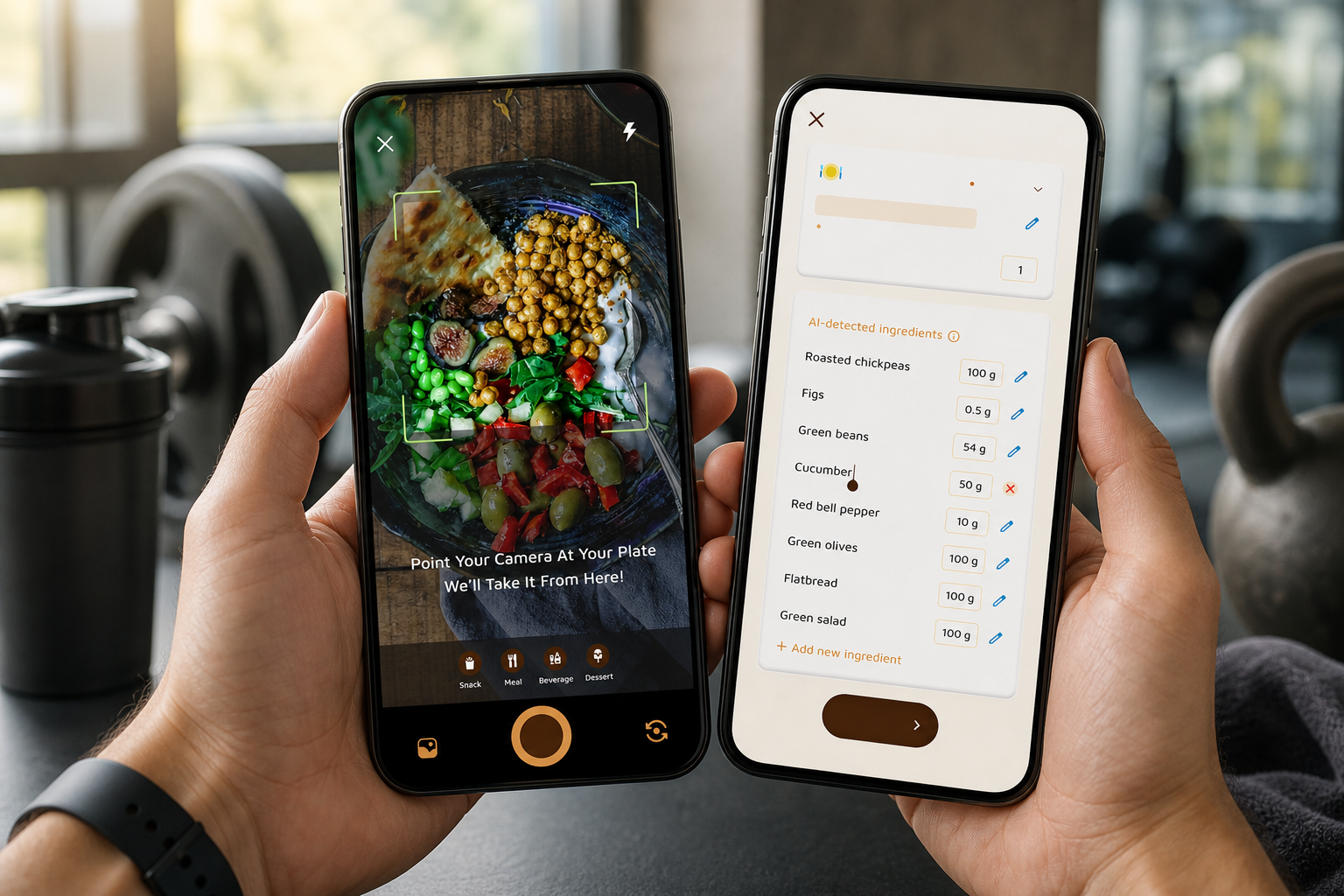
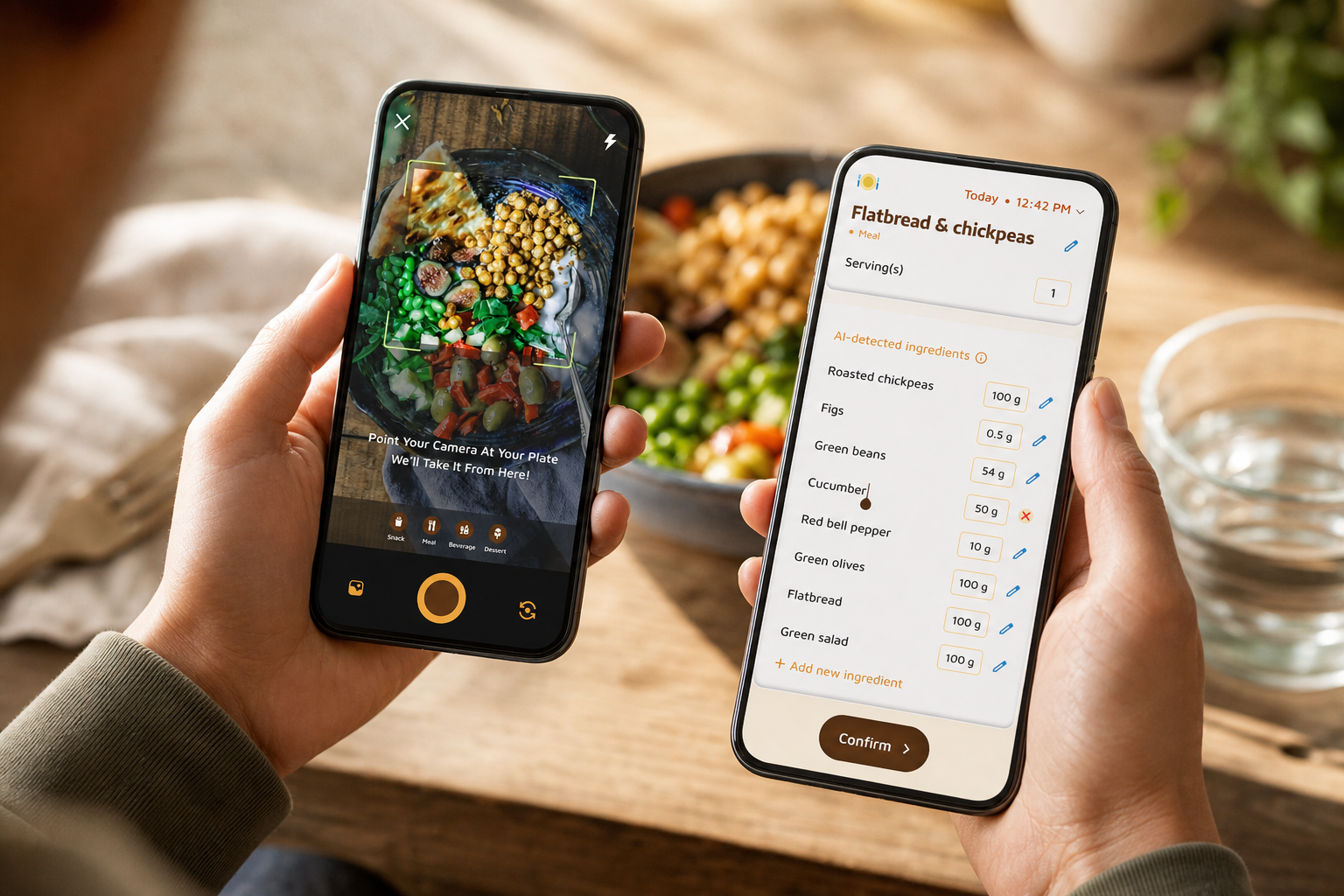
Second, speed matters in the gym. Photo-based meal logging lets you snap a shake, bar, or bowl in seconds. The AI reads the meal, proposes calories and macros, and you can tweak if needed. Moreover, offline logging means you can save the entry without signal; everything syncs when you head upstairs.
“I’ve tried tons of fitness apps, but this is, hands down, the best calorie tracker app I’ve ever used. Logging meals is fun now—just snap a photo and boom, done. And the little buddy? This is a total big improvement for staying motivated!” — Pooja Rao
Training sync and habit baselines
Third, your workouts pull in automatically. With Google Fit sync, training sessions update your daily burn without manual steps. As a result, your calorie balance reflects actual work, not guesses. The app also tracks steps with a 10,000 steps/day benchmark and hydration with a 2.5 liters/day target, so your base habits stay on track across training and rest days.
Community and Adaptive Coaching
Fourth, community matters. The social posting feature lets you share meals, workouts, and accomplishments to your feed. That accountability, plus the virtual buddy that “grows” with healthier choices, adds a layer of fun and follow-through that pure trackers lack.
Finally, coaching is not one-size-fits-all. Fitness Coach mode can send personalized fitness tips based on your activity and progress, and you can create custom challenges tailored to your goals. It’s a calorie tracker with coaching and challenges that actually adapts to your split and schedule. As proof of results, Alex Sim reported: “I’ve been using Calorie Tracker Buddy for five weeks, and I’ve already lost 4kg!”, a strong sign that coaching plus tracking drives change for active users.
In addition, if you ever eat out, the AI Menu Scanner analyzes restaurant menus for calories, macros, ingredients, and smart swaps, a fast way to keep macros aligned on social nights.
Start free
**Get Coaching + Tracking Free →
Start free, core coaching is included; premium upgrades are optional and in-app.
Also Read!
Calorie Tracker Buddy vs. MyFitnessPal vs. MacroFactor: Which Is Best for Gym-Goers?
Let’s be fair. MyFitnessPal is widely known for a very large food database and broad brand recognition. MacroFactor is respected for algorithm-driven macro adjustments. Both are solid for general tracking. However, serious gym-goers need speed, coaching, and offline resilience.
On built-in coaching and challenges:
- Calorie Tracker Buddy includes Fitness Coach mode with tailored advice, challenges, and motivational support out of the box. Neither MyFitnessPal nor MacroFactor offer an integrated coaching challenge system at no extra cost. Compared to alternatives that push you to separate coaching apps, this saves time and keeps context in one place.
On logging speed:
- Photo-based tracking in Calorie Tracker Buddy lets you snap meals and adjust on the fly. That beats typing and searching mid-session. In a basement gym with weak signal, offline logging with automatic syncing protects your streaks. Unlike MyFitnessPal, which depends more on manual search, this flow is faster between sets.
On motivation:
- The virtual buddy that grows as you make healthier choices adds a steady nudge to stick with your plan. This type of gamified accountability is not a core feature in the other two apps. In practice, that “always-on” companion can be the difference on long cuts or slow lean-gains blocks.
“The meal snap feature is a big improvement. I love how the app gives me tips and feedback in real time.” — Aanya Rastogi
On real-time meal feedback:
- Calorie Tracker Buddy flags macro gaps per meal and shows goal predictions after each log. MyFitnessPal and MacroFactor track your data well, but their core experiences don’t revolve around instant, post-meal coaching cues tailored to training.
On known trade-offs:
- If your top priority is the absolute largest food database, MyFitnessPal likely still holds the edge. Calorie Tracker Buddy favors speed, coaching context, and gym-ready features over encyclopedic search. For lifters and HIIT athletes, that trade often pays off in real-world consistency.
For a deeper app-to-app breakdown, see the head-to-head article: myfitnesspal vs calorie tracker buddy.
Trust, Tracking Accuracy, and Real Numbers Behind Calorie Tracker Buddy
You should know what the app tracks and how it updates. Calorie Tracker Buddy provides real-time updates on calorie burns, meals, steps, and goal progress. Daily step tracking targets 10,000 steps/day, and hydration tracks toward a 2.5 liters/day benchmark. Those defaults guide recovery and base activity in a simple, science-aligned way, while you fine-tune macros for your plan.
Accuracy matters. Photo-based tracking uses AI recognition, which can have a margin of error, especially with mixed or homemade meals. However, real-time feedback helps you course-correct fast, you can adjust portions on the spot, see updated goal predictions, and keep the day on track. When precision is critical, you can override entries and dial in macros manually.
In addition, dietary customization handles preferences and allergies. You can filter suggestions and set meal patterns that match how you eat, helpful for recovery on long blocks. Social posting builds trust too: users share meals, workouts, and wins to a community feed, which makes your log transparent and keeps accountability high.
“Not only have I lost 5kg, but I also feel more energized. My health buddy is a constant source of encouragement, and the tips help me make smarter choices every day.” — Sandy T
What the app keeps current for you
- Calorie intake and burn tracking with goal projections.
- Water intake progress against the 2.5 liters/day target.
- Steps toward the 10,000 steps/day benchmark.
- Macro totals (carbs, protein, fat) at meal and day levels.
In short, this is a calorie tracker with coaching and challenges that shows the right numbers at the right time, and backs them with a community that can see your progress too.
Getting Started: How to Set Up Calorie Tracker Buddy for Your Gym Routine
Fast setup helps you get value on day one. Follow these steps, and you’ll be ready for next session.
- Download and set up your profile:
- Enter age, height, weight, and goals. Then add your gym schedule (days/times), training type (strength, HIIT, hybrid), and any dietary preferences or allergies. This context shapes your targets from the start.
- Sync your workouts:
- Connect Google Fit so training sessions auto-log and your daily burn updates after each lift or circuit. This turns your energy balance into a live metric instead of a guess.
- Set your macros:
- Weight protein higher than casual dieters. Many lifters aim for at least 1.6 g/kg/day; match this to your coach’s guidance. Then plan carbs around hard days and trim them a bit on rest days. The app’s macro tracking shows exactly where you land.
- Log your first three meals with photos:
- Use the photo-based tracker for speed. The app will give real-time feedback and goal predictions so you learn the flow fast.
- Activate Fitness Coach mode:
- Turn on coaching, accept your first custom challenge (for example, hit protein for five days or keep rest-day calories on target), and allow personalized fitness tips based on your activity.
- Enable offline mode:
- If your gym has poor connectivity, switch on offline logging. Your entries will sync as soon as you’re back online.
- Share for accountability:
- Post your first workout or a meal to the community feed. That public log helps you stay on track during long training blocks.
As you progress, revisit your macro targets each mesocycle. This ensures your calorie tracker with coaching and challenges keeps pace with your evolving goals in 2026 and beyond.
Also Read!
Frequently Asked Questions
Is Calorie Tracker Buddy free or does the coaching feature require a paid subscription?
Core calorie tracking and Fitness Coach mode are included in the app. Where many competitors gate coaching behind a paywall or a separate app, you get coaching tools here from day one. If premium tiers are available in your region, they’re optional add-ons, check in-app for the latest details. Either way, the base experience already covers tracking plus coaching and challenges.
How accurate is the photo-based meal tracking for gym-specific meals like protein shakes and meal prep?
AI photo recognition is fast but not perfect, and mixed or homemade meals can introduce variance. The real-time feedback loop helps you adjust portions and macros on the spot, which keeps your day aligned to targets. For precision meals, you can switch to manual macro entry. Pairing logging with fitness tracker sync also improves total calorie accuracy by reflecting training burns.
Can Calorie Tracker Buddy track macros separately (protein, carbs, fat) or just total calories?
Yes. The app tracks carbs, protein, and fat individually, along with water intake and exercise. This is critical for training nutrition where protein is higher and carbs flex by session. You’ll see macro totals by meal and by day, with goal predictions that update as you log.
How does the Fitness Coach mode work — is it AI coaching or a real human coach?
Fitness Coach mode is a tool-based coaching system. It provides tailored advice, custom challenges, and motivational support based on your activity and progress. You can also become a coach and offer tips to others through the platform’s coaching tools. It’s not a marketplace for hiring human coaches; instead, it equips you with in-app coaching features that adapt to your data.
Does the app work offline at the gym when I don't have cell signal?
Yes. Meals and workouts can be logged offline and automatically sync once you’re back online. This is ideal for basement or underground gyms where signal drops. Your streaks and entries stay intact, and your data updates the moment you reconnect.
How does Calorie Tracker Buddy compare to MyFitnessPal for someone who lifts weights?
MyFitnessPal is known for a very large food database, which can help with niche items. Calorie Tracker Buddy focuses on gym-first needs: built-in coaching and challenge features, photo-based logging speed, offline capability, and a motivational virtual buddy. For lifters, that extra coaching context and speed often beats raw database size. Note that MyFitnessPal does not include an integrated coaching challenge system at no extra cost.
Can I sync Calorie Tracker Buddy with my smartwatch or fitness tracker?
Yes. It integrates with Google Fit, so gym workout calorie burns update your daily totals automatically. This removes manual exercise entries and ties your meals to real training output for tighter energy balance.
What kind of coaching challenges does the app offer for gym-goers?
You can create custom challenges based on your goals. Examples include daily protein targets, steps on rest days (toward 10,000/day), hydration streaks at 2.5 liters/day, or maintaining calorie consistency across training and rest days. Personalized fitness tips adapt to your logged activity and progress, so challenges evolve as you do.
Closing Thoughts
- Training results speed up when your tracker gives real-time coaching, not just calorie sums. That’s the edge of a calorie tracker with coaching and challenges built for the gym.
- Speed and resilience matter: photo logging, Google Fit sync, and offline mode preserve accuracy on busy, low-signal days.
- Community accountability and transparent numbers — steps, hydration, macros, burns — keep your plan honest for 2026 training cycles.
**Try Coaching + Tracking Free →
If you mentor others or want to share structured tips, you can also coach inside the platform: **Become a Coach and Motivate Others →
For context on paid features across the market, here’s a helpful explainer on free vs paid calorie tracker.