


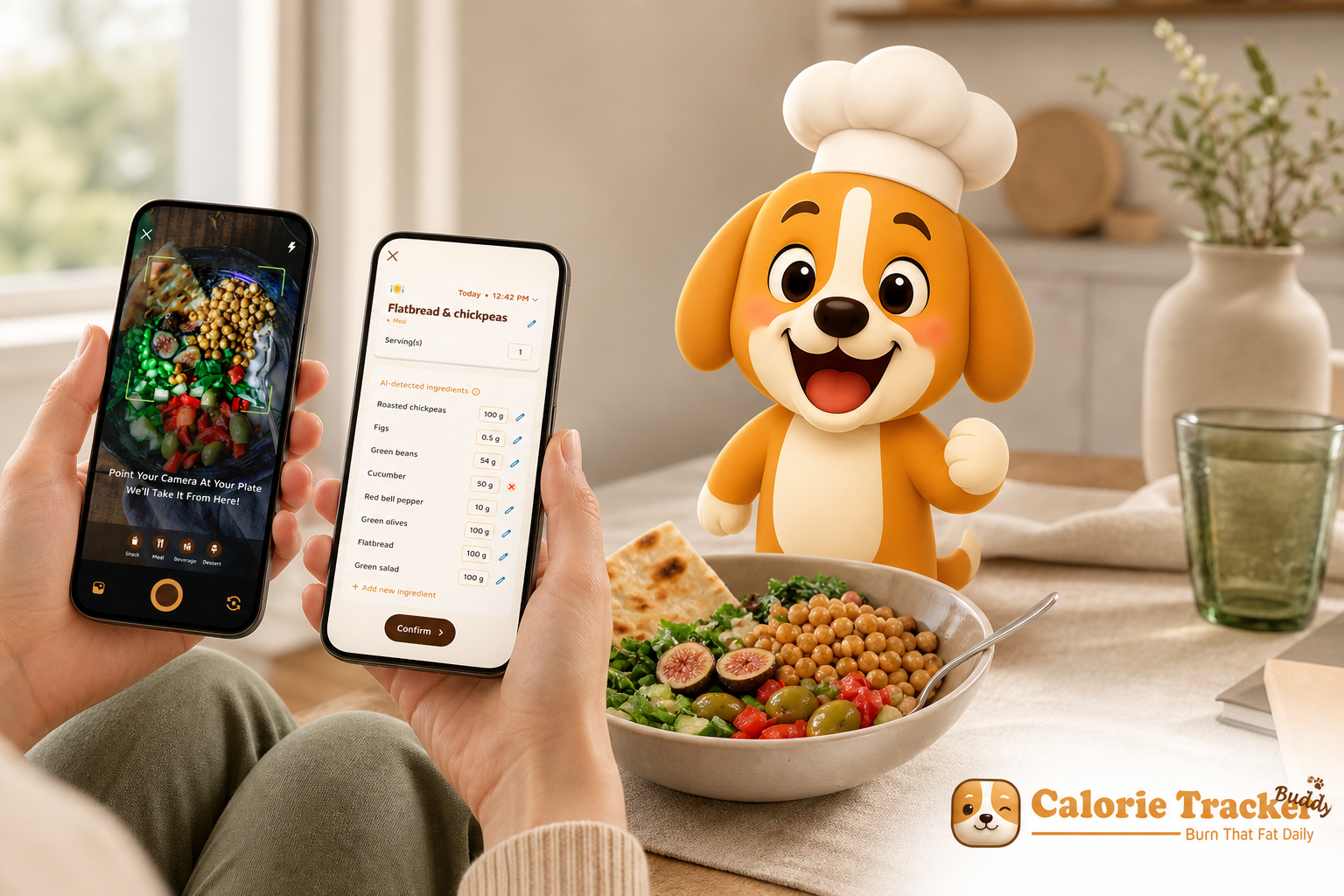
The best beginner app for macro and water tracking isn’t the one with the most foods; it’s the one you still use on day 15. For macro and water tracking, Calorie Tracker Buddy is easier for a first-time user, while MyFitnessPal wins on depth with its 14M+ food database, large community forums, and a long track record since 2005.
In 2026, you have strong choices. However, your needs as a beginner are different from a bodybuilder or a data nerd. You want fast logging, clear guidance, and a nudge to drink water and keep going after week one. You also don’t want to pay before you know you can stick with it. This review walks you through both apps with a beginner-first lens, so you can choose the one you’ll actually use.
What Beginners Actually Need From a Macro and Water Tracker
If you’re just starting, you don’t need a 500-field food form. You need speed, clarity, and a little push at the right time. Moreover, you need one place to handle both food and water, so you aren’t juggling two apps that split your focus. As a result, adherence goes up when logging takes seconds, your macros make sense, and your water target is built in.
Macros, carbs, protein, and fat, sound technical. But they’re simply the fuel mix your body uses, and you learn faster when you see them next to your meals without jargon. For background, see the plain-language overview of macronutrients on Wikipedia. Furthermore, hydration matters for energy and appetite. A clear daily target like “2.5 Liter/Day” gives you a number to hit, not a vague “drink more.
Combining macros and water tracking in one app matters for beginners. Therefore, you form one habit, not two. You also get one view of your day: what you ate, what you drank, and how both affect your goals. For hydration basics and simple strategies, this guide on water intake is a helpful primer you can skim in five minutes.
Our 6-Point Beginner Framework
- Ease of first-time setup: Can you start in under five minutes without guesswork?
- Macro tracking simplicity: Are carbs, protein, and fat easy to see and learn from?
- Water tracking depth: Is there a built-in daily target and reminders?
- Motivational features: What keeps you logging past week two?
- Food database and logging speed: How fast can you log real meals?
- Pricing for beginners: Can you track macros and water without paying?
Specifically, we’ll use these six criteria across both apps. We’ll keep the language simple and focus on how each feature helps you build a steady, low-friction habit. By the end, you’ll know which app serves your nutrition and hydration goals with the least stress.
Calorie Tracker Buddy Overview: Strengths and Weaknesses
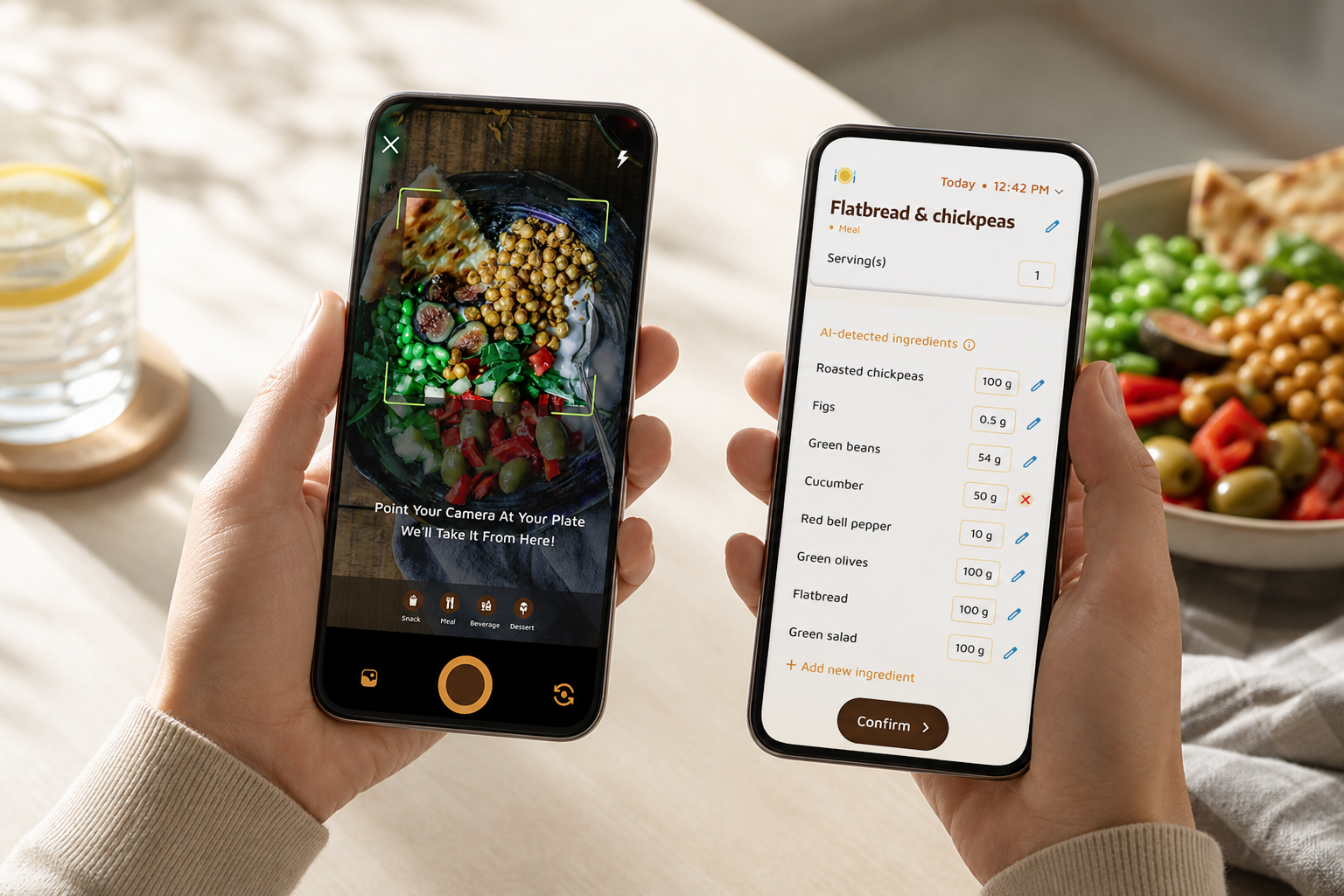
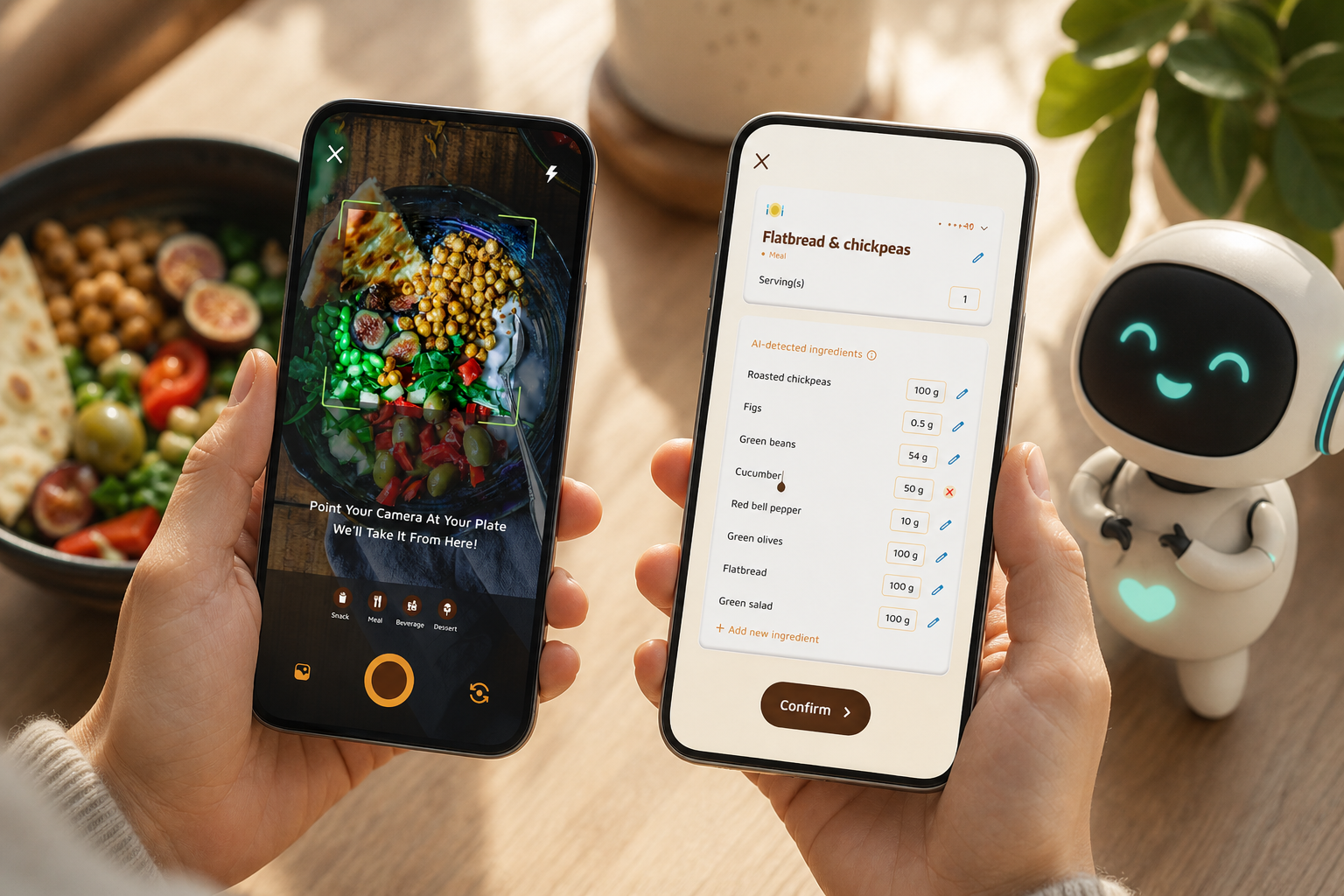
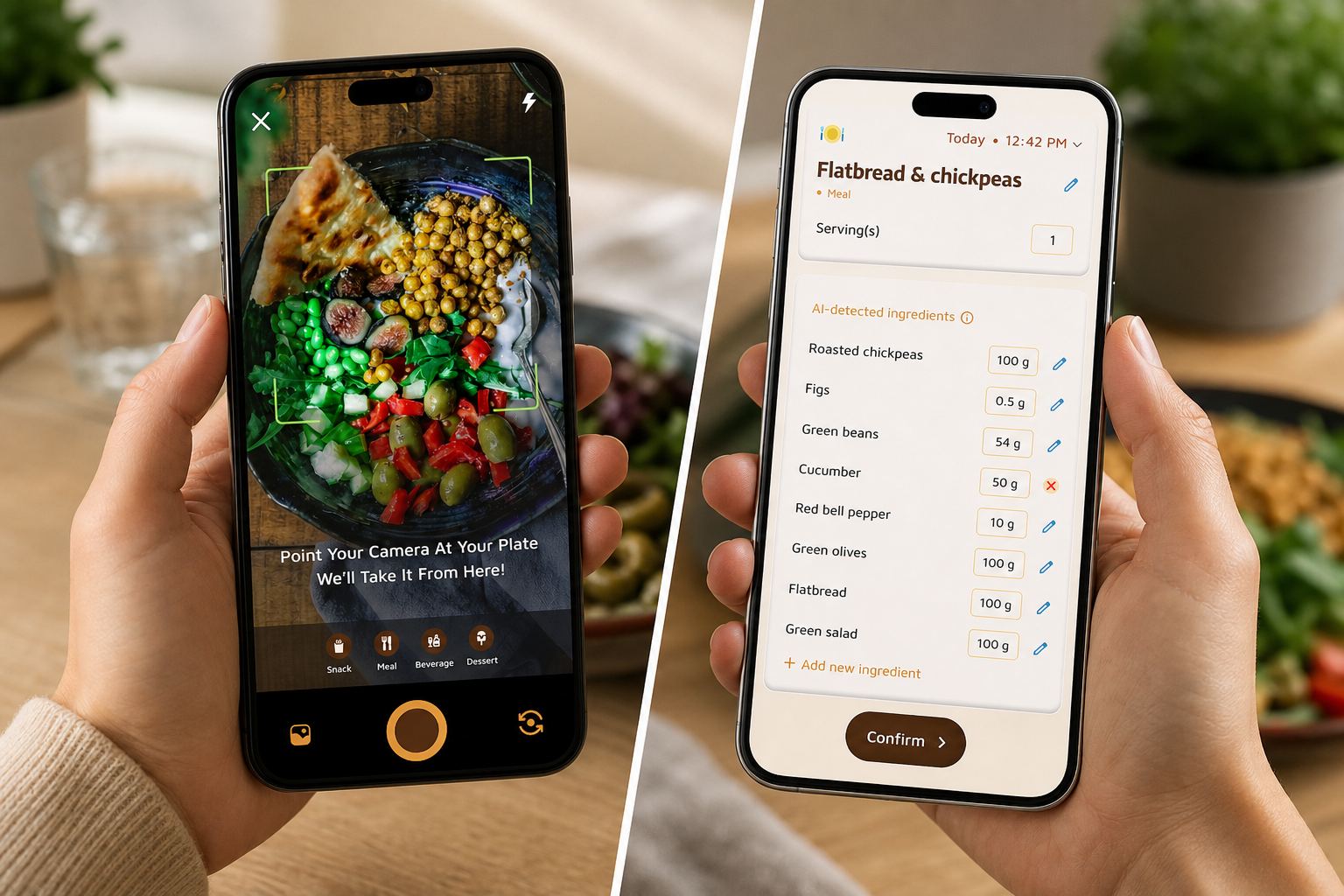
Calorie Tracker Buddy (CTB) is designed to make your first weeks feel doable. First, photo-based meal logging lowers the bar. You snap a picture of your plate, and CTB estimates calories plus a macro breakdown for carbs, protein, and fat. This is ideal when you don’t want to search a database or weigh food on day one.
Second, water tracking is built in with a default “2.5 Liter/Day” target. Therefore, you start with a clear hydration goal. In addition, the app nudges you to drink through the day, so water doesn’t become an afterthought. You also see water progress next to food, which helps you spot patterns, like higher thirst on gym days.
Third, CTB leans into motivation. A virtual buddy/pet “grows” as you make healthier choices. For a lot of beginners, this lightweight gamification makes the habit feel less like homework and more like a streak to protect.
In fact, you get real-time feedback on meals instead of waiting for an end-of-day score. As a result, you learn faster, meal by meal, which choices push you closer to your goals. Goal predictions also show how each meal impacts progress before you finish your day.
Where It Shines
- Photo-based logging slashes friction for home-cooked and restaurant meals that lack barcodes.
- Built-in water tracking with a 2.5L daily target keeps hydration front and center from day one.
- Real-time meal feedback teaches on the fly, not at midnight.
- Offline logging means no excuses on planes, hikes, or dead Wi‑Fi zones.
- Dietary preferences and allergy filters keep suggestions relevant.
- Google Fit sync consolidates steps and workouts without extra setup.
Where It Falls Short
- The food database feels smaller than long-standing rivals. Packaged foods with niche brands may require manual tweaks.
- Fitness Coach mode is interesting, but if you just want to self-track, it may feel like extra.
- Step tracking defaults to 10,000 steps. For some beginners, that target may be high until you ramp up.
- Social features exist, yet they feel lighter than the big communities elsewhere.
Overall, CTB hits the beginner basics well: quick logging, clear macros, and intentional water tracking. For these two goals specifically, its default hydration target and on-meal coaching remove common early roadblocks.
Also Read!
Beginner’s Guide to Macro and Water Tracking
How to Use a Calorie Tracker with a Virtual Pet to Stay Consistent at the Gym
MyFitnessPal Overview: Strengths and Weaknesses
MyFitnessPal (launched in 2005) is the veteran. Its biggest strength is breadth: a database of over 14 million foods and a barcode scanner that makes packaged food logging fast. If you eat brand-name snacks or meal kits, you’ll find them. Furthermore, third-party integrations are extensive, spanning Apple Health, Garmin, Fitbit, and more. For sync-heavy users, that matters.
MFP’s macro and nutrient detail is deep. Beyond carbs, protein, and fat, you can inspect micronutrients like sodium and potassium, plus fiber and sugar. In addition, there’s a recipe importer, saved meals, and meal planning tools that reward planners who batch-cook. The brand has been around for years, so the feature set is mature, and the community forums are large for questions and social accountability.
However, a few points may challenge true beginners. After 2022 paywall changes, granular macro goals by specific nutrient targets require Premium. The free tier still logs calories, but it’s more limited for detailed macro targets. Moreover, the interface can feel dense, with many options and data panes. Water tracking exists but sits deeper in the diary and feels secondary to food.
Ads in the free version can clutter the screen. Setup also asks many questions up front about goals and activity. While that detail helps accuracy, it can feel like a hurdle on day one. For these areas, MFP is powerful, yet it may ask more of you before it pays off, unless you go Premium.
Feature-by-Feature Comparison: Macro Tracking, Water Tracking, and Beginner-Friendliness
Below is a fair, criteria-by-criteria look at both apps, with a clear winner for each line item. Importantly, these picks reflect a beginner’s first 14–30 days, not an advanced user’s spreadsheet mindset.
1) Ease of First-Time Setup
CTB lets you take a photo and log right away. You can set dietary preferences and start with defaults like a 2.5L water goal without doing math. As a result, you move fast with less second-guessing.
MFP’s onboarding is more detailed. You answer several questions about goal weight, activity, and rate of loss. While that can be precise, it can also feel heavy for a newbie who just wants to start.
Winner: Calorie Tracker Buddy for simplicity.
2) Macro Tracking Simplicity
CTB shows carbs, protein, and fat next to each meal with real-time coaching (“this plate brings you closer to today’s protein target”). Goal predictions help you learn meal impact before the day ends. For beginners, that on-the-spot feedback shortens the learning loop.
MFP exposes deep macro and micro data and allows precise targets with Premium. If you plan to dial in micronutrients soon, that depth is valuable.
Winner: Slight edge to Calorie Tracker Buddy for beginners; MyFitnessPal for detail-hunters.
3) Water Tracking Depth
CTB includes a dedicated water tracker with a default “2.5 Liter/Day” target and visual progress. Moreover, it treats hydration as a first-class goal, not a footnote.
MFP supports water logging, but it feels secondary and can be easy to skip in a dense diary.
Winner: Calorie Tracker Buddy.
4) Motivational/Habit-Building Features
CTB’s virtual buddy grows with your choices, and daily streaks plus real-time encouragement reduce the odds you quit after week one. In addition, offline logging removes “no signal” as a reason to miss a day.
MFP’s community forums and streak counter work well if you like public accountability or want support threads from a large user base.
Winner: Calorie Tracker Buddy for solo beginners; MyFitnessPal if community drives you.
5) Food Database and Logging Speed
CTB’s photo-based logging is fast for whole foods and restaurant plates without barcodes. It’s great when you’re new and not weighing every bite.
MFP’s 14M+ database plus barcode scanning beats CTB for packaged foods and edge cases. If you eat lots of brands, it finds them.
Winner: MyFitnessPal for database size; Calorie Tracker Buddy for photo-speed with unpackaged meals.
6) Integrations
CTB syncs with Google Fit, which covers steps and workouts for Android users.
MFP connects to Apple Health, Garmin, Fitbit, and more. Therefore, multi-device households and iOS users get broader coverage.
Winner: MyFitnessPal.
For a broader 2026 round-up beyond these two, you can scan this research-backed guide: Best Macro and Water Tracker for Weight Loss in 2026.
 / MFP (detail)”)
Also Read!
Pricing Comparison: What Beginners Get for Free and What Costs Extra
Pricing is where beginner needs and budgets meet. The key question is simple: Can you track macros and water without paying on day one?
Calorie Tracker Buddy includes macro tracking, water tracking (with a “2.5 Liter/Day” target), real-time meal feedback, and the virtual buddy in the core experience. Therefore, you can build the habit without a paywall on the basics. No credit card is required to start on Google Play, so trying it is truly risk-free.
MyFitnessPal’s free tier covers calorie logging, a food diary, and community access. However, custom macro targets by specific grams or percentages require Premium after the 2022 changes. The Premium plan is roughly $20 per month or $80 per year.
Premium also removes ads and unlocks the full nutrient dashboard and deeper food analysis. You can use the free tier without paying; Premium is optional and can be canceled via your app store at any time. As a result, MFP Premium makes sense once you outgrow beginner needs and want richer nutrient control.
If you’re still learning what macros are, it’s wise to spend $0 until the habit sticks. For more help building that habit, these primers on tracking nutrition and day-one water tracker tactics can keep your setup simple. For macros and hydration on a free plan, CTB holds a clear edge. For users who want maximum detail later, MFP Premium is ready when you are.
Verdict: Which Macro and Water Tracker Should Beginners Choose?
For true beginners whose top goal is to build a daily macro and water tracking habit without feeling overwhelmed, Calorie Tracker Buddy is the better starting point. Photo logging removes friction, a preset 2.5L water goal makes hydration intentional, and the virtual buddy gives you a reason to come back on day 15 and beyond. You also get real-time coaching that teaches macros while you eat, not after the day is over.
However, MyFitnessPal is the better fit if you want the broadest food database, plan to track micronutrients soon, or already use several fitness devices that benefit from its wide integration list. In short, the best app is the one you’ll use every day in 2026, not the one with the longest spec sheet.
- Choose Calorie Tracker Buddy if you need the fastest start, built-in hydration at 2.5L/day, and motivation that feels light but consistent.
- Choose MyFitnessPal if you need 14M+ foods, barcode speed, broader device integrations, and you plan to pay for custom macro goals.
- Consider starting with CTB, then moving to MFP Premium later if you outgrow beginner needs and want deeper micronutrient control.