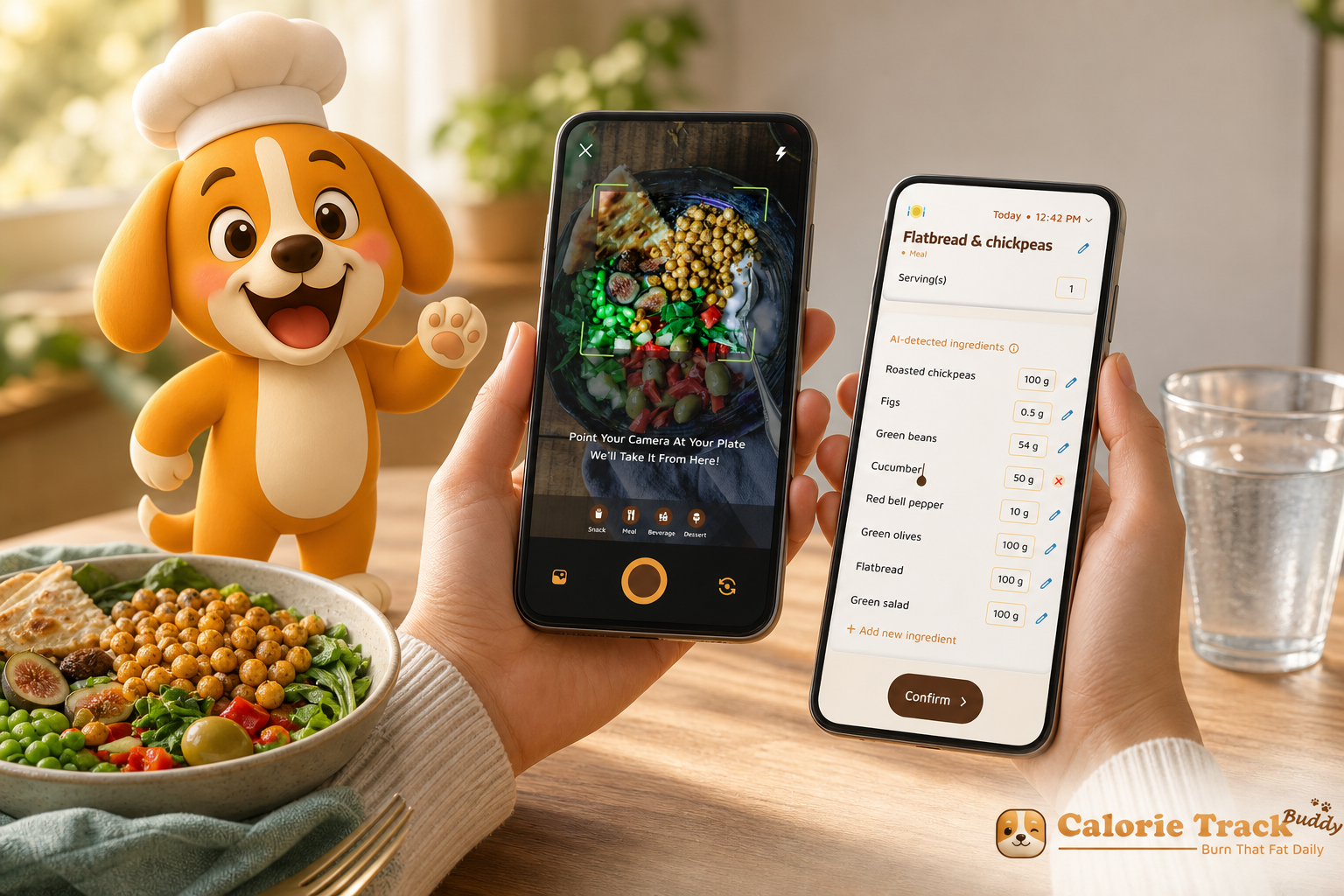
The fastest way to get control of your meals is to track protein, carbs, fat, and water together. In 2026, macro and water tracking gives you a clearer picture than calories alone.
You’ll see what fuels your day, what repairs your body, and how hydration changes energy and hunger. That’s the answer up front: if you want better results with less guesswork, track your macros and your water side by side. You don’t need to be perfect. You just need a simple plan you can repeat.
For context, a realistic hydration benchmark is a Daily Hydration Target: 2.5 Liter/Day. If that feels high right now, start at 2 liters and work up. And to ground basic nutrition terms, here’s a solid primer on macronutrient basics.
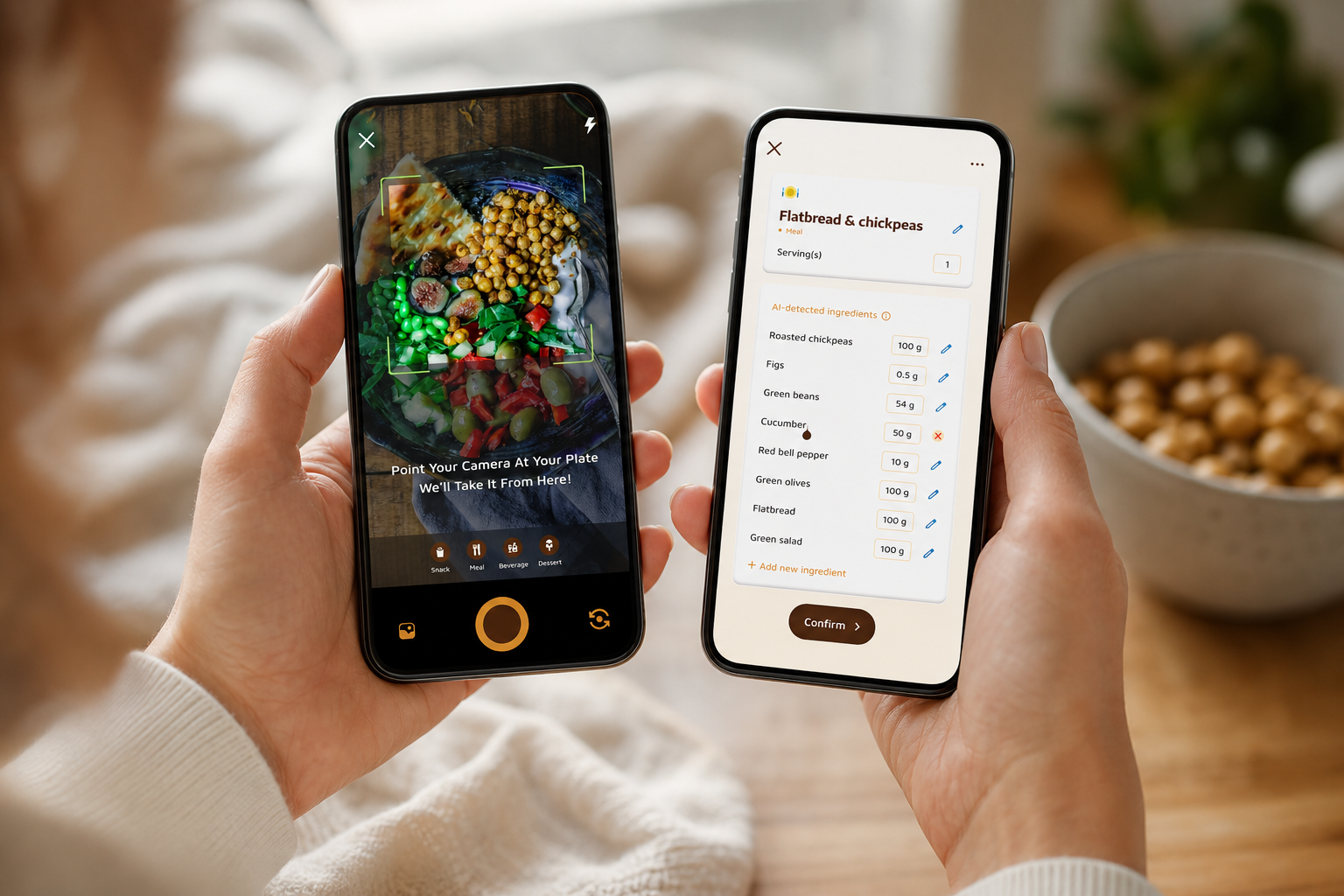 , water progress bar toward 2.5 liters, and steps counter hitting 10,000; friendly colors; simple icons; 2026 design aesthetics)
What Are Macros and Why Does Water Tracking Matter?
Macros are the big three nutrients your body uses most: protein, carbs, and fat. Think of them like parts in a simple machine. Each one does a job you can feel.
- Protein: building blocks. It repairs muscle, helps you feel full, and keeps hair, skin, and nails strong.
- Carbs: fast fuel. They power your brain and workouts, like gas in a car.
- Fat: long-burn energy. It supports hormones and helps you stay satisfied between meals.
That’s the plain version. If you enjoy more detail later, you can explore definitions and sources, but for now, this lens keeps choices simple. Moreover, tracking all three helps you see why a 500-calorie donut and a 500-calorie chicken bowl feel so different. The calories match. The macros don’t.
Hydration is where beginners underestimate the basics. Water affects energy, digestion, recovery, and even hunger signals. For example, drinking first can calm a “snack urge” that is just thirst.
As a starting point, a Daily Hydration Target: 2.5 Liter/Day works well for many adults. However, needs vary with body size, climate, and training. Therefore, use that as a target, not a test you can “fail.” If you need a deeper dive on fluid goals, here’s a simple guide on water intake.
Why pair macros with water?
- Because calories alone miss quality. Macros show protein for satiety and recovery, carb timing for energy, and fat for staying power.
- Because water changes how you feel. Dehydration can look like hunger, fog, or a “bad workout.
- Because trends beat guesses. Tracking of macros (carbs, protein, fat), water intake, and exercise turns stray days into clear patterns you can act on.
In short, pairing macros with hydration gives you a more complete picture than calorie counting alone. It shows what to adjust without guessing.
How to Start Tracking Macros and Water in 5 Simple Steps
Starting small beats starting perfect. Here is a five-step plan I wish I had used on day one. It keeps effort low and feedback high for steady progress in 2026.
-
Calculate your baseline macro targets
First, set protein using a bodyweight multiplier: 0.7–1.0 grams per pound of bodyweight (or 1.6–2.2 g/kg). Next, split the rest of your calories between carbs and fat based on preference and how you feel during the day. If you need a calorie target, use a free Total Daily Energy Expenditure (TDEE) calculator method: estimate your maintenance calories from your age, size, and activity, then assign macros. If you like more background before you plug in numbers, this primer on tracking nutrition explains how logging gives you real-world checks. -
Pick ONE meal to track first
Second, do not log everything on day one. Start with lunch or dinner for the first week. As a result, you’ll avoid burnout and still learn fast. In addition, take a quick photo of the plate before you eat. Photos make recall and portion estimates much easier later. -
Set a daily water target
Third, start at 2 liters per day. Then adjust up toward 2.5 liters as you gauge thirst, workouts, and weather. Therefore, keep a bottle visible, and refill right after you finish it. A simple morning routine helps: fill your bottle before you open your laptop.
Keep momentum as you add steps
-
Use a tracking method that fits your lifestyle
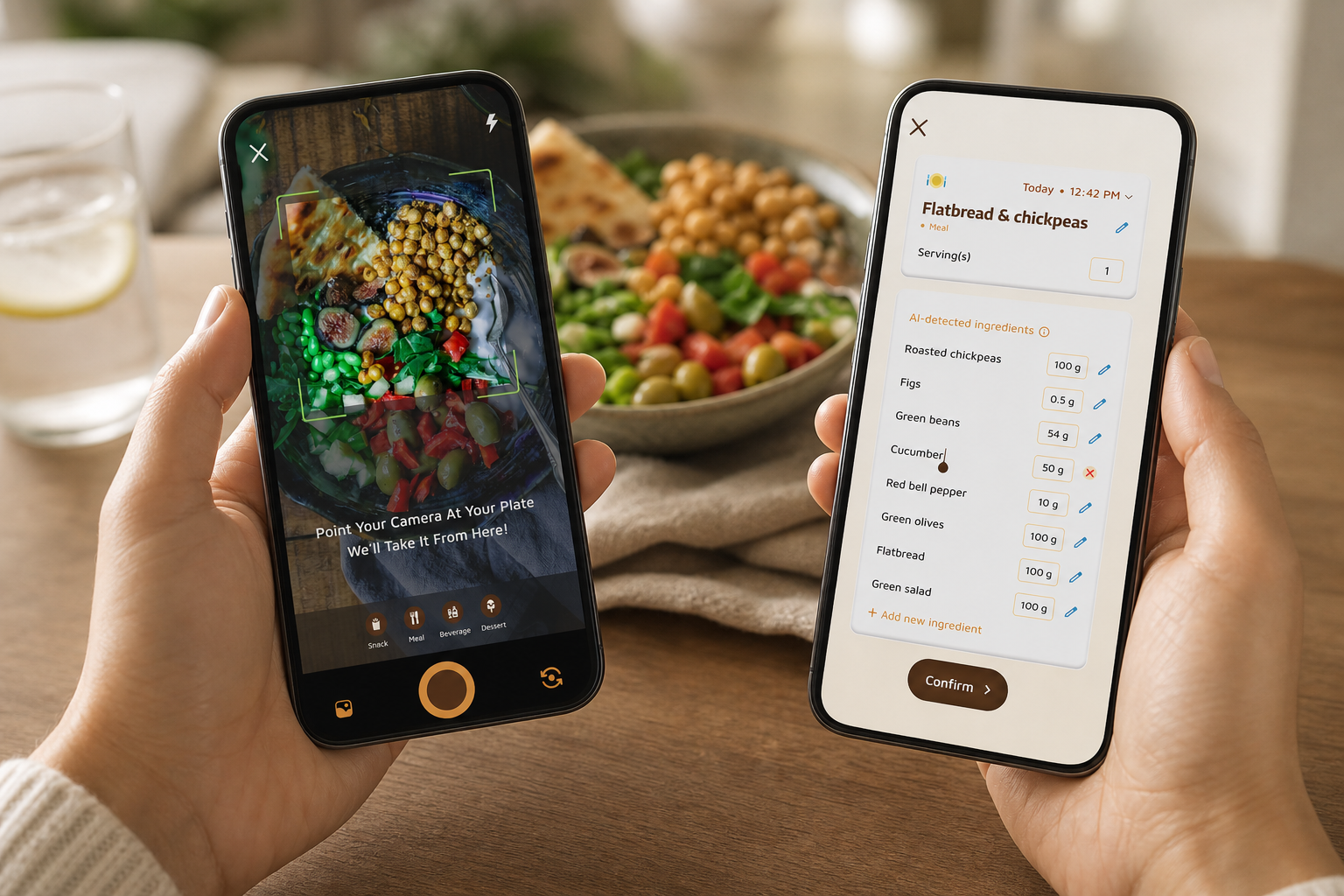
Fourth, choose a tool you’ll use daily. You can go with an app, a notes app, a paper notebook, or a simple spreadsheet. Apps with photo-based tracking for meals and snacks can save time when manual logging feels tedious. Furthermore, real-time feedback on meals and snacks and goal predictions that show how each meal impacts progress make every entry more useful. Consistency beats precision at this stage. -
Review weekly averages, not daily numbers
Fifth, judge your week, not your Tuesday. A weekly protein average within range is a win. Carbs and fat can flex day to day.
Meanwhile, hydration can ebb and flow too. Therefore, aim for steady weekly water totals. If you like gentle nudges, try a dedicated water tracker alongside your food log.
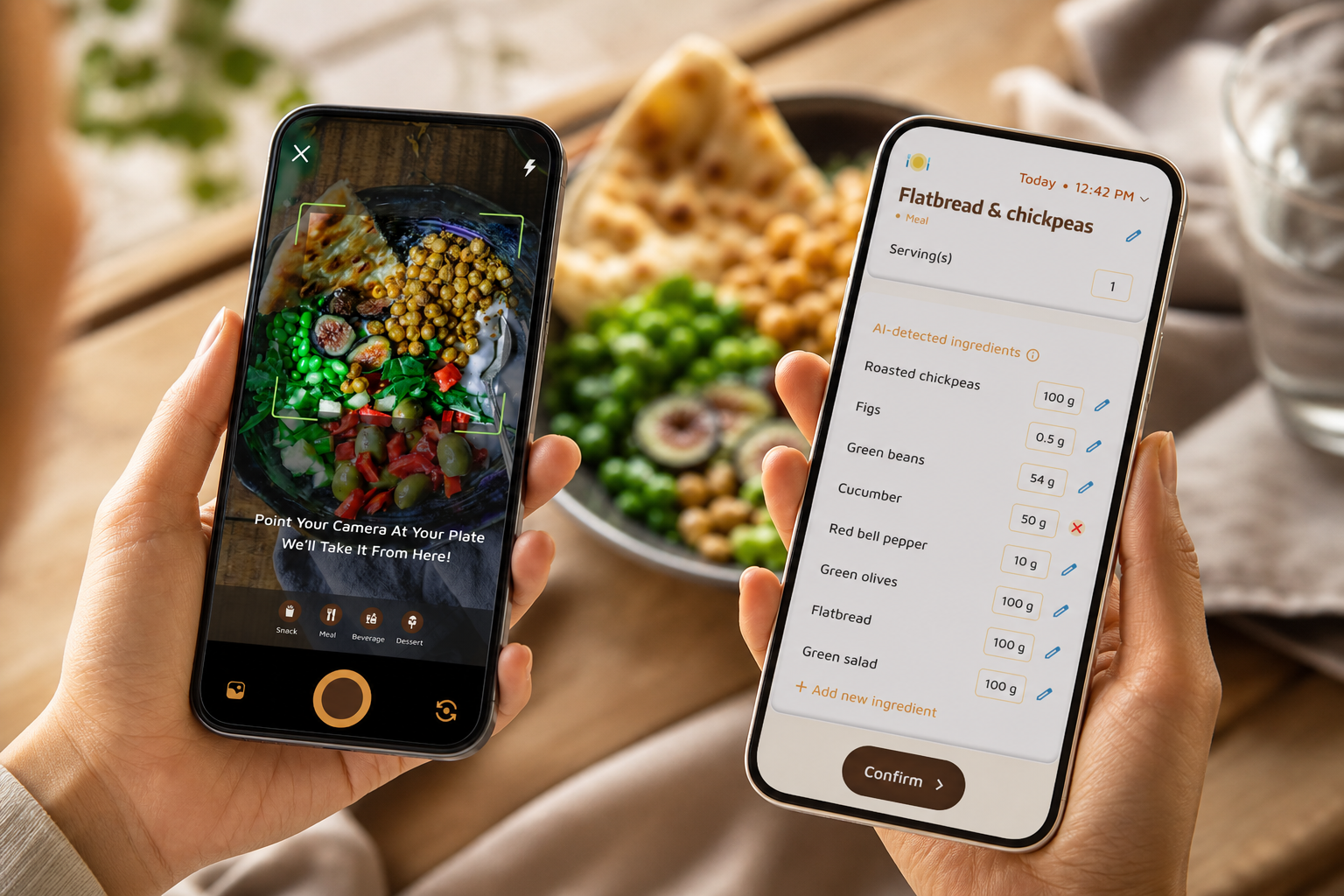 set protein 2) track one meal 3) set 2–2.5L water 4) choose app/notebook 5) review weekly averages; include icons for bottle, camera, plate, checklist)
Make it easier this week
- Pre-fill your bottle before breakfast.
- Photograph meals for quick recall.
- Save 3 go-to meals with known macros.
- Set one daily reminder at your usual snack time.
Also Read!
How to Use a Calorie Tracker with a Virtual Pet to Stay Consistent at the Gym
5 Common Macro and Water Tracking Mistakes Beginners Make
Everyone makes the same early mistakes. You are not behind. Here’s how to fix each one fast so macro and water tracking feels smooth, not strict.
-
Obsessing over exact daily numbers
Aim for weekly consistency instead. For example, if you’re 20 grams short on protein today, add an extra egg or yogurt tomorrow. Many apps show real-time updates on calorie burns, meals, steps, and goal progress, which helps you zoom out to the trend. -
Forgetting liquid calories
Smoothies, fancy coffee, and juice still count. Log them. If you need a tasty hydration option, read about coconut water and when it makes sense. However, remember that flavored drinks may add carbs you’ll want to include in your totals. -
Only counting bottled water
Food holds water too. Fruits, veggies, and soups all add to your day. Therefore, track your main water source, then note high-water foods when you review the week.
More mistakes to watch for
-
Setting targets too aggressively
Cutting carbs too low or pushing protein too high can cause burnout. Start with a middle ground and adjust based on mood, hunger, and training. In addition, use customization for dietary preferences and allergies so your plan fits how you like to eat. -
Giving up after a missed day
One untracked day does not erase a week of effort. Pick up the next meal and keep going. Moreover, review your photos and fill in rough estimates so your log stays useful.
"Before using the app, I didn’t know where to start with calorie tracking. But now, it’s second nature! The meal snap feature is a big improvement. I love how the app gives me tips and feedback in real time. My health buddy keeps me accountable, and I’m actually excited to track my meals. It’s fun!" — Aanya Rastogi
Best Tools and Apps for Beginner Macro and Water Tracking
You have good choices here. The best tool is the one you’ll use daily. No single app is “best” for everyone, so try the style that matches your habits in 2026.
Full-featured nutrition apps
These tools have large food databases and clear macro breakdowns. Pros: deep data, barcode scanning, custom foods, and detailed exports. Cons: manual logging can feel tedious, and databases can have duplicates to sort through. If you like structure and numbers, they’re strong.
Photo-based trackers
If typing every ingredient slows you down, photo-based tracking for meals and snacks to get nutritional info and calorie count can save time. Apps in this class can also add real-time feedback on meals and goal predictions so each choice makes sense fast. One option is Calorie Tracker Buddy, which includes built-in water tracking, a virtual buddy feature that “grows” as you make healthier choices, offline logging with automatic syncing once online, and the ability to sync with fitness trackers like Google Fit. Pros: easy logging and instant context. Cons: photos still need quick checks for portion accuracy.
Simple water reminder apps
If hydration is your main gap, water reminder tools like WaterMinder or Plant Nanny (mentioned here, not linked) can give you cues without food logging. Pros: dead simple. Cons: you’ll still need a way to see how water pairs with your meals if you want the fuller picture.
Pen-and-paper or spreadsheets
Analog can work great if you love lists. Pros: total control, no scrolling. Cons: no database, no auto-sums, and no reminders. If you go this route, pre-make a weekly template with targets to reduce friction.
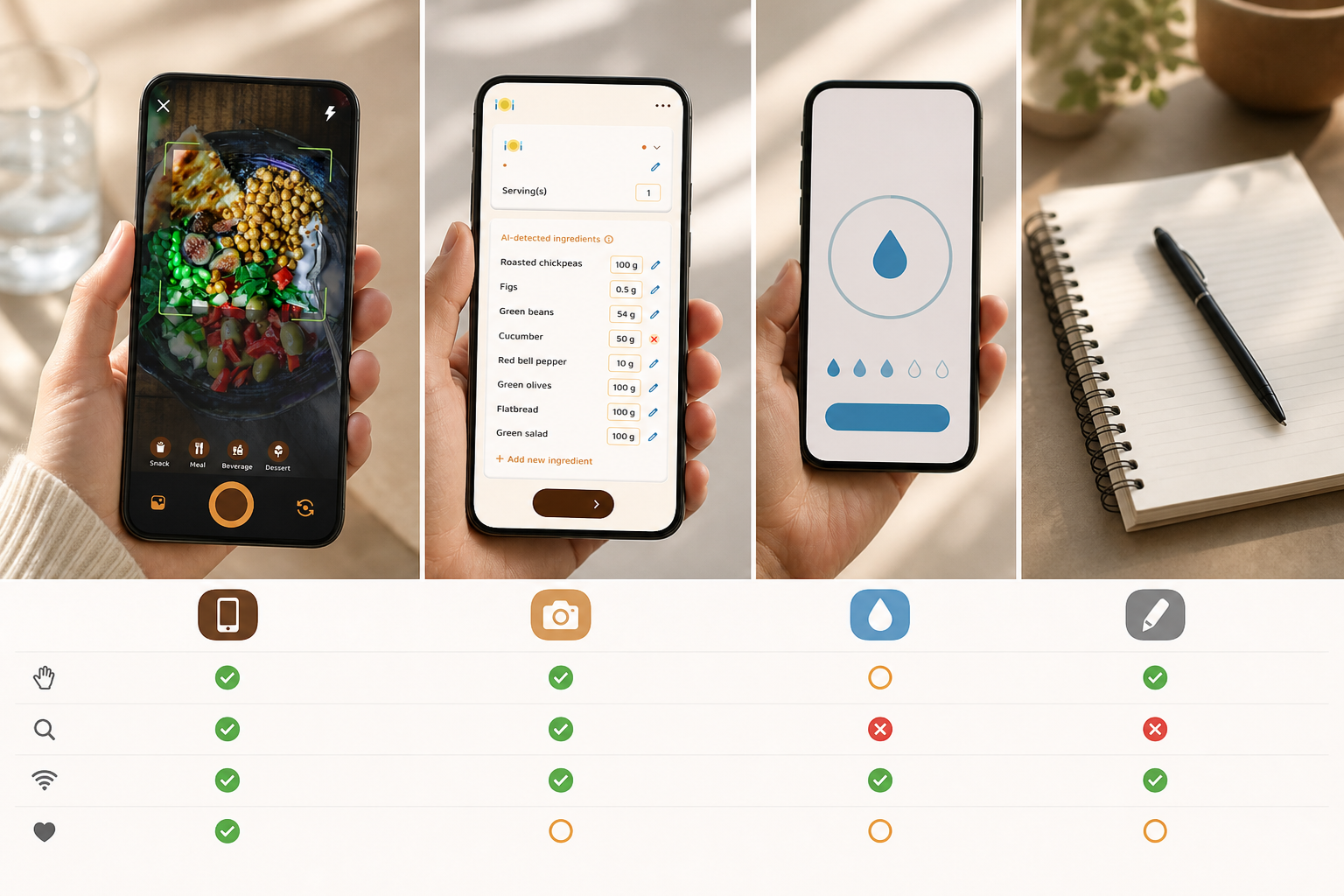
**Get instant meal feedback, free today →
Key Takeaways and What to Do This Week
- Tracking protein, carbs, fat, and water together beats calories alone for clarity.
- A realistic start: 0.7–1.0 g protein per pound and 2–2.5 liters of water per day.
- Start with one meal, use photos, and judge success by weekly averages.
- Pick the tool you’ll use every day — app, notebook, or spreadsheet.
- Imperfect logs still reveal patterns you can act on next week.
Here’s a 7-day mini-challenge to get rolling:
- Day 1–2: Calculate your protein target (0.7–1.0 g per pound) and set your initial water goal at 2 liters.
- Day 3–4: Track one meal per day and log your water. Keep photos of each plate.
- Day 5–7: Track all meals, total your water toward 2.5 liters, and review your first weekly averages.
If you like gentle nudges, set one reminder and keep your bottle in sight. You’re building a skill, not taking a test, and each day of macro and water tracking makes the next day easier.