Achieving your health objectives doesn’t have to be difficult. Tracking your daily intake becomes less about limitations and more about awareness when you have the correct tools and assistance. Finding a companion that fits your lifestyle—whether you’re just beginning your fitness journey, managing a hectic schedule, or pursuing certain performance goals—is ultimately the key to selecting the best calorie counting app.
It’s evident that the correct app may streamline nutrition management and keep you motivated along the road after learning about the significance of calorie tracking, investigating free and paid options, and then delving into Calorie Tracker Buddy’s capabilities. Smart tracking combined with consistency is what turns modest decisions into long-lasting outcomes.
In A Hurry? Listen To The Blog Instead
What Is A Recipe Calorie Calculator?
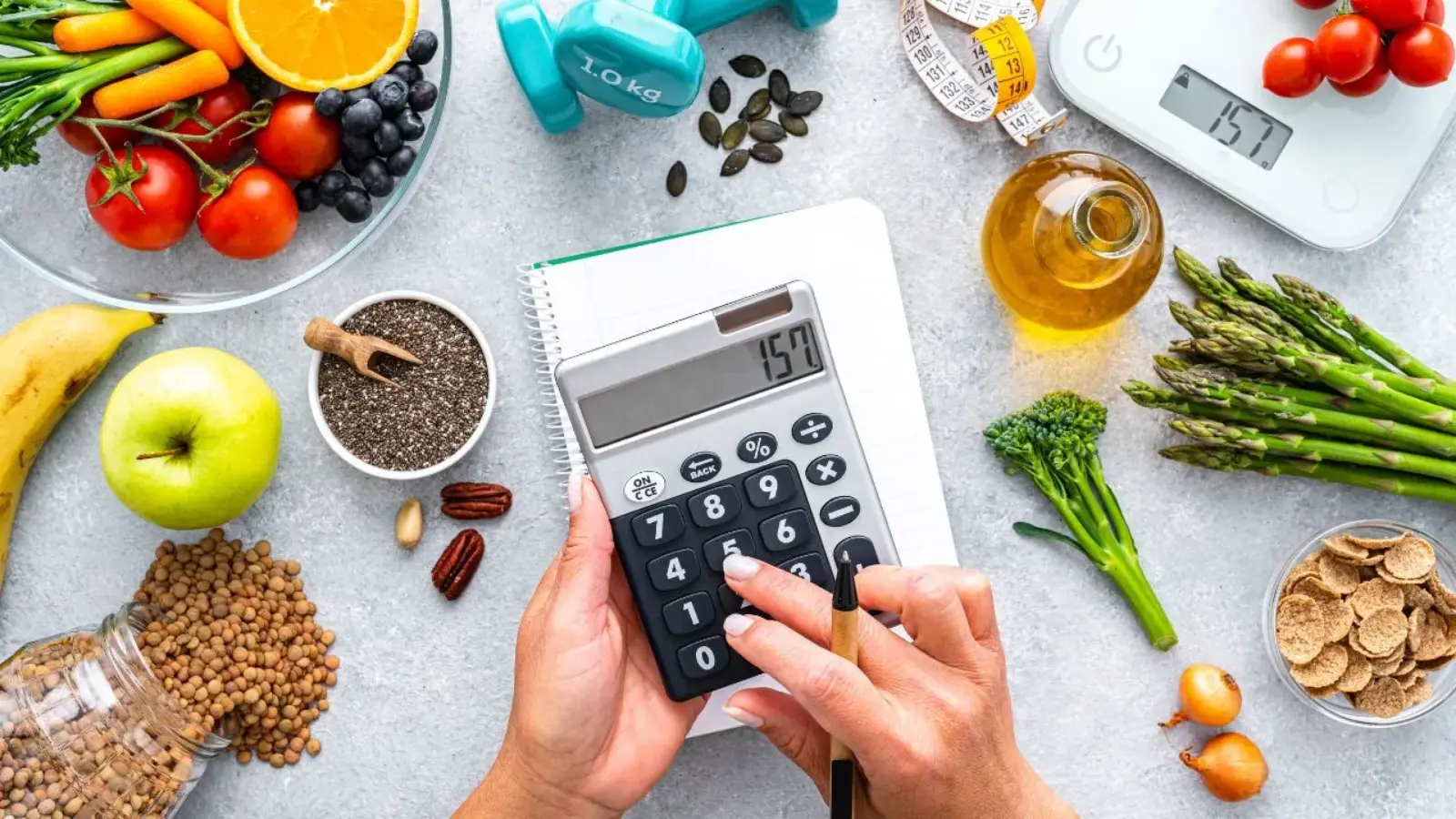 Before diving into real-life examples, it’s important to understand what this tool does. A recipe calorie calculator is designed to help you determine the calorie and nutrient content of any meal you prepare. Unlike generic trackers that focus only on packaged food, it breaks down the exact ingredients and quantities in your recipe to provide a clear picture of the overall nutrition.
Think about a simple pasta dish. You might use spaghetti, olive oil, garlic, tomatoes, and cheese. Instead of guessing, you can input each item into the calculator, along with the portion size, and get an accurate breakdown of calories, protein, fats, and carbohydrates. This method removes uncertainty and helps you make better food decisions.
Now that we know what it is, let’s take a closer look at how this calculator works step by step, so you can see why it’s such a valuable tool in daily life.
How A Recipe Calorie Calculator Works?
Using one of these tools is simpler than it sounds. Most calculators follow a structured process that makes calorie counting more reliable and less time-consuming.
- Ingredients and portions – You start by entering the items in your recipe, along with the amount you’re using. For example, if your recipe includes “one cup of rice” or “two tablespoons of olive oil,” the calculator matches these entries with its database.
- Nutritional breakdown – Once entered, the tool provides details on total calories and macronutrients, including carbohydrates, proteins, and fats. Some calculators even highlight vitamins and minerals for a fuller picture.
- Recipe calorie calculator with portion size – This feature is especially helpful because it standardizes serving sizes. If you cook for four people, it divides the nutrition evenly, so you know exactly what one serving looks like.
- Storage and reuse – Many calculators allow you to save custom recipes, so the next time you make that pasta or soup, you don’t need to enter every detail again.
The process itself is straightforward, but the real magic lies in how you use this information in daily life. That leads us to real-world scenarios where a calculator becomes a game-changer.
Real-Life Uses Of A Recipe Calorie Calculator
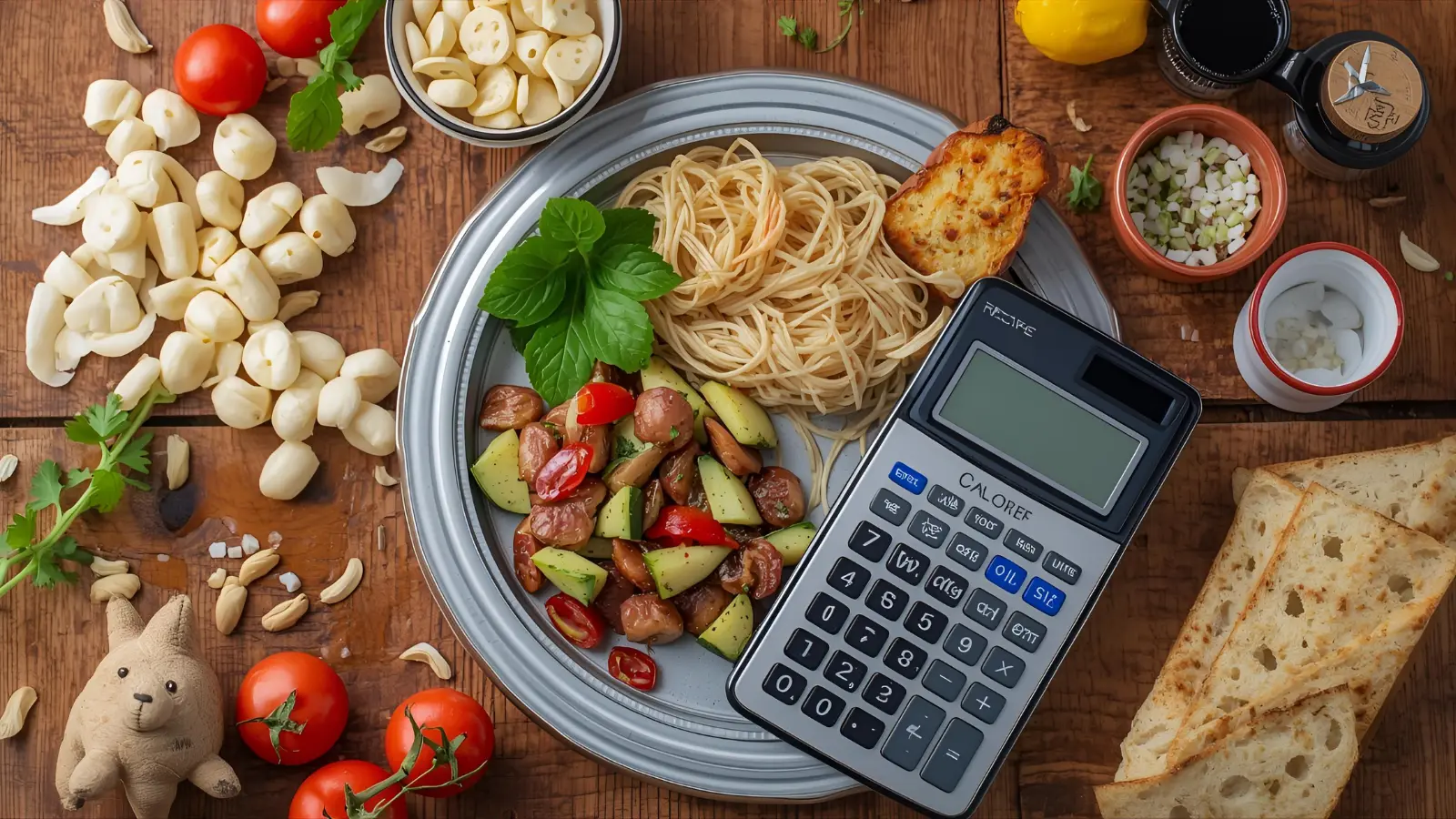 The beauty of this tool lies in its adaptability. Whether your goal is weight management, better health, or family meal planning, a recipe calorie calculator has a role to play.
- Weight management – Anyone aiming to lose or gain weight needs a clear calorie budget. By logging homemade meals, you can stay consistent and avoid underestimating portion sizes.
- Managing health issues – For individuals with diabetes, heart disease, or high cholesterol, keeping track of specific nutrients is essential. Calculators allow you to plan meals that align with medical advice and dietary restrictions.
- Meal planning for families – Cooking for multiple people often means balancing different nutritional needs. A calculator can divide calories per serving and help you create balanced meals that work for everyone at the table.
- Fitness-focused eating – Athletes and gym-goers rely on precise nutrition. With a calculator, it becomes easier to align meals with training plans, ensuring protein intake is on target.
- Experimentation and recipe adjustments – Curious about swapping butter for olive oil, or whole milk for almond milk? A calculator shows the nutritional impact instantly, making it easy to test healthier alternatives.
Since the benefits are so versatile, it’s natural to wonder which tools perform best. The next section looks at what to consider when choosing an app or website.
Choose The Best Recipe Calorie Calculator
Not all tools are created equal. Some focus on simplicity, while others offer advanced features. If you’re searching for the best recipe calorie calculator app, here are key features to keep in mind:
- A large and reliable food database.
- Accuracy in ingredient measurements.
- Options for saving and editing recipes.
- Easy-to-use interface.
- Features like barcode scanning or AI-powered recognition.
There are also plenty of free resources online. For instance, the best free recipe calorie calculator websites make it accessible for people who don’t want to download an app. On the other hand, mobile apps tend to be more convenient for logging meals on the go.
For those exploring different platforms, guides on the top 10 recipe calorie calculator apps can help narrow the choices. However, the right option depends on your lifestyle and goals.
This brings us to a natural question: which tool stands out for reliability and ease of use? Let’s talk about Calorie Tracker Buddy.
How Calorie Tracker Buddy Makes Calorie Tracking Effortless?
 Counting calories can feel overwhelming, but Calorie Tracker Buddy is built to make the process simple and stress-free. It goes beyond basic tracking by giving you real insights into what you eat, how active you are, and where you can improve. Think of it as a nutrition coach in your pocket—accurate, reliable, and motivating every step of the way.
Here’s what makes it stand out:
1. Extensive Food Library
From homemade dishes to packaged snacks and restaurant meals, Calorie Tracker Buddy offers a huge database of foods. Just type in your item, and the app delivers a quick calorie and nutrient breakdown without guesswork.
2. Quick Snap Feature
Don’t feel like logging manually? Simply snap a photo of your meal, and the app’s intelligent recognition system will identify the ingredients and calculate the calories for you within seconds.
3. Activity Integration
Calories aren’t just about what you consume—they’re also about what you burn. Calorie Tracker Buddy syncs with fitness devices or allows manual workout entries, so you get the full picture of your daily balance.
4. Eat and Burn Balance
The app compares calories consumed with calories burned, showing you whether you’re on track with your health goals. It’s a clear, no-nonsense way to see progress in real time.
5. Personalized Guidance
Over time, the app learns your eating style and provides helpful nudges—like reminding you about portion sizes or suggesting healthier swaps to stay within your limits.
6. Predictive Patterns
By analyzing your history, Calorie Tracker Buddy highlights trends—such as weekend overeating or skipped meals—helping you plan smarter in advance.
7. Insightful Progress Reports
Daily, weekly, and monthly reports highlight your habits and improvements. These breakdowns make it easy to identify what’s working and where you might need small adjustments.
8. Motivation That Lasts
Instead of overwhelming you with data, Calorie Tracker Buddy focuses on encouragement. It turns calorie tracking into a habit you’ll actually want to stick with, making healthier living feel achievable.
Calorie Tracker Buddy doesn’t just track numbers—it builds awareness, creates balance, and supports you in making healthier choices. With its smart features and user-friendly design, it transforms calorie tracking from a frustrating task into a simple, enjoyable part of your routine. Whether you’re managing weight, boosting fitness, or just curious about your eating habits, this tool gives you the confidence to stay consistent and motivated on your journey.
Read More
Top 10 High Fiber Foods To Control Your Calories
15 High Protein Snacks That Keep You Full & Energized
Advanced Tips For Using A Recipe Calorie Calculator
Simply entering data isn’t always enough—you’ll get the best results by applying a few smart strategies. Here are some advanced tips:
- Weigh your ingredients instead of relying only on cups or spoons for better accuracy.
- Account for cooking changes, as food weight and calories shift when ingredients are cooked.
- Don’t ignore condiments—small items like sauces or dressings can add significant calories.
- Check food brand variations, since calorie counts differ even for the same type of food.
- Save your favorite recipes to reduce repetitive logging.
These steps turn your calculator into more than just a tool; it becomes a trusted partner in maintaining healthier habits. Still, some readers may have common questions before making this a part of their daily routine.
Conclusion
A recipe calorie calculator makes the procedure much simpler, whether your goal is to reduce weight, enhance your health, or just understand what’s on your plate. It provides information to help you cook more intelligently and eat healthier, from portion control to substituting ingredients.
Finding the ideal tool can be confusing due to the abundance of alternatives, but platforms like Calorie Tracker Buddy combine convenience and clarity. You may experiment with recipes, track meals with confidence, and get closer to your own health goals—one dish at a time—by using it regularly and the advice provided in this blog.
FAQs
- Can it handle complex recipes?
Yes, most calculators allow you to add multiple ingredients and adjust quantities for accurate results. - Is a recipe calorie calculator by ingredients more reliable than guessing?
Absolutely. By entering exact items, you avoid underestimating or overlooking calories. - Do I need to weigh everything I eat?
While weighing improves accuracy, you can still get reliable results using standard portion sizes. - Are the best free recipe calorie calculator websites trustworthy?
Yes, many are accurate and user-friendly, though apps often provide more convenience. - How to calculate calories in homemade recipes?
List your ingredients with quantities, total their calories, then divide by servings. A recipe calorie calculator makes this process faster and more accurate.