
In a world driven by productivity, self-improvement, and measurable growth, tracking habits has become essential. Whether you want to monitor calories, productivity, workouts, or daily goals, choosing the right logging method can shape your success.
The debate around Notebook Logging vs. App Logging continues to grow stronger each year. Some people swear by pen and paper. Others rely completely on smart devices. But which one truly works better?
This detailed guide explores the pros and cons of both methods, helping you decide what fits your lifestyle, personality, and long-term goals.
In a hurry? Listen to the blog instead!
Why Logging Matters More Than Ever?
Logging plays a critical role in personal and professional growth because it transforms vague intentions into measurable actions. When you consistently track what you do whether it’s calories consumed, hours worked, habits completed, or goals pursued, you create awareness around your behavior.
That awareness naturally leads to improvement. You begin to notice patterns, strengths, weaknesses, and hidden triggers that would otherwise go unnoticed. Logging keeps you accountable, builds discipline through repetition, and allows you to measure real progress instead of relying on assumptions.
It also helps you adjust your strategies based on actual data rather than guesswork. This is why the choice between manual and digital tracking goes beyond simple preference; it’s about selecting a system that supports long-term consistency and meaningful growth.
What Is Notebook Logging?

Notebook logging involves writing entries manually in a physical journal, diary, or planner. You track information by hand, using structured layouts or free-form notes.
Many people use notebooks for:
- Calorie tracking
- Workout logs
- Habit tracking
- Study schedules
- Expense records
- Productivity planning
The charm of notebook logging lies in its simplicity.
Pros Of Notebook Logging
1. Improves Memory Retention:
Writing by hand strengthens cognitive processing. When you manually log activities, your brain processes information more deeply than typing.
This makes notebook logging ideal for people who want stronger habit awareness.
2. No Digital Distractions:
Your phone constantly demands attention. Notifications interrupt focus. With a notebook, you eliminate distractions entirely.
In the discussion of Notebook Logging vs. App Logging, this remains one of the strongest arguments for manual tracking.
3. Feels Personal and Creative:
You control the layout, design, colors, and format. Many people enjoy decorating journals, adding stickers, or creating customized trackers.
It becomes an emotional experience rather than a technical task.
4. Works Without Internet or Battery:
Your notebook runs without updates, system errors, or login requirements. It stays reliable and ready to use anytime, anywhere.
Cons Of Notebook Logging
1. Time-Consuming:
Writing everything manually requires effort. Calculations such as calorie counting or time tracking can take longer.
2. Hard to Analyze Data:
Finding patterns across weeks or months becomes difficult. You cannot generate automatic reports or insights.
3. Limited Storage:
Physical notebooks run out of space. Organizing old data becomes messy over time.
When comparing these two tracking methods, data analysis and scalability often favor digital solutions.
What Is App Logging?
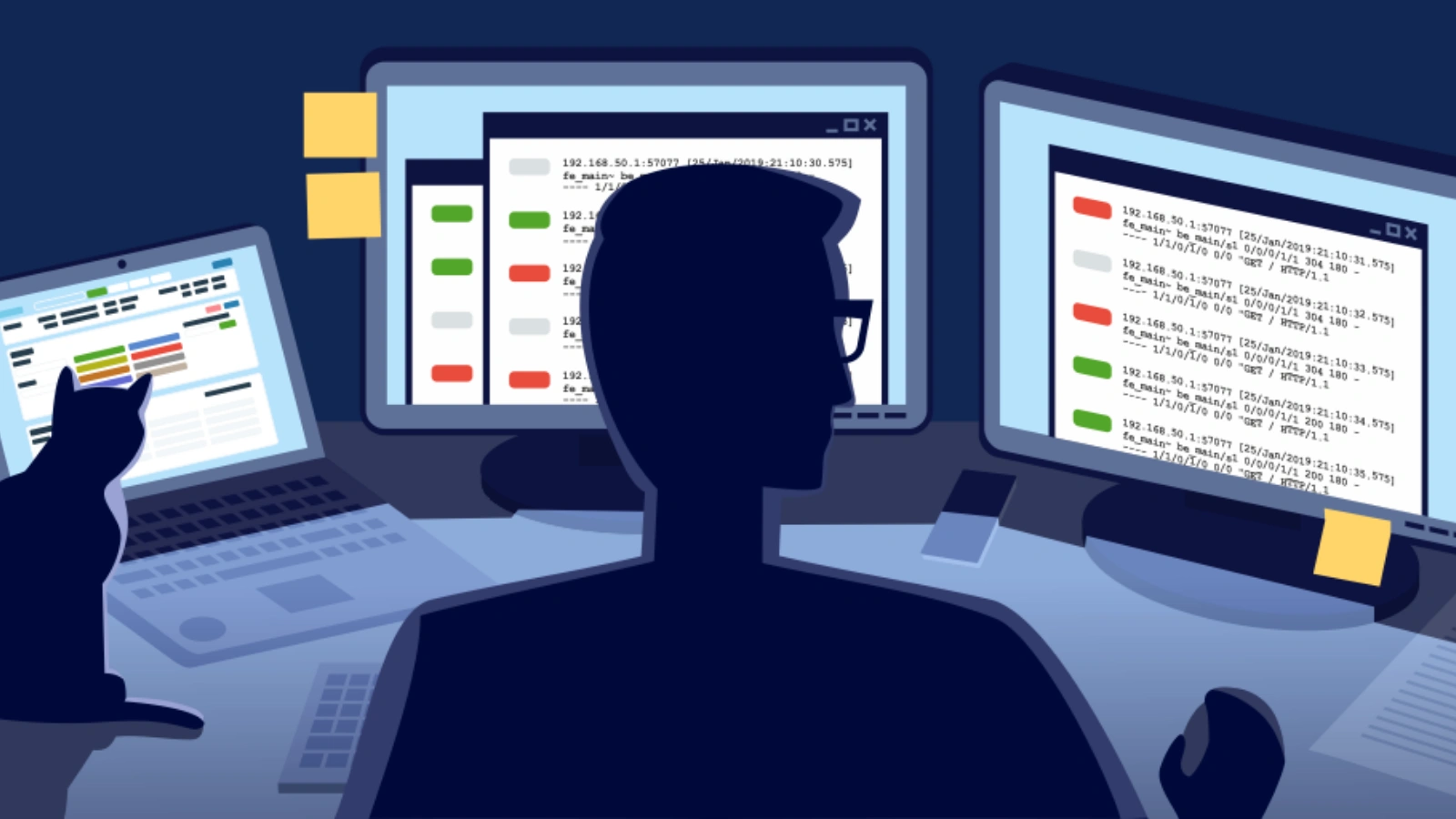
App logging uses mobile or web applications to record and analyze data automatically. Many modern tools integrate tracking, analytics, reminders, and AI-powered insights to simplify daily monitoring.
Today, digital logging apps help users track health, productivity, finance, and lifestyle goals with smart automation. For example, a calorie tracker app can instantly calculate nutritional intake, store historical data, and generate progress reports without manual effort.
Pros Of App Logging
1. Automation Saves Time:
Apps calculate totals instantly. Whether you log calories or work hours, the system processes everything in seconds.
This is where Notebook Logging vs. App Logging clearly shows a technological advantage.
2. Smart Insights and Reports:
Most apps generate charts, predictions, and trend analysis. You can see weekly improvements, monthly patterns, and long-term projections.
3. Real-Time Reminders:
Notifications keep you accountable. If you forget to log meals or workouts, your app nudges you.
4. Cloud Backup:
You never lose data. Everything syncs across devices.
Cons Of App Logging
1. Screen Dependency:
You spend more time on devices. This can increase digital fatigue.
2. Privacy Concerns:
Some users worry about data sharing or security.
3. Subscription Costs:
Many advanced features require paid plans.
The debate often comes down to convenience versus simplicity.
Also Read:
Why Free Calorie Trackers Are Often Better Than Paid Coaches?
Notebook Logging Vs. App Logging: Side-By-Side Comparison
When comparing Notebook Logging vs. App Logging, looking at key factors individually makes the differences clearer.
Convenience:
Notebook logging offers moderate convenience. You need to carry your journal and write entries manually. App logging provides high convenience because you can log information instantly through your smartphone, often with automation features.
Data Analysis:
Notebook logging requires manual review. You must scan past pages and calculate totals yourself to identify trends. App logging automates this process by generating reports, charts, and insights within seconds.
Cost:
Notebook logging typically involves a one-time, low cost for purchasing a journal. App logging may be free at a basic level, but advanced features often require a subscription.
Distractions:
Notebook logging eliminates digital interruptions, helping you stay focused. App logging can expose you to notifications and screen distractions unless you manage them carefully.
Accessibility:
Notebook logging works completely offline and never depends on battery life. App logging requires a device and, in many cases, internet access for full functionality.
Scalability:
Notebook logging has physical limitations. Once you fill a journal, you must store it and start a new one. App logging offers unlimited scalability with cloud storage and long-term data tracking.
When examining the two approaches, the final decision depends on what you value most: simplicity and focus or automation and advanced insights.
Which Method Works Best For Calorie Tracking?
Calorie tracking demands accuracy and consistency. Writing calories manually requires checking nutrition labels and doing calculations.
Apps simplify this process by scanning food and calculating nutrients instantly.
For example, many people start with notebooks but later shift to apps because automation reduces friction. In the context of Notebook Logging vs. App Logging, health tracking often benefits from smart tools.
One such tool that combines ease with motivation is Calorie Tracker Buddy.
Why Should You Try Calorie Tracker Buddy?
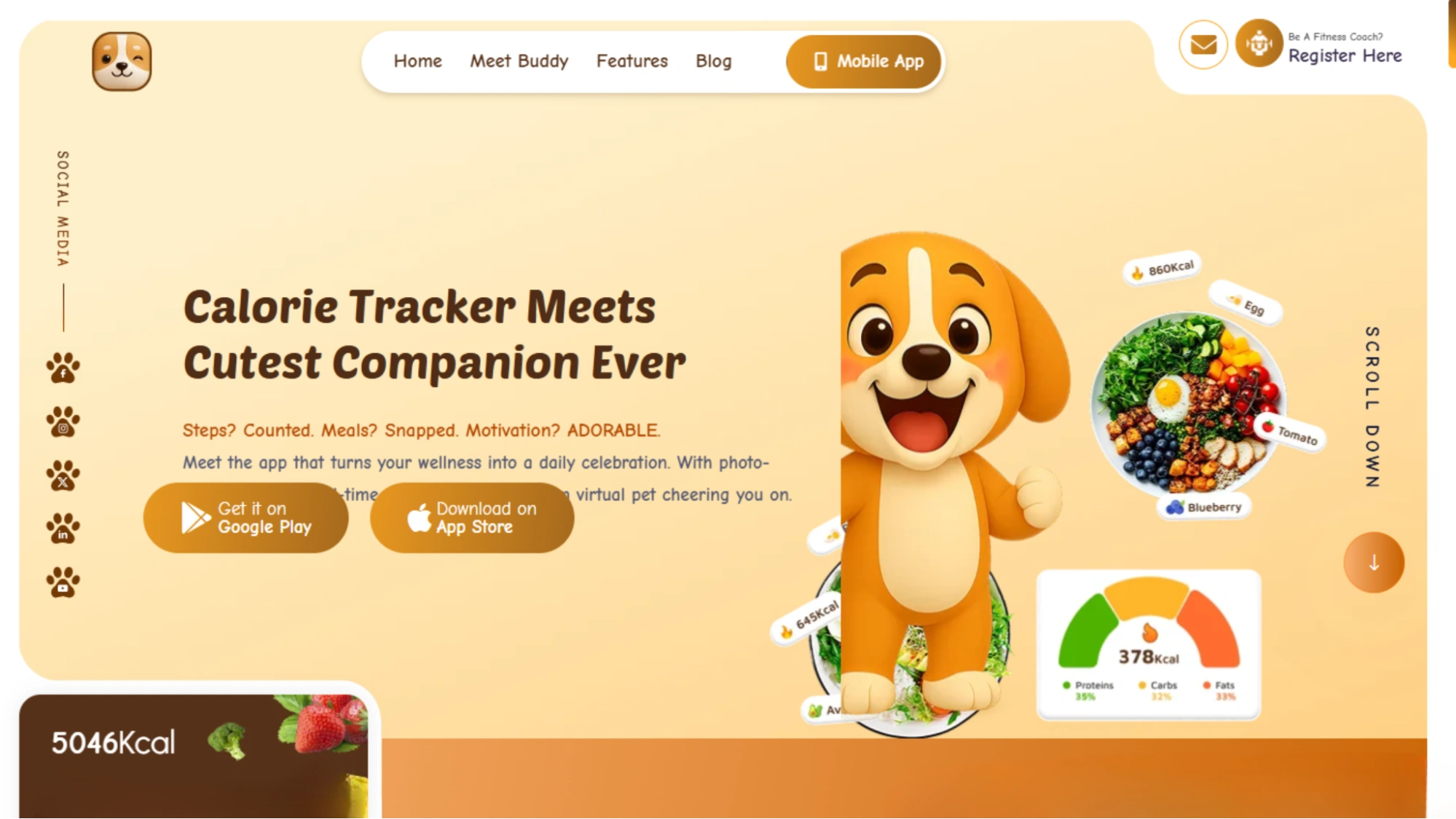
If you want to simplify calorie tracking while staying motivated, Calorie Tracker Buddy offers an engaging digital experience.
Instead of writing numbers manually, the app scans meals, tracks activity, and provides goal-based feedback. It makes logging effortless while keeping the process fun.
When considering different tracking approaches, tools like this demonstrate how technology can enhance accountability without overwhelming users.
Features That Flex
Your Healthy Sidekick’s Secret Powers
Snap the Meal:
Point your camera. Tap once. Boom.
Your food gets scanned for calories, nutrients, and balance instantly. No manual math required.
Calorie Burn Tracker:
From dance moves to dishwashing, every step counts. Track daily calorie burns and watch your progress ignite.
Calorie Intake Tracker:
You eat. The system calculates. Track what’s on your plate within seconds and receive instant feedback on how it aligns with your goals.
Goal Predictions:
Curious about progress? The app shows how each meal, snack, and sip influences your fitness journey.
Buddy Motivation:
Your virtual pet grows with every healthy choice. Stay consistent with daily encouragement from your digital companion.
Social Sharing:
Proud of your plate? Share meals, celebrate streaks, and let your friends cheer you on.
Let’s Do This! Buddy’s Waiting…
How Does Notebook Logging Vs. App Logging Impact Productivity?
For time management and work tracking, apps often outperform manual methods. They integrate calendars, reminders, and productivity analytics to streamline tasks and improve efficiency.
However, many creative thinkers still prefer notebooks for brainstorming and flexible planning. The debate around Notebook Logging vs. App Logging shows that productivity ultimately depends on your workflow style and personal preference.
Hybrid Approach: The Best of Both Worlds
Many high performers combine both methods.
They use apps for analytics and automation.
They use notebooks for reflection and planning.
This hybrid system minimizes the weaknesses of both approaches and creates a more balanced tracking method.
For example:
- Use an app to track calories and generate reports.
- Use a notebook to reflect on cravings or emotional triggers.
Also Read:
Intuitive Eating Vs. Calorie Tracking: Can They Work Together?
What Factors Should You Consider Before Choosing Between Notebook Logging Vs. App Logging?
When deciding between Notebook Logging vs. App Logging, keep these important factors in mind:
Cost:
- Notebook logging involves a one-time, low cost for a journal.
- App logging may start free but advanced features often require payment.
- Automation in apps can save time, which may justify subscription costs.
Data Accuracy and Precision:
- Manual logging increases the risk of calculation errors or missed entries.
- Apps reduce mistakes with automatic totals and smart tracking features.
- In health and performance tracking, Notebook Logging vs. App Logging often favors digital precision.
Long-Term Sustainability:
- Many users quit tracking after a few weeks.
- Notebook logging may feel time-consuming over time.
- App logging can cause notification fatigue.
- In Notebook Logging vs. App Logging, consistency depends on choosing a method you enjoy.
Privacy Considerations:
- Notebooks keep data completely offline.
- Apps store data digitally, often in encrypted systems.
- Before choosing Notebook Logging vs. App Logging, evaluate your comfort with digital storage.
Final Verdict: Which Should You Choose?
There is no universal winner in Notebook Logging vs. App Logging.
Choose notebook logging if you:
- Prefer writing by hand
- Enjoy creative journaling
- Want zero digital distractions
Choose app logging if you:
- Need automation
- Want instant analytics
- Track complex metrics like calories or productivity
If you aim for efficient health tracking with motivation and smart insights, app-based tools clearly provide an edge.
Ultimately, Notebook Logging vs. App Logging comes down to personality, goals, and lifestyle.
The best system is the one you use consistently.

Conclusion
The debate over Notebook Logging vs. App Logging reflects a broader shift between analog simplicity and digital intelligence.
Notebook logging offers mindfulness and creative freedom. App logging delivers speed, automation, and powerful insights that simplify complex tracking.
In today’s data-driven world, digital tools continue to evolve, making it easier than ever to stay consistent. Yet, pen and paper remain timeless for those who value reflection and focus.
Evaluate your habits. Understand your goals. Then choose the method that aligns with your growth journey.
If you’re ready to experience smarter, faster, and more motivating tracking, tools like Calorie Tracker Buddy can transform the way you monitor your progress and stay accountable every day.
Because at the end of the day, tracking works only when you commit to it.
FAQs
1. Which method is better for beginners?
Beginners often start with a notebook because it feels simple and low-pressure. However, those who prefer automation and reminders may find apps easier to maintain consistently.
2. Can I switch methods later?
Yes. Many people begin with manual tracking and later move to digital tools once they need deeper insights or automated calculations.
3. Is digital logging more accurate than manual logging?
In most cases, yes. Apps reduce human error through automatic calculations, barcode scanning, and built-in analytics.
4. Does writing by hand improve habit formation?
Writing by hand can improve memory retention and mindfulness, which may strengthen habit awareness over time.