


**Download Free Android App Today →
I ran a strong PPL split for months and still looked the same in a T‑shirt. A calorie tracker with coaching and challenges is what finally moved the dial, because it turned “numbers I logged” into choices I changed. The short answer: pair your training plan with a feedback-driven tracker, set protein-first macros, and run weekly challenges that force consistency. You’ll stop guessing, start adjusting, and see the scale, mirror, and bar all line up.
In 2026, gym data is everywhere, sets, reps, steps, strain. However, the gap isn’t data. It’s action. With real-time feedback on meals, goal predictions, and built-in accountability, you’ll match intake to your lift volume and recovery windows. By the end of this guide, you’ll have a concrete system that fits your split, not a random diet you quit on Friday.
For more depth on coaching features, see this 2026 guide on coaching features.
Why Calorie Tracking Alone Isn't Enough for Gym-Goers
You train hard. You sweat through heavy compounds, chase progressive overload, and watch your form. Yet body comp stalls because intake drifts 200–400 calories a day and protein lands late. A common gym saying is “nutrition is 70–80% of the result.” Whether you agree with the exact percent, the message lands: the fork moves physique faster than the barbell alone.
However, simple logging is passive. You write down numbers. You might even hit calories. But you don’t get coached in the moment that matters, the snack before bed, the post-lift meal, or the order you place at the burrito spot. As a result, the log becomes a diary of near-misses instead of a tool that steers you.
Active tracking adds coaching. Specifically, you get real-time feedback on meals and snacks, progress-based macro nudges, and goal predictions that show how each meal impacts progress by the end of the week. That changes behavior now, not “after weigh-in.” Moreover, you see how today’s high-carb lunch affects Friday’s weigh-in or Monday’s pump. Therefore, you learn to adjust portions and timing rather than “start over Monday.
Passive vs. Active Tracking
- Passive: You log food after the fact and hope weekly totals work out.
- Active: You log, get instant feedback, and see goal predictions shift with each meal.
- Outcome: Passive records. Active changes choices in real time.
Furthermore, active systems tie your gym output to your intake. For example, they track steps, training sessions, and estimated burn, then update targets. That way, your Tuesday heavy squat day doesn’t get the same calories as your Thursday desk day. It’s the difference between “I hit 2,400” and “I hit 2,650 on heavy days, 2,250 on rest days, and I’m trending to my cut target.
For a baseline on energy needs, read about total daily energy expenditure. You’ll match what you burn to what you eat, not what you wish you ate.
Also Read!
Best Calorie Tracker with Coaching for Gym-Goers in 2026
Calorie Tracker Buddy vs Noom for Busy People: Which Is Better for Calorie Tracking with Coaching?
Step-by-Step: Setting Up Calorie Tracking with Coaching for Your Gym Routine
Getting this right takes a system, not vibes. Set it up once, then run it for 2–3 weeks before making big changes.
Step 1: Calculate your baseline (TDEE fits your split)
Start with your TDEE. A 3‑day full-body lifter at 75 kg who walks 8–10k steps might land near 2,400–2,600 kcal. A 5‑day PPL with conditioning could sit 2,700–3,000+. If you run a 4‑day upper/lower split, your rest-day calories might be 300–400 fewer than training days. Anchor your targets to your actual training volume, not a generic multiplier.
For definitions and context, see Total daily energy expenditure.
Step 2: Set macro targets, not just calories
Protein drives MPS. Set 1.6–2.2 g/kg body weight and split it across 3–5 meals. For a 75 kg lifter, that’s 120–165 g daily. Time most carbs around training: 25–35% pre/post on big days.
Fill the rest with fats for satiety. On leg day, push carbs up; on a rest day, pull them down. This keeps training quality high while staying in your cut or lean-bulk window.
Moreover, spreading protein across the day beats dumping 80 g at dinner for MPS. See Muscle protein synthesis for the physiology behind timing.
Step 3: Choose a tracking method that coaches you
Pick tools that give feedback, not just a diary.
- Real-time meal feedback and goal predictions that shift with each entry
- Macro tracking plus water intake and exercise logging
- Challenges and streaks for accountability, like “protein 6/7 days”
- Calorie intake and burn tracking with real-time updates on meals, steps, and goal progress
These features add a coach on your shoulder, not a spreadsheet in your pocket.
**Get Instant Meal Feedback. Free Today →
Step 4: Sync your tracker with your gym activity
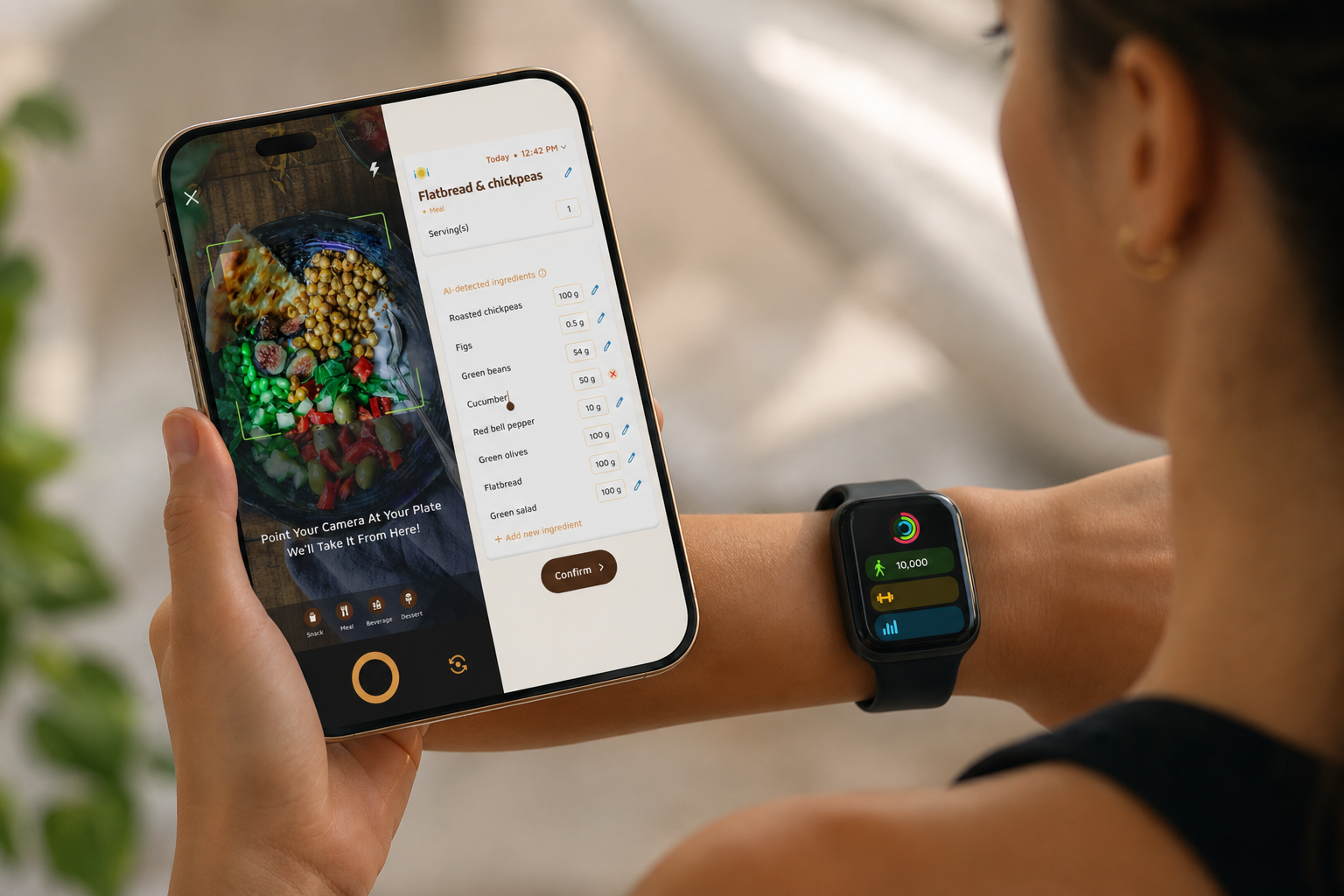
Connect your watch or band so workouts, steps, and HR-derived burns sync automatically. The ability to sync with fitness trackers like Google Fit creates a complete picture and removes guesswork. On a 90‑minute deadlift session with accessories, let the tracker add 250–450 kcal to your day. On a rest day with 4,000 steps, it should subtract. Accuracy improves because intake follows your actual output.
Step 5: Set weekly check-in challenges
Use coaching/challenge features to create accountability:
- Hit your protein target 6 of 7 days
- Log every meal and snack for 14 straight days
- Average 10,000 steps per day across the week
- Keep training-day carbs within ±10% of target
These micro-goals fix the real leaks: missed logs, low protein, and poor carb timing.
Step 6: Review and adjust every 2–3 weeks
Don’t pivot daily. Instead, track body weight trends, gym performance, and goal predictions. If you’re losing >0.75% BW/week and strength dips, add 100–150 kcal on training days. If weight stalls for 14–21 days, trim 150–200 kcal from rest days first. As a result, you’ll protect performance while steering body comp.
Sprinkle in menu tools that help in the real world, like an AI menu scanner, to keep your numbers honest when you eat out.
5 Mistakes Gym-Goers Make with Calorie Tracking (and How Coaching Fixes Them)
You’re not “bad at dieting.” You’re missing a few gym-specific dials. Here’s how a coaching layer fixes them.
Mistake 1: Eating the same calories on training and rest days
Fix: Link your workouts and steps. Let the app bump training days and pull back rest days. Coaching features use real-time updates on burns and steps, so you don’t undereat on squat day or overeat on the couch.
Mistake 2: Obsessing over daily totals instead of weekly averages
Fix: Use goal predictions and weekly views. A coaching tracker can show how one 600‑cal refeed impacts your 7‑day average. Therefore, you learn to aim for 90% on average rather than panic over one big dinner.
Mistake 3: Ignoring protein timing and distribution
Fix: Set a per-meal protein floor (e.g., 30–45 g), not just a daily total. Coaching nudges can prompt you when a meal under-shoots. As a result, you fuel MPS in multiple pulses, not one giant end-of-day spike.
Mistake 4: Not tracking gym-adjacent calories
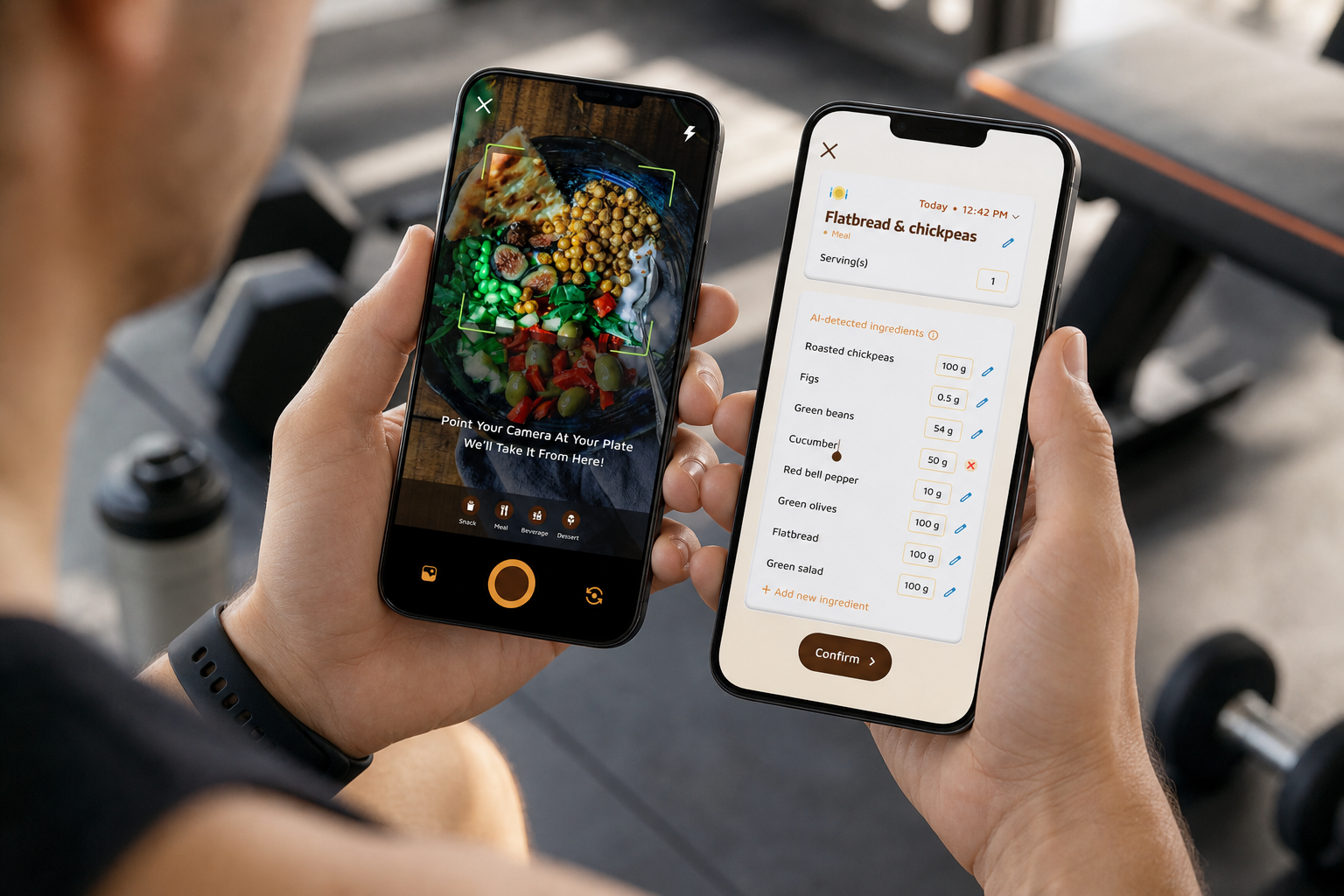
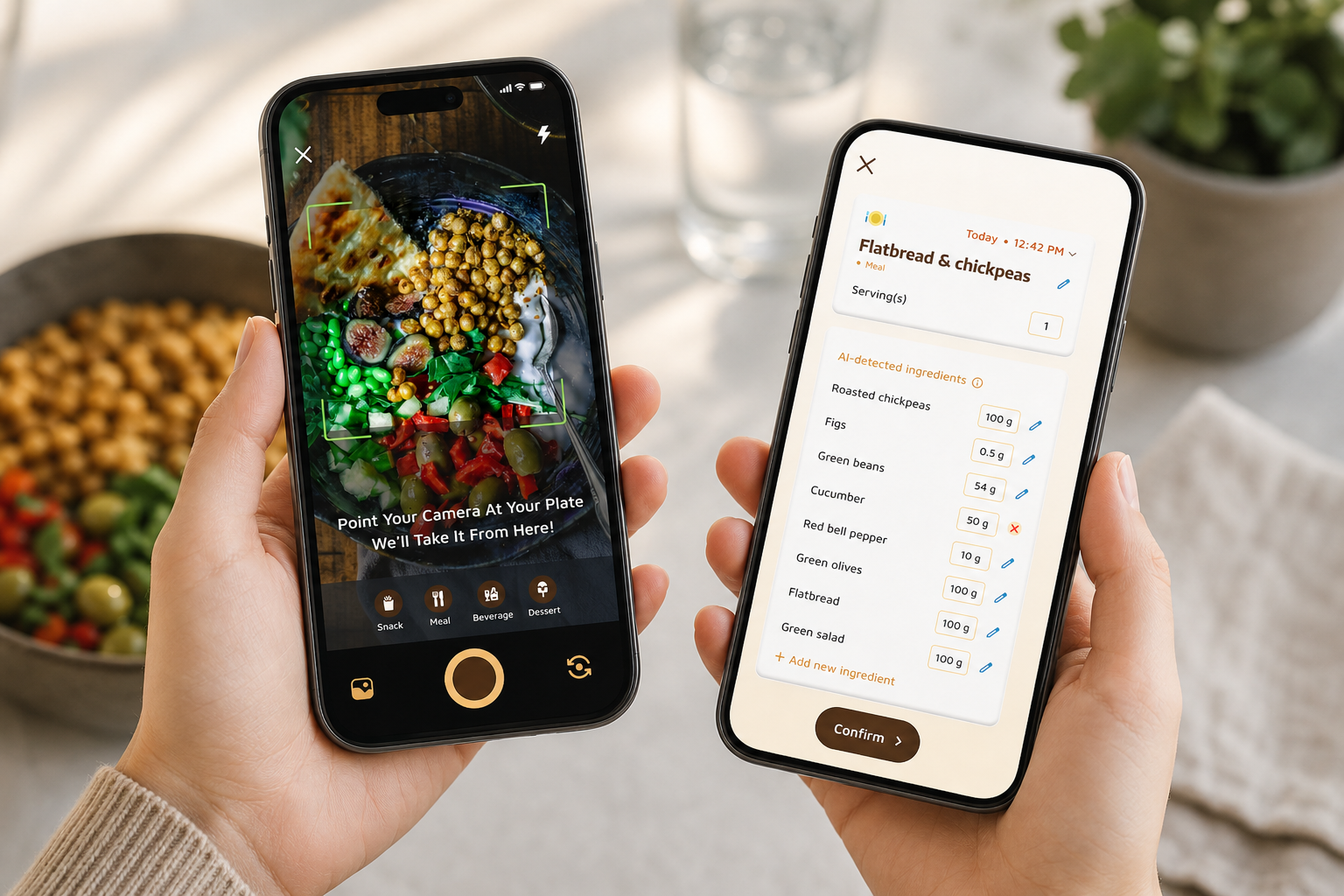
Fix: Use photo-based tracking for “little” stuff, the post-lift shake, BCAA sips, trail mix in the locker room. A quick photo captures the snack you’d forget. Consequently, you close a 150–300 kcal gap that stalls cuts.
Mistake 5: Tracking for 2 weeks, then quitting
Fix: Turn on Fitness Coach mode, set custom challenges, and protect your streak. In addition, daily step tracking with a 10,000 steps per day goal keeps you moving on rest days. Streaks beat willpower on low-motivation weeks.
“I’ve been using Calorie Tracker Buddy for five weeks, and I’ve already lost 4kg! The app keeps me motivated with my little buddy cheering me on, and I didn’t have to cut out my favorite foods.” — Alex Sim
Moreover, personalized tips based on your logs and activity help you course-correct without hiring a coach. The goal isn’t a perfect day; it’s a consistent week.
Also Read!
Tools That Combine Calorie Tracking with Coaching for Gym-Goers
You need something you’ll use daily. Here’s a quick, honest look at what works in the gym context. For a broader scan, check our roundup of top apps.
MyFitnessPal
Best for: Beginners who want a huge food database and simple logging.
Coaching depth: Minimal coaching; stronger as a pure logger.
Gym strengths: Barcode scans are fast; macros are easy to set. However, you’ll need to self-manage challenges and weekly reviews. If you want a head-to-head, see this side-by-side.
MacroFactor
Best for: Intermediates who like data-driven adjustments.
Coaching depth: Algorithm-driven macro updates based on your weight trend.
Gym strengths: Good for slow-bulk or cut phases; the math backs your plan. You still need to set your own behavioral challenges.
Calorie Tracker Buddy
Best for: Gym-goers who want accountability without hiring a coach.
Coaching depth: Strong. It combines photo-based meal logging with Fitness Coach mode for tailored advice, custom challenges, and motivational support.
Gym strengths: Real-time updates on meals, burns, and steps; offline logging that syncs later; AI Menu Scanner for eating out; customization for dietary preferences and allergies. It’s built to guide behavior, not just record it.
Human Nutrition Coach
Best for: Lifters who want bespoke plans and feedback.
Coaching depth: Highest. A coach can use any tracker as a shared dashboard.
Gym strengths: Nuance on training blocks, cuts, refeeds, and life constraints. Cost is the trade-off.
| Tool | Best For | Coaching Depth | Gym-Specific Strengths |
|---|---|---|---|
| MyFitnessPal | Pure logging | Low | Big database, easy macros |
| MacroFactor | Data-driven lifters | Medium | Auto macro tweaks by trend |
| Calorie Tracker Buddy | Accountability seekers | High | Photo logging, challenges, real-time updates |
| Human Coach | Bespoke guidance | Very High | Personalized periodization and nutrition timing |
In 2026, the “best” pick is the one you’ll use every day. Therefore, choose the app that fits your habits, not your friend’s.
What to Do This Week: Your Calorie Tracking Action Plan
Treat week one as data collection. Don’t aim for perfection; aim for complete logs. A tracker that records meals, calories, and progress in real-time plus custom challenges will make week two productive.
- Day 1: Calculate TDEE tied to your split. Set training and rest-day calories.
- Day 2: Set macros. Protein at 1.6–2.2 g/kg. Plan 3–5 protein feedings.
- Day 3: Install a coaching-capable tracker. Log everything you eat and drink.
- Day 4: Review data. Identify your biggest gap: protein shortfall or calorie drift.
- Day 5: Turn on real-time meal feedback. Note how predictions change with each entry.
- Day 6: Create your first challenge. For example, protein target 5 days in a row.
- Day 7: Set final targets: +250–400 kcal on heavy days, −200–300 on rest days.
Moreover, set water at 2.5 liters per day and steps at 10,000. As a result, you’ll shore up recovery and NEAT without overthinking it. In addition, plan two go-to meals that hit 35–45 g protein each. That one tweak makes week two easier.
Finally, pick one night out. Use a menu scanner or pre-log to stay within ±10% of targets. Therefore, you keep your social life and your results.
Because the system is the point, stick with the same plan for 2–3 weeks. Then adjust. A calorie tracker with coaching and challenges will show you where to push or pull.
Key Takeaways
- Active tracking beats passive logging because real-time feedback changes choices now.
- Tie calories to training volume; split protein across 3–5 feedings to support MPS.
- Use challenges and streaks to stay consistent past week two.
- Sync steps and workouts so goal predictions reflect your actual output.
- Review every 2–3 weeks; adjust by 100–200 kcal, not 500.
You’ve got the framework. Start with one week of clean data, then let feedback, challenges, and goal predictions guide the next move. For more context on daily logging habits, skim the daily tracker tips before you kick off.